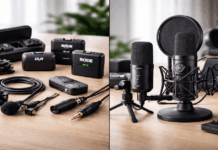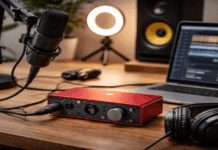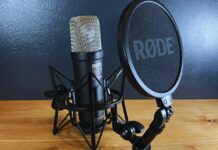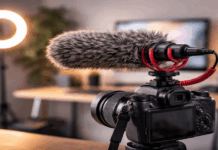
A laptop microphone is fine for a quick call, but it often makes tutorials, commentary, and voiceovers sound distant.
The best budget computer microphones fit your room, the way you record, and the distance you can keep from the capsule.
This guide is for creators using a desk, webcam, phone, or camera. It covers microphone styles, room limits, and practical checks before spending more.
The Room Matters More Than the Price Tag
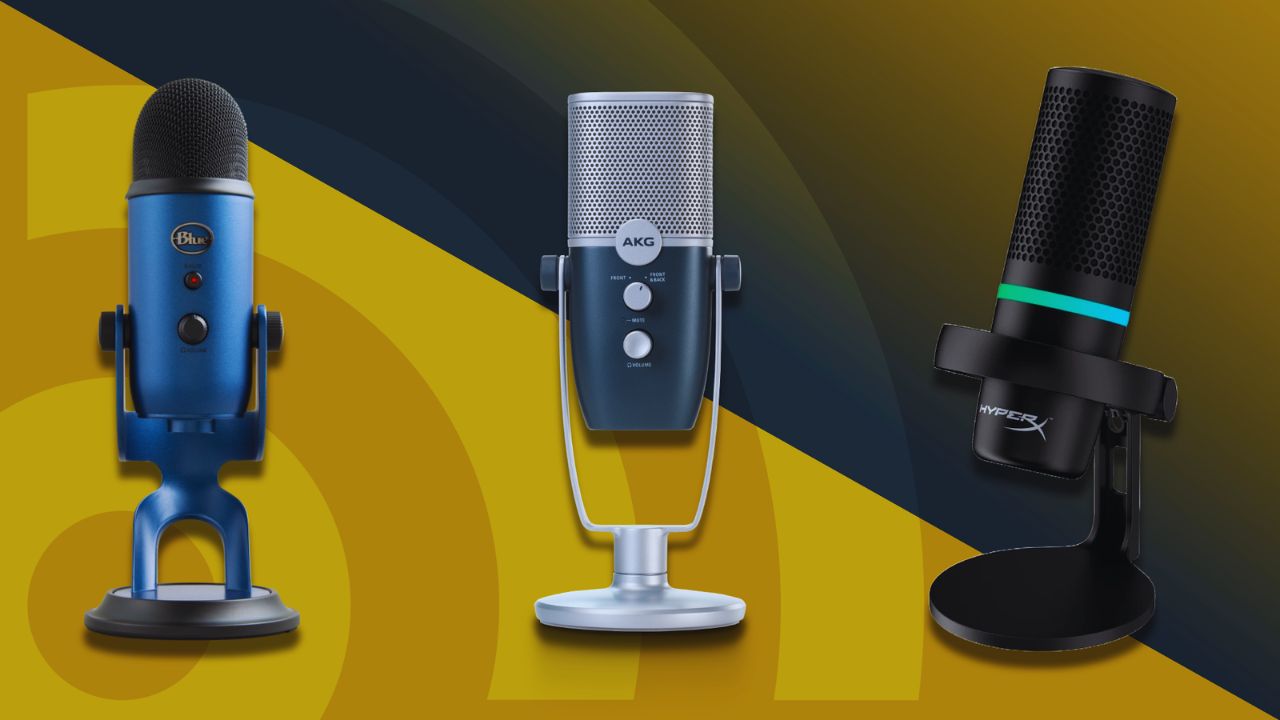
A microphone hears the room as well as the person speaking. Before comparing product names, notice the background noise and hard reflections that appear during everyday recording.
A Dynamic Mic Can Be the Safer Choice in a Busy Room
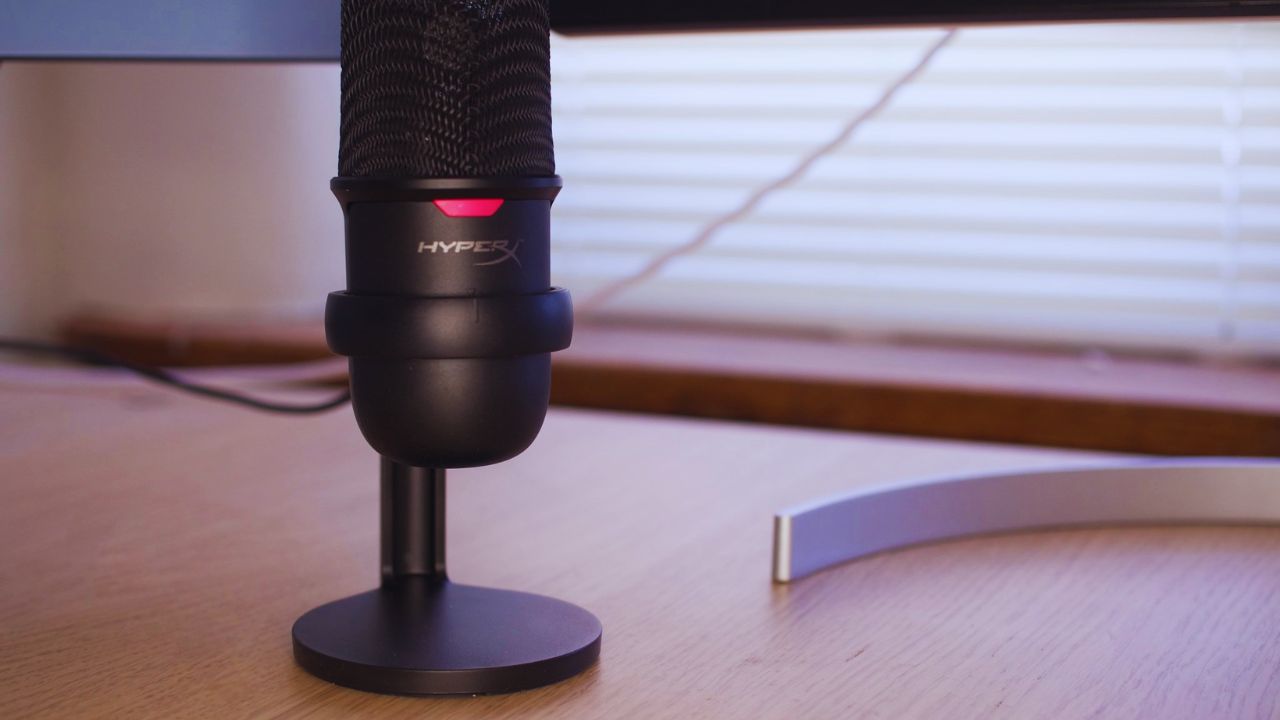
Dynamic microphones work close to the mouth, so they can make speech more prominent than traffic, fans, or activity.
The Samson Q2U and Audio Technica ATR2100x USB are common budget examples because they connect by USB now and XLR later.
They will not remove a loud air conditioner or stop a neighbour’s music. Still, close placement may produce a more focused voice with less room ambience than a sensitive desk condenser.
Condensers Work Best When the Room Is Already Calmer
Condenser microphones capture more detail, which may suit narration, singing, or quiet commentary. They also pick up keyboard taps, computer fans, and bare walls bouncing your voice back.
The FIFINE K669B, Razer Seiren V3 Mini, and Rode NT USB Mini can suit a softened corner with curtains or rugs. Keep the mic close and manage the noise around you before expecting cleaner detail.
Match the Mic to the Way You Film
Ask not only “What sounds good?” but also “Where will it sit while I work?” Your filming routine and amount of movement should decide the setup.
Desk Videos Reward a Close USB Microphone
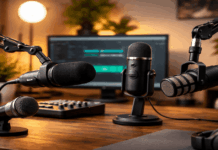
A USB mic works well for webcam lessons, streaming, and desk based voiceovers. It plugs into a computer without an interface and can sit on a stand or boom arm beside the camera.
Keep it around a hand span from your mouth and speak across it, not directly into it. That improves speech clarity while reducing breath noise and the distant sound caused by recording from across the desk.
Demonstrations Need the Mic to Move With You
Cooking clips, product demos, fitness videos, and DIY tutorials become harder to hear when you step away from a desk mic.
A wireless lavalier follows your movement and keeps the capsule near your voice. Before filming, check for fabric rustle, jewellery, loose hair, and battery levels on wireless units.
That preparation supports consistent dialogue and avoids uneven sound when your hands are busy.
Also Read: Microphone Sensitivity Explained for Beginners
USB or XLR: Keep the Decision Practical
USB and XLR both have a place in a setup. Choose the option that supports your regular workload without creating extra gear you do not need.
USB Is Usually Enough for One Person Content
USB microphones contain the hardware needed to record straight into a laptop or desktop. The Blue Snowball iCE and HyperX SoloCast 2 are simple desktop options with fewer cables.
They may suit calls, explainers, basic podcasts, and online courses when the microphone stays close.
USB makes sense when quick recording matters more than advanced routing or multiple inputs.
XLR Is Worth It When You Have a Specific Reason
An XLR microphone needs an interface or mixer, cable, and a stand. It can suit interviews, music projects, regular podcasts, or a setup that needs more than one mic.
For occasional webcam recording, it may only add cost, desk clutter, and another gain setting. Choose this route for real production needs, not the appearance of a more serious setup.
Compare Budget Options by Their Limits
Budget microphones are easier to choose when you look at what they cannot do. That keeps the decision tied to the problem you hear rather than a feature list that may not matter.
Lowest Cost Condensers Need Better Placement
The FIFINE K669B and Razer Seiren V3 Mini can be a first upgrade from built in audio for quiet rooms and close desk use.
Their compact size helps, but their sensitivity can catch taps, clicks, and echo when they sit too far away.
A small stand, lower gain, and quieter recording time can matter more than another entry level model. Work on mic distance and desk noise before deciding the capsule itself is the problem.
Hybrid Dynamics Can Reduce Future Spending
The Q2U and ATR2100x USB have both USB and XLR connections, which may help someone start simply and expand later.
Their dynamic design can be more forgiving in a normal bedroom when the microphone stays close.
Some bundles include basic accessories, but check the stand, cable, and monitoring options first. Their trade off is close speaking technique and a sound that may feel less bright or airy than a condenser.
Make a Modest Microphone Sound Better First
The microphone is only one part of the recording chain. Its position, gain, desk surface, and soft materials shape the final audio as much as the model name.
Get the Voice Closer Than the Room
Move the microphone closer before raising its gain. Lower gain and close placement usually capture more voice while adding less hiss, echo, and background sound.
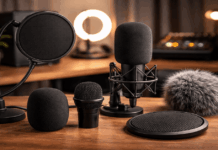
A boom arm can reduce desk vibration, while a pop filter or windscreen may tame plosives. These adjustments create a stronger input signal and give editing software a cleaner starting point.
Test Under Normal Conditions, Not a Perfect Moment
Record twenty seconds at your usual time, with the same chair, lights, fans, and camera distance.
Include a louder phrase, normal speech, and a few seconds of silence, then listen through headphones and speakers.
Note clipping, room echo, fabric noise, or a volume change when you turn toward another screen. A brief test clip provides useful evidence before a long take or a return window closes.
Use this short purchase check before choosing a mic:
- Can it stay close to your mouth?
- Does it suit your room noise level?
- Will you use the whole setup each week?
Conclusion: Buy for the Room You Actually Use
The best budget computer microphone works in your room on a typical day, not an ideal studio.
Start with the room, your usual distance from the mic, and whether you stay at a desk or move during demonstrations. A close dynamic can be practical in a noisy bedroom, while a condenser may make sense in a quiet, softened corner.
With careful placement, honest test clips, and a routine you can repeat, modest gear can create audio that viewers can follow comfortably.