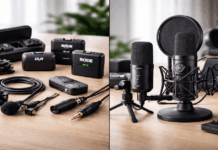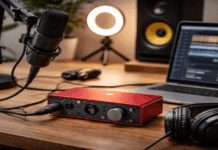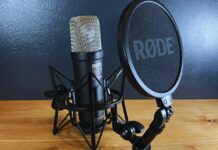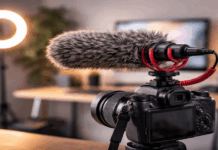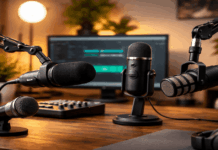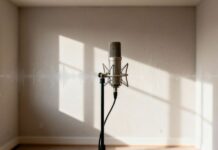
A microphone can look similar on a desk yet need different gain settings once recording begins.
Microphone sensitivity describes how much electrical output a mic produces from a given sound, which affects the gain your recorder needs.
It suits voiceovers, webcam lessons, interviews, and tutorials made in bedrooms, living rooms, compact study corners, or small offices. It does not decide whether a microphone is automatically better, quieter, or more professional.
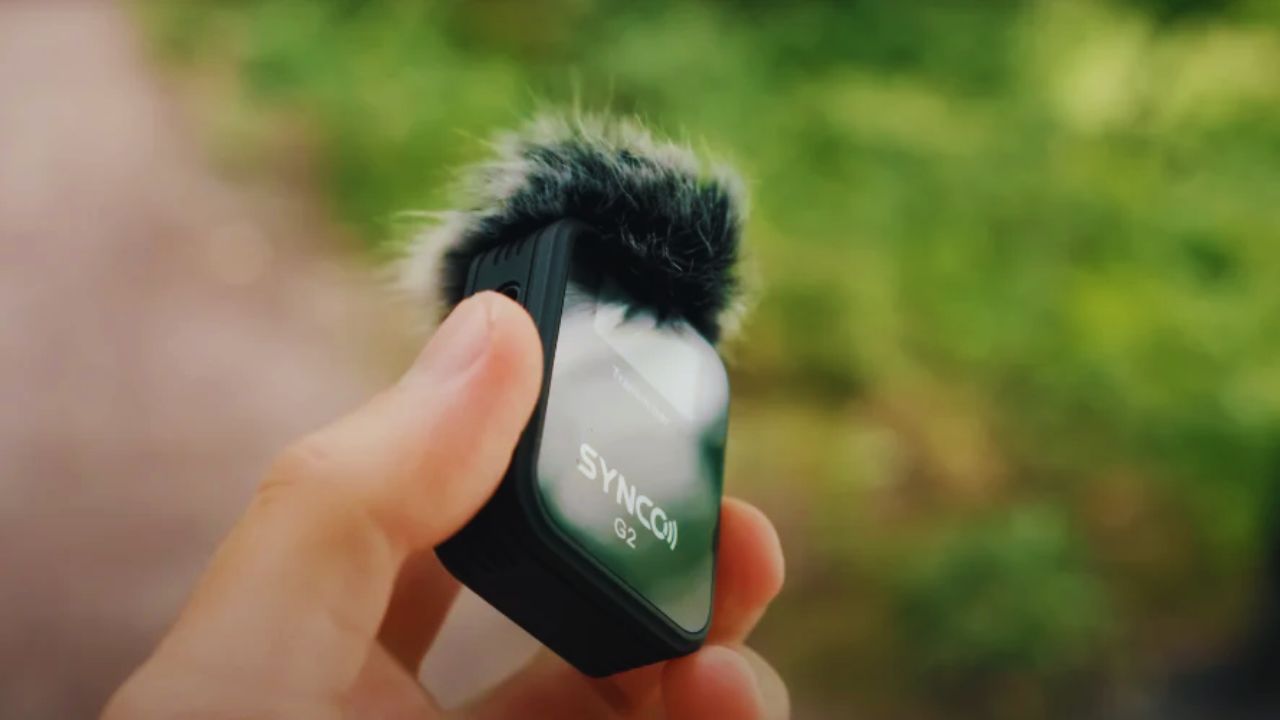
The Number Behind the Signal
Sensitivity can look like an engineering detail, especially beside unfamiliar abbreviations. In a home setup, it explains the strength of the mic signal before your interface, camera, or computer applies extra amplification.
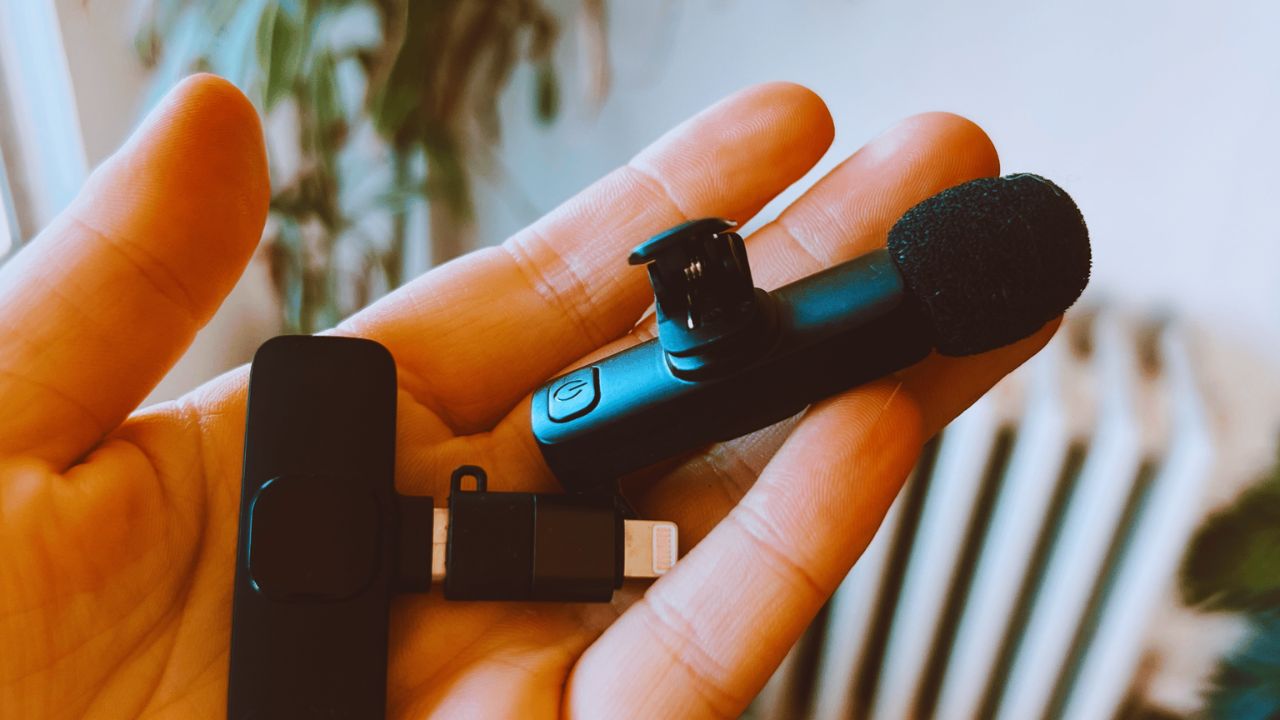
What the Specification Measures
A microphone converts sound pressure into an electrical signal, and sensitivity reports its strength in a standardized test.
A more sensitive model sends a stronger signal from the same voice, so it normally needs less preamp gain.
A lower-output model may need the gain raised further to reach a similar level. This concerns signal output and equipment needs, not sound quality.
Reading the Numbers Without Overthinking Them
Manufacturers commonly show sensitivity as millivolts per pascal, written as mV/Pa, or decibels referenced to one volt per pascal, written as dBV/Pa.
In mV/Pa, a larger number means stronger output; 20 mV/Pa is higher than 2 mV/Pa. In dBV/Pa, values closer to zero mean a stronger output, so -35 dBV/Pa is higher than -55 dBV/Pa. Compare matching units so a confusing label does not lead you astray.
Room Noise Is Not Caused by Sensitivity Alone
A common shortcut says that a sensitive microphone “picks up everything.” The practical question is how much wanted speech reaches the capsule compared with unwanted sound around it.
Distance Changes the Result Fast
A sensitive microphone used close to your mouth can sound clear because your voice arrives above nearby room noise.
Put the same mic across a desk and it may capture fan hum, keyboard taps, traffic, and wall reflections.
Move it closer before raising gain, and speak slightly across the capsule rather than directly into it. This improves the voice-to-room ratio without requiring a different model.
Pattern and Room Surfaces Still Matter
A cardioid microphone favors sound in front, while an omnidirectional lavalier captures more evenly around its capsule.
Directionality can reduce some sound from behind the mic, but it cannot remove echo from bare walls, windows, or hard desks.
Curtains, rugs, soft furniture, and quieter recording times can help. Sensitivity works with pickup pattern and room surfaces, not instead of them.
Gain Is Where the Spec Becomes Useful
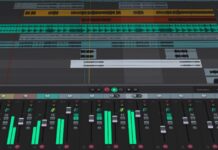
Sensitivity matters when setting input level for a recording. You are aiming for a healthy signal with enough headroom for louder words, not the highest meter reading.
Lower Output May Ask More of the Preamp
Dynamic broadcast-style mics are often less sensitive than condensers, so they may require more gain from an interface.
A clean preamp can raise that signal without hiss, while a weak input may get noisy near its limit.
That does not make a low-output mic a poor choice; close placement and interface quality still matter. Listen for preamp hiss before buying an extra gain booster.
Leave Room for Louder Moments
For spoken voice, normal speech often sits around -18 to -12 dBFS, while stronger peaks can land between -12 and -6 dBFS.
Those ranges are starting points, not rules for every recorder or person. Leave room below 0 dBFS because clipping can distort a loud word permanently. Watch loud phrases, not only a quiet test line, when setting gain.
Also Read: Best Audio Settings for Home Voice Recording
How Common Mic Types Change the Decision
The figure becomes clearer when connected to mic design and its position during recording. A desk voiceover, a moving tutorial, and an on-camera interview create different distance limits and noise concerns.
Condensers Need a Calmer Recording Corner
USB and XLR condensers often produce strong output and detail in narration, singing, and quiet lessons.
They may suit a desk where the speaker stays close and reflections are softened by curtains, rugs, or furniture.
Their sensitivity becomes frustrating when the mic sits far away beside a loud computer or an open window. Consider self-noise for quiet voice work and local noise sources before choosing one.
Dynamics, Lavaliers, and Shotguns Have Limits Too
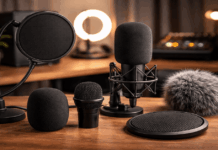
A close dynamic microphone may be easier to manage around traffic or computer hum because it favors nearby speech.
A lavalier keeps the capsule close while you demonstrate a product, but fabric rub and placement become important.
A shotgun is directional, but it will not create movie-style isolation when it stays several feet away on a camera. Check max SPL for loud sources and match the physical position to the recording task.
Test the Full Setup, Not a Product Page
Specifications provide context, but cannot predict how a mic reacts to your voice, desk, and room. A short recording reveals whether the whole signal chain works from capsule to software.
Make the Test Match Your Normal Routine
Place the mic where it will actually sit, use your usual chair or camera distance, and speak at your normal energy.
Record quiet speech, a louder phrase, and several seconds of silence, then listen through headphones and regular speakers.
Notice whether the voice is thin, the room becomes obvious during pauses, or the meter clips on emphasis. This gives you everyday evidence, not just a single specification.
Change One Variable at a Time
If the recording sounds weak, move the microphone closer and check its angle before changing every software control.
If it sounds noisy, turn off a fan, close a window, or move away from a reflective wall before blaming sensitivity.
Make another short test after each adjustment so you can identify what helped. That keeps troubleshooting simple and avoids random changes that hide the cause.
Use this quick recording check before any important session:
- Is the mic close enough to your voice?
- Do loud words stay below clipping?
- Is room noise quieter than speech?
Conclusion: Treat Sensitivity as One Useful Clue
Microphone sensitivity tells you how much output a mic sends from the sound it receives, which influences the gain your setup needs.
It is most useful beside pickup pattern, self-noise, max SPL, room sound, and microphone distance. Before replacing gear, move the mic closer, reduce nearby noise, and record a realistic test clip.
With practical placement and clean gain staging, a home setup can capture a clear voice without expecting one number to solve everything.