Home creators often notice that their voice still sounds harsh, puffy, or distorted on certain words. This usually happens when bursts of air hit the microphone too directly.
A pop filter or windscreen can fix many of these problems without requiring a new microphone. The best choice depends on where you record, how close you speak, and what kind of noise you are trying to reduce.
Why Pop Control Matters in Home Recording?
Clean audio is not only about having a good microphone. Even a quality mic can sound rough when breath blasts, plosives, or air movement hit the capsule.
These sounds can distract listeners because they create sudden bumps or low-end thuds in the recording. Pop control helps your voice sound smoother, more even, and easier to edit.
What a Pop Filter Does?
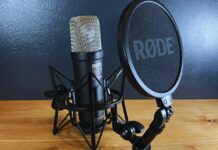
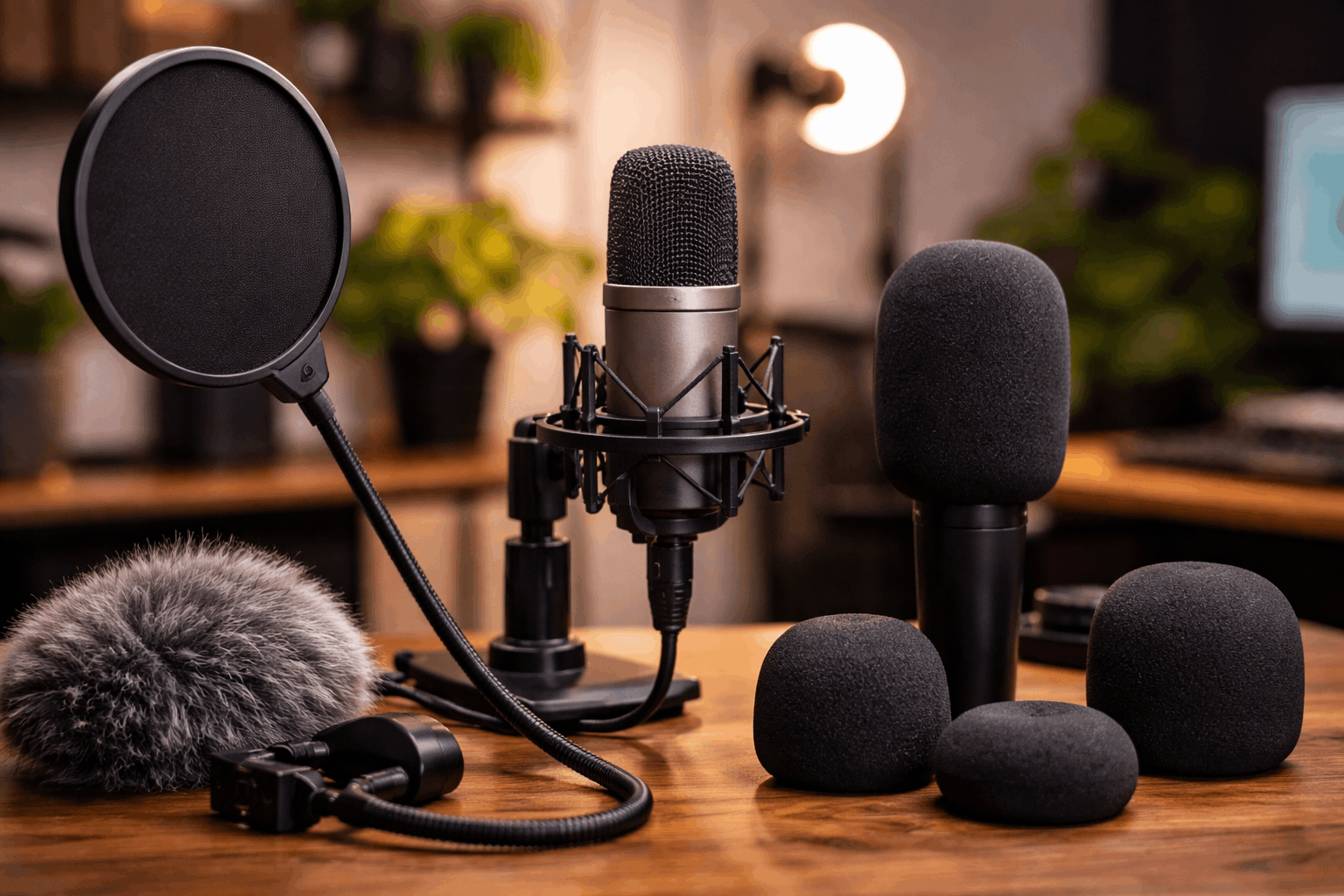
A pop filter is usually a mesh screen placed between your mouth and the microphone. Its main job is to reduce plosive sounds from letters like P, B, T, and K.
These sounds push short bursts of air forward, which can overload the mic for a moment. A pop filter spreads that air before it reaches the microphone, making spoken voice sound cleaner.
What a Windscreen Does?
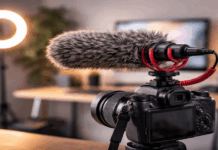
A windscreen is a foam or furry cover that fits directly over the microphone. It is designed to reduce wind, breath movement, and air currents around the mic.
Windscreens are common on handheld microphones, shotgun mics, and outdoor recording setups. They can also help indoors when fans, air conditioning, or open windows create light airflow.
Choose Based on Your Recording Space
The right accessory depends on the problem you hear most often. If your voice pops on certain words, a pop filter is usually the first tool to try.
If the recording has rumble, wind noise, or air movement, a windscreen may be more useful. Many creators only need one, but some setups benefit from both.
Also Read: How to Improve Video Quality Without a New Camera
For Indoor Voice Recording
For podcasts, voiceovers, livestreams, and desk videos, a pop filter is often the better first purchase. Most indoor voice problems come from close speaking and plosive bursts.
This is especially true when the microphone is placed directly in front of the mouth. A simple pop filter can make takes cleaner and reduce the need to redo lines.
For Fans, AC, and Outdoor Clips
A windscreen becomes more important when air movement is the main issue. This includes recording near a desk fan, air conditioner, open window, or moving air outdoors.
Even light wind can create low rumbling sounds that make dialogue harder to use. A fitted foam or furry windscreen helps protect the mic from that airflow.
Know When Using Both Makes Sense
A pop filter and windscreen can overlap, but they are not exactly the same tool. One focuses more on speech bursts, while the other focuses more on air movement around the microphone.
In some home setups, both problems happen at the same time. That is when combining them can make sense, as long as the sound does not become too dull.
Combining Tools the Right Way
Using both a pop filter and a windscreen can help if you speak close to the microphone and still deal with airflow.
This setup is useful for energetic speakers, untreated rooms, or spaces where fans cannot be turned off.
Place the pop filter a few inches in front of the mic and keep the windscreen fitted properly. Then test a short recording to make sure the voice still sounds clear.
Avoid Dull or Muffled Sound
Too many layers in front of the microphone can reduce brightness and detail. If your voice starts to sound covered or muddy, adjust placement before removing everything.
Try speaking slightly off-axis or moving the pop filter farther from the mic. Small changes often solve plosives without making the voice sound lifeless.
Buy the Accessory That Fits Your Mic
A pop filter or windscreen only helps when it fits your setup properly. Some microphones work well with clamp-style pop filters, while others look cleaner with fitted foam covers.
Shotgun microphones and camera mics may need purpose-built windscreens because their shapes are different. Before buying, check the mic size, mounting style, and how the accessory will appear on camera.
Pick by Compatibility and Placement
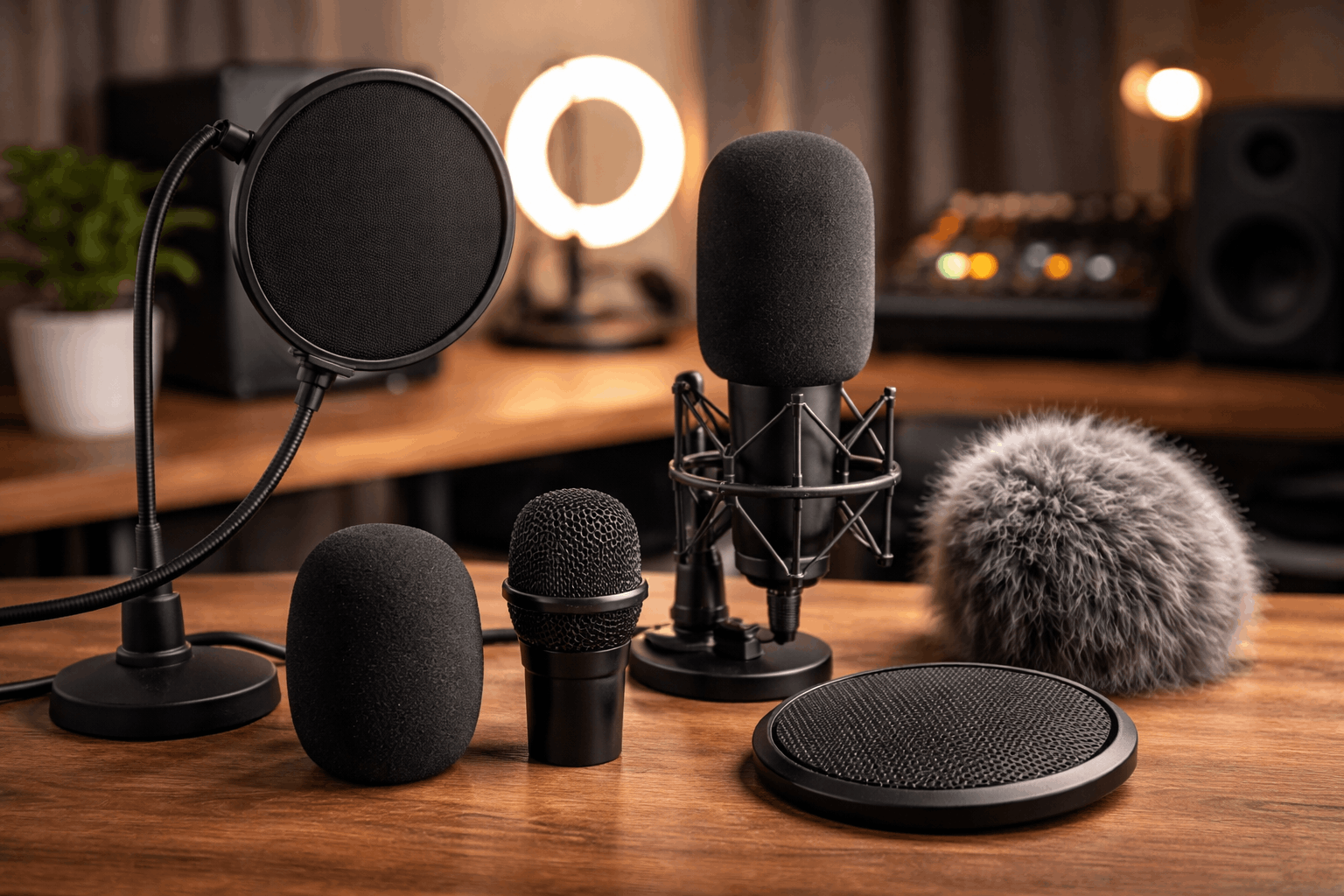
A clamp-style pop filter is flexible for desk arms, boom stands, and many USB or XLR microphones. A fitted windscreen is cleaner when you want fewer parts visible on camera.
For shotgun mics, choose a windscreen made for the mic’s length and diameter. If the accessory does not stay in place, it will become annoying during real recording sessions.
Spend More Only When Needed
Budget pop filters can work well for beginners who simply need to reduce plosives. More expensive filters may offer sturdier arms, better materials, or a cleaner on-camera look.
Higher-end windscreens make more sense for people who record outdoors often or manage serious wind problems. For most home creators, start simple and upgrade only if the same issue keeps coming back.
Use Better Technique With Any Accessory
A pop filter or windscreen helps, but technique still matters. If the microphone is too close, too loud, or placed directly in the path of your breath, problems can continue.
Good placement lets the accessory work without forcing it to fix everything alone. A few habits can make a basic setup sound much more professional.
Use this quick setup check before recording:
- Keep the mic slightly off to the side of your mouth.
- Leave a small gap between your mouth, the filter, and the mic.
- Lower gain if loud words still distort.
- Turn off fans or move away from airflow when possible.
- Record a short test and listen for pops before starting the full take.
These steps help you hear the real problem before buying more gear. Sometimes the mic angle fixes what a new accessory cannot.
Sometimes the room airflow matters more than the filter itself. Testing first keeps your setup simple and practical.
Match the Tool to the Content You Record
Different creators need different kinds of protection. A podcaster recording at a desk has different needs from a filmmaker recording outside.
A streamer who wants the mic visible on camera may also care about appearance. Choose the tool that supports your content style, not just the one that seems more popular.
Podcasts and Voiceovers Need Plosive Control
Podcasting and voiceover work usually involve close mic placement. This makes plosives more noticeable, especially during energetic speech.
A pop filter helps keep the voice smoother without changing the whole setup. It is one of the easiest upgrades for creators recording spoken audio indoors.
Video and Outdoor Work Need Air Protection
Video creators often use shotgun mics, camera-mounted mics, or small microphones near moving air. In those cases, a windscreen can protect the recording from sudden gusts and handling movement.
A furry windscreen is especially useful outside because foam alone may not handle stronger wind. For indoor video, a small fitted windscreen can also keep the mic looking neat.
Conclusion: Choose the Simple Fix First
A pop filter is usually the best first choice for indoor creators dealing with harsh P and B sounds. A windscreen is the better choice when airflow, fans, or outdoor wind are the main problems.
Using both can work when you need extra protection, but always check that your voice still sounds clear. Start with the accessory that solves your real issue, then improve mic placement before spending more on gear.