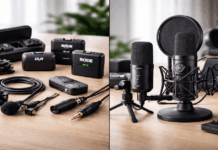
Every YouTube comment section about microphones turns into the same argument. USB is for beginners. XLR is for pros. Pick a side.
But if you record alone at a desk, that framing skips the part that matters. USB vs XLR microphones have less to do with sound quality than people think.
The connector on the back of your mic is a workflow decision. And the wrong workflow kills your output faster than a mediocre preamp ever will.
So let’s talk about what a solo home creator should care about when picking between USB and XLR microphones in 2026.
Your Room Decides More Than Your Connector
Mic comparisons love to start with frequency response charts and preamp specs. That stuff matters in a treated studio. At home, a different variable runs the show: room noise.
Echo bouncing off drywall, a mechanical keyboard clacking during a stream, an AC unit cycling on mid-take. These problems make a $400 condenser sound worse than a $90 dynamic placed 10 cm from your mouth.
Mic Distance Beats Mic Price
A cardioid microphone at 10 to 15 cm from your lips will outperform almost any mic sitting 60 cm away on your desk.
This applies to USB and XLR equally. That cheap boom arm collecting dust on your Amazon wishlist? It will do more for your audio than upgrading your entire signal chain.
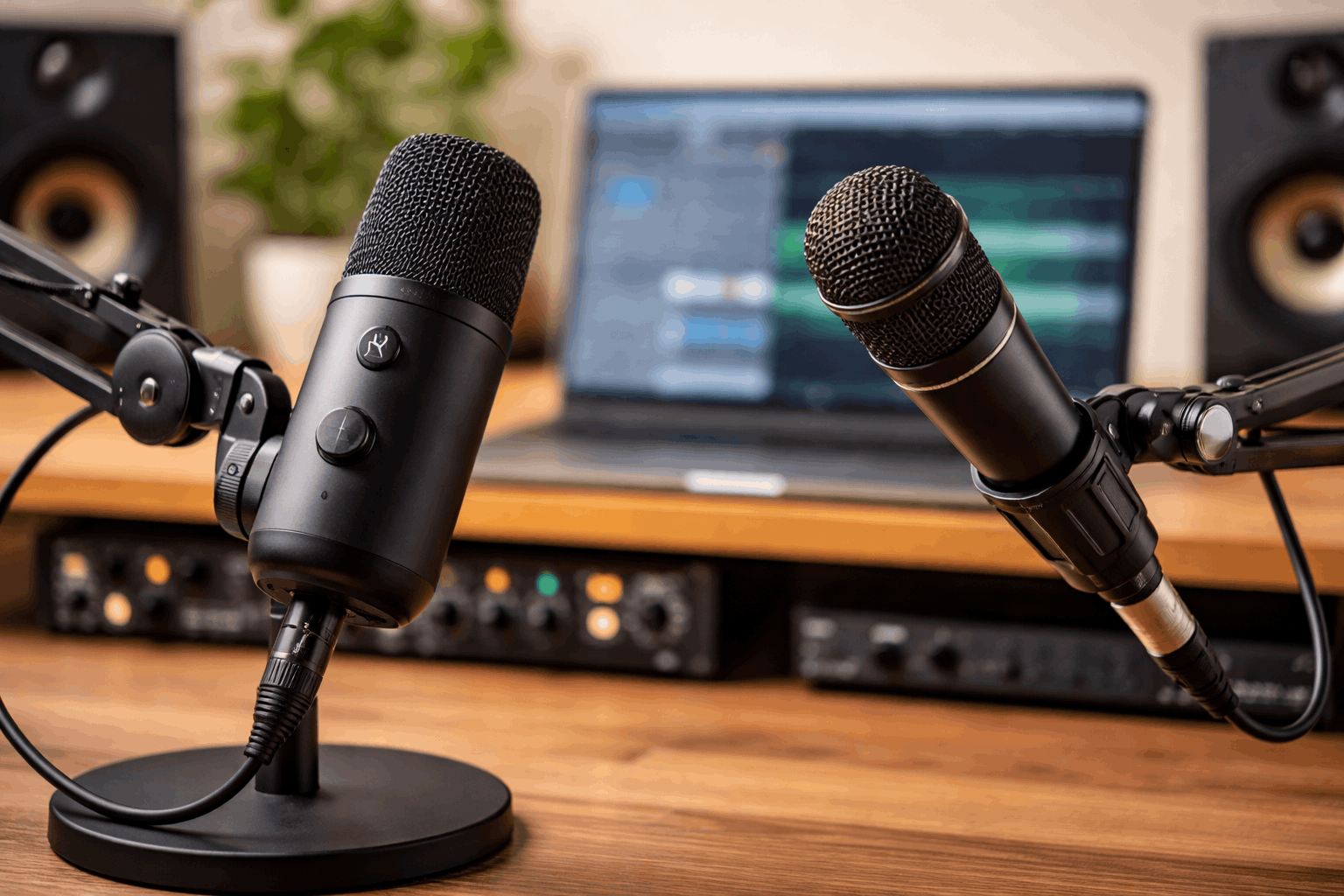
I would take a $70 USB dynamic on a boom arm over a $300 XLR condenser sitting on a desk stand in an untreated room.
The distance math wins every time, and no amount of post-processing in Adobe Podcast or Audacity fixes room reflections baked into the recording.
Dynamic Mics and Untreated Rooms
Dynamic microphones reject more background noise than condensers because of how they pick up sound.
Condensers are more sensitive, which sounds great on paper. But sensitivity in a bedroom means the mic hears your neighbor’s dog, your fridge, and your ceiling fan.
For home creators who cannot (or do not want to) hang acoustic panels, a dynamic mic is the practical answer. The connector type matters less than whether the capsule is designed for close-up speech in a noisy environment.
USB Microphones: When One Cable Is the Whole Setup
A USB microphone has a built-in audio interface. Plug the cable into your computer, select the mic in OBS or your DAW, and record. No external box, no XLR cable, no gain knob to second-guess.
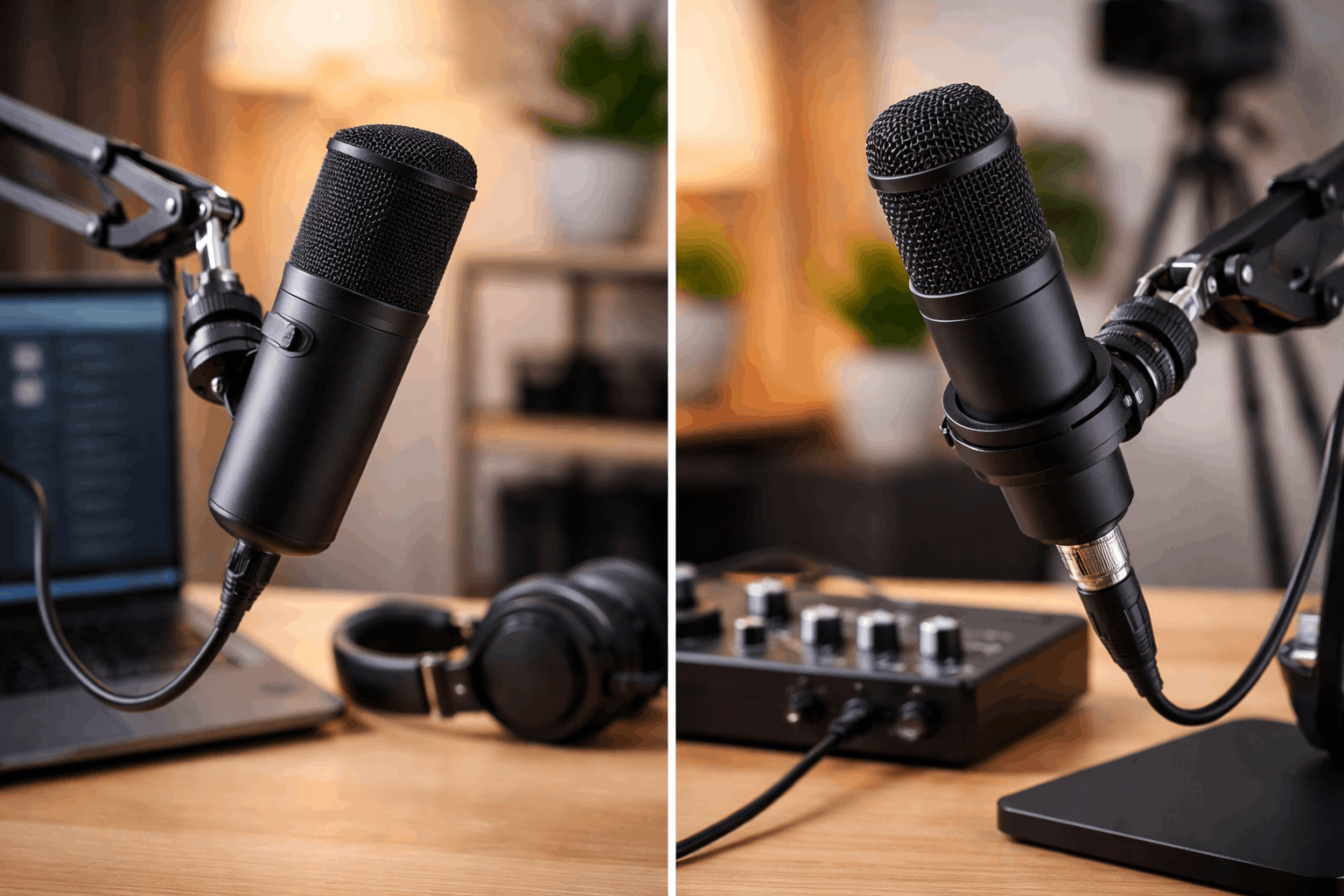
That simplicity has a direct effect on how often you sit down and record. And recording frequency matters more than recording perfection.
Best Situations for a USB Mic
Some setups are genuinely better served by USB:
- Solo YouTube narration or talking-head videos where one person speaks into one mic
- Streaming on Twitch or Discord where low latency and simple routing beat audiophile specs
- Remote work calls where clear voice pickup and zero configuration time are the priority
- Beginner podcasting with a single host and no guest sitting across the table
Where USB Gets Frustrating
The friction shows up when your needs expand. Upgrading a USB mic means replacing the whole unit because the preamp, converter, and capsule are packaged together. A USB mic that sounds thin or noisy cannot be fixed by swapping one component.
Running two USB mics at once creates clock sync and driver conflicts on some operating systems. It can work, but troubleshooting audio routing for a two-person podcast on two separate USB mics is a headache that an XLR interface solves immediately.
Also read: Lavalier vs Condenser Microphones for Home Creators
XLR Microphones: Modular Gear for Growing Setups
An XLR microphone is just the mic. The preamp, analog-to-digital converter, and headphone monitoring all live inside a separate audio interface. That separation gives you flexibility to swap parts without starting over.
This matters when your recording needs change. A solo creator might start with one mic and a basic interface, then later add a second mic input for interviews or a guitar. The interface stays. The cables stay. Only the new mic gets added.
Best Situations for an XLR Mic
The XLR path makes the most sense in a few specific scenarios:
- Two-person podcasts or regular interviews where a 2-input interface keeps both mics on one clock and one gain stage
- Voiceover work where physical gain knobs and direct monitoring reduce latency issues during long sessions
- Music recording where instruments and vocals need separate inputs and precise level control
- Creators who enjoy building and tweaking gear over time
The Hidden Cost of XLR at Home
Going XLR means buying an interface ($100 to $250 for a decent 2-input unit), an XLR cable ($10 to $20), and often a shock mount or pop filter.
A USB mic at the same capsule quality might cost $100 to $150 total. The XLR setup can run $200 to $350 before you even add headphones or a boom arm.
That cost difference is justified when you need multiple inputs or plan to swap mics over the years. For a solo creator who records one voice into one mic, the extra gear sits on the desk doing nothing.
Sound Quality: USB vs XLR Microphones Compared Head to Head
The assumption that XLR sounds better than USB is one of the most repeated and least examined claims in creator gear content.
I think that assumption stopped being true around 2022 when USB dynamic mics like the Shure MV7 and the Samson Q9U started shipping with converters and preamps that rival budget XLR interfaces.
A side-by-side blind test between a well-placed USB dynamic and the same capsule routed through a $150 interface will sound nearly identical to a YouTube audience listening on earbuds or laptop speakers.
The difference shows up at the margins: when you are stacking vocal tracks, recording instruments, or pushing gain on a quiet source.
| Feature | USB Microphone | XLR Microphone |
|---|---|---|
| Setup complexity | Plug and play, one cable | Interface + cable + power needed |
| Cost for solo creator | $70 to $200 total | $200 to $350+ total |
| Multi-mic recording | Possible but prone to sync issues | Clean and stable on a multi-input interface |
| Upgrade path | Replace the whole mic | Swap mic, interface, or cable independently |
| Monitoring | Built-in headphone jack (varies by model) | Direct monitoring through the interface |
The real takeaway: sound quality depends on placement, room treatment, and mic type far more than whether the signal travels over USB or XLR.
The “Upgrade to XLR Later” Advice Is Overrated
This is the part where I break from the standard recommendation. Gear forums and YouTube reviewers love to say “start with USB, then upgrade to XLR when you get serious.” I think that advice costs solo creators money for no real benefit.
A solo creator who records one voice in one room does not need a modular signal chain. The Shure MV7, for example, has both USB and XLR outputs built in.
A creator using it over USB can get broadcast-quality voice pickup for years without ever plugging in an XLR cable.
The upgrade path argument only holds if the creator’s needs expand to multiple mics, instruments, or studio routing. For a solo YouTuber or streamer, that expansion never comes. They buy an interface, use one input, and the second XLR port collects dust.
I would spend the $150 interface budget on a better boom arm and acoustic treatment instead. Those two purchases improve audio quality more than swapping the connector type ever will.
Latency and Monitoring: A Detail That Affects Long Sessions
Hearing your own voice with a delay while recording is disorienting. It causes people to speak slower, trail off mid-sentence, and lose energy. Monitoring latency matters more than creator gear reviewers tend to admit.
USB mics with a built-in headphone jack (like the Audio-Technica AT2020USB+ or the Shure MV7) handle monitoring directly at the mic. The delay is minimal because the audio does not round-trip through the computer.
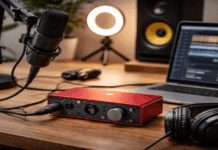
XLR setups handle monitoring at the interface level through a feature called direct monitoring. The audio plays back before it hits the computer’s processing stack. On a decent interface like the Focusrite Scarlett 2i2, this is stable and adjustable.
Both approaches work. But if you record voiceover or stream for hours, test the monitoring path before committing to a setup. A mic that sounds perfect but gives you a 30ms echo in your headphones will wreck your delivery.
Picking the Right Mic Setup for Your Creator Type
The decision comes down to how many people speak into mics at once and whether your setup is likely to change.
A boom arm is the single best upgrade for either setup. Getting the mic off the desk and close to your mouth cuts room noise, reduces plosives, and lets you keep the mic out of your camera frame.
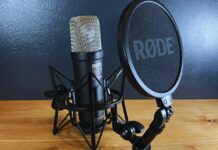
The Rode PSA1+ is a popular option that works with both USB and XLR mics.
Solo creators recording in a bedroom should test a USB dynamic mic on a boom arm before spending money on an interface. Two-person podcast hosts should start with a 2-input XLR interface and avoid the multi-USB headache entirely.
Questions People Ask About USB vs XLR Microphones
Q: Can a USB microphone sound as good as XLR for YouTube videos?
Yes, especially for spoken word content delivered to audiences listening on earbuds or phone speakers. The converter quality gap between USB and budget XLR interfaces has narrowed enough that placement and room noise matter more than connector type.
Q: Do I need an audio interface if I only use one microphone?
Not if that one mic is USB. An audio interface only becomes necessary when you want XLR connectivity, multiple inputs, or hardware gain control. Solo creators using one mic can skip the interface entirely.
Q: Is it worth getting a mic with both USB and XLR like the Shure MV7?
It can be a smart purchase because it lets you use USB now and switch to XLR later if your needs change. But be honest about whether those needs will change. Many solo creators never use the XLR side.
Q: Are condenser mics bad for home recording?
They are not bad, but they are less forgiving in untreated rooms. A condenser picks up more ambient noise because of its higher sensitivity. Pair one with acoustic panels or a reflection filter if your room has hard walls and echo.
Q: Does XLR cable length affect audio quality at home?
At the cable lengths used in home setups (under 5 meters), there is no audible difference. Cable quality becomes a factor in live sound rigs running 20 meters or more, not in a bedroom recording setup.
Conclusion
The USB vs XLR microphone debate gets overcomplicated by gear obsession and forum arguments. Solo home creators should pick the setup that removes friction from their recording routine.
A USB dynamic mic on a boom arm handles 90% of home recording needs without extra boxes or cables. The mic you use every day will always beat the mic gathering dust on a shelf.