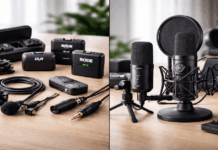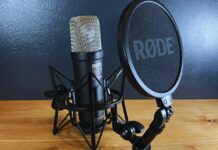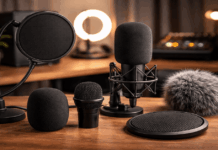
That new XLR mic is sitting in your cart. The interface recommendation threads are open in three tabs. And a voice in your head keeps asking: do I really need to spend another $150 right now?
If your USB mic already sounds decent and nobody has complained about your audio, the answer might surprise you. An audio interface for home recording solves specific problems. It does not magically fix all of them.
The real question is whether your setup has hit a wall that only an interface can break through. Or whether the money belongs somewhere else entirely.
I think the priority order matters more than the gear itself. The interface conversation always skips the part about when it becomes the right purchase for your recording situation.
What an Audio Interface Does and What It Does Not Do
An audio interface is a small external box that handles audio between your microphone, instruments, and computer. It replaces the cheap built-in sound card your laptop shipped with, giving you cleaner inputs and a dedicated headphone output.
But the word “cleaner” gets thrown around loosely. So let me be specific about what changes when you plug one in.
XLR Mic Connectivity
Plenty of popular recording microphones only come in XLR format. The Audio-Technica AT2020 XLR condenser, for example, is listed around $98.00 at B&H as of early 2026.
That mic has no USB version at the same price point, so an interface is the only way to connect it to your computer.
A laptop headset jack cannot accept an XLR cable. Period. No adapter fixes this cleanly.
Phantom Power for Condenser Mics
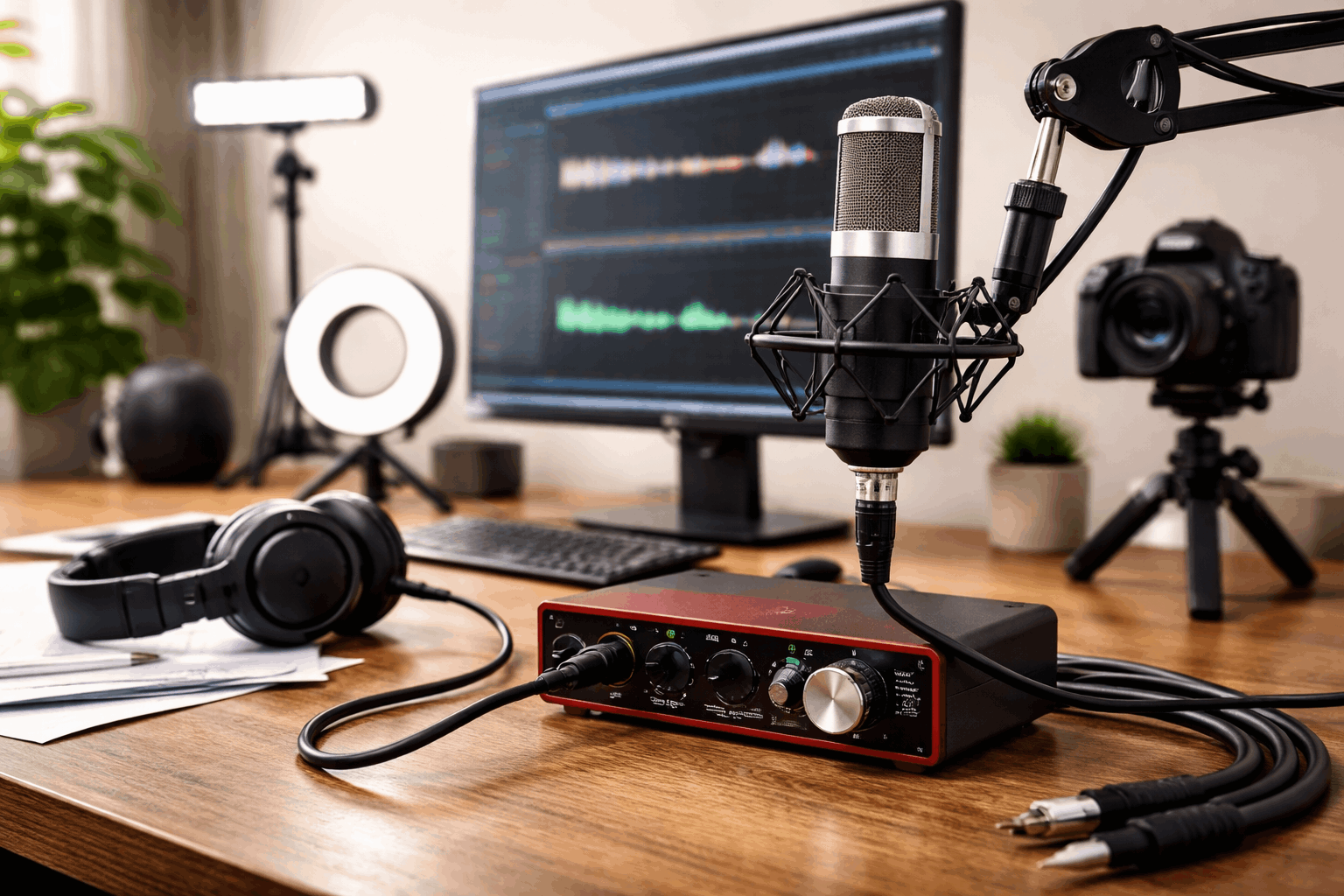
Condenser microphones need 48V phantom power to run their internal circuitry.
An audio interface delivers that power over the XLR cable. Shure defines phantom power as DC voltage delivered to mics requiring active circuitry.
Dynamic mics like the Shure SM58 skip this requirement entirely. That distinction matters when budgeting, because choosing a dynamic mic can remove the phantom power question from the table.
Direct Monitoring and Latency
Latency is the delay between speaking into a mic and hearing your voice through headphones. Ableton’s documentation explains latency as the time gap between a signal entering and leaving a system, noting that some delay is built into DAW processing.
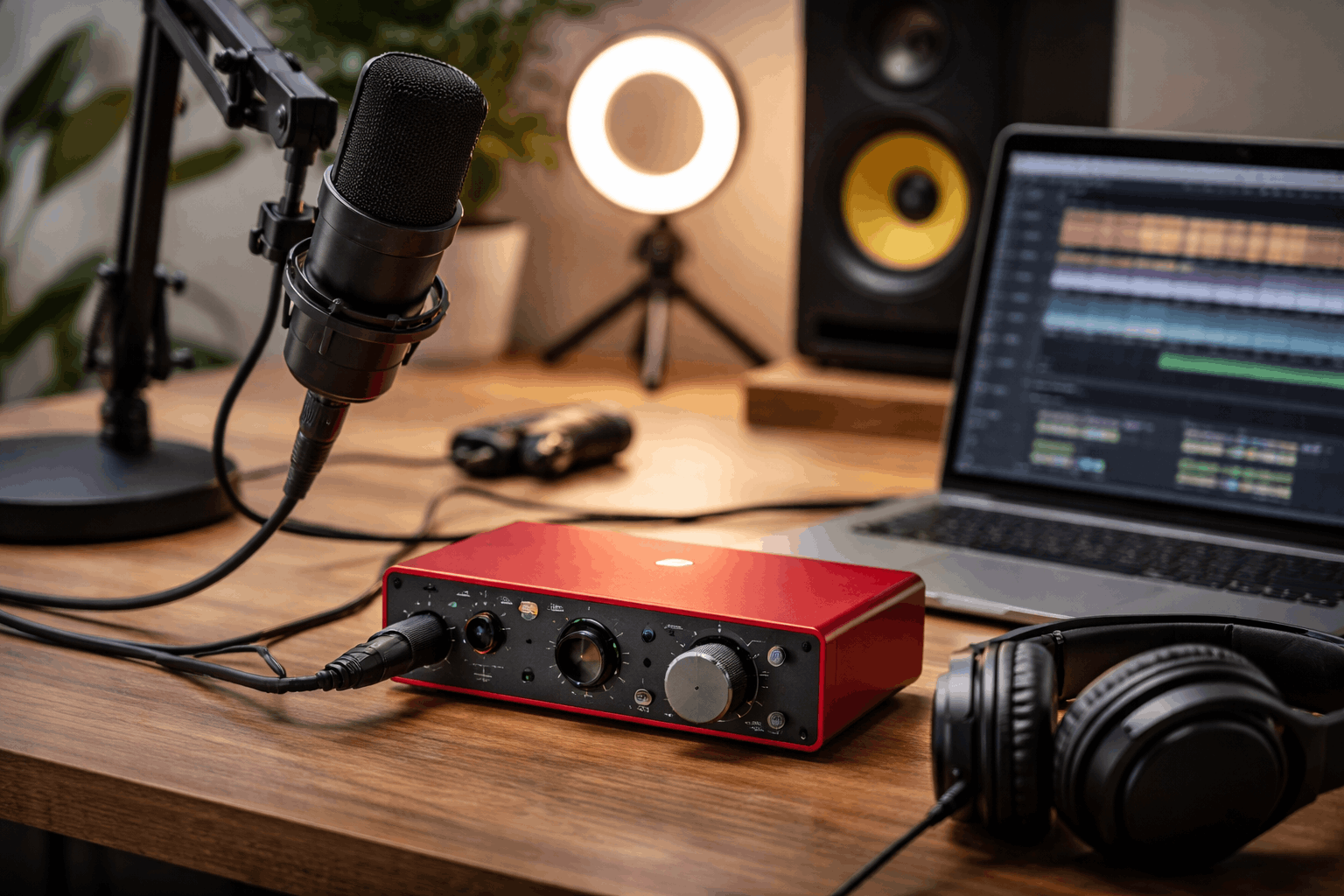
The fix is direct monitoring: the interface sends your voice straight to headphones before it touches the computer. That eliminates the distracting echo effect. Sweetwater calls this routing the input directly to headphones without delayed computer processing.
If latency has never bothered you during recording, this feature alone probably is not worth the purchase.
Also read: Best Entry-Level Microphones for Content Creators
When Skipping the Audio Interface Makes More Sense
Not every home recorder needs an interface. The decision depends entirely on what gear you already own and what bottleneck is holding your recordings back.
A surprising number of creators buy an interface and then realize their room acoustics are the real problem, not their signal chain.
The USB Mic Setup That Already Works
USB microphones have a built-in preamp and analog-to-digital converter baked right in. The Blue Yeti, Rode NT-USB, and Elgato Wave 3 all ship with their own internal interface.
Plugging an external interface into this chain adds nothing. The USB mic already handles the conversion.
If your recordings sound fine on a USB mic and you record one person at a time, the interface upgrade is solving a problem that does not exist yet.
Budget Better Spent on Lighting and Room Treatment
I would put the Focusrite Scarlett Solo’s $149.99 toward acoustic panels and a lighting upgrade before buying an interface, especially for creators recording video.
An Elgato Key Light Air MK.2 runs around $169.99, and good lighting changes perceived production quality faster than a cleaner preamp.
A condenser mic connected through a $150 interface in a room with hard walls and echo will sound worse than a $80 USB dynamic mic in a treated space. Every “audio interface recommendation” article ignores this, but the room is the first thing listeners hear.
Three situations where the interface adds zero benefit:
- Solo webcam videos, tutorials, or Zoom calls where a USB mic captures clean audio already
- Content recorded on a phone or camera with a dedicated mic input and acceptable gain staging
- Podcasts using a single USB mic with post-production noise reduction in software like Audacity or Adobe Podcast
When an Audio Interface Becomes the Right Purchase
The tipping point is clear once you know what to look for. An interface stops being optional when your gear or goals outgrow what a USB connection can handle.
Recording Two or More Sources at Once
Two-person podcasts, vocal-plus-guitar sessions, and mic-plus-external-audio-feed setups all need multiple inputs. A single USB mic cannot split into two channels.
A two-input interface like the Focusrite Scarlett 2i2 (4th Gen) at $219.99 handles this cleanly with separate gain controls per channel.
This is the scenario where buying an interface is not optional. It is the only practical solution.
The XLR Mic Is Already Purchased
If the XLR condenser is already in the box, there is no workaround. PreSonus lists the AudioBox USB 96 at $94.99 on its official site, making it one of the cheapest paths from XLR mic to computer.
Mac users should verify that the interface works with Core Audio, which Apple’s Logic Pro requires for audio device compatibility.
Audio Interface Prices in Early 2026: A Realistic Comparison
Prices shift with sales and bundles, so treat these as reference points from B&H and manufacturer listings in January 2026.
| Interface | Approximate Price (USD) | Inputs | Best Suited For |
|---|---|---|---|
| Behringer U-Phoria UMC22 | $52.90 | 1 XLR + 1 line | Budget solo voice recording |
| PreSonus AudioBox USB 96 | $94.99 | 2 XLR/line combo | Entry-level two-mic podcasting |
| Universal Audio Volt 1 | $139.00 | 1 XLR + 1 line | Solo creators wanting warmer tone |
| Focusrite Scarlett Solo (4th Gen) | $149.99 | 1 XLR + 1 instrument | Solo singer-songwriters |
| Focusrite Scarlett 2i2 (4th Gen) | $219.99 | 2 XLR combo | Two-person podcast or duo recording |
| Audient iD4 MKII | $299.99 | 1 XLR + 1 DI | Producers wanting high-end preamps |
The Behringer UMC22 at $52.90 and the PreSonus AudioBox USB 96 at $94.99 cover the basics; spending above $150 buys better preamps and build quality, but the jump in recording quality gets smaller as price climbs.
The Accessories Nobody Budgets For
An interface alone does not complete a setup. Creators often forget about the small purchases that make the chain usable, and those costs add up fast.
Budget for these extras before committing to an interface purchase:
- XLR cable (3-6 feet): around $9.99 for a basic shielded cable
- Boom arm for mic positioning: decent options start around $49.99
- Closed-back monitoring headphones: the Sony MDR-7506 sits at about $109.99
- Pop filter: $10-$15, and necessary for any voice recording on a condenser mic
All prices reflect early 2026 retailer listings and will shift depending on region and sales cycles.
That accessories total can push $180 on top of the interface itself. A creator budgeting $150 for “just the interface” may end up spending $300+ before recording a single clean take. Factor the full cost before deciding.
Questions People Ask About Audio Interfaces for Home Recording
Q: Can I use an audio interface with a USB microphone?
Technically yes, but there is no benefit. A USB mic already contains its own preamp and converter. Adding an external interface to a USB mic creates redundancy and sometimes introduces driver conflicts.
Q: Do I need an audio interface for podcasting?
Only if the podcast uses XLR microphones or records two or more people simultaneously. Solo podcasters on a USB mic can skip the interface entirely and invest in room treatment or editing software instead.
Q: What is the cheapest audio interface worth buying in 2026?
The Behringer U-Phoria UMC22 at around $52.90 handles basic single-source recording. The PreSonus AudioBox USB 96 at $94.99 is a better fit if two inputs might be needed later.
Q: Does an audio interface improve sound quality over a laptop mic jack?
The preamps and converters in an interface are cleaner than a laptop’s built-in audio, so yes. But that improvement only matters if the recording room is quiet and treated. No interface fixes a room with echo and background noise.
Q: Can I record music with just an audio interface and headphones?
A mic, an interface, headphones, and free DAW software like GarageBand or Audacity is enough to start recording music at home. The missing piece for most beginners is not more gear but better mic placement and room acoustics.
Conclusion
An audio interface solves a specific connectivity problem, and buying one before that problem exists wastes money. Creators recording solo on a USB mic should focus on room treatment and mic technique first.
The right time to buy an interface is when XLR mics, phantom power, or multi-input recording become real needs. Spend on the bottleneck that limits your recordings today, not the upgrade that looks good on a gear list.