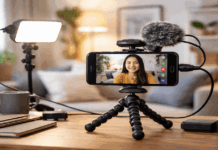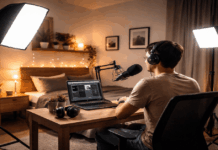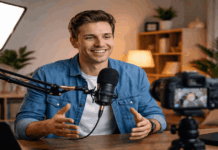
A small room does not need to look like a studio to produce clean, watchable video. A webcam mainly needs enough light to show your face clearly, while you need a setup that still leaves space for work, sleep, or family life.
Good lighting solutions are usually simple: a soft source, a sensible angle, and fewer competing bulbs.
This guide is for creators, remote workers, teachers, and streamers who want better video without filling a bedroom or desk corner with stands.
See the Problem Before You Choose a Light
Start with one ordinary clip, recorded at the same time and in the same spot you normally use.
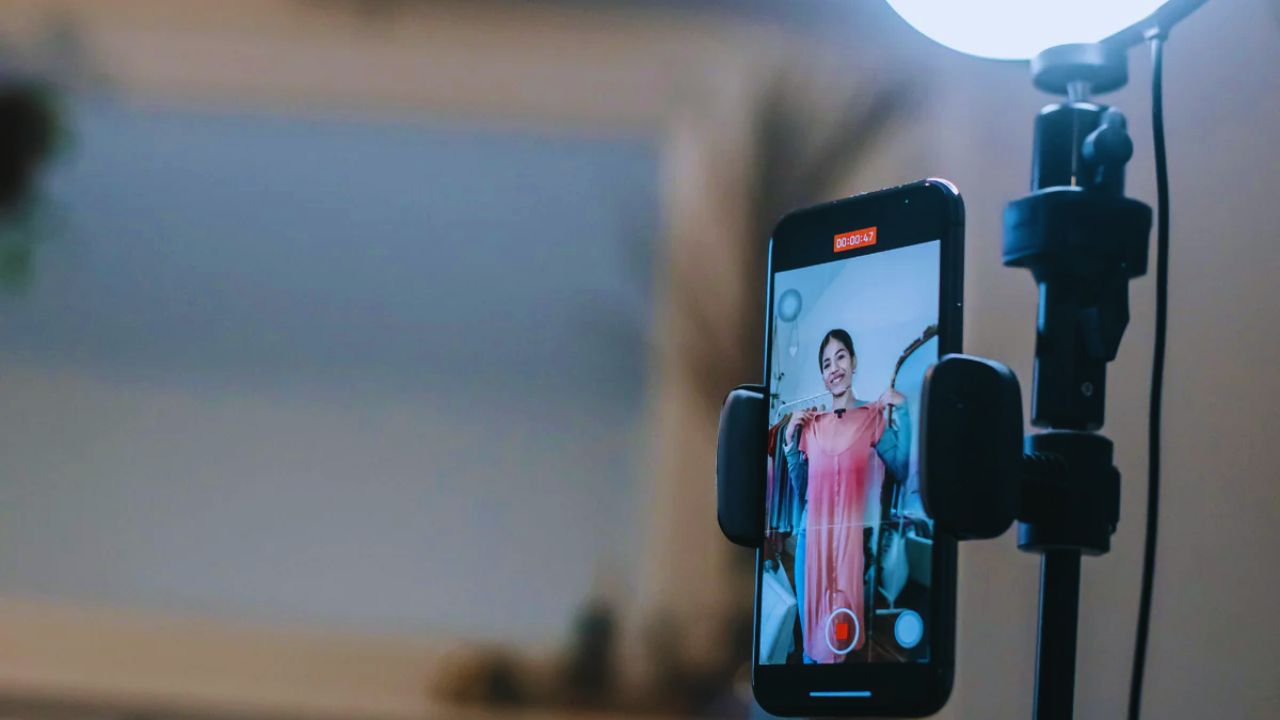
Leave the monitor, window, ceiling lamp, and background as they are, then watch the footage on a larger screen.
Is your face dark, do your glasses reflect the room, or does the wall behind you draw attention away? A short test turns a vague wish for improvement into a visible problem with a specific fix, which is more useful than buying whatever light appears first online.
A Better Key Light Beats a Brighter Room
Most webcams look muddy in low light because they raise their internal gain, adding grain and losing detail in skin, hair, and clothing.
A soft main light near the camera gives the sensor more usable information without making the whole room brighter.
A diffused panel, ring light, or ordinary lamp bounced from a pale wall can all help. Prioritize even facial light and clear eyes over high wattage, coloured effects, or a dramatic-looking background that does not improve the actual recording.
Make the Most of Windows, Walls, and Desk Space
Before adding equipment, use the space you already have. A pale wall can bounce gentle fill onto the shadowed side of your face, while a large window may work as a free key light during the right hours.
However, a window behind the chair can turn you into a silhouette, and a bare wall close to the desk can create an unpleasant hot spot. Small changes in position can protect facial detail and keep the recording corner practical.
Natural Light Is Helpful, Not Always Dependable
Facing a window or sitting slightly beside it can create soft, flattering light, especially when clouds diffuse the sun.
A sheer curtain, white board, or light-coloured fabric can soften direct sunlight and reduce contrast. The limitation is that daylight changes with the weather, time of day, and season, which makes matching separate clips harder.
Treat it as a useful starting point, not a guaranteed schedule, and keep a simple artificial option for evenings or regular videos that need to look similar.
Also Read: How to Position Your Microphone for Clearer Sound: Essential Tips for Home Recording
Mounting Matters When the Floor Is Already Busy
In a narrow room, a tall stand can block the path between a desk, bed, or door. A clamp, short tripod, shelf mount, or monitor-height support may be easier to live with because it uses vertical space and keeps cables away from your feet.
Check the desk thickness, load limit, cable length, and whether the mount stays stable with a diffuser attached. A safe light position improves the image, but it also protects the normal use of the room when filming is finished.
Pick a Compact Light That Suits Your Videos
The right light depends on the shot you make most often. A person speaking to a webcam needs a different kind of coverage from someone filming cooking steps, workouts, or product demonstrations.
Consider how far you are from the camera, how much you move, and whether the gear must be packed away afterward. These details determine whether a purchase offers repeatable results or becomes extra clutter that only works for one type of video.
Panels Give You More Direction at a Desk
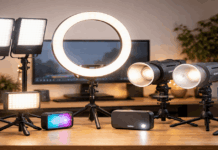
A compact LED panel can sit above eye level and slightly to one side of a webcam, giving the face shape without deep shadows.
It is often a practical choice for lessons, streams, reviews, and meetings because brightness and colour can be adjusted without moving furniture.
Look for basic diffusion, flicker-free performance, and a mount that fits your desk rather than paying for features you will not use. A panel offers flexible placement and quiet control when a small room needs a cleaner look.
Ring Lights Work Best When They Are Not Centered
Ring lights can be convenient because they create broad front light and use little floor space. They suit direct-to-camera work, quick calls, and creators who want a simple setup that remains close to the webcam.
Their weakness is placement: at lens height, they may flatten the face or appear as bright circles in glasses.
Raise the light, tilt it downward, or shift it slightly sideways. You can keep the easy routine while avoiding the obvious reflection that makes footage feel less natural.
Keep Colour, Reflections, and Backgrounds Under Control
Lighting problems are not always caused by darkness. A cool LED, warm ceiling bulb, and daylight window can make automatic white balance shift during a recording, leaving skin tone inconsistent from one take to the next.
Let one source lead the shot, turn off unnecessary lamps, and avoid making the brightest object in the image a window or background decoration. This protects steady colour and keeps viewer attention on the person speaking instead of on the room.
Use the Camera Preview Rather Than Guessing
Your eyes adapt quickly to a room, but the camera may not. Before an important call or recording, sit in place and check the preview for a minute. Look for three small details:
- Face: clear around the eyes without appearing washed out.
- Glasses: no bright reflection hiding your eyes.
- Background: visible but quieter than your face.
If something looks wrong, change one variable first: move the lamp closer, lower the brightness, close a curtain, or switch off a competing bulb.
This camera-first habit saves a full reshoot and teaches you what the setup actually needs.
Build a Setup You Will Still Use Next Month
Once the image works, stop adding gear just because another light looks interesting. Take a phone photo of the desk, light angle, chair position, and curtain placement so you can recreate the result without guessing.
A second light may be helpful when you need to soften a deep shadow, cover a wider standing shot, or separate yourself from a dark wall, but it should have a clear task.
The most useful home lighting setup gives you usable footage on busy days, leaving more attention for the message instead of another round of adjustments during ordinary recording days, when time and room space are limited.