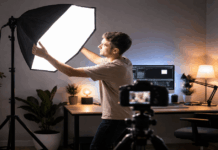
Spending $60 on a light feels like a gamble when your camera cost less. But bad lighting is the reason half the videos on YouTube look like they were filmed inside a cave.
A single budget video light positioned correctly will do more for your footage than a $300 lens upgrade. The math on that is pretty hard to argue with.
So let’s talk about best budget lights for video that match real creator setups. Not a generic product dump, but a breakdown sorted by how and where you film.
The goal here: pick one light, place it right, and stop looking washed out on camera by tonight. That’s the whole mission.
Does Light Placement Matter More Than the Light Itself?
Every budget lighting article races to product links. But spending $120 on a ring light and sticking it behind your monitor at chin level will still make you look terrible. The light itself is only half the equation.
The other half is where you put it. And this is the part that separates a $60 setup that looks professional from a $270 two-pack that looks like a Best Buy demo station.
The 30-45 Degree Rule for Desk Creators
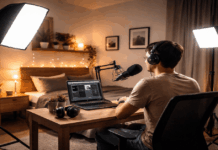
Place your main light just above eye level and slightly off to one side, roughly 30 to 45 degrees from center. This angle gives your face dimension and prevents that flat, passport-photo look.
A lot of creators mount their light directly behind or on top of their monitor, dead center. The result is even lighting with zero depth. Move it to one side, even six inches, and the difference is dramatic.
Why Bigger Light Sources Kill Harsh Shadows
Hard shadows under the chin and nose come from small, bright point sources. The fix is making the light source larger relative to your face: use diffusion, bounce the light off a white wall, or move a larger panel closer at lower brightness.
A $30 mini LED blasting at full power from three feet away will look worse than a $60 panel at 40% brightness positioned 18 inches from your face. Distance and size matter more than raw lumens.
Best Budget Desk Lights for Streaming and Webcam Calls
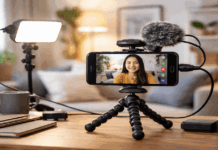
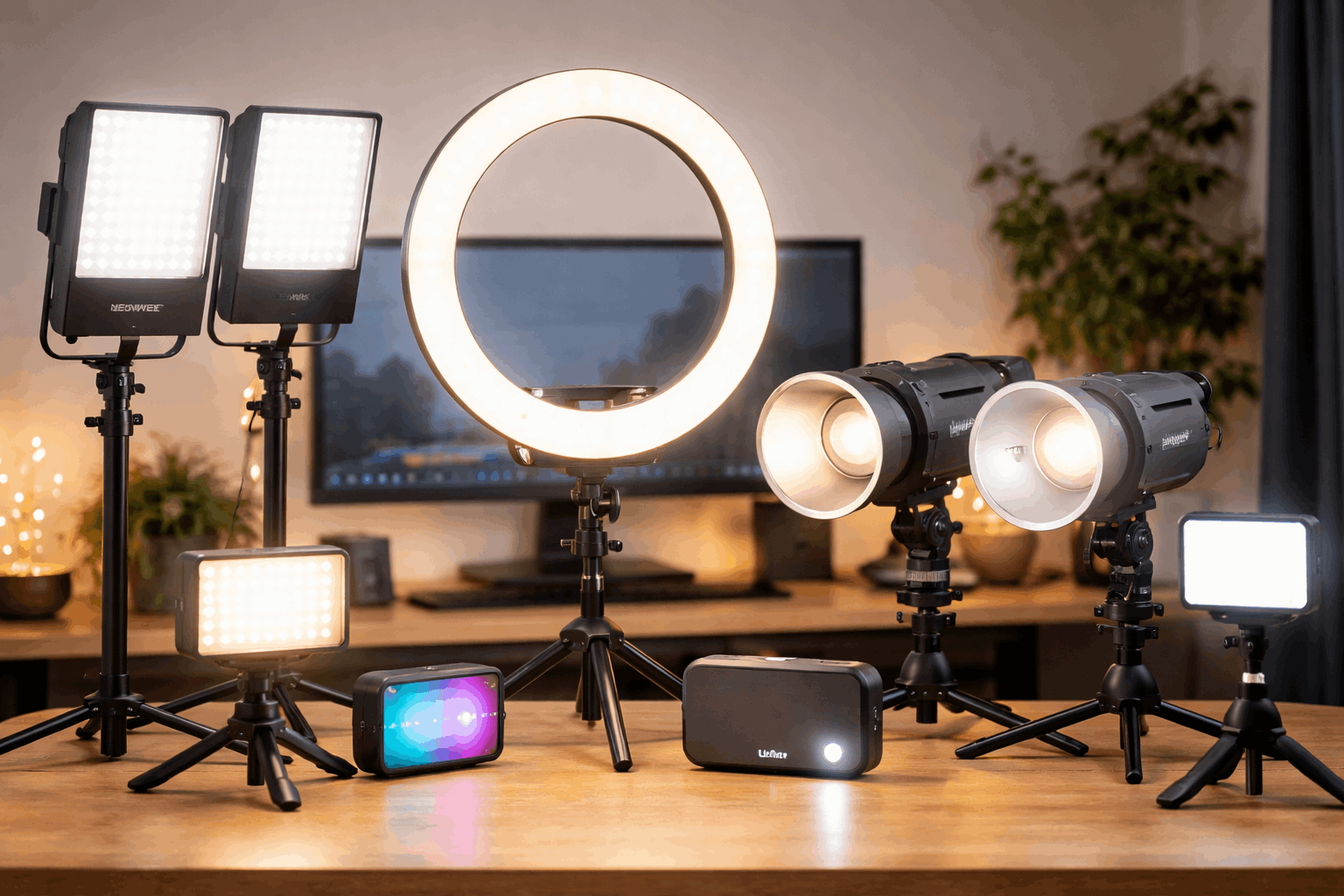
If your setup is a desk, a webcam or camera on a tripod, and a chair, you need something compact. Large softboxes and stands take up floor space that desk creators don’t have. These lights are built for monitor-mounted or clamp-style positioning.
Three questions to ask yourself before buying a desk light:
- Can the light adjust brightness without physically moving it closer or farther?
- Does it support bi-color temperature (warm to cool) so it can match whatever bulbs are already in your room?
- Can it mount on your monitor, desk clamp, or a 1/4″-20 thread for tripod use?
If a light can’t do at least two of those three, skip it.
Logitech Litra Glow: $59.99
The Litra Glow is a simple, diffused panel designed to sit on top of a monitor. It supports 2700K to 6500K color temperature and maxes out at 250 lumens. That’s enough for webcam calls and streaming, but it won’t overpower a bright room.
I think the Litra Glow at $59.99 is the right first light for Zoom-heavy professionals who just need their webcam footage to stop looking yellow and grainy.
Elgato Key Light Neo: $74.99 (Sale Price)
The Key Light Neo pushes the color range wider at 2900K to 7000K and carries a CRI above 94, which means skin tones and colors look accurate on camera. It clips to a monitor and has a 1/4″-20 thread.
For a YouTube creator filming talking-head content at a desk, this sits in a sweet spot between the Litra Glow and more expensive Elgato panels.
Neewer GL25B Edge-Lit Panel: $89.99
This one bumps up to CRI 98 and uses an edge-lit design, which spreads light more evenly across a wider surface. That wider spread reduces the shadow pockets around cheeks and under the chin that smaller lights create.
At $89.99, it costs $30 more than the Litra Glow. But for creators who film frequently and care about skin tone accuracy, the CRI 98 rating makes the price gap worth considering.
| Light | Price | Color Range | CRI | Best For |
|---|---|---|---|---|
| Logitech Litra Glow | $59.99 | 2700–6500K | Not listed | Webcam calls, streaming |
| Elgato Key Light Neo | $74.99 | 2900–7000K | 94+ | Talking-head YouTube |
| Neewer GL25B | $89.99 | 2900–7000K | 98 | Frequent filming, color accuracy |
The takeaway: if color accuracy matters for your content (product reviews, makeup, cooking), pay the extra $30 for CRI 98.
Also read: Best Lighting Angles for Talking Head Videos
Ring Lights vs. Panel Lights for YouTube Beginners
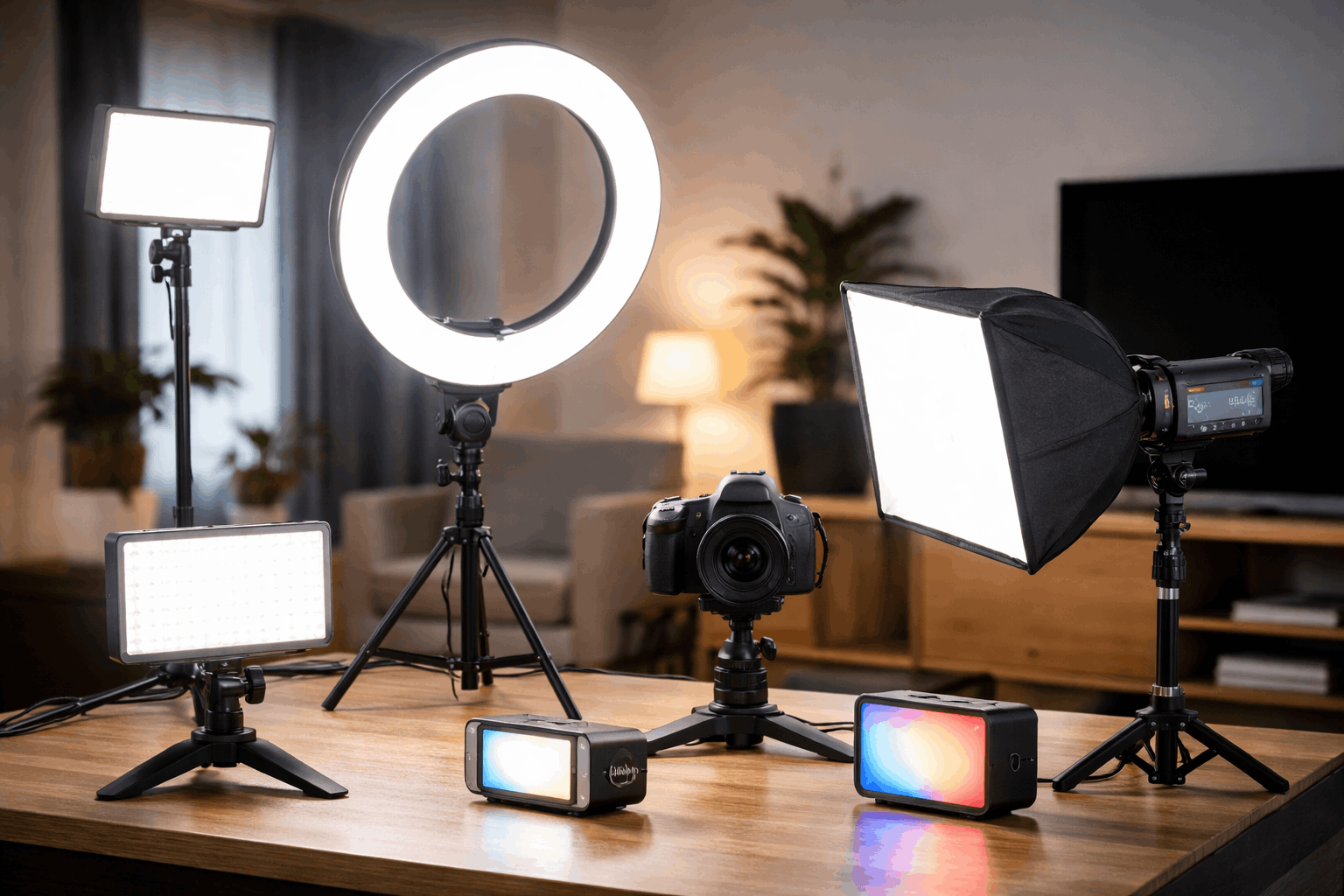
Ring lights are the most recommended starter light on the internet. I disagree with that advice. I would pick a bi-color panel like the Key Light Neo at $74.99 over the Neewer RL-18 ring light at $119.99 for a first-time creator filming at a desk.
The reason is simple. Ring lights produce flat, dimensionless lighting because they wrap evenly around your face from all directions. That’s forgiving for beginners, sure.
But “forgiving” and “good-looking” aren’t the same thing. A panel placed at a slight angle creates natural shadows that give your face shape, depth, and a more polished look on camera.
When a Ring Light Does Make Sense
Ring lights work well for creators who move around a lot within their frame or who film standing up. The even light distribution means you don’t fall into shadow pockets when you lean left or right.
The Neewer RL-18 at $119.99 comes with a stand and phone holder, and it’s bright enough for small rooms. If you film reaction videos or content where you shift positions constantly, a ring light can be the more practical pick.
The Flat Light Problem Nobody Talks About
The ring light “glow” that looks so clean in product photos? That same glow eliminates all the natural contours of a face on camera.
Side-by-side, a $75 panel with proper angled placement will produce a more cinematic frame than a $120 ring light mounted dead center.
A small trick: if you already own a ring light and want more depth, don’t return it. Just move it off to one side instead of shooting through the center. The ring shape still creates a large, soft source. The off-center angle brings back the shadows your face needs.
Budget Portable Lights for Travel and Product Shots
Sometimes the setup isn’t a desk. Travel creators, product reviewers, and anyone filming outside a studio needs a light that fits in a bag and runs on a battery.
These portable lights won’t replace a full desk setup, but they solve a specific problem: bad room lighting when you’re away from home.
- Ulanzi VL49 mini RGB light ($29.95): Small enough to pocket, cheap enough to buy two. Great as a quick fill light or hair light accent.
- SmallRig RM120 RGB light ($59.99): More output than the Ulanzi, better for short product shoots and controlled accent lighting.
- Lume Cube Panel Mini ($69.99): A bi-color panel built for on-camera mounting. Easier to aim than a ring light for tabletop product filming.
All three run on rechargeable batteries, so they work anywhere. The tradeoff is battery life: expect 30 to 90 minutes at full brightness depending on the model.
COB Lights: The Budget “Studio Look” Upgrade
Once you’ve outgrown a desk panel and want a setup that looks like a studio, COB-style lights are the next logical step. A COB light is a single, powerful LED point source that you pair with a softbox modifier to shape the light.
The Godox SL60IID at $119 runs at 5600K daylight with a CRI of 96 and TLCI of 97. Pair it with a $25 Bowens-mount softbox and you’ve got a flattering, controlled light for talking-head YouTube videos that punches well above its price class.
The amaran COB 60x S at $159 adds bi-color control (2700K to 6500K), which is a real advantage if your room has mixed lighting.
Matching your light to the window light or warm overhead bulbs keeps your white balance consistent and saves time in post-production.
COB lights need a stand and a softbox to work properly. Budget an extra $30 to $50 for a light stand and modifier. The Godox SL60IID product page lists compatible Bowens-mount accessories.
Questions People Ask About Best Budget Lights for Video
Q: Can I use a desk lamp as a budget video light?
A desk lamp can work in a pinch, but most use bulbs with low CRI ratings, which makes skin tones look greenish or orange on camera. A purpose-built LED panel at $30 to $60 gives far better color accuracy. The difference shows up immediately on a webcam.
Q: Do I need two lights or is one enough?
One light, placed correctly at a 30 to 45 degree angle, is enough for solo talking-head videos. A second light is useful when you want to light a background separately or shoot interviews. Start with one and add the second only when you see a specific problem it would solve.
Q: Is CRI rating worth paying extra for?
CRI above 95 means colors look accurate under that light. For product reviews, cooking videos, and makeup content, this matters a lot. For gaming streams and casual vlogs, CRI 90 or above is fine and saves money.
Q: Are ring lights bad for YouTube videos?
Ring lights aren’t bad, but they create flat lighting that removes natural facial shadows. A panel or COB light at the same price, positioned off to one side, usually produces a more professional-looking image. Ring lights work better for standing content or full-body shots where even coverage is the priority.
Q: How much should I spend on my first video light?
The $60 to $90 range covers a solid bi-color desk panel that handles webcam calls, streaming, and YouTube filming. Going below $30 usually means losing brightness control or color temperature adjustment, which are the two features that make the biggest difference on camera.
Conclusion
The fastest way to improve any video is a single well-placed light, and $60 gets you there. Placement at eye level and slightly off-center beats any amount of gear thrown at the wrong angle.
Ring lights get all the hype, but a $75 panel with correct positioning creates a better frame. Stop obsessing over which light to buy and start testing where to put the one you already have.