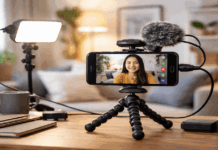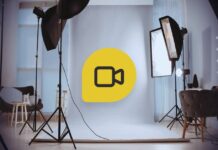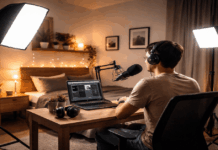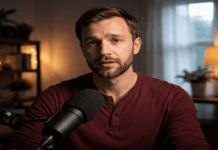
Good lighting can make a basic webcam look more polished, but the wrong fixture can create problems that you only notice after filming. A camera sees shadows, color shifts, and flicker differently from your eyes, especially in ordinary rooms with mixed bulbs and limited space.
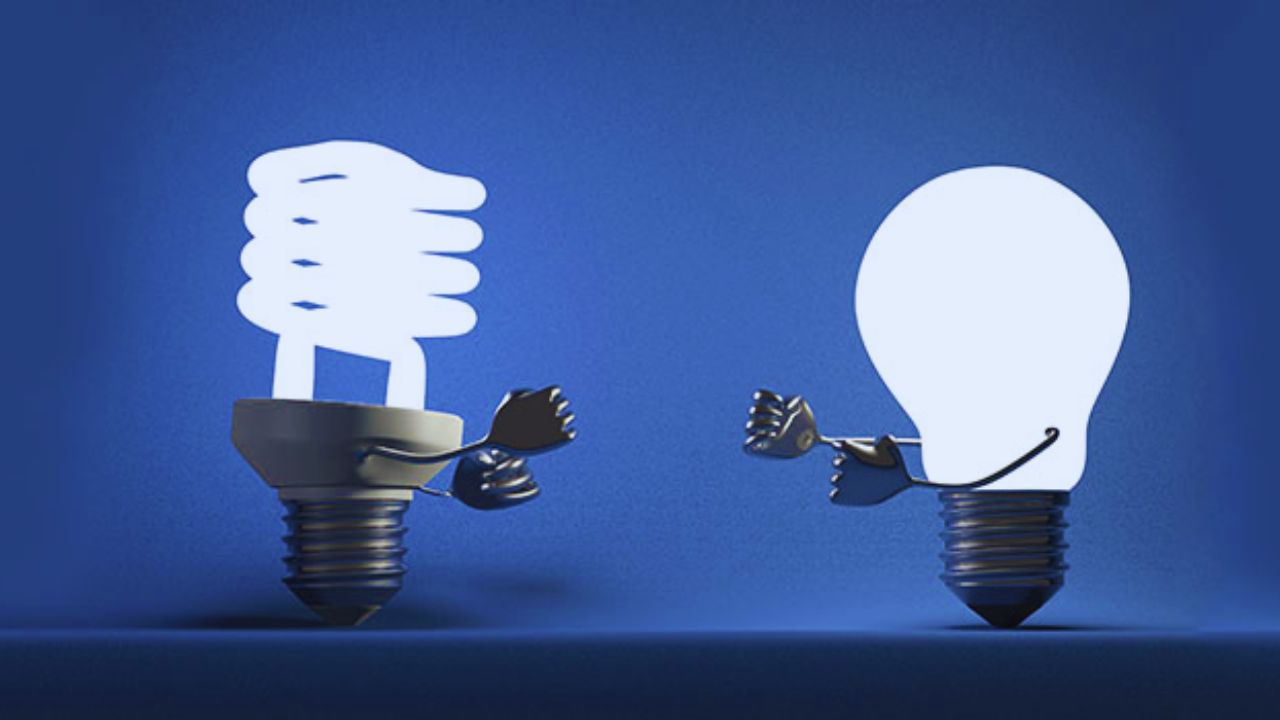
For people weighing LED lighting against fluorescent lighting, the useful choice depends on the camera, the recording area, and the kind of videos being made.
This guide focuses on repeatable results, not on building a studio that is expensive or difficult to use. It also explains which problems are worth fixing before buying another fixture, adapter, reflector, or pack of replacement bulbs for filming.
What Good Light Needs to Do on Camera
A room can feel bright enough in person while the video still looks grainy, uneven, or strangely colored. The aim is to give the camera clean exposure and a consistent color it can reproduce from one session to the next.
Brightness Helps, but Softer Placement Matters More
When the room is too dim, the camera may raise its sensitivity and add grain across faces, walls, and dark clothing.
More light gives it room to use a cleaner image setting and reduce motion blur when you move your hands or turn your head.
That does not mean aiming a harsh lamp directly at your face; a softened source placed above eye level and slightly to one side usually looks more comfortable. You want enough illumination to keep detail visible while preserving natural shadows around the face.
Skin Tone Depends on Stable Color, Not Just White Light
Two bulbs can both look white yet create different colors on camera. A cool ceiling fixture may light one side of your face while a warm desk lamp affects the other, leaving skin and clothing difficult to correct in editing.
Pick a main color temperature and avoid adding random household lamps to the same shot unless you can control their output.
A steady white balance and a single base light color make it much easier to match videos recorded on different days.
Why LEDs Usually Suit Everyday Creator Setups
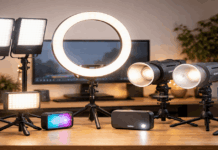
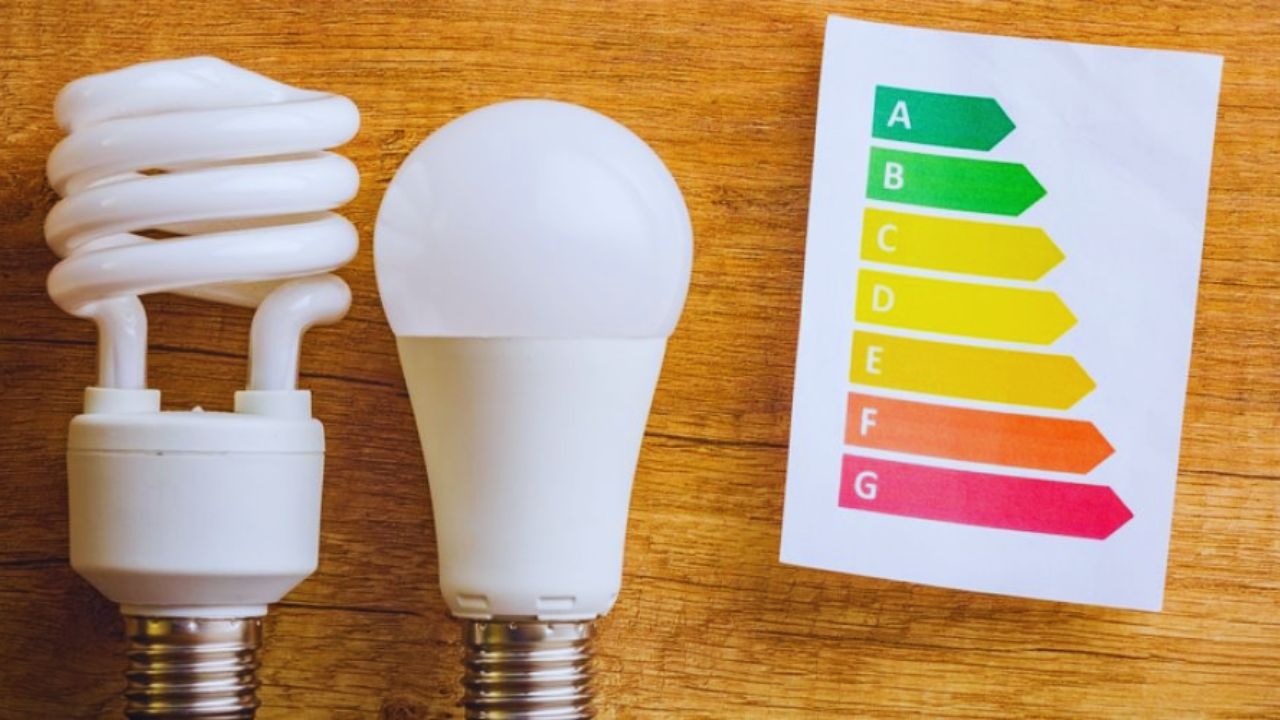
LEDs are popular because they are compact, efficient, and available as panels, ring lights, small key lights, and bulbs.
Their flexibility is useful when the recording space is also a bedroom, desk area, kitchen, or shared room.
Adjustable Output Makes Them Easier to Live With
A video oriented LED often lets you change brightness and color temperature without moving furniture or replacing bulbs.
You can lower it for an evening recording, brighten it for a cloudy afternoon, or keep it at the same setting for a recurring series. That convenience matters because a setup you can repeat is more likely to be used consistently.
Look for straightforward controls that help you recreate a familiar image, rather than paying extra for effects you will not use.
Also Read: Affordable Home Studio Setup for YouTube
Cheap LEDs Can Create Problems That Are Not Obvious in Person
Budget panels may flicker at certain dim levels even when the light seems steady to your eyes.
A tiny bare source can also make glasses reflect, create sharp nose shadows, and leave shiny spots across the forehead.
Color quality differs widely, so some white LEDs can make skin look slightly green, magenta, or dull beside daylight. A better purchase is often one reliable video light with simple diffusion, not several small lights that are hard to match.
Fluorescent Fixtures Still Have a Place, With Limits
Fluorescent lighting is not automatically unusable, especially if you already own a softbox kit or have a broad ceiling fixture in good condition. It simply needs closer testing because ballast quality, bulb age, and camera settings can change the final image.
A Broad Source Can Be Helpful for Wide Scenes
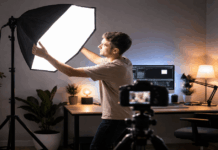
A large fluorescent softbox spreads light across a wider area, which can soften shadows for seated interviews, product demonstrations, or craft videos.
Ceiling fixtures can also provide useful room fill when you need a kitchen counter, worktable, or background to remain visible.
This may be more practical than one tiny panel that lights only your face. The tradeoff is less precise control and more physical bulk in a smaller home.
Flicker, Aging Bulbs, and Hum Need to Be Taken Seriously
Older fluorescent bulbs can shift color after warming up or change gradually as they age, which makes footage from separate recording days harder to match.
Some ballasts also create a low hum that becomes noticeable when a sensitive microphone is nearby. Visible banding is another risk, particularly when the fixture and camera settings do not work well together.
Treat fluorescent gear as existing equipment that needs a real camera test, rather than assuming it will behave like a modern creator light.
Test the Room Before You Spend More Money
Flicker, color, and noise are easier to spot in a short practice clip than on a product page. Use the same camera, framing, and recording time you normally use, then judge the setup under ordinary conditions rather than an unusually quiet or bright moment.
Check the Image and Sound With a Simple Routine
Before a longer video, make a brief test while speaking and moving naturally. Watch it back at normal speed, then use this short check:
- Look for dark bands or pulsing brightness.
- Notice skin color and reflections in glasses.
- Listen for a new hum or electrical noise.
If the result changes after dimming a light or turning on another fixture, you have found something worth fixing before the main recording. A repeatable test catches more problems than trusting a bright store demonstration.
Keep Lights From Adding Trouble to Your Audio Chain
Lighting can affect sound as well as image quality. Fluorescent ballasts may hum, while low quality LED power supplies can introduce interference when they sit near audio cables, an interface, or a microphone.
Keep power bricks away from the microphone and avoid laying audio cables directly beside power cords where possible. These small cable habits protect the cleaner sound you worked to capture.
Pick the Option You Can Set Up Every Week
For most home creators, an LED panel or ring light is easier to manage because it is compact, adjustable, and quick to position.
Fluorescent lighting can still work when it produces no flicker, color cast, or unwanted hum in your actual room.
Start by making your face look clear and natural, then add diffusion or background light only when you see a specific issue. The better choice is the one that gives you consistent video without adding extra setup stress every time you record.