A clear voice is one of the fastest upgrades you can make to a home meeting setup. Built-in laptop microphones often sound distant because they pick up the room before they focus on your voice.
A better mic can make Zoom, Google Meet, Teams, Discord, and recorded calls easier to follow. The right choice depends on your room, your speaking style, and how simple you want the setup to be.
Choose a Meeting Mic Based on Your Room
A good meeting microphone should make speech clear without making your voice sound overly processed. It does not need huge studio bass or complicated controls to work well.
Your room matters as much as the microphone itself, especially if you work near fans, windows, keyboards, or other people. Before buying, think about what your mic needs to reject, capture, and repeat every day.
Noisy Rooms Need Close Microphone Placement
If your room is noisy, the best microphone is usually the one that stays close to your mouth. A headset mic can beat a desk mic in busy spaces because it keeps your voice at a steady distance.
Dynamic microphones can also help because they often capture less room sound when used close. This matters for shared homes, offices, and rooms with keyboard noise or traffic outside.
Quiet Rooms Give You More Mic Options
If your space is quiet, you can choose from more microphone types. A USB condenser mic can sound clean and detailed when the room does not echo too much.
A dynamic mic can still work well if you want a warmer, more focused voice. The main thing is to keep the mic close enough that your voice stays stronger than the room.
Pick the Connection Type That Fits Your Workflow
Connection type affects how easy the mic is to use and how much room you have to upgrade later. USB microphones are the simplest option because they connect directly to a computer.
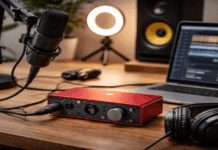
USB/XLR hybrid microphones give you a path to a future audio interface without replacing the mic. Headset and wireless options can also make sense when movement or noise control matters more than studio tone.
USB Mics Are the Fastest Upgrade
USB microphones are usually the easiest upgrade for everyday meetings. You plug in one cable, select the mic in your meeting app, and start talking.
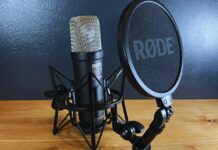
Options like the Sennheiser Profile USB, Elgato Wave:3, RØDE NT-USB+, and Blue Yeti are popular because they fit simple creator desks.
They work best when placed close enough to your mouth instead of sitting far away beside the laptop.
USB/XLR Hybrids Leave Room to Grow
USB/XLR hybrid mics are useful if you want a simple setup now and more control later. Models like the Shure MV7+, RØDE PodMic USB, Samson Q2U, and Audio-Technica ATR2100x-USB can start as USB mics and later connect to an interface.
This is helpful if you plan to record podcasts, livestreams, or higher-quality voiceovers in the future. It also avoids replacing your first mic too quickly when your setup grows.
Also Read: Simple Streaming Setup for Home Use
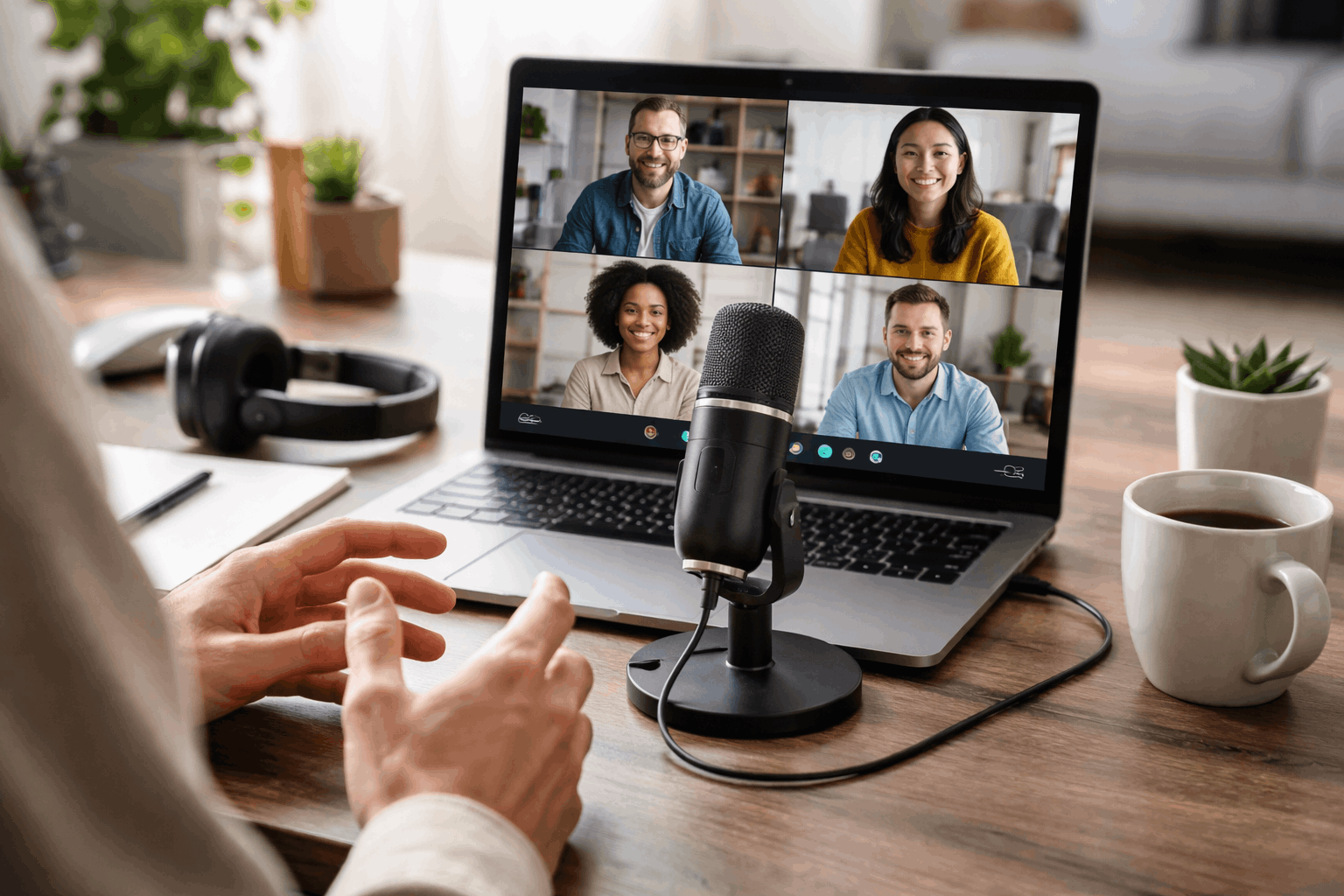
Headsets and Portable Mics Solve Different Problems
A headset mic is often the most practical choice for noisy rooms and long meetings. It keeps the microphone close even when you turn your head or move in your chair.
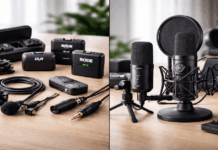
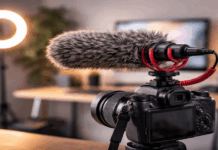
Portable mics, such as compact shotgun or wireless systems, are better when you record away from your desk or present while standing. These options may not look as polished as a desk mic, but they can be more reliable in real use.
Compare Common Meeting Mic Categories
Product lists can be useful, but they should not be treated like one-size-fits-all answers. A mic that works beautifully for one creator may be frustrating in a different room.
Instead of focusing only on price or brand, compare what each category actually solves. This keeps the decision practical and prevents buying gear that looks impressive but does not fit your calls.
Plug-and-Play Desk Mics Fit Simple Setups
A plug-and-play USB desk mic is a good fit if you work from one main desk. It can stay beside your monitor, webcam, and light without needing an audio interface.
The Sennheiser Profile USB gives physical controls that are useful during calls, while the Elgato Wave:3 fits creators who also stream or record.
The RØDE NT-USB+ and Blue Yeti can also work well when the room is controlled and the mic is not too far away.
Dynamic Hybrids Help Imperfect Rooms
Dynamic hybrid microphones are useful when your room is not perfectly quiet. They usually reward close speaking and help reduce the amount of room sound in the recording.
The Shure MV7+ is a strong flexible option for creators who want USB today and XLR later. The Samson Q2U is a more budget-friendly path for people who want the same basic flexibility without spending too much.
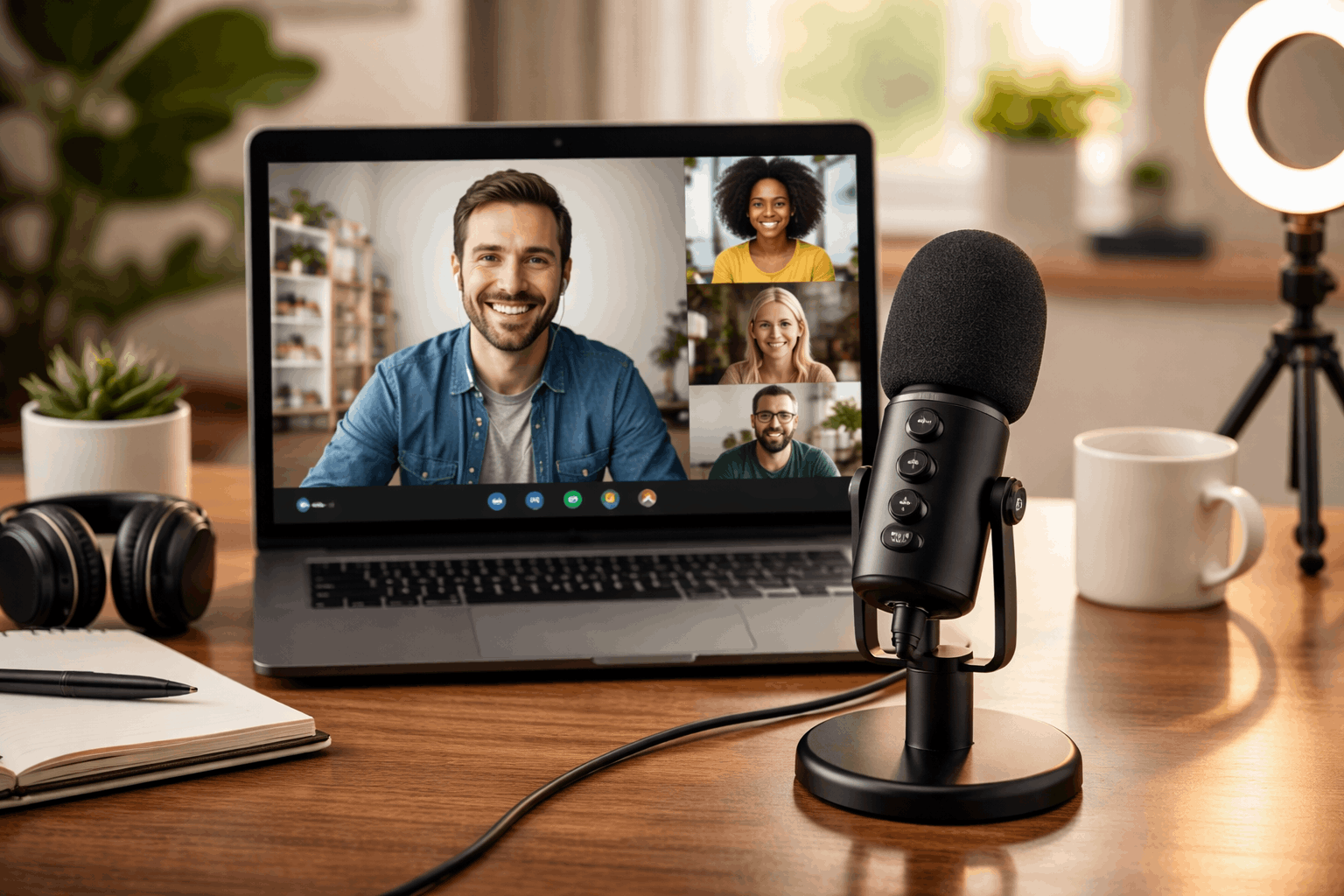
Movement-Friendly Mics Are Better for Presenters
Not every meeting happens at a fixed desk. If you stand, teach, demonstrate products, or move around during calls, a desk mic may not stay consistent.
Wireless systems or camera-friendly mics can keep the voice clearer when the speaker is not sitting still. For normal office calls in a noisy room, a business headset like the Jabra Evolve line may be more dependable than a studio-style microphone.
Use this quick guide before choosing:
- Choose a USB desk mic if you record or attend calls from one quiet desk.
- Choose a USB/XLR hybrid if you want an upgrade path for future audio work.
- Choose a dynamic mic if your room has echo, fans, traffic, or shared-space noise.
- Choose a headset if you need the most consistent voice in a busy environment.
- Choose a portable or wireless mic if you move while presenting or recording.
Set Up the Mic So It Actually Sounds Better
A better microphone will not help much if it is placed badly. Distance, gain, room noise, and app settings can change the final sound more than people expect.
A simple setup routine can make meetings sound more consistent without adding stress. Once the mic is placed well, calls feel smoother and recordings need less cleanup.
Keep Distance and Angle Consistent
Most desk mics sound better when they sit close enough to capture your voice clearly. Aim for a distance of about 6 to 12 inches, depending on the mic and how loudly you speak.
Place the mic slightly off to the side if direct breath causes popping sounds. Keeping the same distance every day helps your voice stay even across meetings.
Reduce Room Noise Before Adjusting Software
Before changing app settings, reduce the noise around the microphone. Close windows, silence notifications, and turn off fans or loud appliances when possible.
Soft items like curtains, rugs, and fabric chairs can also reduce echo. These small changes often make a bigger difference than relying only on noise suppression.
Check Levels Before Important Calls
A short test before an important meeting can prevent awkward audio problems. Speak at your normal volume and check that the sound is not too quiet or distorted.
If your app has noise suppression, test whether it improves the call or makes your voice sound thin. Save the settings that work so you do not need to rebuild your audio setup every time.
The Bottomline
The best meeting microphone is the one that fits your room, your workflow, and how you actually speak during calls.
Start with a simple USB mic if you want the easiest upgrade, or choose a hybrid mic if you plan to grow into recording or streaming.
If your room is noisy, a close headset or dynamic mic may work better than a stylish desk microphone. Once you choose, focus on placement and room control because those habits create the biggest improvement.