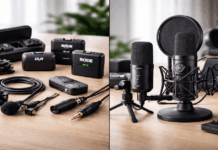
Dropping $400 on a streaming microphone sounds like a smart move. But that expensive mic won’t fix the echoey bedroom it’s sitting in.
Every “best microphones for streaming” list ranks products by price. Almost none of them tell you which mic type matches your room, your workflow, or how you actually talk on camera.
I think the Shure SM7B at $439 gets recommended too often to beginners who don’t own the interface to properly power it. That’s a $600+ total investment before you hear a single word on stream.
This guide is for the first-time streamer staring at eleven microphone tabs, wondering why every article says something different.
USB vs XLR Microphones for Streaming: Which Connection Do You Need?
The connection type on your microphone determines everything about your setup costs, your upgrade path, and how much gear sits on your desk. Picking wrong here costs more than picking the wrong mic model.
USB microphones plug straight into your computer. No extra gear. No driver headaches in 2026. The audio converts inside the mic itself, and streaming software like OBS picks it up immediately.
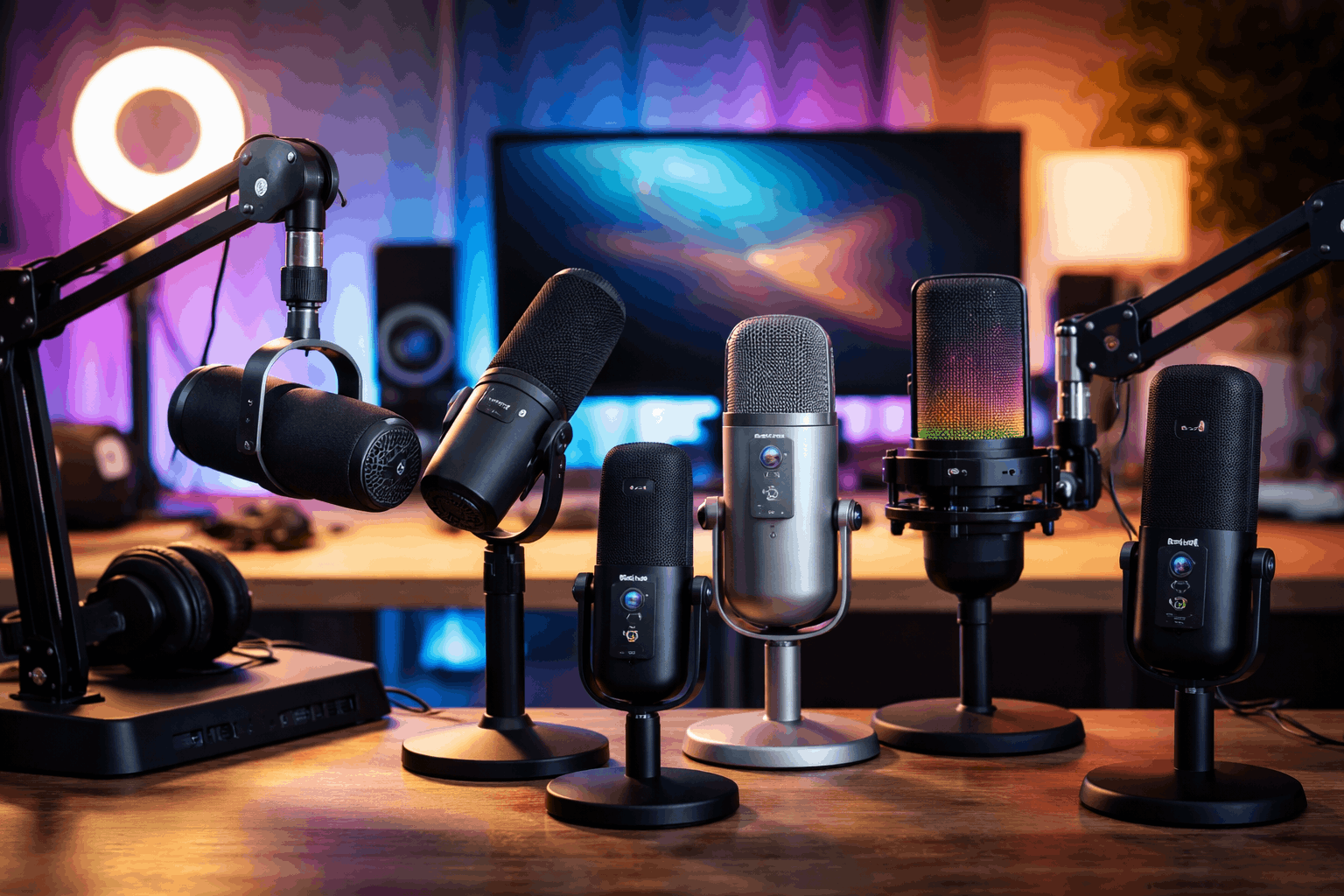
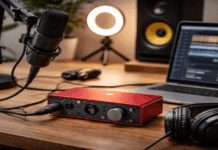
XLR microphones send an analog signal that needs a separate audio interface or mixer to reach your computer. That interface can cost anywhere from $60 to $300+, and the quality of that interface directly affects how your mic sounds.
Hybrid USB/XLR Microphones: The “Start Now” Option
A growing category worth paying attention to is hybrid microphones that offer both USB and XLR outputs. The Shure MV7+ at $299.99 and the Audio-Technica AT2005USB at $79 both fall into this category.
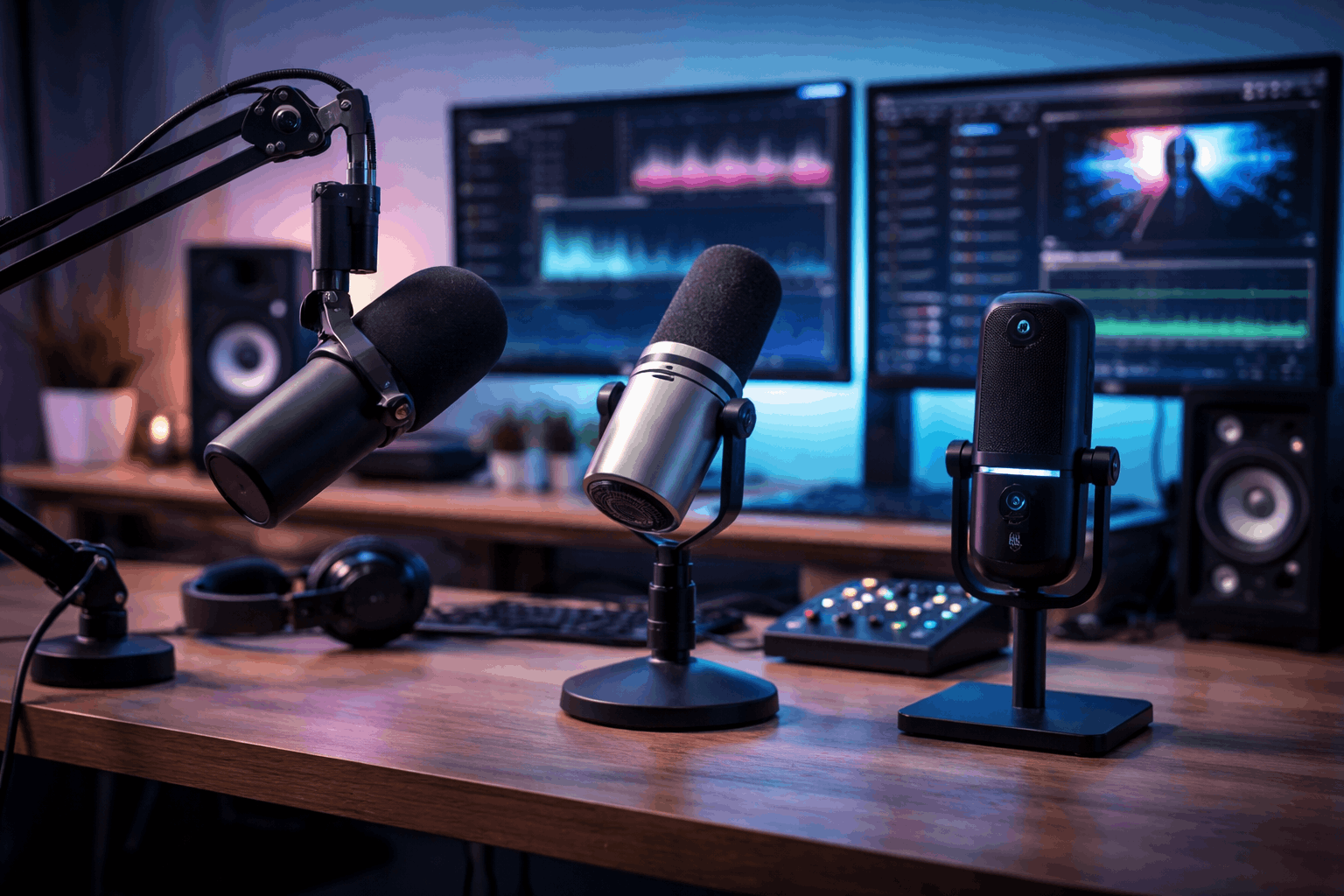
The pitch is simple: stream over USB today, switch to XLR when you buy an interface later. I think the AT2005USB at $79 is the smarter hybrid entry point than the MV7+ for someone who isn’t sure they’ll stick with streaming past three months.
Dynamic vs Condenser: Your Room Decides This
A detail buried in most microphone articles is the dynamic versus condenser question, and it matters more than brand loyalty.
Dynamic microphones (like the SM7B, RE20, PodMic) pick up sound in a tight pattern directly in front of them. Keyboard clicks, room echo, air conditioning hum: a dynamic mic rejects a lot of that.
Condenser microphones (like the Blue Yeti, RØDE NT-USB+, Elgato Wave:3) capture a wider range of sound with more detail. That wider pickup is great in a treated room. It’s a nightmare in a bedroom with bare walls and a window unit running.
If your streaming room has hard floors, no acoustic treatment, and a mechanical keyboard three feet away, a condenser mic will pick up everything. A dynamic mic forgives a messy room. A condenser mic punishes it.
Best Streaming Microphones Compared by Price and Type
Knowing your connection type and room situation narrows the field fast. The list below covers every price tier from budget to broadcast, and each mic fits a different streaming scenario.
Budget Tier: Under $150
The Audio-Technica AT2005USB sits at $79 and gives you hybrid USB/XLR connectivity. It’s the cheapest way to test streaming audio without locking into one system.
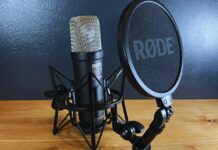
The RØDE PodMic at $99 is an XLR-only dynamic mic built around voice.
It has internal features designed to handle plosives and vibration, which means less post-processing in OBS. An interface is required, though. Pair it with a $60 interface and you’re still under $160 total.
The Blue Yeti at $109.99 remains a popular USB condenser with multiple pickup patterns: cardioid for solo streaming, stereo for ASMR or music, and omnidirectional for group recordings.
It’s been around for years, and the reason it persists is that it covers several content formats with one purchase.
The Sennheiser Profile at $139.99 is a USB-C condenser with built-in desktop controls for gain, monitoring mix, and headphone volume. No software needed.
If you want to adjust levels mid-stream without opening a control panel, the Profile puts those knobs right on the mic body.
The Elgato Wave:3 at $149.99 is aimed at streamers who use Elgato’s Stream Deck ecosystem.
Its companion software lets you mix microphone audio, game audio, Discord, and alerts into separate channels. That routing control is the real selling point, not the capsule itself.
Also read: Lighting Setups for Recording in Bedrooms
Mid-Range Tier: $150 to $300
The RØDE NT-USB+ at $166.90 is a USB condenser that picks up more vocal detail than most mics in this price range.
It works well when your room is reasonably quiet. Bare walls and street noise will fight against the wider pickup pattern, so this mic rewards even basic acoustic treatment like a curtain behind you.
The Audio-Technica AT2020USB-X at $169 is a straightforward USB-C condenser mic. No bells, no companion app pushing notifications. Plug it in. It works.
Audio-Technica has been making microphones for decades, and this one reflects that “just make it sound good” approach.
The HyperX QuadCast S has a built-in pop filter and anti-vibration shock mount, and pricing floats between $99.99 and $159.99 depending on color and retailer.
The RGB lighting is either a dealbreaker or a feature depending on your aesthetic tolerance. As a plug-and-play USB condenser, it ships ready to stream without buying a single accessory.
The Shure MV7+ at $299.99 sits at the top of this tier with USB-C and XLR dual output plus built-in DSP processing.
This is the “buy once” mic for creators who plan to stick around. Start on USB, graduate to XLR, and the microphone doesn’t need replacing.
Broadcast Tier: $400+
The Shure SM7B at $439 is the mic you see behind every podcast host on YouTube. It’s a dynamic XLR microphone that captures voice detail while rejecting room noise.
But there’s a catch most lists skip: Shure states it “operates best with preamps that provide +60dB of gain.”
Budget interfaces typically deliver 50-56dB. So buying the SM7B often means also buying a CloudLifter ($150) or a high-gain interface, pushing the real cost past $550.
The Electro-Voice RE20 at $449 is another broadcast dynamic with a Variable-D design that keeps your tone consistent even if you move around while talking.
Streamers who lean back, gesture, or shift in their chair mid-sentence will notice less tonal shift compared to mics that punish off-axis movement.
| Microphone | Price | Type | Connection | Room Flexibility |
|---|---|---|---|---|
| AT2005USB | $79 | Dynamic | USB + XLR | Good for untreated rooms |
| RØDE PodMic | $99 | Dynamic | XLR only | Good for untreated rooms |
| Blue Yeti | $109.99 | Condenser | USB | Needs a quieter room |
| Elgato Wave:3 | $149.99 | Condenser | USB | Needs a quieter room |
| Shure MV7+ | $299.99 | Dynamic | USB-C + XLR | Good for untreated rooms |
| Shure SM7B | $439 | Dynamic | XLR only | Great for untreated rooms |
The biggest takeaway from this table: dynamic mics consistently handle noisy rooms better, and the cheapest dynamic option at $79 may outperform a $150 condenser in an untreated bedroom.
Better Streaming Audio Without Buying a New Microphone
A lot of streamers search for the best microphone for home studio recording expecting the hardware to solve everything. That’s the wrong order of operations. Placement and room control do more than a $100 mic upgrade at the sub-$300 level.
Microphone Placement and Distance
Keep the mic 6 to 8 inches from your mouth. Speak past it slightly rather than directly into it to reduce plosive pops on hard “P” and “B” sounds.
A boom arm helps here more than a desk stand because it gets the mic closer to your face without eating desk space.
Cheap Room Fixes That Change Your Sound
Three things reduce room echo for almost no money:
- A thick curtain or blanket behind the monitor kills the reflection bouncing back at the mic
- A folded towel under the keyboard dampens mechanical switch noise picked up by condenser mics
- Closing the door and turning off ceiling fans removes two of the biggest background noise sources streamers forget about
These fixes take ten minutes. A microphone upgrade takes $200.
Software Noise Gates and Filters
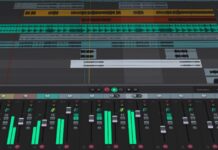
OBS and most streaming software include noise gate and noise suppression filters for free.
A noise gate cuts your mic feed when you stop talking, so room hum and fan noise disappear between sentences. A suppression filter scrubs out steady background noise in real-time.
I would set the noise gate in OBS Studio before spending another dollar on hardware. The difference between a raw mic feed and one with a tuned noise gate is dramatic, and it costs nothing.
Picking the Right Streaming Microphone for Your Budget
The microphone that fits depends on three things: your budget ceiling, your room conditions, and how long you plan to stream.
The items below break down each budget tier into a direct recommendation:
- Under $100 and testing the waters: the AT2005USB at $79 gives hybrid flexibility at the lowest cost
- Under $150 and committed to USB: the Sennheiser Profile at $139.99 for desk control, or the Wave:3 at $149.99 for Elgato ecosystem users
- Ready to invest in a growth path: the MV7+ at $299.99 covers USB today and XLR tomorrow
- Going full broadcast XLR: the RE20 at $449 if you move around while talking, or the SM7B at $439 if your interface can supply +60dB of gain
One more note on budget: factor in the Sweetwater microphone listings for current street prices. Retail pricing shifts frequently, and a $20 price drop can move a mic from “stretch” to “easy yes.”
Questions People Ask About Best Microphones for Streaming
Q: Do I need an audio interface for streaming?
Only if you choose an XLR microphone. USB mics convert audio internally and plug straight into your computer. If you go XLR, expect to spend $60 to $200 on a capable interface on top of the mic price.
Q: Is a condenser or dynamic mic better for streaming at home?
Dynamic mics reject background noise better, making them the safer pick for untreated bedrooms. Condenser mics capture more vocal detail but also pick up keyboard noise, room echo, and HVAC hum.
Q: Is the Shure SM7B worth it for a new streamer?
The SM7B at $439 needs a preamp delivering +60dB of gain. Pairing it with a budget interface often produces worse results than a $99 PodMic through a matched interface. The SM7B is a long-term investment, not a starter mic.
Q: Can I use a gaming headset mic instead of a standalone microphone?
Gaming headset mics work for casual play, but the audio quality drops noticeably on stream compared to even a $79 standalone mic. Viewers tolerate lower video quality more than thin, compressed voice audio.
Q: How close should a streaming microphone be to my mouth?
Six to eight inches is the standard target. Closer pickup gives a warmer tone and reduces room noise, but getting too close causes plosive pops and proximity bass buildup. A pop filter or slight off-axis angle helps at that distance.
Conclusion
The right streaming microphone fits your room and your workflow, not someone else’s YouTube setup. Spending $439 on a mic that needs $150 more in preamp gear is a worse decision than spending $99 on one that matches your space.
Audio placement and free software filters close the gap between budget and broadcast mics faster than most creators expect. Start with what your room can handle, and upgrade the signal chain later.