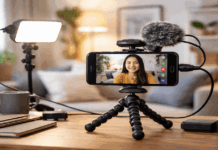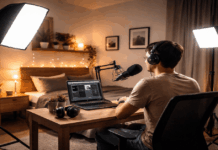
A webcam or phone can look grainy, flat, or strangely dark even when the camera is working properly. The question of how many lights you need for home video recording depends on what the camera is struggling to show, not on how much equipment another creator owns.
This guide is for people filming tutorials, online classes, livestreams, product clips, or YouTube videos in a bedroom, office, or living-room corner. It explains when one light is enough, when a second or third fixture solves a real problem, and when extra gear adds clutter.
Start With What the Camera Is Actually Struggling to Show
Record a sample where and when you normally film. Identify a visible problem and room limitation before adding equipment.
When a Dark Face Is the Only Real Problem
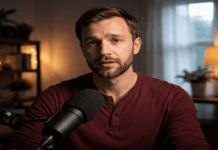
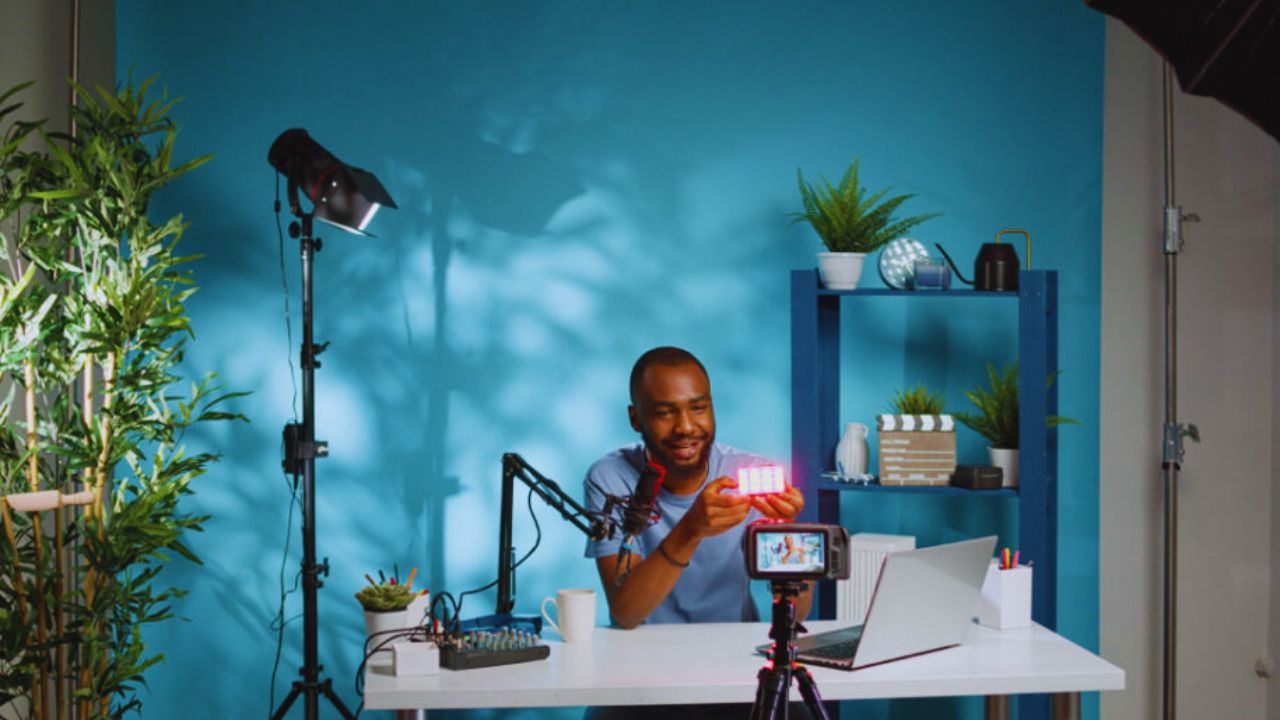
If your face is dark but the background already looks acceptable, one key light is enough. Place it above eye level and beside the camera so features stay clear without becoming flat.
A larger, diffused source softens facial shadows better than a bare LED. This suits talking-head videos and webcam calls with a close, consistent frame.
When the Background Is Competing With You
A bright window, pale wall, or cluttered shelf can make the camera expose for the wrong area. More face light will not fix that if the background remains much brighter than you are.
Close a curtain, change angle, or move farther from the wall before buying another fixture. These changes improve background balance and camera exposure without adding another stand.
One Light Works Best When Your Setup Stays Predictable
One light is practical when you film in the same spot, use a close frame, and control daylight changes.
The aim is a repeatable setup that gives clear footage without slowing every recording session.
Place the Key Light Before You Judge Its Power
Set the light 20 to 45 degrees from the camera and slightly above eye level, then record a sample. Low light creates odd upward shadows, while a front-on light can remove too much shape.
Move the fixture closer before raising brightness because distance affects softness and exposure. This reduces under-eye shadows and visible grain without making skin look shiny.
Choose the Fixture That Fits Your Available Space
A small softbox LED works for gentle light in a fixed corner. A diffused LED panel gives desk flexibility, while a ring light suits limited storage.
Ring lights can make faces even, but may create circular catchlights and glasses reflections. Choose what you can set up consistently, since easy placement and steady use matter most.
A Second Light Solves Two Different Problems
Two lights are often the best step up because one shapes your face while the other handles shadows or background darkness.
Decide whether you need softer contrast or better separation so the second fixture has a clear job.
Use Fill Light When One Side of Your Face Looks Too Heavy
A fill light sits opposite the key and gently lifts the darker side of the face. Keep it weaker than the key, or the image can lose depth and look washed out.
A reflector, foam board, white wall, or low-powered panel may work before another large lamp. This suits teaching videos and interviews where a calm, readable face matters.
Use a Background Light When the Room Feels Empty
Choose a background light when your face looks clear but the room behind you feels black or disconnected. Aim a small lamp or LED at a wall, plant, shelf, or artwork, not toward the camera.
Keep the glow gentle because a bright patch behind your head can become distracting. This creates visual separation and more depth for solo videos without a full studio.
Also Read: Best Accessories for Home Recording Setups
Bring in a Third Light Only for Wider or Trickier Scenes
A third light helps when you need more separation from the background or coverage across a larger frame. It should solve a specific issue, not become another source of glare or heat.
A Back Light Helps When You Blend Into the Room
A back light sits behind and above you, adding a subtle edge along hair or shoulders. It helps with dark clothes on a dark wall, textured backgrounds, or wider shots where the room carries more weight.
Keep it dim and check the camera angle, because lens flare or a visible fixture can ruin the effect. Used carefully, it creates subject separation and a more layered picture.
Wider Framing Changes the Coverage You Need
Standing tutorials, cooking videos, crafts, and desk demonstrations show more than a head and shoulders. One key can leave hands, work surfaces, or the far side of the frame too dark.
A larger soft source farther back may cover the area better than several small fixtures. Test movement for uneven coverage and hard floor shadows before buying more gear.
Four or More Lights Are for Specific Production Needs
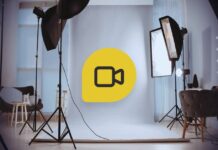
Four lights make sense when multiple people, reflective products, or a separate background need attention. Use this quick playback check to confirm the added fixture solves a real limitation:
- Uneven coverage across people, hands, or the work surface
- Strong reflections on glass, packaging, or screens
- Visible shadows or color spill on a green screen
Product and Tabletop Videos Need Reflection Control
Product reviews and unboxings often need separate light because packaging, metal, glass, and screens reflect the room.
You may need one source for yourself, another for the item, and a background accent. Raise or angle each light gradually until labels stay readable and hot spots soften. This gives cleaner product detail and less distracting glare than maximizing every lamp.
Green Screens and Two-Person Sessions Need Separate Coverage
A green screen needs even light across the fabric and separate light for the person standing in front. Standing too close creates shadows and colored spill around the shoulders that complicate cleanup later.
Two people may also need individual keys or one large soft source plus a background light. Plan for scene size and subject movement, because coverage matters more than copying a fixed number.
Conclusion: Let the Test Footage Decide the Light Count
For many home creators, one key light is enough to begin, while two lights offer the best balance of control and speed.
Add a third fixture only when you need cleaner separation or wider coverage, not because extra gear automatically improves the video.
Four or more lights are usually for products, green screens, multiple people, or demanding room layouts. Review the test footage, identify the one problem you can see, and choose the next light that addresses it.