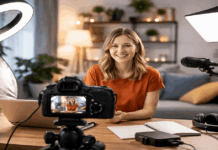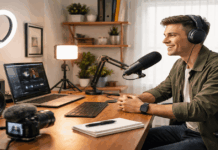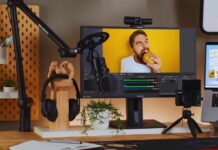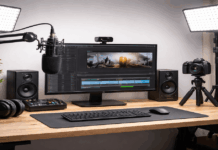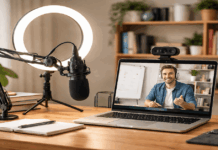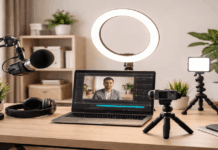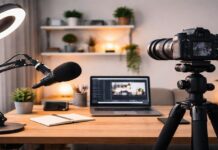
Tearing down your recording setup every night because your desk doubles as a dining table changes how you think about gear. The dream studio on YouTube looks nothing like a 400-square-foot apartment.
A small apartment creator setup forces different decisions. Price matters, sure. But so does footprint, teardown speed, and whether your neighbors hear everything.
This guide is for the creator recording between a bed and a bookshelf. The one who needs clear audio on calls, clean video on streams, and gear that fits in a drawer when company comes over.
Every microphone, light, and mount listed here was picked for compact spaces specifically. No ring lights the size of a hula hoop. No boom arms that knock into ceiling fans.
Pick a Corner and Stop Moving It
The single biggest upgrade for any small apartment creator setup has nothing to do with gear. It has to do with picking one corner and committing to it.
Consistency in your recording spot means your lighting angle stays the same, your mic distance stays predictable, and your background stays clean between sessions.
Every time you relocate your setup, you burn 15 to 20 minutes adjusting things that were already dialed in yesterday. That lost time compounds into skipped sessions and abandoned projects.
Reduce Noise at the Source
Soft surfaces eat echo. A rug under your chair, a curtain behind your camera, and a blanket draped over a hard shelf can cut room reverb noticeably.
Skip the $200 acoustic foam panels. A $15 moving blanket pinned to the wall behind your monitor does the same job in a 10-by-12 room.
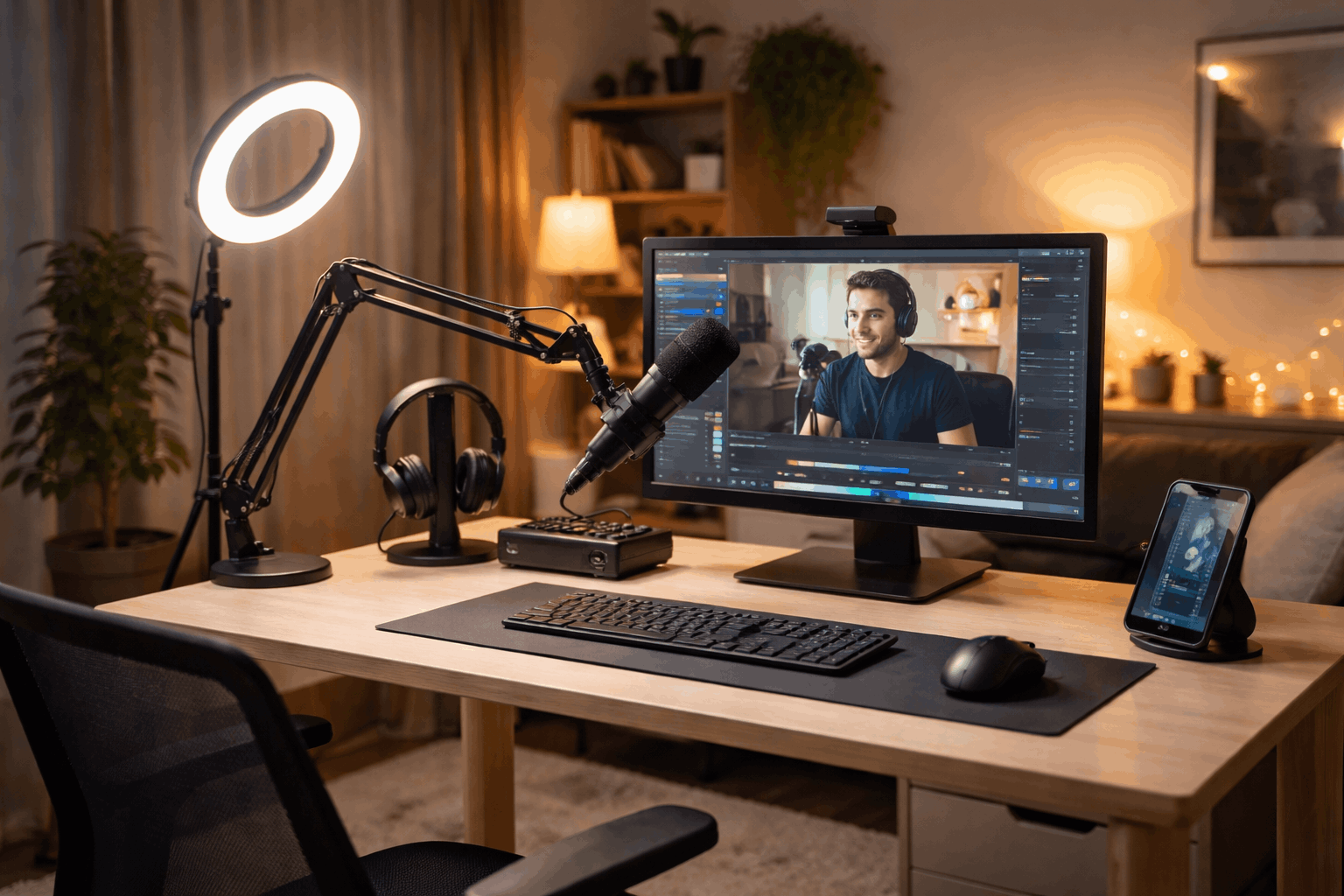
Timing matters too. Record when the building is quieter: early morning or late evening. Close windows, turn off fans, and unplug chargers that buzz.
Run a ten-second test clip before every session. That quick listen catches hum, reverb, or the neighbor’s music before you record 30 minutes of unusable audio.
Set Up a Background That Repeats Itself
A messy shelf behind your head pulls attention away from your face on camera. But you don’t need a backdrop. A blank wall, a small plant, and one framed print create enough visual separation.
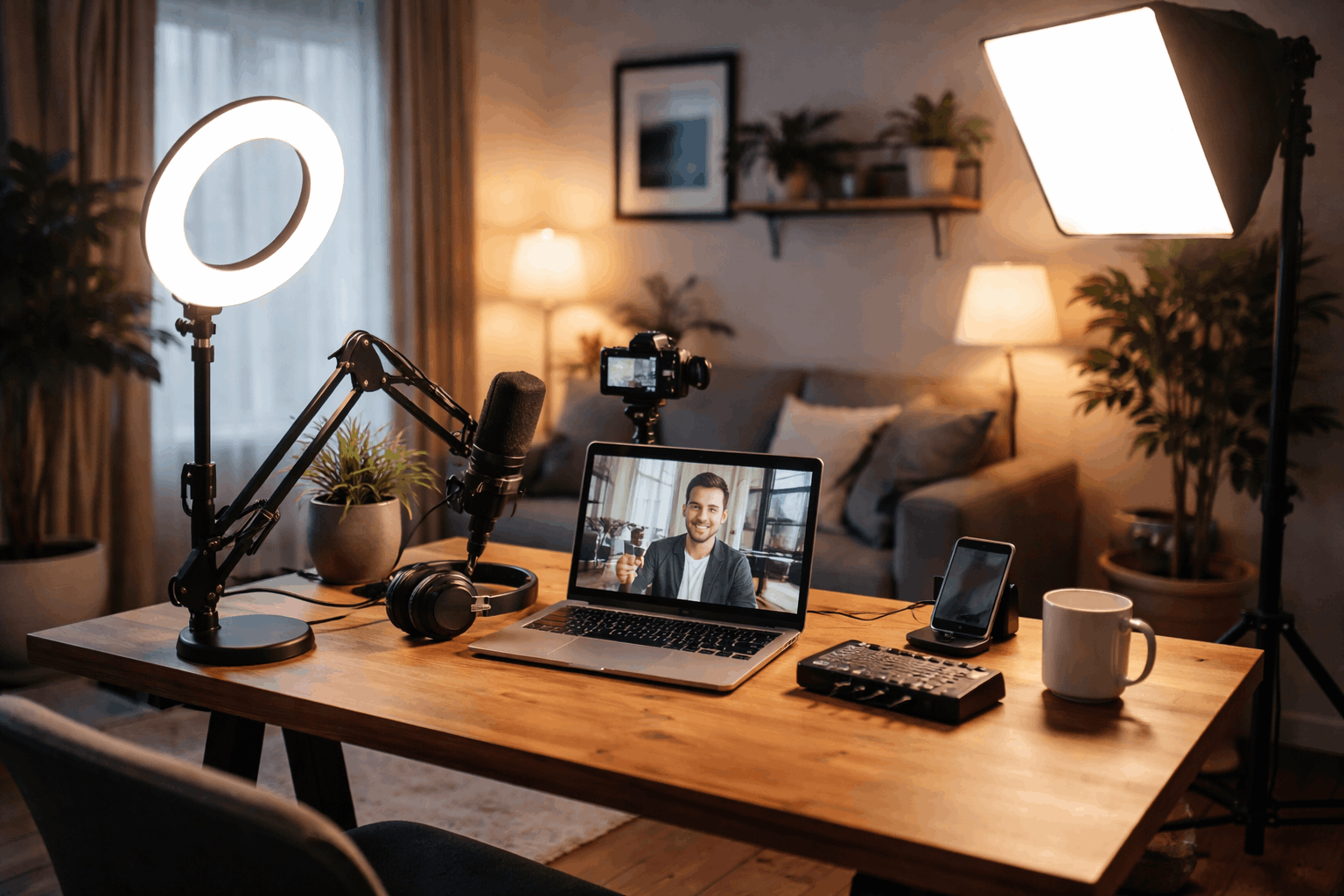
Keep a small “background kit” in a bin: the plant, the print, maybe a desk lamp for depth. Pull it out, place it, record, put it back. The goal is a frame you can recreate in under two minutes without redecorating your entire apartment.
Also read: How to Balance Audio and Video in a Home Setup
Best Microphones for Apartment Recording in 2026
Microphone choice in a small apartment comes down to one question that most gear guides skip: how noisy is the room you can’t change?
I would pick a dynamic microphone over a condenser for any apartment that sits near a busy street, shares walls with neighbors, or runs air conditioning during recording. The common advice says condensers capture more detail, and that’s true.
But that detail includes your upstairs neighbor’s footsteps, the garbage truck outside, and the hum of your mini fridge six feet away. The Shure MV7+ at $299 rejects more of that background noise than any condenser at the same price.
I think the “get a condenser first” advice costs apartment creators more time in post-production noise cleanup than the detail is worth.
That said, if your apartment is quiet and you can record close to the mic (within 4 to 6 inches), a condenser like the RØDE NT-USB+ at $166.90 will give you richer vocal clarity.
Apartment Microphone Comparison
| Microphone | Type | Price | Best Apartment Use |
|---|---|---|---|
| Samson Q2U | Dynamic (USB/XLR) | $99.99 | Budget streaming and calls in noisy rooms |
| Elgato Wave:3 | Condenser (USB) | $149.99 | Creator workflows on quiet desks |
| Sennheiser Profile USB | Condenser (USB) | $139.00 | Talking-head videos and meetings |
| RØDE NT-USB+ | Condenser (USB) | $166.90 | Voice-over and podcasting in quiet spaces |
| Shure MV7+ | Dynamic (USB/XLR) | $299.00 | Noisy apartments with AC, street noise, or shared walls |
The Samson Q2U at $99.99 is the strongest value pick for creators who want dynamic noise rejection on a tight budget, while the Shure MV7+ is the long-term investment if your room will never be quiet.
A pop filter and a short desk stand should ship with your mic order. These two accessories cost under $20 together and eliminate plosive pops and handling vibrations that no amount of software can fully fix.
Lighting for Clean Video in Tight Spaces
Lighting upgrades any camera. A $50 webcam under proper light looks sharper than a $200 webcam in dim overhead fluorescence. The trick in small apartments is controlling one light source instead of fighting three mismatched ones.
Mixed lighting is the silent killer of skin tones on camera. A warm desk lamp plus a cool overhead bulb plus daylight leaking through blinds creates a color temperature mess that auto white balance cannot solve.
Turn off every light in the room, close the blinds, and start with one adjustable light aimed at your face.
Compact Lights Worth the Desk Space
The Logitech Litra Glow at $59.99 is a USB-powered panel that clips to a monitor or sits on a tiny stand. For webcam calls and desk streaming, it handles the job without a single extra cable running to an outlet.
For creators who need more output, the Elgato Key Light Air at $139.99 produces soft, adjustable light that fills a face evenly at close range.
I would skip the full-size Elgato Key Light in any room smaller than 12 by 12 feet: it’s built for a distance that small apartments don’t offer, and the Air version covers the same face-lighting need at a lower price.
The Ulanzi VL49 at $22.95 is a pocket-size LED that works as fill light or product lighting. It won’t replace a proper panel, but having one in a drawer gives you a quick secondary light for two-camera setups or overhead shots.
Keep your main light placement at 45 degrees to your face and slightly above eye level.
This angle reduces harsh shadows on the wall behind you, which is a constant problem in tight rooms where your chair sits two feet from the background.
Webcams, Phones, and Picking the Right Camera
A recent smartphone already has a better sensor than most webcams under $150. The iPhone 15 or Samsung Galaxy S24 shoot 4K video with autofocus speed that budget webcams cannot match.
The real question is workflow. A webcam plugs into USB and stays mounted. A phone needs a mount, a charging solution, and a capture app.
f teardown speed matters (and in a small apartment it always does), a dedicated webcam saves friction even if the image is slightly softer.
Mount Everything, Trust Nothing Freestanding
A compact desk tripod keeps phones and small cameras stable without eating up floor space. Clamp arms are even better for apartments because they attach to a shelf or desk edge and hold a mic or camera above your workspace without any footprint at all.
Watch cable routing carefully. One loose USB cable across a narrow walkway will catch a foot and pull a $300 microphone off a stand. Shorter cables with Velcro ties keep runs tight and stands upright.
Monitor Audio and Clean It Up After
Closed-back headphones are mandatory during recording. Speakers create feedback loops, and open-back headphones leak sound into sensitive microphones.
A pair like the Audio-Technica ATH-M50x does the job and has been an industry standard for years.
Set your input gain so the loudest part of your voice peaks around -12 dB. This leaves headroom for sudden laughs or emphasis without clipping. Clipping distortion sounds worse than a slightly quiet recording, and no plugin fixes it cleanly.
A few post-recording steps make a real difference:
- Apply a high-pass filter at 80 Hz to cut low rumble from traffic, desk bumps, and building vibration
- Use light noise reduction only when background hiss is audible; aggressive settings create watery artifacts that sound worse than the original noise
- Normalize your final audio so the loudness stays consistent across playback devices like phones, laptops, and earbuds
- Save a room-tone clip (ten seconds of silence in your recording spot) so you can compare background noise between sessions and catch new problems early
Keep Your Small Apartment Setup Repeatable
The creators who post consistently from small apartments share one trait: they have a default layout they never change. Same corner, same mic position, same light angle. The gear may be modest, but the routine is locked.
Store essentials in one bin or bag. Mic, pop filter, light, phone mount, cables. Missing one USB-C cable can stop a recording session dead and break the momentum that keeps a channel alive.
A short pre-session checklist catches problems before they waste a full recording:
- Check mic input level and run a test clip for background noise
- Clean the camera lens (dust and fingerprints soften video under bright light)
- Confirm the light color temperature matches your setting from last session
- Verify the background looks the same as your last upload
Upgrade one piece at a time. Swapping your mic, light, and camera in the same week means you can’t tell which change made things better or worse.
Isolated upgrades teach you what your specific room needs, and that knowledge is worth more than any gear list.
The Elgato product lineup is a good reference for comparing specs across lights and audio devices side by side.
Questions People Ask About Small Apartment Creator Setups
Q: Do I need acoustic panels in a small apartment?
Probably not. Soft furnishings like rugs, curtains, and blankets absorb enough echo for rooms under 150 square feet. Acoustic panels are designed for larger, harder rooms like garages or basements.
Q: Can I use my phone instead of a webcam for streaming?
Absolutely. A phone on a desk tripod with a capture app like Camo or EpocCam can outperform webcams under $150 in image quality. The tradeoff is extra setup time and needing a charging solution during long sessions.
Q: How much should I spend on a first creator setup for an apartment?
A functional setup starts around $180 to $250: a Samson Q2U ($99.99), a Logitech Litra Glow ($59.99), and a basic desk tripod ($20 to $30). That covers clear audio, clean lighting, and stable framing.
Q: Is a condenser mic bad for apartments?
Not bad, but conditional. Condensers work well in quiet apartments where you can record within 6 inches of the capsule. Noisy rooms with thin walls or street-facing windows get better results from dynamic mics like the Samson Q2U or Shure MV7+.
Q: How do I reduce echo without spending money?
Close your closet doors, hang a thick blanket behind your monitor, and record toward the corner with the most soft furniture. Hard, bare walls bounce sound. Filling those surfaces with anything soft cuts reverb immediately.
Conclusion
Small apartment creator setups reward consistency over expensive equipment and dedicated studio rooms. The right corner, one solid mic, and a single adjustable light handle most recording needs.
Gear that tears down fast and sets up the same way every time keeps creators posting instead of procrastinating. Start with what fits your room and upgrade only after you know what your space lacks.