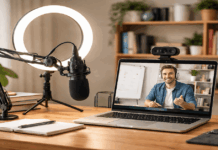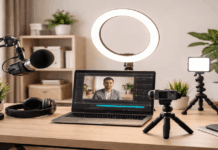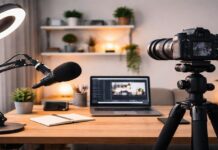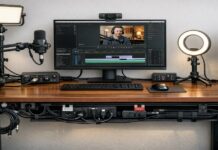
Many creators buy a new camera hoping their videos will instantly look more professional. In reality, most quality problems come from lighting, sound, stability, settings, and the recording environment.
A simple creator setup can make an older phone, webcam, or entry-level camera look cleaner than expected.
Before replacing your gear, it is worth checking whether the camera is truly the problem or if the setup around it needs work.
Check the Setup Before Blaming the Camera
A camera can only capture what the room gives it. If the lighting is weak, the audio is distant, and the frame is shaky, even an expensive camera can look disappointing.
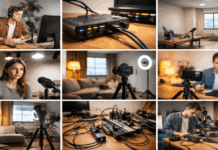
This is why video quality should be treated as a full setup issue, not just a camera issue. The goal is to make every part of the recording easier for the camera to handle.
Why Low Video Quality Turns Viewers Away?
Low video quality makes viewers work harder to follow the message. Dark faces, blown-out windows, shaky footage, and noisy shadows can make a video feel rushed or careless.
Poor audio is often even worse because unclear speech can make people leave before they understand the point.
When quality changes too much from one upload to another, the channel may also feel less reliable to new viewers.
This does not mean every video needs a studio look. Viewers can accept simple visuals when the content is useful and easy to follow.
What they usually struggle with is avoidable friction, such as muffled sound, unstable framing, or lighting that hides the speaker’s face. Fixing those basics often improves trust faster than buying a new device.
Run One Controlled Test Recording
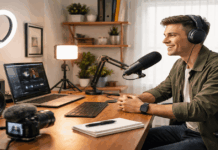
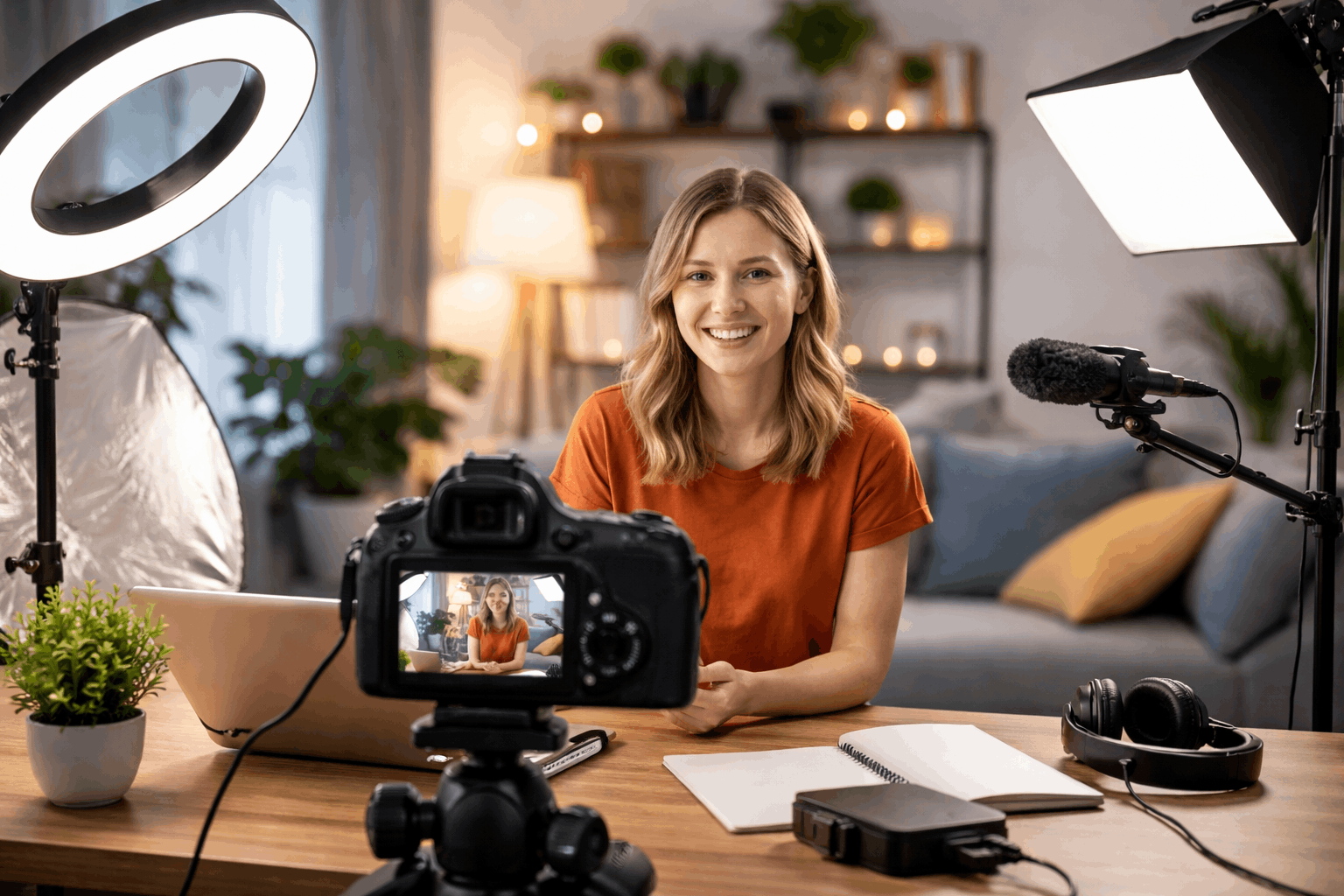
Before upgrading, record one controlled test using your current phone, webcam, or camera. Choose a quiet spot, add enough front-facing light, stabilize the camera, and keep the background simple.
Use the same framing and settings for the whole test so you can judge the real limit of the device. If the footage looks much better in that setup, the camera was probably not the main problem.
This test also helps you avoid random purchases. If your image improves after adding light, then lighting should be the priority.
If the picture looks fine but the sound feels far away, the microphone or room echo needs attention. If the video is sharp while still but bad when handheld, stability is the issue.
Improve What Your Camera Needs Most
Most beginner cameras look worse when they are forced to work in bad conditions. Indoor rooms are often dimmer than they seem, and cameras respond by adding noise, raising exposure, or softening the image.
This can make footage look low quality even when the device is capable of better results. Improving the setup gives the camera a fair chance before you decide to replace it.
Start With Light and Exposure
Good light improves sharpness, color, and skin tone. It also reduces noise because the camera does not need to push the image as hard.
A small LED key light, a soft window setup, or a simple lamp with diffusion can already make a noticeable difference.
The light should make your face clear without turning the background into the brightest part of the frame.
Exposure matters too. If your face is too dark, the video may look grainy and flat. If the highlights are too bright, details in your skin, clothes, or background may disappear.
Try to protect the brightest areas while still keeping your face readable. A clean, balanced image often looks more professional than a very sharp image with bad exposure.
Fix Audio and Stability Next
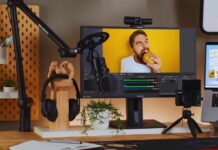
Audio is one of the easiest ways to make a video feel more finished. Moving the microphone closer, using a basic lav mic, or recording in a quieter room can improve the viewer experience quickly.
Soft materials like curtains, rugs, or blankets can also reduce echo without making the setup complicated. Clear speech usually matters more than tiny differences in camera resolution.
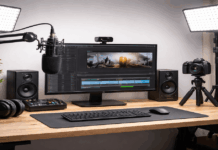
Stability also changes how professional a video feels. A tripod, desk mount, phone clamp, or steady surface can remove distracting shakes.
Stable framing helps autofocus work better and makes editing smoother because the shot does not keep drifting.
Even if the camera is basic, a steady image feels more intentional than high-resolution footage that keeps moving.
Also Read: How to Create a Clean Video Background at Home
Know When a Camera Upgrade Makes Sense
A camera upgrade is not always wrong, but it should solve a clear and repeated problem. Buying a new camera too early can lead to the same issues if the room, light, audio, and settings stay unchanged.
The better approach is to improve the setup first, then see what limitations remain. That way, the upgrade is based on evidence, not pressure.
Keep Your Current Camera When the Setup Is the Problem
You may not need a new camera if your biggest problems are dim lighting, messy background, shaky footage, or echoey audio.
These issues will follow you to the next camera if they are not fixed first. A better camera may capture more detail, but it can also make clutter, harsh light, and poor focus more obvious.
Your current device may still be enough for talking-head videos, tutorials, product demos, online classes, or social clips.
Many phones and webcams can look clean when the light is strong, the lens is clean, and the camera is stable.
If your footage looks good in a controlled setup but bad in normal use, the workflow needs improvement more than the camera body. Start there before spending more money.
Replace the Camera Only After Repeated Hard Limits
A new camera becomes more reasonable when you keep hitting limits that setup fixes cannot solve. For example, your current camera may overheat during long recordings, lose focus often, or perform poorly even in good light.
ou may also need better monitoring, external microphone support, cleaner streaming output, or more control over exposure and color. These are practical reasons to upgrade because they affect the way you work.
Even then, choose a camera based on your content style. A screen-heavy creator may only need a reliable webcam.
A product reviewer may need better autofocus and close-up detail. A filmmaker or advanced creator may benefit from an interchangeable-lens camera, but that also adds more cost and setup decisions.
Affordable Fixes That Often Work First
Before replacing your camera, review the problems that appear most often in your footage. Many of them have simple fixes that cost less than a new camera and improve your results quickly.
This is also a better way to learn your setup because you are solving one visible issue at a time. Once those basics are handled, any future camera upgrade will be easier to judge.
Common Quality Problems and Simple Fixes
Use this quick check before deciding that your camera is the issue:
- If your face looks dark, move the light in front of you or add a soft fill.
- If the image looks blurry, clean the lens and check focus distance.
- If footage is shaky, use a tripod, phone clamp, or stable desk mount.
- If audio sounds noisy, record in a quieter spot and move the mic closer.
- If colors shift during recording, lock white balance when possible.
- If the background distracts, use a plain wall, curtain, or tidy shelf.
These fixes may seem basic, but they solve many problems that creators mistake for camera limitations. They also help you build a repeatable process.
When your light, sound, and frame are consistent, your videos become easier to edit and easier for viewers to watch.
Upgrade One Weak Point at a Time
A small upgrade plan is safer than changing everything at once. Start with the issue that hurts the viewer experience the most.
For many creators, that means audio first, then lighting, then stability, then camera settings. Once those are handled, you can decide whether the camera still limits your work.
Avoid buying gear just because another creator uses it. Their room, content style, budget, and workflow may be different from yours.
Your best upgrade is the one that removes a repeated problem from your own videos. That keeps spending focused and prevents your setup from becoming more complicated than it needs to be.
Conclusion
Better video quality usually comes from stronger light, clearer audio, steadier framing, and more consistent settings.
Your current phone, webcam, or camera may already be good enough once the setup around it is controlled.
Test one recording in a quiet, well-lit, stable space before deciding what to upgrade. Improve one weak point at a time so your videos become cleaner without unnecessary spending.