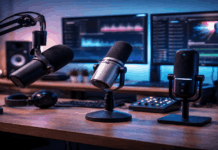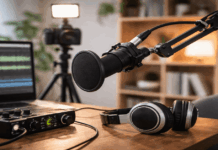
A clear voice is the fastest upgrade you can make to your home setup. Built-in laptop mics tend to sound distant and pick up room noise.
A good mic also helps your webcam and lighting look more “pro” because people stay engaged.
How to Choose The Right Meeting Mic
A meeting mic should prioritize speech clarity, not big “studio” bass. Your room and mic placement will matter as much as the mic model.
USB is simplest, while USB/XLR hybrids give you an upgrade path later. If your space is noisy, a headset mic can beat any desk mic.
Best Plug-and-Play USB Microphones for Everyday Creators
These are the easiest upgrades for Zoom, Google Meet, Teams, and Discord. You plug in one cable, select the mic in your meeting app, and you are done.
They work well with simple creator desks that also use a webcam and a small light.
Expect your best results when the mic sits 6–12 inches from your mouth.
Sennheiser Profile USB Microphone
Sennheiser built this as an all-in-one desktop USB-C mic with onboard gain, mix, and headphone controls.
A typical price is about US$139.99 for the mic, with higher pricing for the Streaming Set bundle.
Use it if you want clean voice quickly, plus hardware knobs you can adjust mid-call.
Elgato Wave:3
Elgato positions Wave:3 as a creator-friendly USB-C mic that pairs well with simple streaming and meeting setups.
The official price shown by Elgato is US$149.99.
It supports 24-bit capture and includes Clipguard anti-distortion for sudden peaks, which helps if you talk loudly or laugh mid-call.
RØDE NT-USB+
RØDE lists the NT-USB+ as a professional USB mic with a tight cardioid pattern, headphone monitoring, and included stand and pop filter.
A current listed price is about US$166.90 at a major US retailer.
Choose it when you want a traditional “studio-style” USB mic for meetings and basic voice recording without extra gear.
Logitech Blue Yeti (Yeti)
Logitech describes Yeti as a USB mic with a three-capsule array and multiple pickup patterns for different recording situations.
A typical listed price is about US$107.99 at major retailers, depending on color and sales.
Use cardioid for solo calls, and only switch patterns if you truly understand what they change in your room.
Best USB/XLR Hybrid Microphones for Upgrade Paths
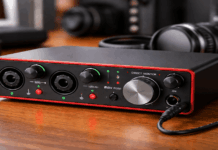
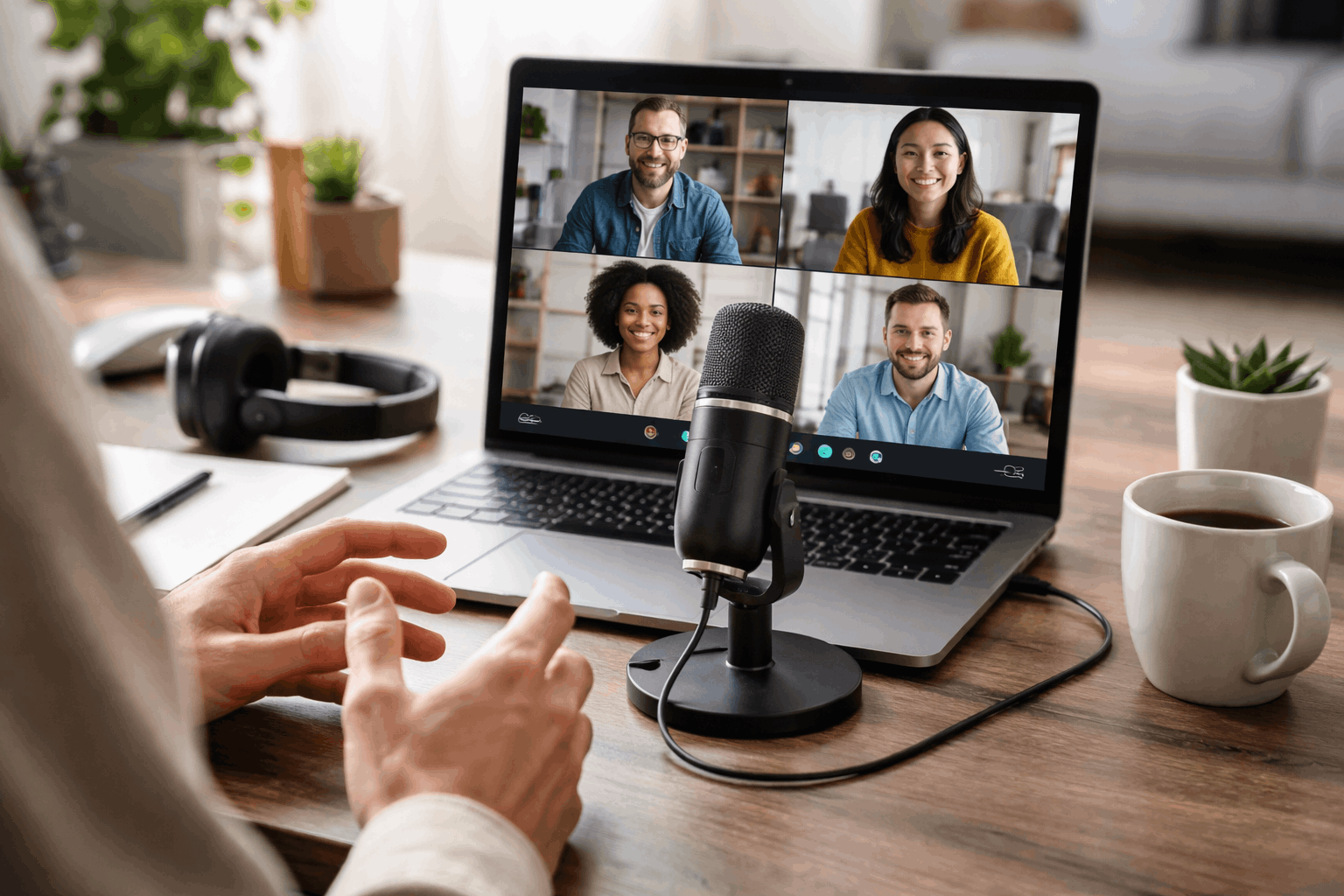
Hybrids let you start on USB today and move to an interface or mixer later.
This category is popular because you can improve your chain without replacing the mic.
Dynamic hybrids also tend to handle imperfect rooms better than sensitive condensers.
You still need close placement, but you usually fight less echo and fan noise.
Shure MV7+ (USB-C / XLR)
Shure describes MV7+ as a dynamic mic with USB-C and XLR outputs plus updated Auto Level Mode and DSP features like a digital pop filter and denoiser.
A typical retail price is about US$279.00 for the MV7+ at a major electronics retailer.
Pick it if you want a “set-and-forget” meeting sound on USB now and XLR flexibility later.
RØDE PodMic USB (USB-C / XLR)
RØDE markets PodMic USB as a broadcast-style dynamic microphone with dual USB and XLR connectivity for flexible setups.
A current listed price is about US$193.58 at a major photo/audio retailer.
It makes sense if you want a desk mic that can grow into an interface-based audio chain over time.
Samson Q2U (USB-C / XLR)
Samson lists Q2U as a dynamic mic with USB-C digital output, XLR analog output, and a 3.5 mm headphone output.
The Q2U pack is commonly listed at US$99.99 at major retailers.
This is a strong value if you want hybrid connectivity for meetings without spending Shure-level money.
Audio-Technica ATR2100x-USB (Certified Refurbished)
Audio-Technica sells a certified refurbished ATR2100x-USB through its outlet store.
The listed outlet price is US$39.50, which is unusually low for a USB/XLR combo mic.
Use it if you want a budget hybrid for calls and you are comfortable buying refurbished from the manufacturer.
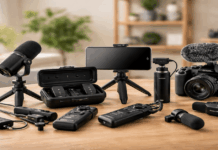
Best Portable and Camera-Friendly Options for Hybrid Setups
Some meetings happen away from your desk, or you want a mic that also works for video.
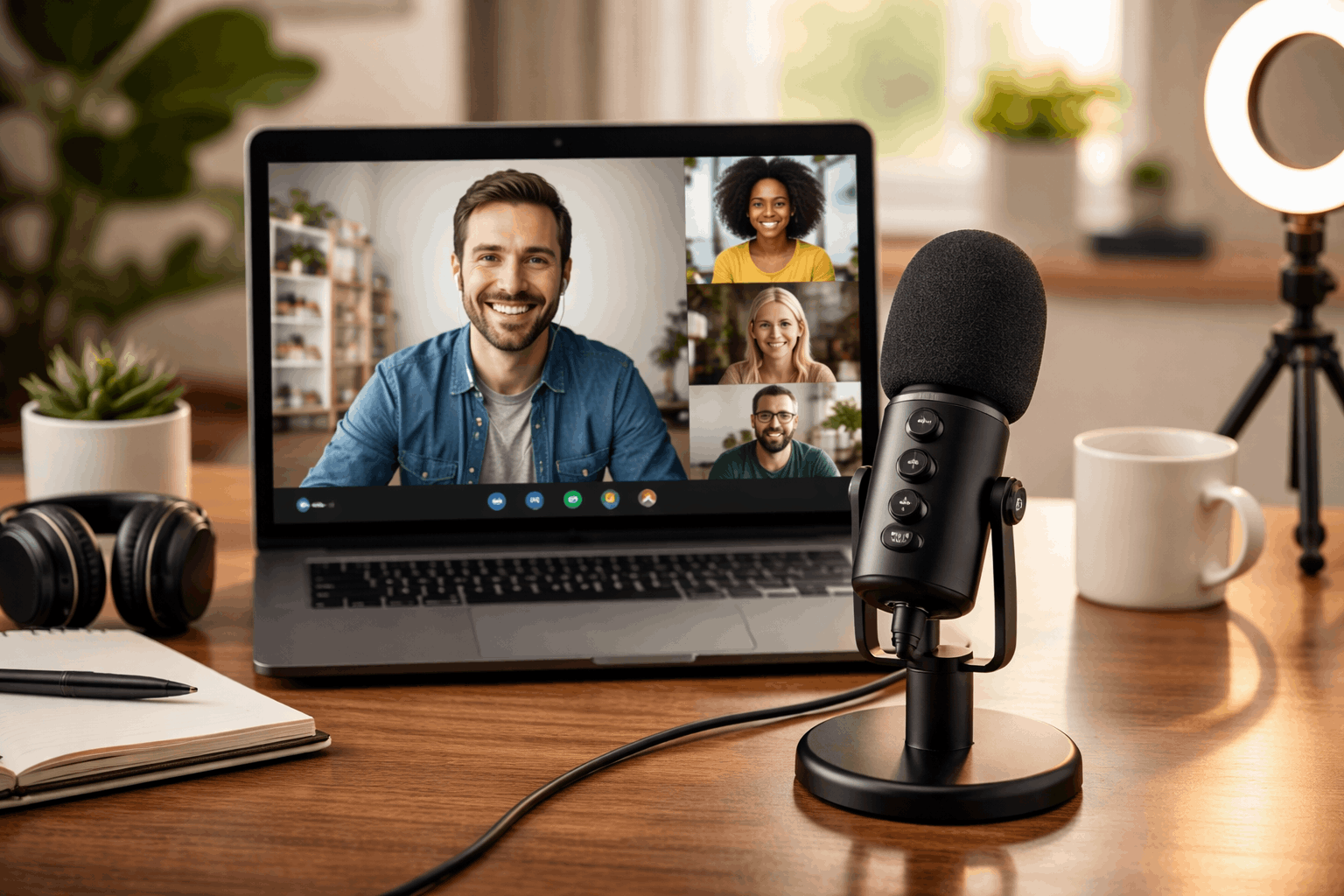
These picks fit well with lightweight creator kits that include a tripod, small light, and webcam.
They also help when you need a cleaner sound than a phone or laptop mic can deliver.
Portables reward careful positioning, so keep them close and stable.
RØDE VideoMic GO II (Analog / USB-C)
B&H lists the VideoMic GO II-H as a supercardioid shotgun mic with both 3.5 mm TRS and USB-C outputs for cameras, computers, and mobile devices.
The listed price is US$99.99.
It works well when your camera or monitor is your “center,” and you want the mic to live on a small stand or camera mount.
DJI Mic 2 (Wireless system)
DJI promotes Mic 2 as a wireless microphone system with intelligent noise cancelling and support for 32-bit floating-point internal recording.
A typical listed price is US$199.99 at major retailers.
Choose it if you need a clean voice while standing, presenting, or moving around during calls and recordings.
Best Headset-Style Mic for Noisy Rooms
A headset mic stays close to your mouth even if you move. That proximity helps your voice cut through keyboard noise and room reflections.
It is also the simplest way to keep your mic level consistent across long meetings.
If your space is shared, a headset can be the most reliable solution.
Jabra Evolve2 40 SE
Jabra advertises Evolve2 40 SE with 3-microphone call technology designed to reduce background conversation noise.
A commonly listed price is about US$154.00 for the USB-A UC mono variant at major retailers.
Pick it when you need predictable call quality more than “recording” tone, especially in busy environments.
Final Take
Start with the microphone type that matches your room, not the one that looks most “studio.”
USB mics like Wave:3, Profile, NT-USB+, and Yeti are the fastest upgrades for clear meetings.
Pick one model from the category that fits your space, then improve placement and room control for the biggest gain.