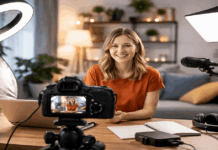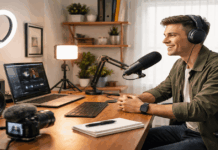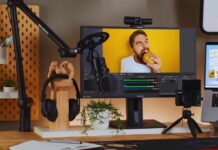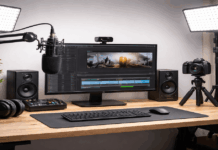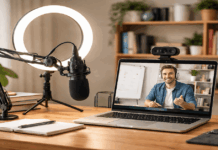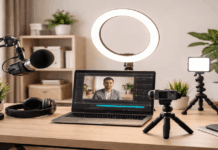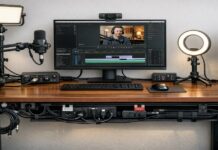
A consistent look makes your channel feel like one connected series instead of random uploads. It also saves time because you stop fixing lighting, color, framing, and graphics from scratch every session.
You do not need expensive gear to create this kind of visual identity. What you need is a small set of repeatable choices for your camera, lighting, audio, background, and editing style.
Create Simple Style Rules Before Recording
Consistency starts before you turn on the camera. If you decide your look only while recording, each video may end up with different framing, colors, movement, and sound.
A short style rulebook helps you make faster choices and avoid overthinking. It also gives your videos a familiar feel, even when the topic changes.
Choose One Mood and Keep It Clear
Start with one mood word that describes how your videos should feel. It could be clean, cozy, bright, calm, warm, or sharp. This small choice helps guide the rest of the setup, from lighting and background to editing and thumbnails.
For example, a clean style may use soft light, a simple background, and minimal graphics, while a cozy style may use warmer tones and a small lamp in the background.
The mood should match the type of content you make. Educational videos often benefit from a clear and distraction-free look.
Lifestyle or personal content may feel better with a warmer, more lived-in frame. Once you choose the mood, keep it visible in your notes so you can check it before recording.
Pick a Visual Anchor
A visual anchor is one element that appears in your videos regularly. It can be a lamp, plant, notebook, shelf, chair, or small object that fits your style.
The point is not to decorate heavily, but to give viewers something familiar in the frame. When the same element appears in the same area, your videos feel more connected.
Keep the anchor simple and avoid placing it where it competes with your face. It should support the frame, not become the main subject.
If you film in different locations, choose an anchor that is easy to move, such as a notebook, small lamp, or background color. This helps you keep a consistent look even when the room changes.
Also Read: How to Build a Lighting Setup Step by Step
Keep Camera, Lighting, and Color Repeatable
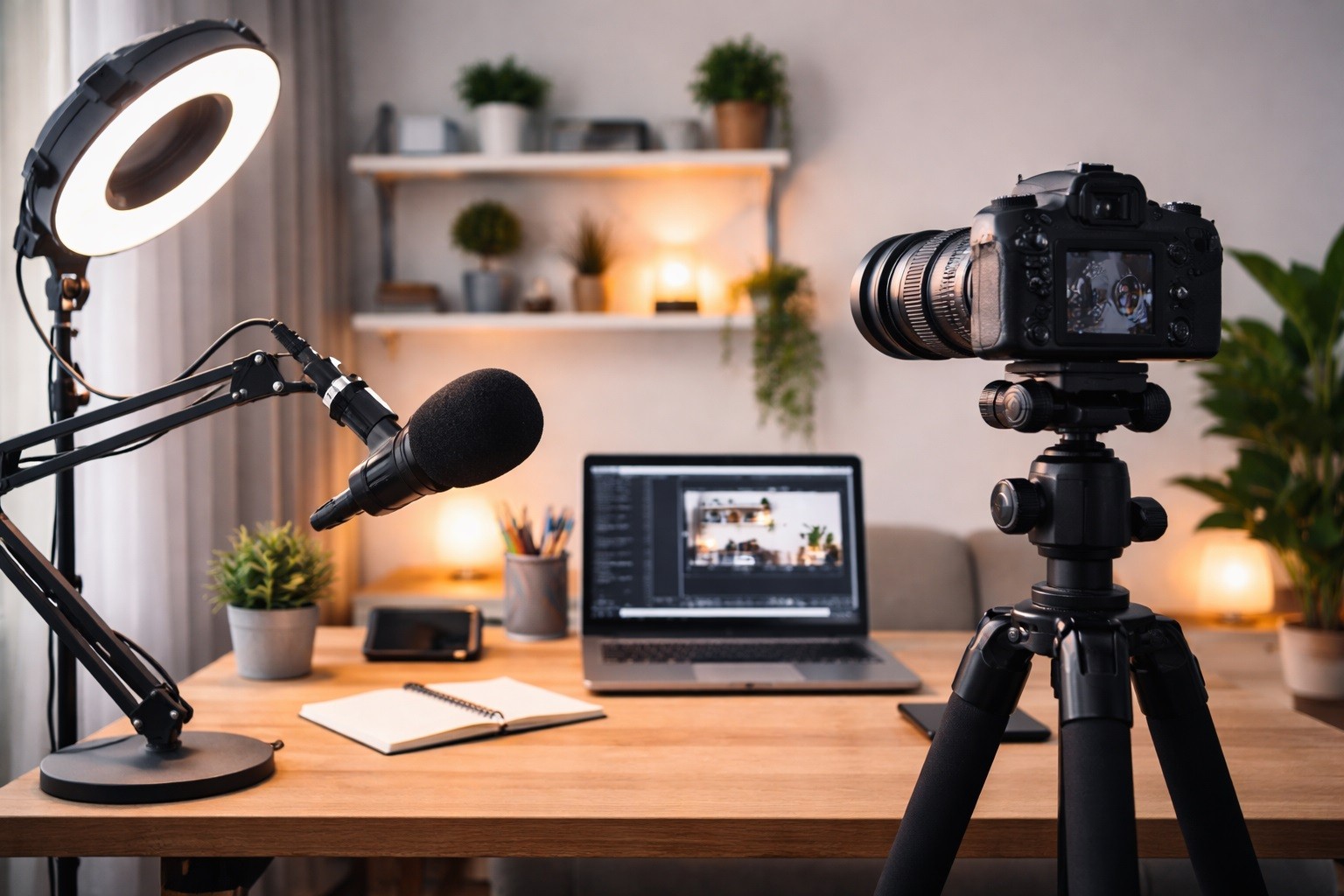
A consistent look depends on repeatable setup choices. Your camera angle, light direction, and color balance should not change too much from one video to the next.
Viewers may not notice every technical detail, but they can feel when the style shifts suddenly. A stable setup makes your content look more intentional and easier to watch.
Standardize Framing and Movement
Choose one main camera style and use it often. If your videos are mostly talking-head content, keep the camera near eye level and use a similar distance each time.
If you use handheld clips, keep the movement steady and controlled instead of changing angles randomly. If you use a tripod, avoid unnecessary zooms or dramatic angle changes unless the topic really needs them.
Movement also affects the feel of your videos. B-roll clips should follow a similar rhythm, such as slow product pans, steady desk shots, or short detail clips.
If one video uses smooth slow shots and the next uses fast shaky movement, the channel may feel less unified. You can still add variety, but the overall motion style should feel like it belongs to the same creator.
Match the Shape of Your Light
Lighting consistency is not only about brightness. The shape of the light matters too. A soft key light creates gentle shadows and a smooth look, while harder light creates more contrast and sharper edges.
Choose one lighting style that fits your content, then recreate it as closely as possible. Use the face as your guide.
Check the shadows around your nose, cheek, and jaw before recording. If the shadows are much deeper than usual, move the light closer or soften it. If the face looks too flat, move the light slightly to the side to bring back shape.
Keep Skin Tone Natural
Color consistency becomes easier when skin tone is the priority. Background colors can shift a little, but viewers notice quickly when skin looks too yellow, too blue, or too saturated.
If your camera allows it, lock white balance instead of leaving it on auto. This prevents color from changing during the video.
Avoid mixing too many light sources. Window light, ceiling bulbs, desk lamps, and RGB lights can all create different color temperatures in one frame.
If the image looks uneven, turn off extra lights and rebuild the look with one main source. A simple color setup is usually easier to repeat than a busy one.
Make Audio and Editing Part of the Same Style
Your channel’s look is not only visual. Sound, graphics, thumbnails, text, and pacing also affect how consistent your content feels.
A viewer may not describe these things out loud, but they notice when the audio suddenly changes or the editing style feels unfamiliar. Treat these details as part of the same system.
Keep Your Audio Texture Familiar
Audio texture is the overall feel of your sound. A close microphone sounds different from a headset mic, and a quiet room sounds different from an echoey one.
Choose one main microphone setup and keep the distance, angle, and recording space as consistent as possible. This keeps your voice tone familiar across videos.
Try not to switch between different microphones unless you need to. If you must change devices, match the loudness and tone as closely as possible.
Soft materials like rugs, curtains, or blankets can also help the room sound more controlled. Even small changes in echo can make videos feel like they were made in a different environment.
Build Templates for Visual Details
Templates make your videos feel connected without making them boring. Use the same font family, caption placement, thumbnail structure, and highlight color across your content, and save them in a Brand Kit.
You can still change the words, photos, and topics, but the frame should feel familiar. This helps viewers recognize your content faster.
Use one simple checklist before recording and editing:
- Check camera height, framing, and background anchor.
- Match the key light position and shadow style.
- Lock white balance or use the same color setting.
- Keep microphone distance and gain consistent.
- Reuse the same caption, thumbnail, or lower-third style.
This checklist should take less than a minute once your setup is familiar. It prevents small changes from slowly turning into a completely different style. It also reduces editing work because your footage starts closer to the final look.
Stay Consistent When Filming in Different Places
Creators do not always record in the same room. Travel, shared spaces, busy schedules, and different content formats can force the setup to change.
Consistency is still possible if you protect the most recognizable parts of your style. Focus on the elements viewers notice most: face lighting, audio clarity, framing, and color.
Use a Portable Look Kit
A portable look kit helps you recreate your style outside your usual setup. It may include a small light, microphone, phone stand, tripod, and one familiar visual item.
This keeps your setup from feeling completely different when you film in another room. The kit should stay small enough that you actually use it.
When the background changes, prioritize your face first. Keep the camera angle similar and place the light in the same direction you normally use.
A different room can still feel connected to your channel if your lighting and framing stay familiar. Do not chase a perfect background if it ruins the lighting or sound.
Change One Thing at a Time
Improving your style is easier when you change one variable at a time. If you adjust lighting, camera settings, thumbnails, and audio all in the same week, it becomes hard to know what helped.
Make one change, test it, then decide if it belongs in your regular setup. This keeps your look stable while still allowing progress.
Saving references also helps. Keep one clip that represents your best look, then compare new test clips against it.
Take photos of your light position, tripod height, and background layout. These small references make consistency easier when you reset your setup later.
Build a Look Viewers Can Recognize
A consistent video style comes from repeatable choices, not expensive equipment. Use simple rules for your background, lighting, camera movement, color, audio, and graphics.
Keep improving slowly, but avoid changing too many things at once. When every video feels like it belongs to the same world, your channel becomes easier to recognize and trust.