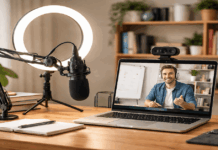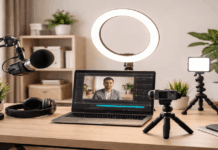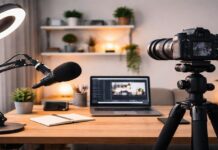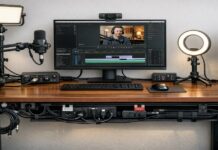
Weekly videos become easier when your setup removes small decisions before they slow you down. Instead of rebuilding your lights, camera, microphone, and files every time, the goal is to create a system that is ready to use.
A “good enough every week” setup is usually better than a perfect setup you keep delaying. This guide is for creators who want consistent videos without making the process feel heavy.
Build for Repeatability, Not Just Quality
A weekly video schedule changes how you should think about your setup. Quality still matters, but repeatability matters just as much because you need to record, edit, and publish on a predictable rhythm.
If every video requires a full room reset, weekly publishing becomes tiring fast. A reliable workflow helps you protect your schedule even when the week gets busy.
Choose a Filming Day and an Upload Day
A fixed filming day gives your week structure. It helps you prepare your outline, set up your room, and record while your energy and lighting are easier to manage.
A fixed upload day also reduces last-minute edits because you already know when the video needs to be ready.
If a week becomes too busy, you can still publish a shorter video instead of missing the schedule completely.
This rhythm also helps you notice problems more clearly. If the same issue keeps happening every filming day, such as poor sound, uneven light, or messy files, you know what needs to be fixed.
Without a set schedule, it is harder to tell whether the problem is the gear, the room, or the workflow. Weekly creation makes patterns easier to see.
Keep the Setup Close to Ready
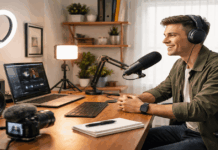
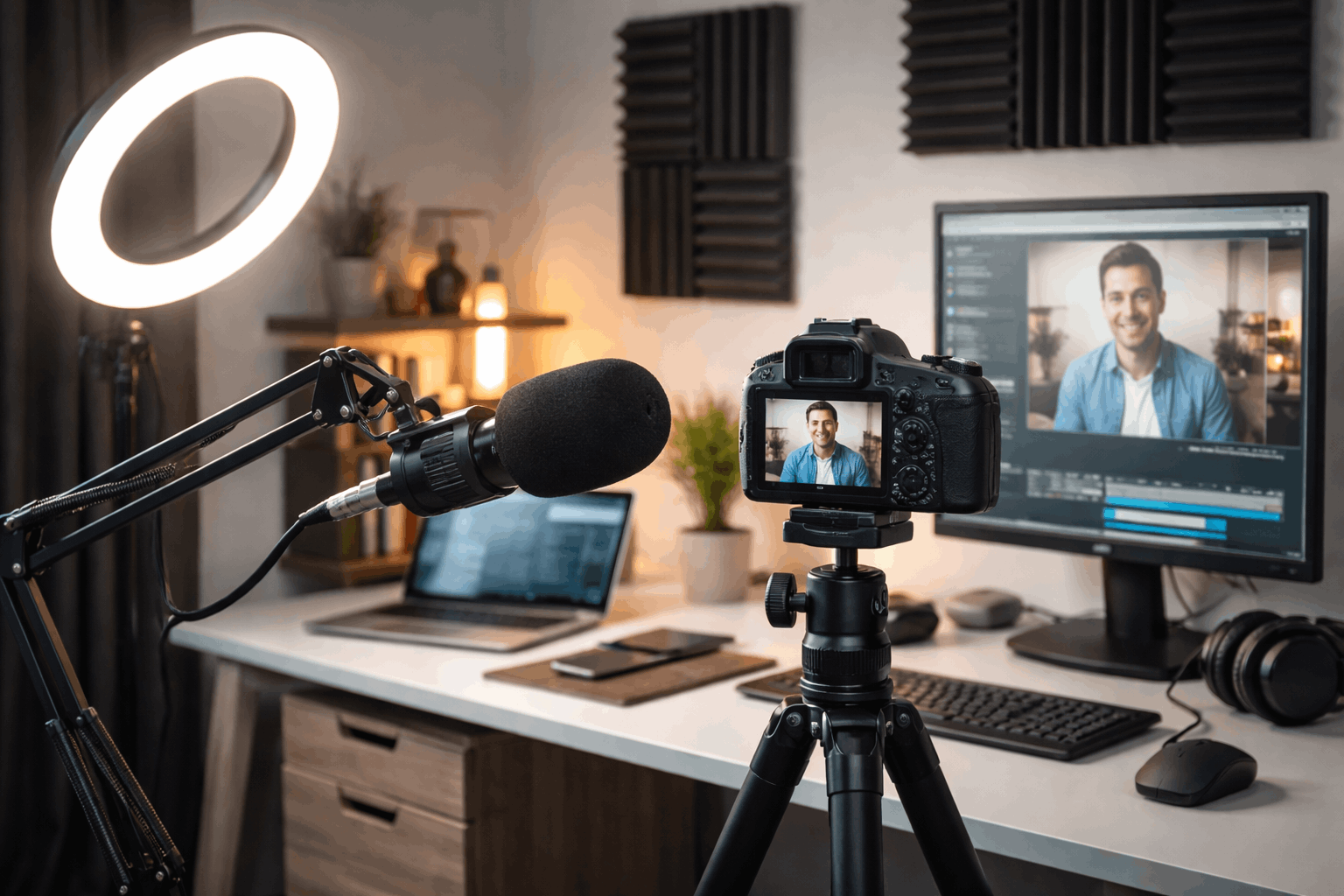
The best weekly setup is one you do not have to rebuild from scratch. If possible, leave your tripod, light, microphone stand, and main cables in place.
If you need to pack everything away, store the gear in one labeled bin or shelf so setup becomes a quick reset, not a search mission.
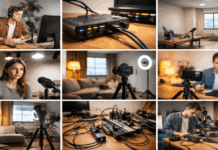
Small habits make a big difference here. Keep cables wrapped, store adapters in one pouch, and return each item to the same place after recording.
This may sound simple, but missing cables and loose parts often cause more delay than the actual recording. A setup that resets quickly gives you fewer excuses to postpone filming.
Make Audio, Lighting, and Camera Work Together
Weekly videos need a setup that looks and sounds consistent. You do not need the most expensive gear, but your microphone, light, and camera should work together without causing extra problems.
A strong weekly workflow usually starts with clear audio, steady lighting, and a fixed camera position. These three basics make editing easier and help each video feel like part of the same channel.
Prioritize Clear Audio First
Clear audio should come before extra camera upgrades. Viewers may forgive a simple image if the topic is useful, but noisy or distant audio makes a video harder to finish.
For many creators, a USB microphone is enough because it is easy to connect, quick to use, and simple to keep in place.
The microphone should also fit your recording style. A desk creator may prefer a USB mic or broadcast-style microphone that stays on a stand.
A creator who moves around may need a lav mic or wireless option. Whatever you choose, keep the microphone close enough to your mouth and do a quick test before every session.
Use Lighting That Does Not Change Every Week
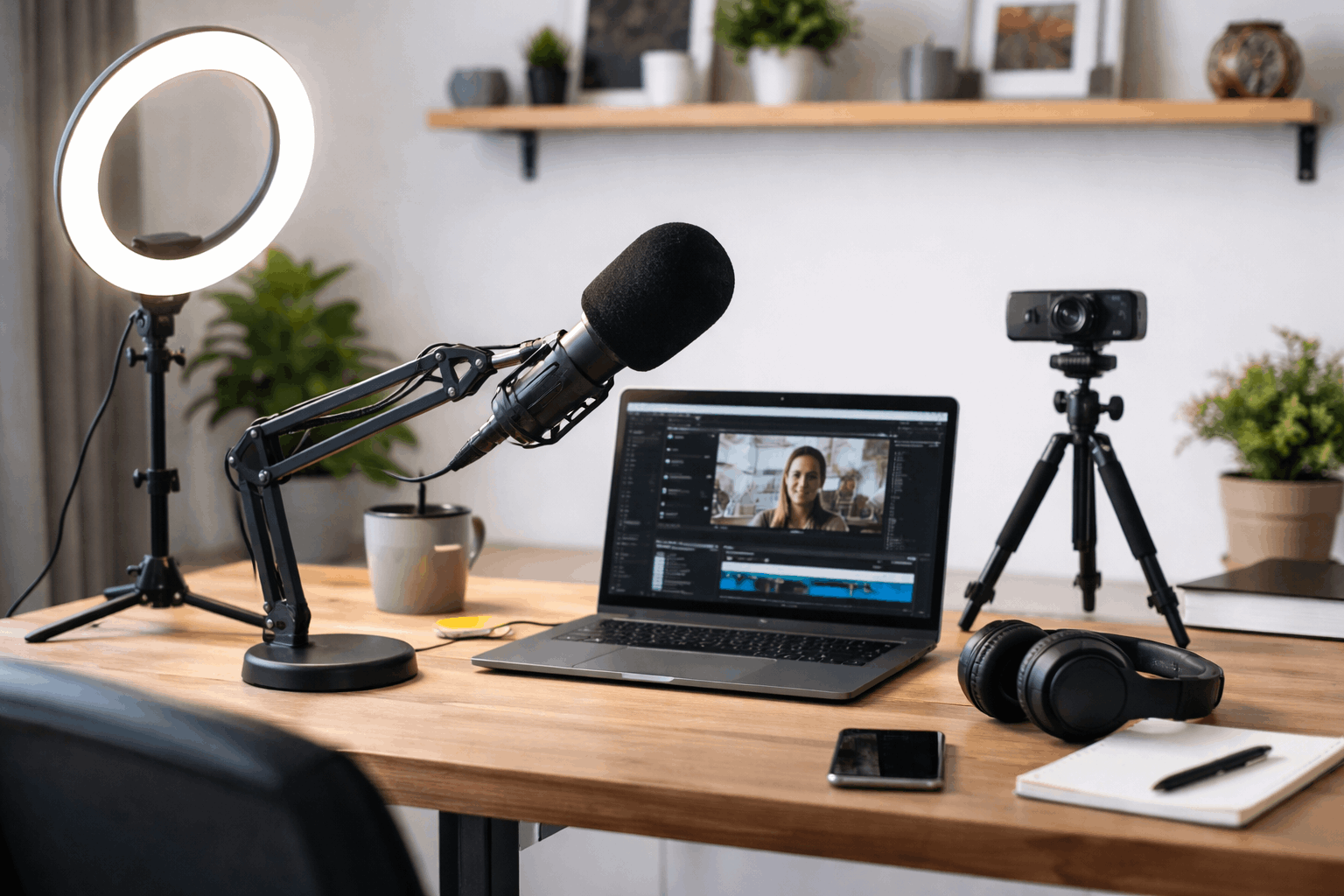
Lighting keeps your face visible and helps webcams or cameras produce a cleaner image. A single key light placed well can make a basic camera look much better. The light should be easy to turn on, aim, and repeat each week without too many adjustments.
Avoid relying only on random room lighting if it changes your look from video to video. Window light can work, but it may shift depending on the weather or time of day.
If you record weekly, one controllable light can be worth it because it gives you a stable look even when the room changes. Keep the brightness and color settings saved so you can return to the same setup quickly.
Lock the Camera Position
A stable camera position saves time in recording and editing. Whether you use a webcam, phone, or camera, the frame should stay at eye level and avoid constant changes in angle. A fixed mount, tripod, or desk arm can help keep the same shot every week.
Lock focus and exposure when possible so the camera does not keep adjusting during the video. Auto settings can shift when you move your hands, hold up an item, or change your screen brightness.
If your content is mostly talking-head or screen-based, a reliable webcam may be enough. A phone or mirrorless camera can help when you need better depth or low-light performance, but it should not make the setup harder to repeat.
Choose Gear That Supports a Weekly Routine
Gear for weekly videos should reduce friction, not add more steps. The right item is not always the one with the highest specs.
It is the one you can use quickly, consistently, and without troubleshooting every recording day. Before buying anything, ask whether it helps you publish more reliably.
Pick Simple Gear Categories First
You do not need to compare every model at once. Start with the categories that affect weekly publishing most.
A microphone improves clarity, a key light stabilizes the look, and a tripod or mount keeps framing consistent. Once those are handled, other upgrades become easier to judge.
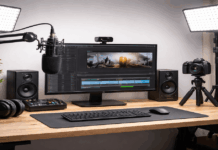
For a simple weekly setup, consider these core pieces:
- A USB microphone or lav mic that keeps your voice clear and easy to monitor.
- One controllable key light that can hold the same brightness and color settings.
- A webcam, phone, or camera that stays powered and does not require too much setup.
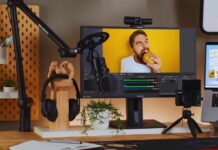
- A tripod, desk mount, or boom arm that keeps the frame from shifting.
- A backup option, such as spare batteries, extra cable, or second recording method for important videos.
You can still look at creator-focused models like RØDE, Shure, Elgato, Logitech, Neewer, SmallRig, JOBY, or Ulanzi, but the brand should not be the starting point.
The starting point is the problem you are trying to solve. If your video looks dark, fix lighting first.
If your sound changes every week, fix microphone placement or audio settings before buying more accessories.
Avoid Gear That Makes the Workflow Fragile
A weekly setup should not depend on too many moving parts. If one cable, app, battery, or adapter can stop the whole recording, the system may be too fragile.
This is why simpler gear often works better for regular publishing than complicated gear with more features.
Think about what happens when you are tired or short on time. Can you still record without rebuilding the setup? Can you find the right cable quickly?
Can your camera stay powered long enough for the full session? These practical questions matter more when you are trying to publish every week, not just record once in a while.
Protect the Schedule With Small Systems
The setup is only one part of weekly video creation. You also need a workflow that protects your time before and after recording.
A clean process helps you avoid lost files, rushed edits, and missing uploads. When the system is simple, weekly publishing feels more manageable.
Use a Short Preflight Check
A preflight check helps catch problems before they ruin a recording. Check your microphone input, light position, camera framing, storage space, and background before you start. This takes only a few minutes, but it can prevent a full re-record.
It also helps to keep a backup recording option for important videos. For example, you might record audio separately, keep a second cable nearby, or save a backup copy of your footage right after filming.
Weekly deadlines leave less room for technical surprises, so backup habits are worth building early.
Also Read: How to Create a Clean Video Background at Home
Improve One Weak Spot at a Time
Weekly creation gives you regular feedback. Instead of changing the whole setup, improve one weak spot at a time. If lighting is inconsistent, fix that first.
If editing takes too long, build a template or save presets. If your framing shifts every week, mark your tripod and chair positions.
This approach keeps the setup stable while still allowing progress. Big changes can create new problems, especially when you are publishing on a schedule. Small upgrades are easier to test, easier to keep, and less likely to interrupt your workflow.
Conclusion
A weekly video setup should help you record with fewer decisions, not create more work. Prioritize clear audio, steady lighting, and a fixed camera position before adding extra gear.
Keep your checklist, cables, and backup plan simple enough to use even on a busy day. When your setup stays ready, publishing every week feels more realistic and less stressful.