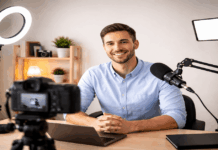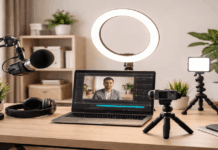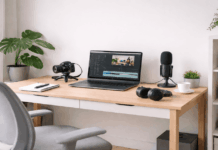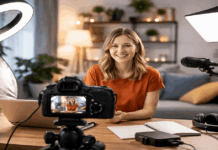
Weekly videos get easier when your setup is built around fewer decisions, fewer cables to move, and fewer settings to adjust.
A “good enough every week” setup beats a “perfect someday” setup for most creators.
How a weekly video creation affects setup
Weekly video creation pushes your setup to be built for repeatability, not just quality.
- It affects your setup by making speed a requirement, because you can’t spend an hour rebuilding gear every week.
- It favors fixed positions for your mic, lights, and camera, because consistent framing and sound save editing time.
- It makes reliability more important than “best specs,” because one failure can wipe out your publishing schedule.
- It pushes you toward simple gear choices (USB mic, one key light, stable tripod), because fewer parts means fewer problems.
- It increases the value of checklists and backups, because weekly deadlines leave little room for re-recording.
- It makes small improvements more effective, because you can upgrade one weak spot at a time without changing your whole workflow.
In practice, a weekly schedule usually leads to a setup that is always ready, easy to reset, and consistent on camera.
Pick one filming day and one upload day
A fixed filming day helps you batch record while your lighting and energy stay consistent.
A fixed upload day reduces last-minute edits because you always know the deadline.
If you miss a week, you can still publish a shorter video without changing your setup.
Keep your setup “always ready”
Leave your tripod, lights, and mic stand in place so you start faster each week.
Use a small tray or hook for cables so nothing disappears between sessions.
If you must pack away gear, store it in one labeled bin with the same layout.
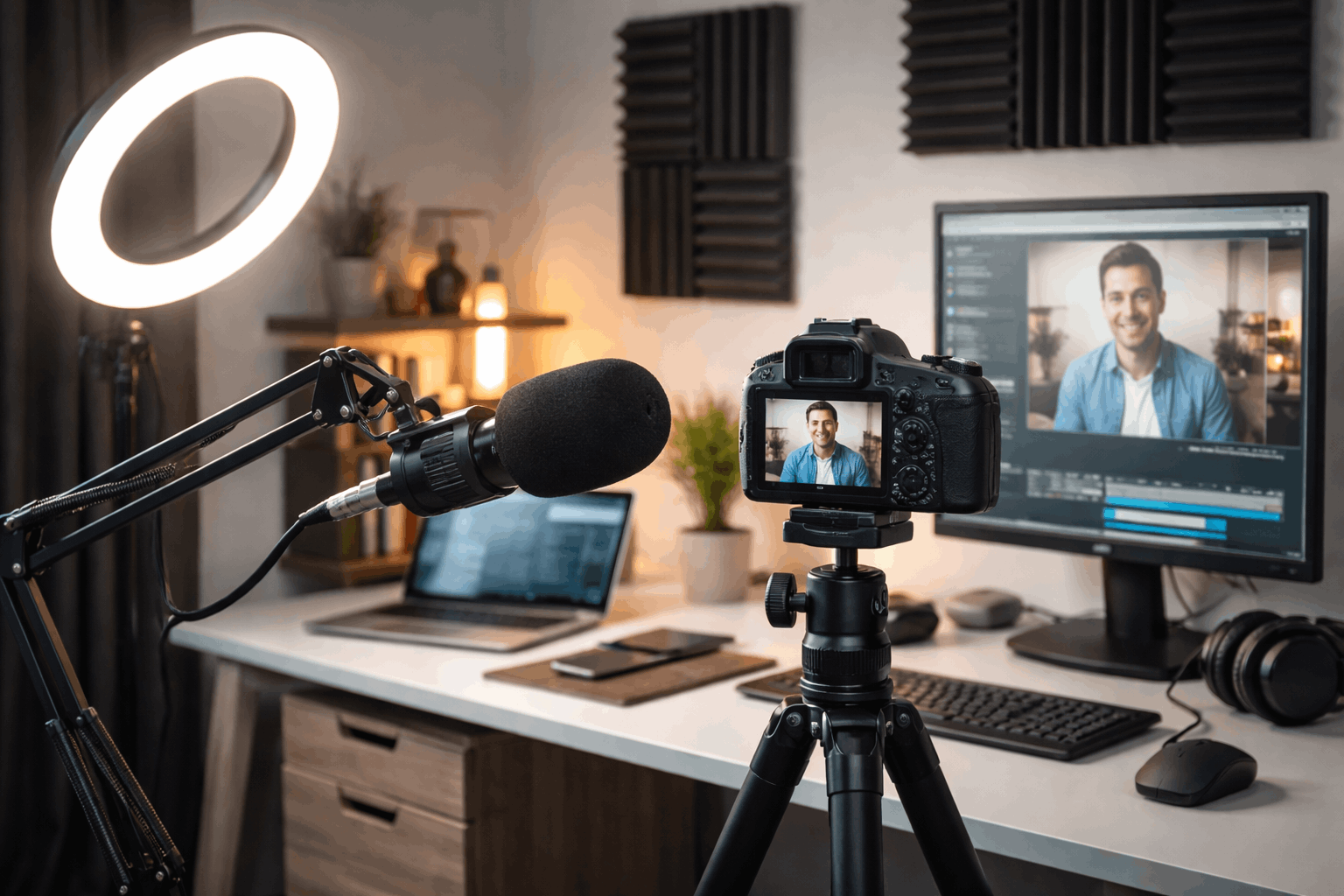
Lighting: stable look without pro gear
Lighting makes your face easier to see, and it keeps your image consistent week to week.
You do not need a complex studio, but you do need a predictable key light.
Good lighting also helps webcams look sharper because the camera uses less noise reduction.
Choose lights that are simple to place, quick to power, and easy to aim.
Webcam or camera: clean image with zero fuss
A stable camera setup keeps your framing consistent and reduces editing time.
For many creators, a good webcam plus good lighting beats a cheap camera in bad light.
Choose a camera that connects reliably, stays powered, and holds settings between sessions.
When a webcam is enough and when it isn’t
A modern webcam works well for talking-head videos when your lighting is strong and even.
A mirrorless or phone camera helps if you need better low-light performance or depth control.
If your content is screen-heavy, a webcam can be the simplest and most consistent choice.
Lock focus and exposure so it never “hunts”
Use manual focus or face tracking you trust, then keep your seating position consistent.
Lock exposure so brightness does not change when you move your hands or show an object.
Disable auto “beauty” effects if they cause flicker, smoothing, or shifting skin tones.
Match your camera to your lighting, not the other way around
Increase light first before raising ISO or digital gain, because noise rises quickly at home.
A brighter scene lets your camera use faster shutter speeds and clearer detail.
If you change lights, recheck camera settings so the look stays consistent every week.
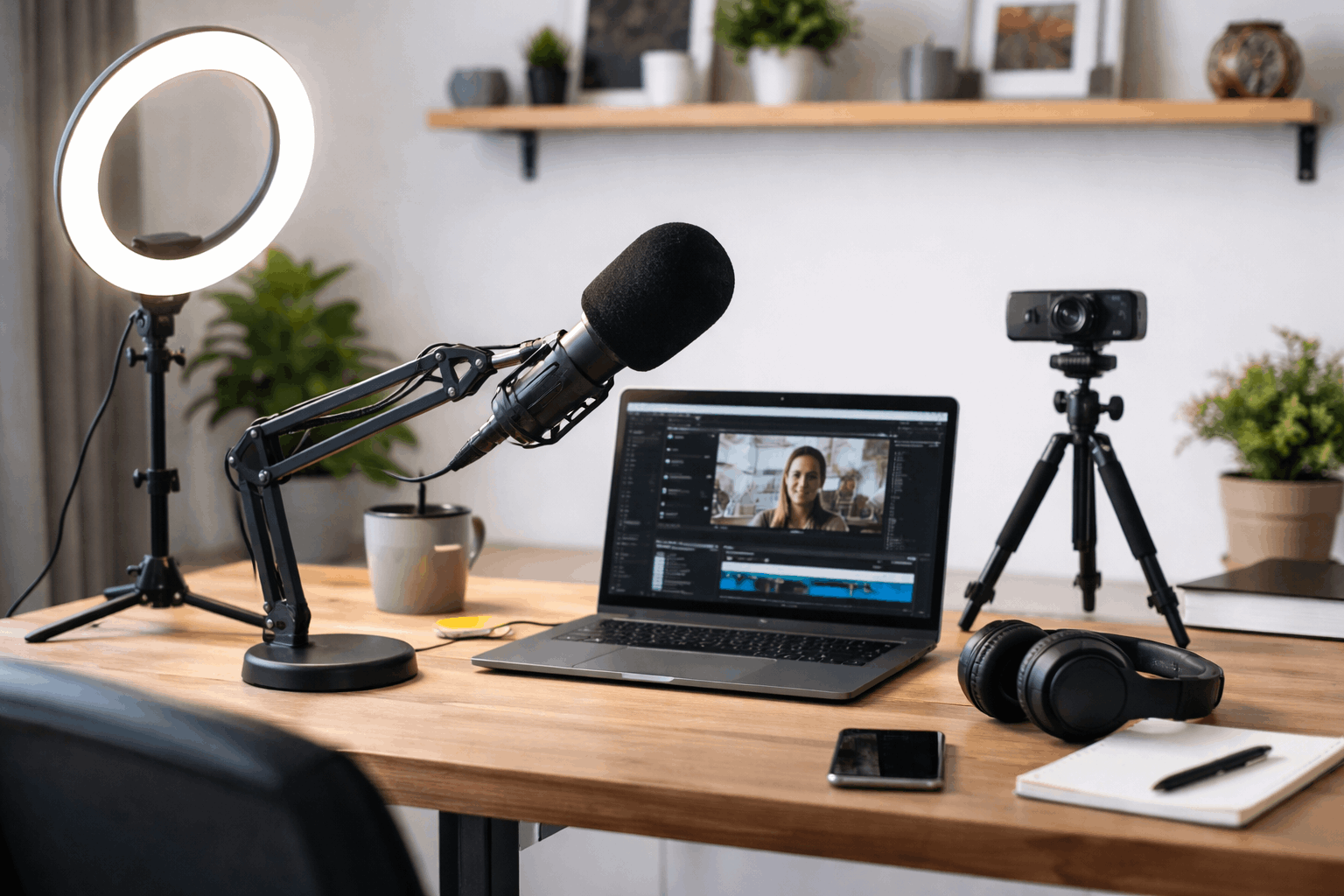
Tripods and mounting: framing that never changes
A stable mount stops small shifts that make weekly videos look inconsistent across episodes.
Your tripod or mount should match your recording location, desk height, and camera weight.
A slightly heavier stand is often worth it because it reduces wobble and re-framing.
Think of mounting as a time-saver, because every saved minute helps you publish weekly.
Use a boom arm or overhead mount for tight spaces
A boom arm mount can hold a webcam or small camera without taking floor space.
An overhead mount works for product shots, drawing, or cooking videos with a fixed top view.
Choose clamps that grip securely so your camera does not drift during long recordings.
Creator gear models for weekly video workflows
| Gear type | Model | Best fit for weekly videos | Key specs to compare | Why it helps consistency |
|---|---|---|---|---|
| Microphone | RØDE PodMic USB | “Set-and-forget” talking-head and desk setups | USB-C + XLR, onboard DSP, headphone output | Built-in monitoring and processing can reduce editing time for weekly uploads. |
| Microphone | Shure MV7+ | Higher-end weekly creators who want strong voice focus | USB-C + XLR, Auto Level Mode + built-in DSP features | Designed for close voice work, helping your audio stay steady even if your room changes. |
| Microphone | Elgato Wave:3 | Stream-style desk setup with software mixing | 24-bit, 48/96 kHz, USB-C | Great if your weekly workflow includes live recording, screen capture, or quick routing. |
| Lighting | Neewer NL660 (Bi-Color Panel) | Budget lighting that’s controllable and repeatable | 3200–5600K, CRI ≥96, 660 LEDs, 40W | Bi-color makes it easier to match daylight vs warm room lights from week to week. |
| Lighting | Elgato Key Light Air | Desktop creators who want fast adjustments | 1400 lumens, 2900–7000K, CRI >94 | Quick tuning helps you keep the same face lighting even when you film at different times. |
| Lighting | amaran 100d S | Strong key light for a more “studio” look | 5600K daylight, 10,000 lm, CRI 96 | A powerful key light makes your image look consistent even when room lighting is inconsistent. |
| Lighting | Lume Cube Ring Light Pro (Cordless) | Flexible “film anywhere” weekly schedule | 18″ ring light, internal battery, ~70 min runtime | Helps maintain a steady look when your filming spot changes week to week. |
| Webcam | Logitech Brio 4K | Reliable plug-and-play webcam for weekly uploads | 4K at 30 fps, 1080p up to 60 fps | Simple, dependable performance makes it easier to hit a weekly schedule. |
| Webcam | Elgato Facecam MK.2 | 1080p creators who want strong control | 1080p60 (uncompressed), USB-C, 1/2.5″ sensor | Solid image consistency at 1080p with creator-focused controls. |
| Webcam | Insta360 Link | Weekly creators who move or teach on camera | Up to 4K30, 3-axis gimbal, AI tracking | Tracking helps you stay framed without re-shooting, which saves time weekly. |
| Webcam | OBSBOT Tiny 2 | Higher-end webcam with tracking and strong sensor | 1/1.5″ sensor, 4K capture modes | Bigger sensor + tracking can reduce “bad take” risk when you’re filming fast. |
| Webcam | Razer Kiyo Pro Ultra | Premium webcam look without a camera body | 1/1.2″ Sony STARVIS 2 sensor | Larger sensor can help keep video cleaner in typical indoor lighting. |
| Tripod | Ulanzi MT-44 | Budget phone/camera support for small spaces | Adjustable height ~12.7″–57.6″ | Quick to deploy, good for weekly creators filming at a desk or small room. |
| Tripod | JOBY GorillaPod 5K Kit | Flexible angles (desk, shelves, rails) | Rated to hold 5 kg | Lets you lock in the same angle fast—even in tight spaces—week after week. |
| Tripod | SmallRig AD-01 (Fluid Head) | Smooth pans/tilts for reviews and demos | Adjustable ~85–186 cm, supports up to 8 kg | Fluid head improves movement shots without redoing takes. |
Conclusion
Prioritize clear audio, steady lighting, and a fixed camera position before you add extra gear.
Keep your workflow simple with set marks, a preflight checklist, and a backup recording option for important videos.