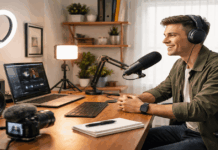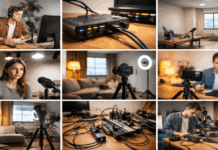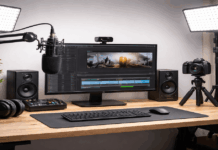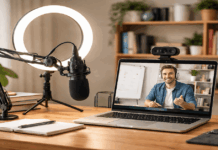
Daily content becomes easier when your setup is ready before you need it. The goal is not to build a perfect studio, but to remove the small problems that slow you down every day.
Clear audio, clean lighting, stable framing, and organized files can make a simple home setup feel much more reliable.
When your tools stay in place and your workflow is easy to repeat, creating feels less like a big task and more like a normal habit.
Start With a Space That Supports Quick Recording
A daily setup should help you start fast. If you need to move too many things, search for cables, or rebuild your camera angle every time, the process becomes tiring.
Choose a space that can stay mostly ready, even if it is just a desk, table, shelf, or small corner. The best setup is the one you can use often without needing too much energy.
Choose a Surface That Works for Real Use
Your surface should give you enough room for your main device, notes, and a few essentials without becoming crowded.
A desk or table works well, but a sturdy shelf, foldable desk, or lap desk can also help if space is limited.
The surface should feel stable enough for filming, typing, or recording audio without wobbling. If the area is too cramped, you may spend more time adjusting things than actually creating.
Keep the surface simple. You do not need every tool in front of you at all times. Leave space for the items you use during the session, then store everything else nearby. This keeps the setup practical instead of cluttered.
Keep Daily Items Within Reach
Daily content creation depends on small routines. Place your charger, headphones, notebook, pen, microphone, or phone stand where your hand naturally goes.
If you use the same items every day, they should not be hidden in different drawers or bags. A setup that makes the basics easy to grab will save more time than many expensive upgrades.
It also helps to reset the space after every session. This does not need to become a full cleanup.
A one-minute reset is enough: return the mic, coil the cable, close the notebook, and clear anything you will not need tomorrow. The next session becomes easier when the space already looks ready.
Make Audio, Lighting, and Framing Reliable
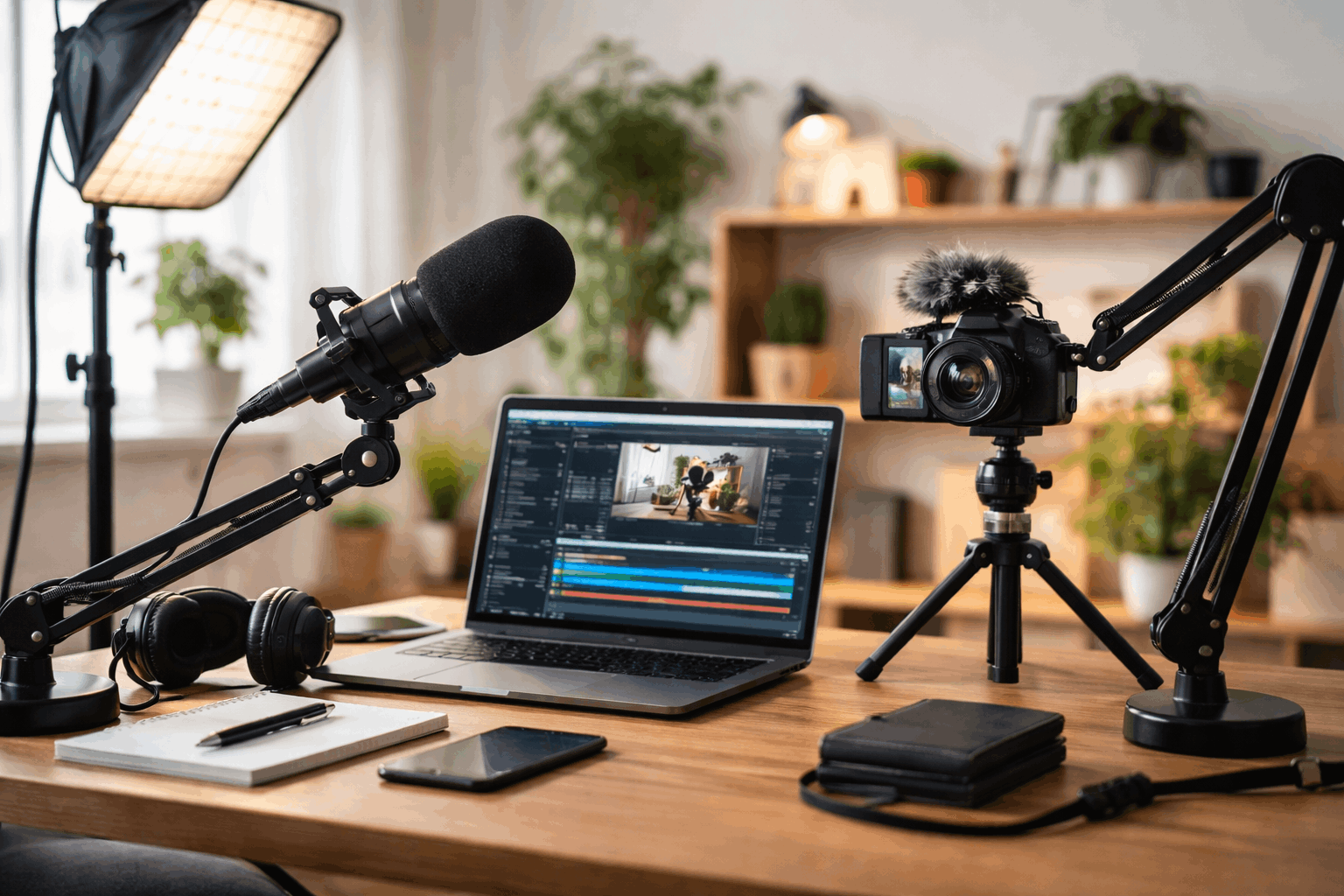
Daily creators do not need complicated gear, but they do need consistency. If your lighting changes too much, your audio sounds different each day, or your camera keeps moving, your content may feel less polished.
A reliable setup helps you record faster because you already know what works. The goal is to reduce guessing before every session.
Use Simple Lighting That Stays Consistent
Good lighting makes content look cleaner even when the camera is basic. Start with window light if your space has it.
Facing a window can give soft, natural light that works well for talking videos, photos, and short clips. Avoid placing the window behind you because it can make your face look dark.
If window light changes too much, add one small lamp or LED light. Place it in front of you or slightly to one side so your face stays clear.
Try to record at a similar time each day if you rely on daylight. Consistent light makes your content look more connected across different posts.
Pick One Audio Setup and Keep It Simple
Clear audio often matters more than perfect video, especially for daily content. A basic lav mic, wired earbuds, or simple USB microphone can already sound better than a built-in device mic.
The most important thing is to keep the microphone close enough and use the same setup each time. This helps your voice sound steady without needing heavy editing.
Try not to change your audio settings every day. Test once, adjust the volume, and keep the setup as repeatable as possible.
Store the microphone in the same place after recording so it is ready for the next session. If your room is noisy, record during quieter times or use shorter takes that are easier to redo.
Keep the Camera Angle Stable
Stable framing makes daily content feel more intentional. A small tripod, phone stand, webcam mount, or laptop riser can help you avoid shaky or awkward angles.
You do not need a large tripod if you mostly record at a desk. You just need the camera to stay in the same place without slipping or leaning.
If you use a phone, place it on a stand instead of propping it against random objects. If you use a laptop camera, raise the laptop so the angle looks more natural.
A steady frame also makes editing easier because cuts feel cleaner. When the camera position stays consistent, your content starts to look more recognizable.
Also Read: Beginner-Friendly Home Studio Setup Guide
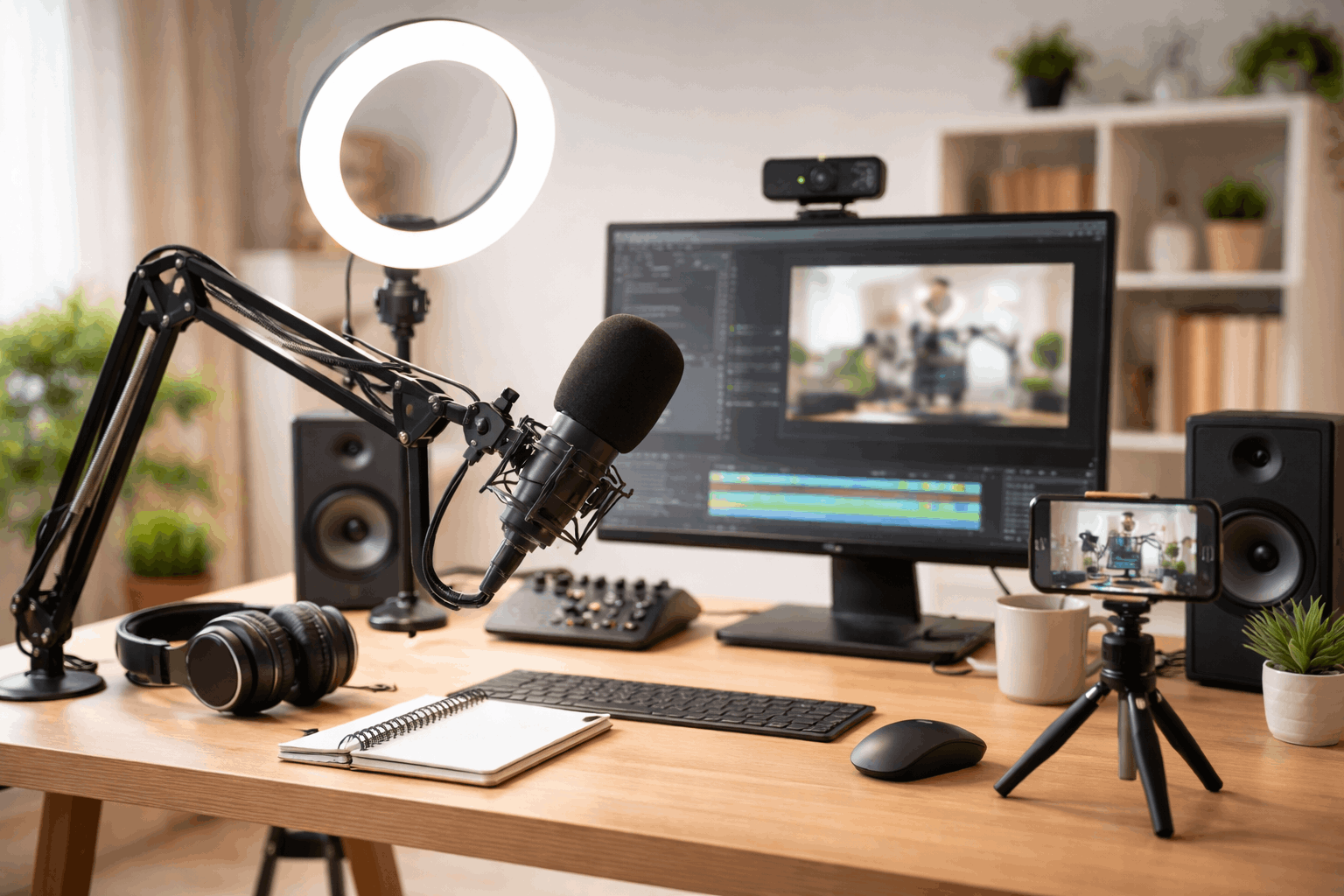
Build a Minimal Kit and Workflow
A daily content setup works best with a small group of tools you trust. Too many accessories can make the process feel heavier, even when each item seems useful.
A minimal kit should help you record, write, edit, and publish without searching or switching setups constantly. Keep the tools that solve real problems and remove anything that gets in the way.
Use One Main Device for Most Tasks
A smartphone can handle recording, photos, quick edits, captions, and publishing in one place. This makes it useful for creators who want fewer steps.
A laptop or desktop may be better for longer writing sessions, heavier editing, or managing multiple files. Choose the device that feels easiest to use every day, not the one that looks most impressive.
Once you choose your main device, build the rest of the setup around it. If you use a phone, a stand, charger, and small mic may be enough.
If you use a laptop, focus on screen height, audio input, lighting, and file organization. The right setup should make the device easier to use, not more complicated.
Keep a Small Set of Practical Accessories
A few small accessories can make daily creation easier without turning your space into a gear shelf. Choose items that save time or prevent repeated problems.
For example, a tripod helps with steady shots, a power bank prevents battery stress, and a simple stand keeps your device ready. These tools are useful because they reduce friction.
A strong daily kit may include:
- a phone stand or small tripod for stable framing;
- a simple microphone or wired earbuds for clearer audio;
- one reliable light source or window-light position;
- a charger or power bank near the recording area;
- a small box for cables, adapters, and everyday tools.
Keep this kit together instead of spreading items around the room. If something is not used often, it does not need to stay on the desk. The setup should feel light enough to use on busy days.
Organize Files Before They Become a Problem
Daily content creates a lot of small files. Clips, photos, drafts, audio notes, thumbnails, captions, and exports can become messy quickly if there is no system.
A simple folder structure can save time and prevent lost work. Use folder names that are easy to understand, such as Drafts, Published, Clips, Photos, Audio, and Thumbnails.
File names should also be repeatable. A format like date-topic-platform makes it easier to find old content later.
If you post every day, adding a number or short label can help you track what you made each week. The system does not have to be perfect; it just needs to be clear enough to follow when you are tired.
Use Prompts and Templates to Keep Momentum
Daily creation is not only a setup problem. Some days, the harder part is knowing what to make. Prompts and templates help because they give you a starting point before motivation shows up. They also make your content process faster without removing your personal voice.
Keep a Short List of Prompts
A prompt list helps you avoid staring at a blank screen. Simple ideas like “one tip,” “one mistake,” “one lesson,” “one quick review,” or “one thing I learned today” can turn into many posts.
Keep the list in a note app like Notion so it is easy to open before recording or writing.. Add new ideas when they appear so you always have backup options.
The best prompts are specific enough to start quickly but flexible enough to reuse. You can apply one prompt to videos, captions, emails, or short posts.
This keeps the workflow simple while still allowing variety. It also helps you create even when the day feels busy.
Create Templates for Repeated Formats
Templates save time because you do not need to rebuild the structure every day. A short video template might include a hook, one main point, one example, and a close.
A writing template might include a headline, short intro, key section, and takeaway. These repeatable parts reduce decision fatigue.
Templates should not make your content sound robotic. Use them as a guide, then change the wording based on the topic.
Over time, you will learn which formats feel easiest and which ones get the best response. That makes daily publishing more realistic.
Final Thoughts
A good daily content setup helps you start quickly without feeling overwhelmed. Keep your lighting, audio, camera, files, and prompts simple enough to use even on busy days.
Improve the setup only when the same problem keeps slowing you down. When your space and workflow stay ready, publishing daily becomes easier to maintain.