A consistent look makes your channel feel like one connected series. It also saves you time because you stop “fixing it in post” every time.
You can get there with simple habits, not fancy gear. You just need repeatable choices for camera, lighting, audio, and editing.
Define a “Style Rulebook” Before You Touch the Gear
Write a short list of rules you will follow in every video. Choose one mood word like “clean,” “cozy,” or “bright” and stick to it.
Decide what never changes, like framing, light direction, and audio tone. Keep the rulebook where you record so you can check it fast.
Use a Visual Anchor That Appears in Every Video
Pick one element that shows up every time, like a lamp, plant, or notebook. Keep it in the same place so the frame feels familiar immediately.
Choose something simple that does not distract from your face. Treat it like a “home base” viewers recognize.
Build a Simple Background Grid
Divide your background into left, center, and right zones. Place one consistent item in one zone so the layout always feels balanced.
Avoid filling every zone with new objects because the scene will drift.
Keep One “Clean Frame” Option Ready
Set up one version of your scene with the fewest items possible. Use it when you film at night, in a rush, or in a new location.
That backup look keeps your videos consistent when life gets messy.
Standardize Movement, Not Just the Image
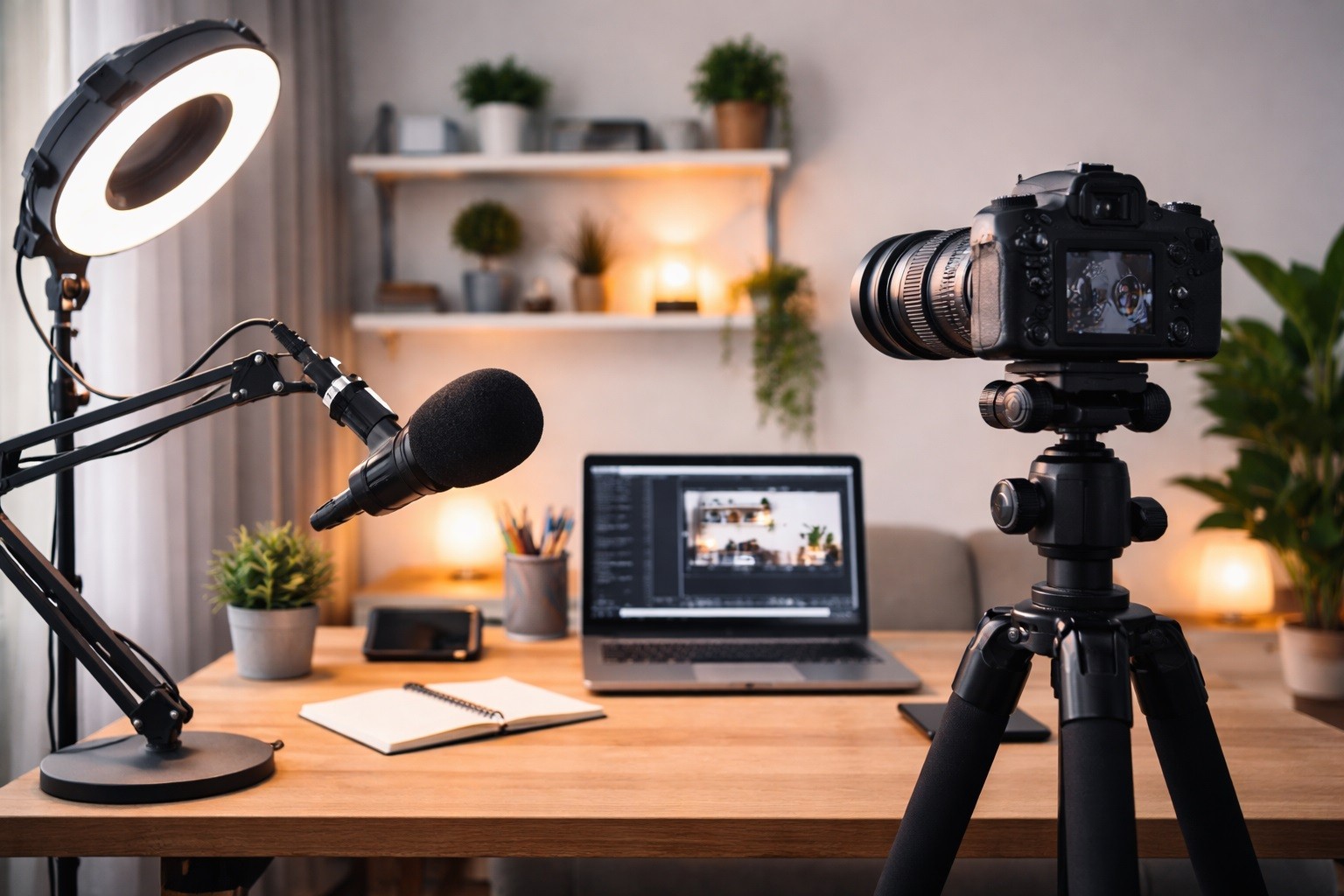
Choose one camera movement style and keep it limited. If you use handheld, keep it always handheld and always stable.
If you use a tripod, avoid random zooms and angle changes mid-video. Consistency also comes from how the camera behaves.
Use “Motion Rules” for B-Roll
Pick one speed for pans and tilts so clips feel like they belong together. Use the same direction often, like left-to-right product pans.
Keep B-roll clips similar in length so edits feel uniform.
Keep Your Editing Rhythm Predictable
Decide a typical cut pace, like one cut every few seconds. Use the same transition style, or none at all, across videos.
Avoid switching between fast and slow editing styles without a reason.
Make Lighting Consistency About Shape, Not Just Brightness
Pick one shadow style you want and recreate it every time. A soft key light gives a smooth look that is easy to repeat.
A harder light creates sharper contrast that becomes your signature. The goal is the same facial shadow pattern, not just “enough light.”
Use a “Shadow Check” on Your Face
Look at one side of your nose and cheek to see if shadows match. If the shadow is deeper than usual, move the light closer or raise it.
If the shadow is flatter than usual, move the light slightly to the side.
Add a “Control Light” for Consistency
Use a small light behind you or to the side to separate you from the background. Keep it dim and stable so it does not change the mood.
This makes your videos feel consistent even if the room lighting shifts.
Use Color Consistency Tricks That Don’t Depend on Expensive Cameras
Pick one color temperature and keep it locked. Use simple room control like curtains to stop daylight changes.
If your camera supports it, lock white balance instead of using auto.
Create a Physical Color Reference
Keep a plain gray card or neutral paper in your recording drawer. Hold it in frame for two seconds at the start of a new setup.
That tiny reference helps you match color later if something looks off.
Match Saturation With a “Skin First” Rule
Tune your image so your skin looks natural before anything else. If your background looks dull but skin is correct, that is fine.
Skin tone consistency is what viewers notice most.
Use Audio “Texture” as Part of Your Look
Your sound is part of your brand even when viewers do not realize it. Pick one main microphone type and keep it consistent.
Use the same distance and angle so your tone does not change. Record in the same spot to keep room echo predictable.
Use a Consistent Mic Chain
Keep the same input device, gain level, and recording format. Avoid switching between USB mic and headset mic across videos.
If you must change, match loudness and tone so it feels seamless.
Create a Repeatable Room Sound
Add soft items like a rug or curtain if the room sounds sharp. Keep fans and AC off during recording when possible.
Even small changes in echo can make videos feel “different.”
Build Templates for Thumbnails, Titles, and On-Screen Text
Pick one thumbnail style and reuse it with small variations. Use the same font and placement for on-screen captions.
Choose one color for highlight words and keep it consistent. These visual templates make your content feel connected instantly.
Use a “Lower-Third” Rule
Decide one spot where name tags or labels appear.
Use the same size and duration every time. Avoid changing styles per video because it breaks the pattern.
Keep Graphic Density Consistent
Decide how often you use text overlays and stick to that rate. Too many overlays in one video changes the entire feel.
A consistent level of graphics helps viewers settle in.
Keep Consistency When You Film in Different Places
Use a portable “look kit” that recreates your style anywhere. Bring one light, one mic, and one small tripod or clamp mount.
Keep the camera angle consistent even in a new room. Choose one background strategy like “plain wall with separation light.”
Use a Travel Lighting Rule
Use the same light direction, even if the room layout is different. If you cannot place the light ideally, move yourself instead.
Your face lighting should be the priority over background perfection.
Use a Portable Audio Habit
Use the same mic and keep it close to your mouth. Avoid relying on room audio because each room sounds different.
Consistent mic placement makes location changes less noticeable.
Create a “Consistency Check” That Takes Under One Minute
Record a quick 10-second test clip before filming the full video. Compare it to one reference clip you consider your best look.
Adjust light position or exposure until it matches closely. Then record the real content without chasing settings later.
Save Presets and Photos of Your Setup
Save webcam profiles and camera presets if your software allows it. Take a photo of your tripod height and light position for quick resets.
Use simple notes like “light at 30%” to avoid guessing.
Change Only One Variable at a Time
If you change lighting and camera settings together, you lose control. Make one change, test, then decide if it is a permanent upgrade.
This keeps your “look” stable while you improve slowly.
Final Takeaway for Everyday Creators
Your look becomes consistent when your choices become repeatable. Use style rules, visual anchors, movement habits, and templates to lock it in.
Let lighting shape, skin tone, and audio texture guide your decisions.
When you treat consistency like a system, every video fits the same world.