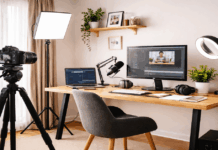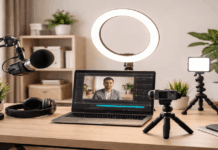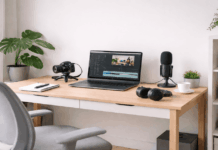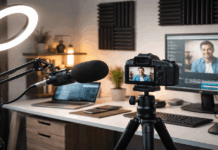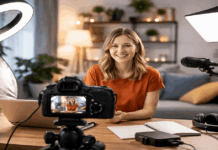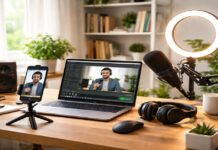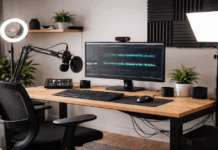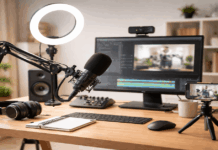
Creating content from a shared home can work well when you plan for repeatable setup, sound control, and fast teardown.
A creator setup does not require a spare bedroom, but it does require a consistent spot and a clear workflow.
Small choices around lighting, audio, and background usually matter more than expensive upgrades.
Assess Your Space and Workflow
Start by identifying where you can reliably record without blocking daily routines or creating constant conflicts with others.
Measure the usable area around a desk, table, or corner so you know what fits without forcing awkward angles.
Treat your setup like a small system you can assemble, use, and store, rather than a permanent installation that needs a dedicated room.
If possible, avoid placing your desk directly in the center of the room, because foot traffic and noise tend to increase there.
Map Movement and Noise Sources
Notice where people walk, where doors close, and where appliances run, because these patterns often create repeated interruptions.
Test the room at different times of day, because neighborhood noise, family routines, and building sounds can shift noticeably.
If the space is shared, agree on a simple recording signal, like a door sign or a calendar block, to reduce accidental disruptions.
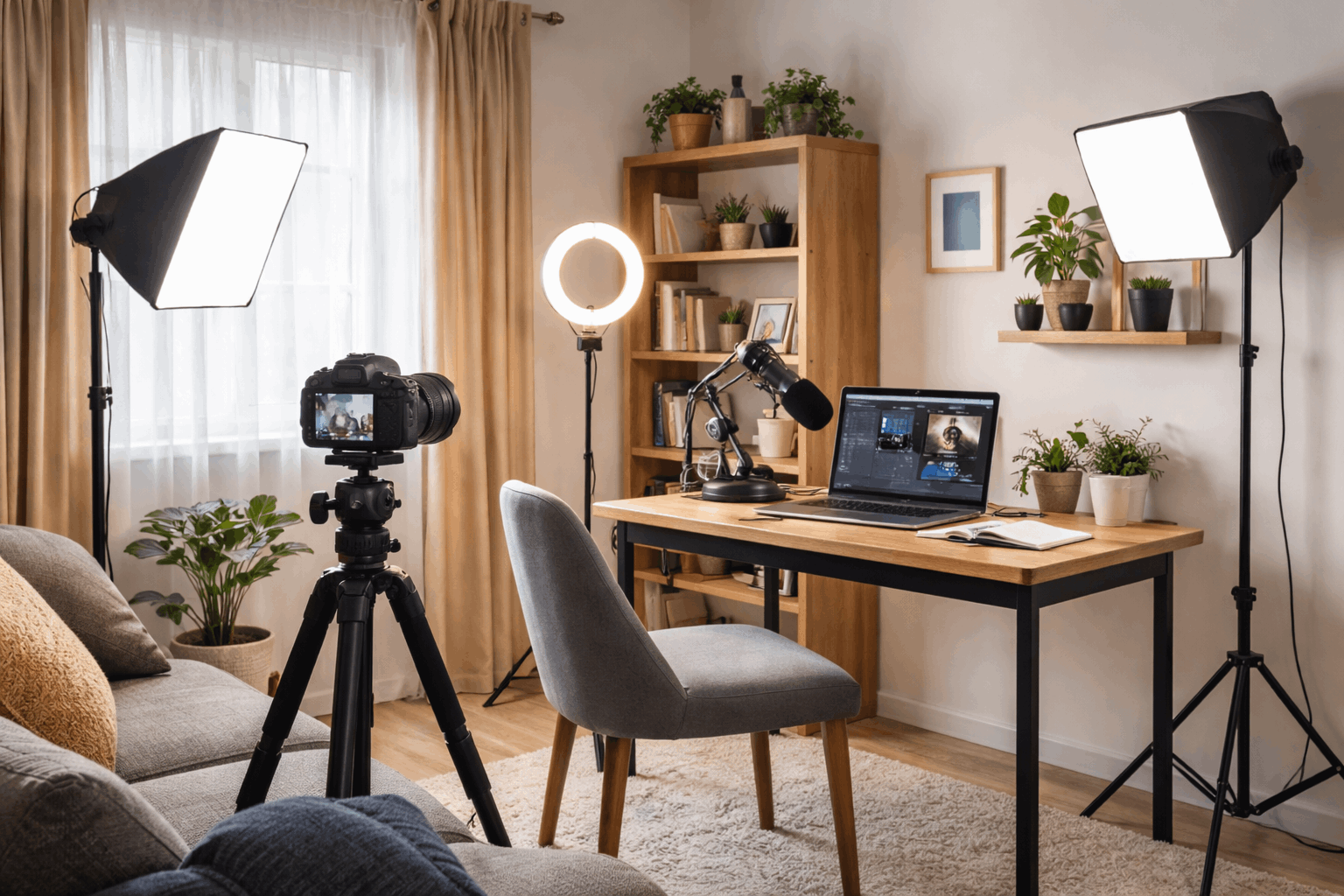
Prioritize Audio in a Shared Home
A shared room usually has hard surfaces that cause echo, which can make your voice sound distant or harsh.
You can improve sound without construction by using soft materials, careful placement, and predictable recording habits.
If you only upgrade one thing early on, a solid microphone choice and basic echo control usually deliver the most noticeable improvement.
Control Echo With Soft Materials
Add a rug, curtains, or a blanket off camera, because these materials reduce reflections that bounce back into your microphone.
Record closer to soft surfaces when possible, because a nearby curtain or bookshelf can break up echo better than an empty wall.
If you rent and cannot mount panels, use a freestanding clothes rack with thick fabric as a removable sound dampener.
Reduce External and Household Noise
Close windows, silence notifications, and pause noisy appliances before you start, because small sounds can be louder on recordings.
If street noise is common, record in shorter sessions and plan pickup takes, because waiting for quiet moments is often more realistic.
A dynamic microphone can help in noisy homes, because it typically captures less room sound than many sensitive condenser microphones.
Build Lighting That Works in Tight Spaces
Lighting controls how your camera sees you, and it can make a small corner look intentional instead of improvised.
A simple lighting plan helps you move faster, because you stop guessing where to place lamps and you stop fighting exposure problems.
If your space is small, choose a compact LED panel or ring light that can clamp to a desk or stand behind your monitor.
Keep Lighting Consistent Across Sessions
Mark the light position with tape on the floor or desk, because small changes can noticeably alter skin tones and shadows.
Set your camera exposure and white balance manually when possible, because automatic settings can drift when you move or when screens change.
If you rely on a desk lamp, match bulbs across fixtures, because mixed color temperatures can create uneven lighting and strange color shifts.
Frame Your Shot and Manage the Background
A clean frame reduces visual noise and helps people focus on what you are saying, even when your room is shared.
Your camera and background should stay consistent so your channel looks cohesive across videos, streams, or reels.
You can create a professional look with simple choices like distance, angle, and separation between you and the background.
Background control is often about removing distractions, not about creating a perfect studio wall.
Create a Repeatable Camera Position
Use a tripod or a stable mount, because stacking books and improvising stands often leads to shaky framing and constant readjustment.
If you film with a phone, lock focus and exposure if your camera app allows it, because shifting brightness can look distracting.
Organize Gear for Fast Setup and Teardown
A non-dedicated room works best when your equipment can be packed away quickly without damage or tangled cables.
Your goal is to reduce the number of steps between deciding to record and actually pressing record.
Storage choices matter because clutter creates stress, and stress makes it harder to create consistently.
A simple organization system also helps you notice what you actually use, which prevents wasteful upgrades.
Use Power and Cables to Prevent Small Failures
Unreliable power, loose connections, and messy cables are common reasons sessions get delayed or recordings are lost.
Labeling and routing cables makes your setup safer and easier to rebuild after you move furniture or share the space.
Use surge protection when possible, because creator gear often includes multiple devices that stay plugged in for long periods.
Backup habits matter because shared homes can be unpredictable, and a single disruption should not erase your work.
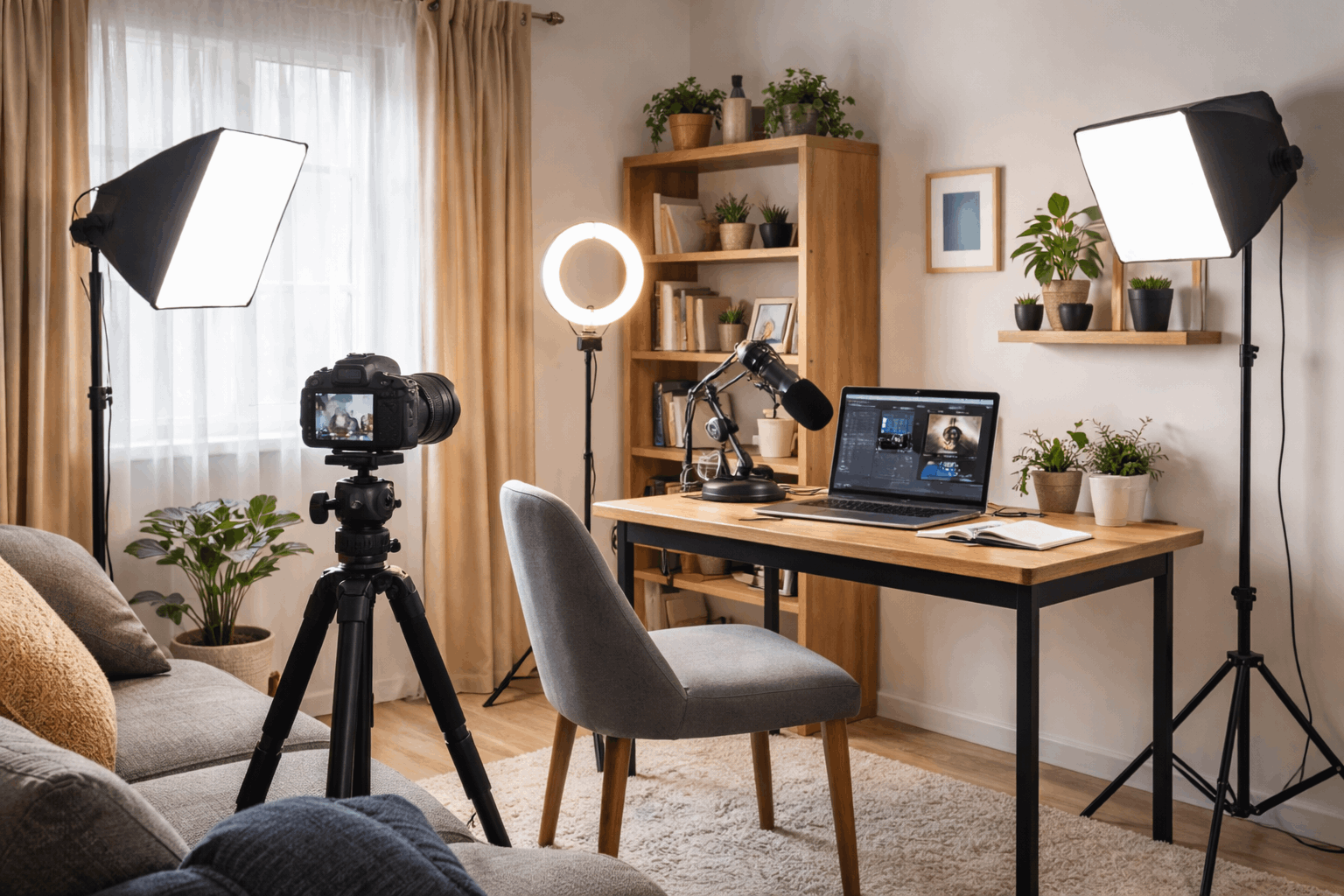
Maintain Boundaries and Improve Over Time
A shared room setup succeeds when you protect focus time and keep the process simple enough to repeat.
Clear expectations with housemates or family reduce tension, because people know when you need quiet and when the space is open again.
A checklist helps you work faster, because it replaces memory and guesswork with a standard routine.
Small upgrades should follow real problems you have observed, because buying gear without a need often creates more clutter than quality.
Final Considerations
A creator setup without a dedicated room is mostly about consistency, because small repeatable choices compound into better results.
If you prioritize audio, stable lighting, and a controlled background, your content can look and sound professional in almost any home.
Use these steps to build your workflow this week, then record a short test session and adjust one issue at a time.