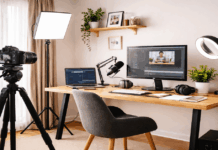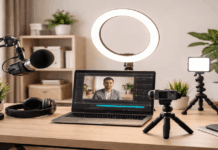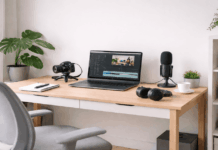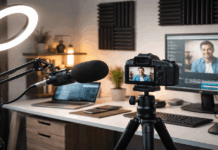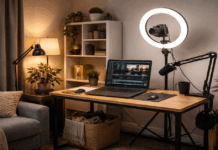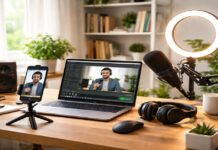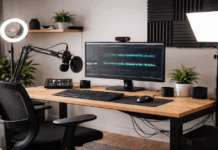
Daily content gets easier when your setup stays in place and works every time. The goal is clear audio, clean lighting, and stable framing without extra steps.
A simple kit helps you record more often by reducing the time you spend troubleshooting.
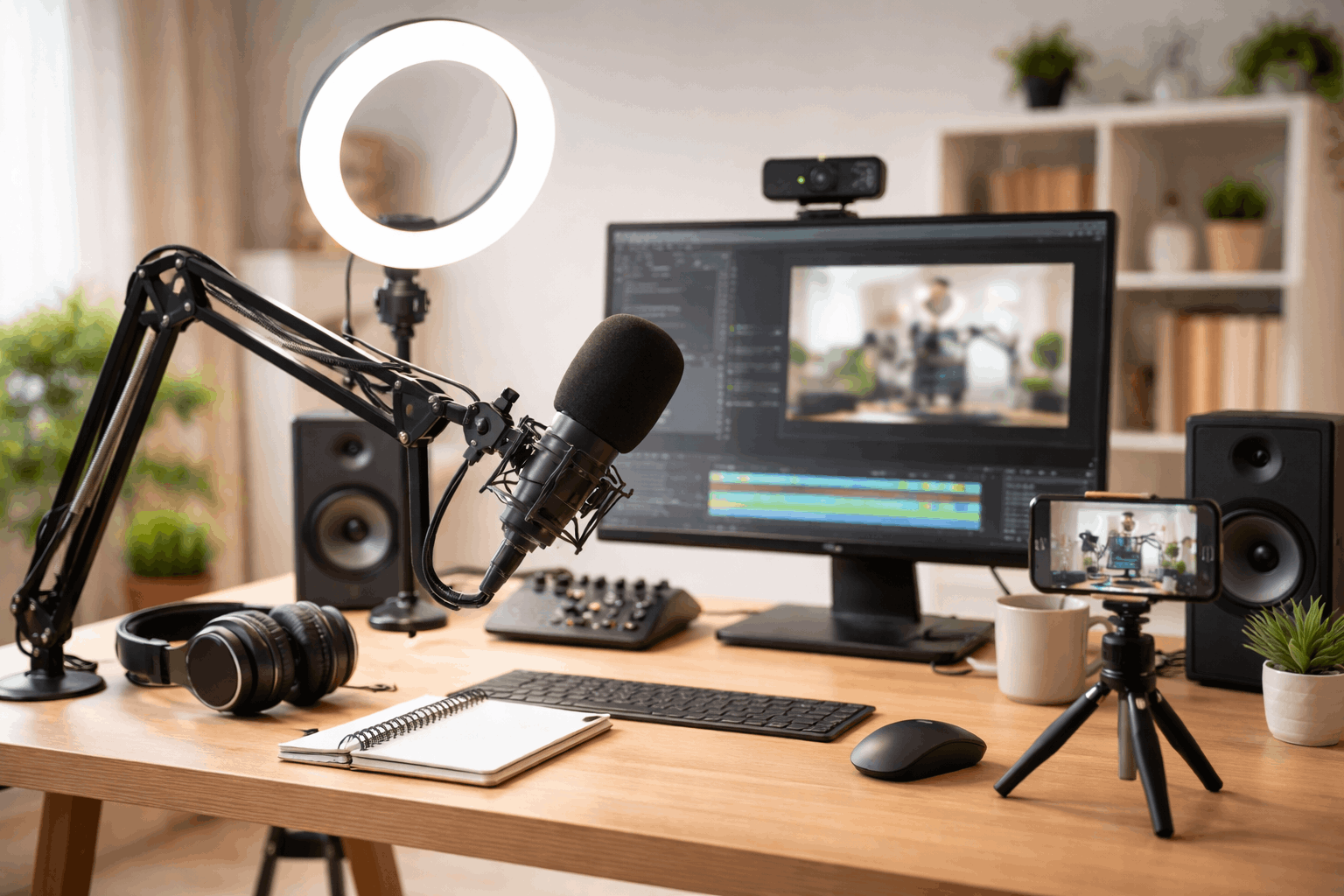
These ideas focus on microphones, lighting, webcams, tripods, and practical accessories for home creators.
Choose a Surface That Works
Use a desk, table, or even a sturdy shelf that gives you stable space. Clear enough room for your main device, a notebook, and one drink without clutter.
If space is tight, use a foldable desk or lap desk you can set up in seconds.
Keep Your Most-Used Items Within Reach
Place your charger, headphones, and a pen cup where your hand naturally goes.
Store extras in one small box so you never waste time searching for tools. Reset the space in one minute after each session so tomorrow starts clean.
Set Up Lighting That Makes You Look Clear
Good lighting makes your content feel more professional even on a basic setup.
Use simple light choices that reduce shadows and help your face look natural. Aim for consistency so your videos and photos match across different days.
Prioritize comfort for your eyes, because daily creation works best when it feels easy.
Use Window Light When You Can
Face a window to get soft, natural light that flatters most skin tones. Avoid placing the window behind you, because backlight can darken your face.
If the sun changes a lot, choose a time of day when the light stays steady.
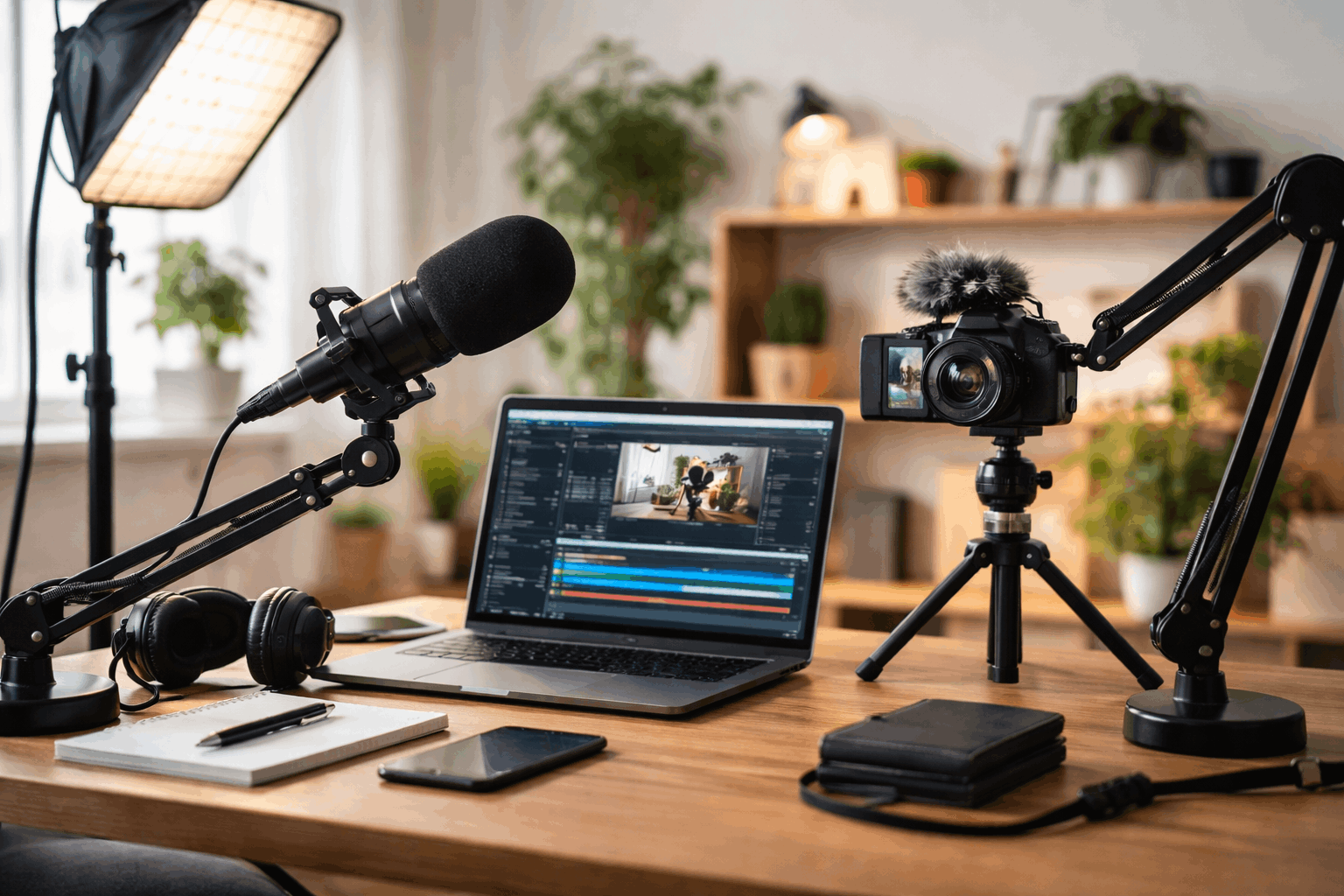
Simplify Your Audio So You Sound Reliable
Clear audio often matters more than perfect video when people watch daily content.
A basic audio plan reduces editing time and helps your message land more clearly.
Your goal is steady sound without distractions like echo, hum, or sudden volume changes.
Once audio is reliable, recording becomes faster and you feel more confident posting.
Pick One Microphone Option and Stick With It
Use wired earbuds, a small lav mic, or a simple USB microphone for consistency.
Test your audio once, then keep the same settings so you do not redo work daily.
Store the mic in the same spot so setup time stays short and predictable.
Build a Minimal Gear Kit That Covers Most Formats
Daily content gets easier when you rely on a small set of tools you trust. A minimal kit helps you switch between video, audio, and writing without friction.
You do not need the newest gear, but you do need gear you can use quickly.
Choose tools that reduce steps, because fewer steps mean more content gets made.
Use One Main Device for Most Work
A smartphone can handle recording, photos, editing, and publishing in one place.
A laptop or desktop can help when you need longer writing sessions or heavier editing.
Pick the device that feels easiest for you to use every day without stress.
Add Two Small Extras That Save Time
A small tripod helps you film hands-free and keeps shots steady.
A phone stand helps for quick filming at a desk without setting up a full tripod.
A simple power bank keeps you from stopping mid-session because of battery issues.
Create a File System That Stops Content Chaos
A clean file system helps you find clips, drafts, and thumbnails without frustration.
When files are organized, you spend less time searching and more time creating. Simple naming rules also make it easier to repurpose content later.
The best system is one you can follow even when you are tired or busy.
Use a Small Set of Folders
Create folders like Drafts, Published, Clips, Photos, Audio, and Thumbnails. Keep the folder names basic so you never wonder where something belongs.
Use the same structure on your phone and computer so you can switch devices easily.
Name Files in a Repeatable Way
Use a format like date-topic-platform so files sort naturally in order. Keep names short but clear so you can scan quickly without opening each file.
If you post daily, add a simple number so you can track what you made each week.
Keep Your Setup Clean With Simple Maintenance Habits
Daily creators stay consistent when their space stays ready. Small maintenance habits prevent clutter from turning into avoidance.
You do not need a full reset every day, but you do need a quick reset. Think of maintenance as removing friction, not as a separate project.
Check if your lighting still looks good at your usual creation time. Listen to a short audio test to confirm your sound is still clean.
Remove anything that has become clutter so your space stays focused and simple.
Use Prompts and Templates to Avoid Creative Stall
Templates help you create faster because you don’t have to reinvent the format daily.
Simple prompts also make it easier to start when motivation is low. With a few go-to structures, you can produce content even on busy days.
This approach supports consistency while still leaving room for your personal voice.
Keep a Short List of Content Prompts
Use prompts like “one tip,” “one mistake,” “one lesson,” or “one quick review.” Keep prompts written in a note app so you can pick one and start instantly.
Add new prompts when ideas show up so you always have a backup plan.
Build Simple Templates for Each Platform
Create a short script outline for a video with a hook, three points, and a close.
Use a writing template with a headline, short intro, and clear sections for scanning.
Save these templates so you can copy, paste, and create without slowing down.
A Setup That Helps You Show Up Every Day
Daily content creation becomes easier when your environment supports quick starts.
Small, repeatable choices in lighting, audio, and organization reduce stress and save time.
A minimal gear kit and simple workflow help you publish more without burning out.