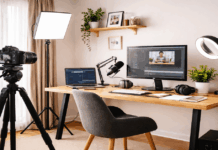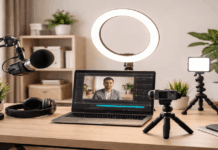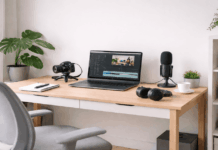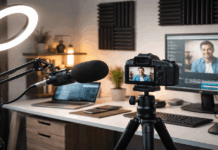
Creating videos or recording audio at home often means spending many hours seated at a desk.
For everyday creators, desk ergonomics directly affects comfort, focus, and recording quality.
A simple setup can still support healthy posture when planned with care.
Why Desk Ergonomics Matters for Creators
Good ergonomics reduces physical strain during long recording sessions.
Poor posture can lead to fatigue that affects voice control and on-camera presence. Comfort helps creators maintain consistent performance over time.
A well-arranged desk also makes microphones, lights, and webcams easier to use.
Choosing the Right Desk Height
Desk height determines how your arms and shoulders rest while recording.
An incorrect height can cause tension that builds during long sessions. The goal is a relaxed arm position with minimal shoulder lift.
Small adjustments can make a noticeable difference in comfort.
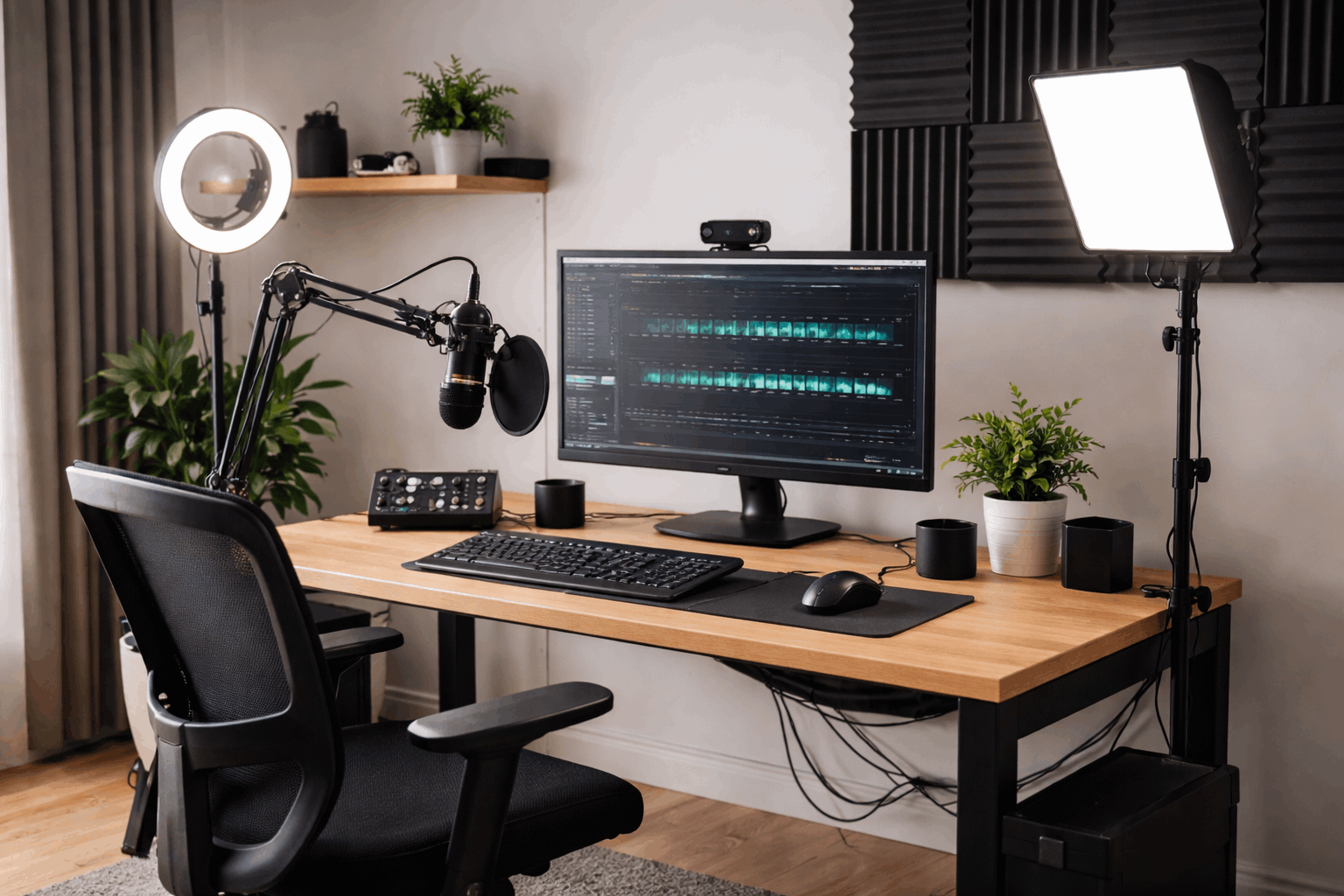
Ideal Desk Height Basics
Your elbows should rest near a right angle when seated. Wrists should stay neutral when using keyboards or control devices.
Desk height should allow forearms to float comfortably above the surface.
Adjustable vs Fixed Desks
Adjustable desks offer flexibility for different body types.
Fixed desks require careful chair adjustment to compensate. Simple risers can help adapt a fixed desk if needed.
Chair Selection for Long Recording Sessions
The chair supports your posture throughout the entire recording. A poor chair can undermine even a well-arranged desk.
Comfortable seating helps creators stay focused on content instead of discomfort. Support matters more than style for long sessions.
Lumbar Support and Back Alignment
Lower back support helps maintain a natural spine curve.
Proper alignment reduces pressure during extended sitting. A supportive chair encourages upright posture without strain.
Seat Height and Depth
Seat height should allow feet to rest flat on the floor. Seat depth should support thighs without pressing behind the knees.
Balanced seating improves circulation during long recordings.
Monitor and Webcam Positioning
Screen and webcam placement affect neck position and eye strain. Poor alignment leads to frequent head movement and tension.
Correct positioning improves comfort and visual presentation. Small changes can improve both health and framing.
The top of the screen should sit near eye level. This position minimizes downward head tilt.
Neutral head posture reduces neck fatigue.
Microphone Placement and Ergonomic Reach
Microphone position affects both sound quality and posture. Reaching or leaning alters breathing and vocal consistency.
Proper placement supports natural speech. Ergonomics and audio quality often improve together.
Distance and Height Considerations
Microphones should sit close without forcing forward lean. Height should match mouth level when seated upright.
Consistent distance ensures stable audio levels.
Using Boom Arms vs Desk Stands
Boom arms free up desk space and allow flexible positioning. Desk stands are simpler but require careful placement.
Both options can work when adjusted thoughtfully.
Lighting Placement Without Physical Strain
The lighting setup should not require awkward body movement. Poor placement causes frequent adjustments mid-session.
Ergonomic lighting stays fixed and predictable. Comfort improves when lighting remains stable.
Key Light Positioning
Key lights should sit slightly above eye level. Angled placement reduces glare and harsh shadows.
Stable mounts prevent repeated repositioning.
Managing Heat and Glare
Lights should not emit heat toward your face. Glare can cause eye strain during long sessions.
Diffusers help maintain comfort and visibility.
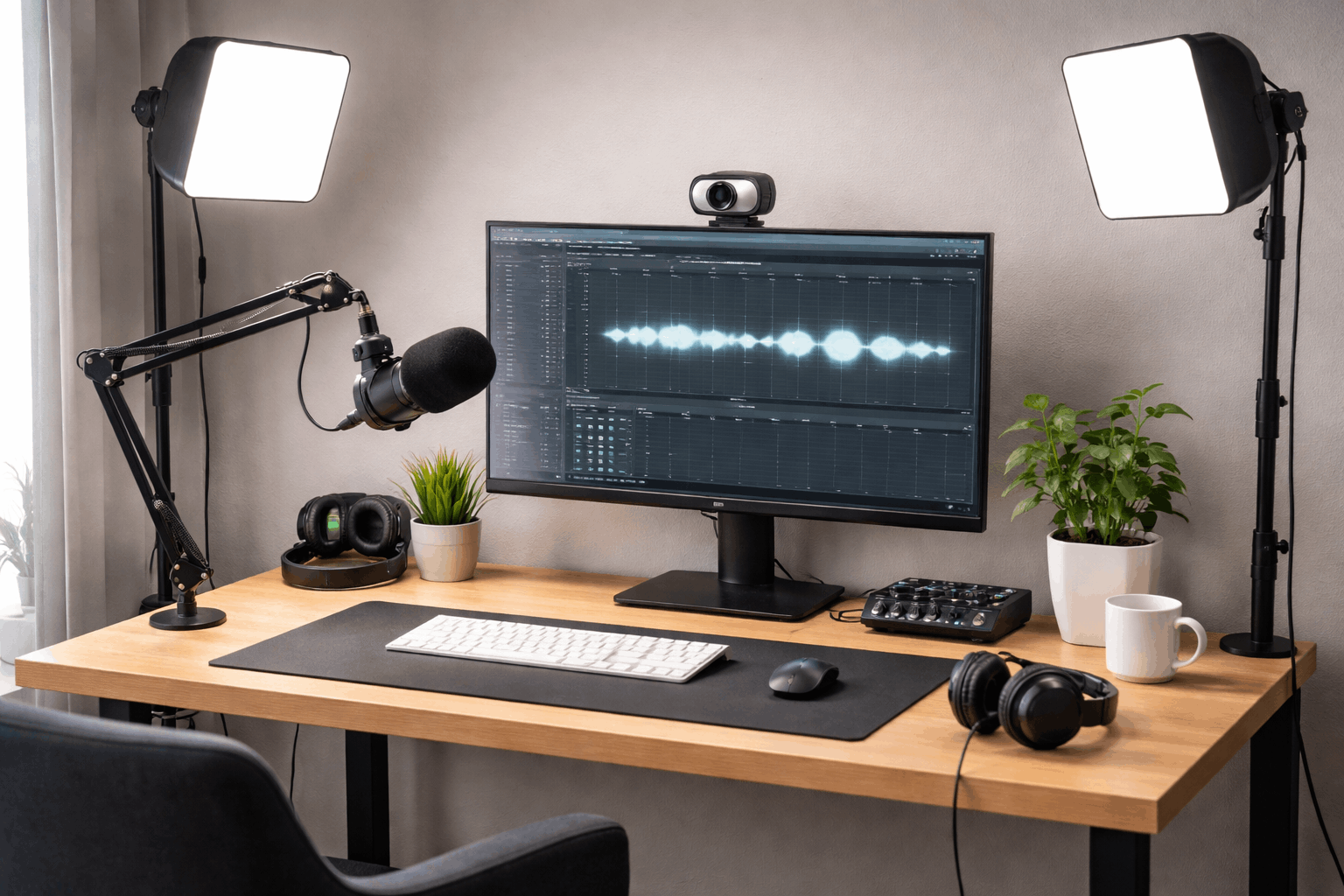
Keyboard, Mouse, and Control Surfaces
Input devices play a major role in desk ergonomics. Awkward positioning causes wrist and forearm strain.
Comfortable access supports longer creative sessions. Simple spacing adjustments can help significantly.
Neutral Wrist Position
Wrists should remain straight while typing or clicking. Elevated or bent wrists increase fatigue.
Flat placement supports natural movement.
Spacing and Reach Zones
Frequently used devices should sit within easy reach. Overreaching disrupts posture during recording.
Efficient layout reduces unnecessary movement.
Managing Cables and Desk Clutter
Clutter affects both workflow and posture. Reaching around cables interrupts the recording flow. Clean layouts support focus and efficiency.
Organization improves comfort over time.
Cable Routing Basics
Cables should run along desk edges or mounts. Loose cables create visual and physical obstacles. Simple clips keep paths predictable.
Keeping the Desk Clear
Only essential items should remain on the desk. Extra objects restrict the movement space. Clear surfaces promote relaxed posture.
Sitting Posture During Long Sessions
Posture determines how the body handles long recordings. Slouching increases fatigue and vocal tension.
Awareness helps maintain alignment. Small habits make a big difference.
Spine should remain tall without stiffness. Shoulders should rest naturally downward.
Relaxation supports breathing and voice control.
Feet should stay flat and stable. Dangling legs strain the lower back. Footrests can help shorter users.
Breaks and Movement for Recording Health
Even perfect ergonomics cannot replace movement. Long sessions require intentional breaks. Short pauses restore circulation and focus.
Brief breaks every 30 to 45 minutes help. Standing resets posture and muscle tension.
Consistency matters more than duration.
Neck and shoulder stretches relieve tension. Gentle movement supports vocal performance. Stretching prevents stiffness buildup.
Simple Ergonomic Improvements on a Budget
Ergonomics does not require expensive equipment. Small changes often deliver large benefits. Everyday items can support better posture.
Creativity applies to setups as well.
Books can raise monitors to eye level. Cushions can add lumbar support. Affordable solutions still improve comfort.
Focus first on the chair and screen height. The microphone reach comes next. Lighting adjustments follow naturally.
Final Thoughts on Ergonomic Recording Setups
Desk ergonomics supports comfort, health, and creative consistency. Simple creator setups benefit from thoughtful arrangement more than complex gear.
Small ergonomic choices reduce fatigue during long recording sessions.
A comfortable desk allows everyday creators to focus fully on sound and video quality.