Home creators usually want the same thing from a mic: clear voice, low noise, and a setup that does not turn every recording into a technical project.
The USB vs XLR decision matters because it affects your sound, your workflow, and how much gear you need on your desk.
The good news is that both can deliver professional results at home.
The real difference in one sentence
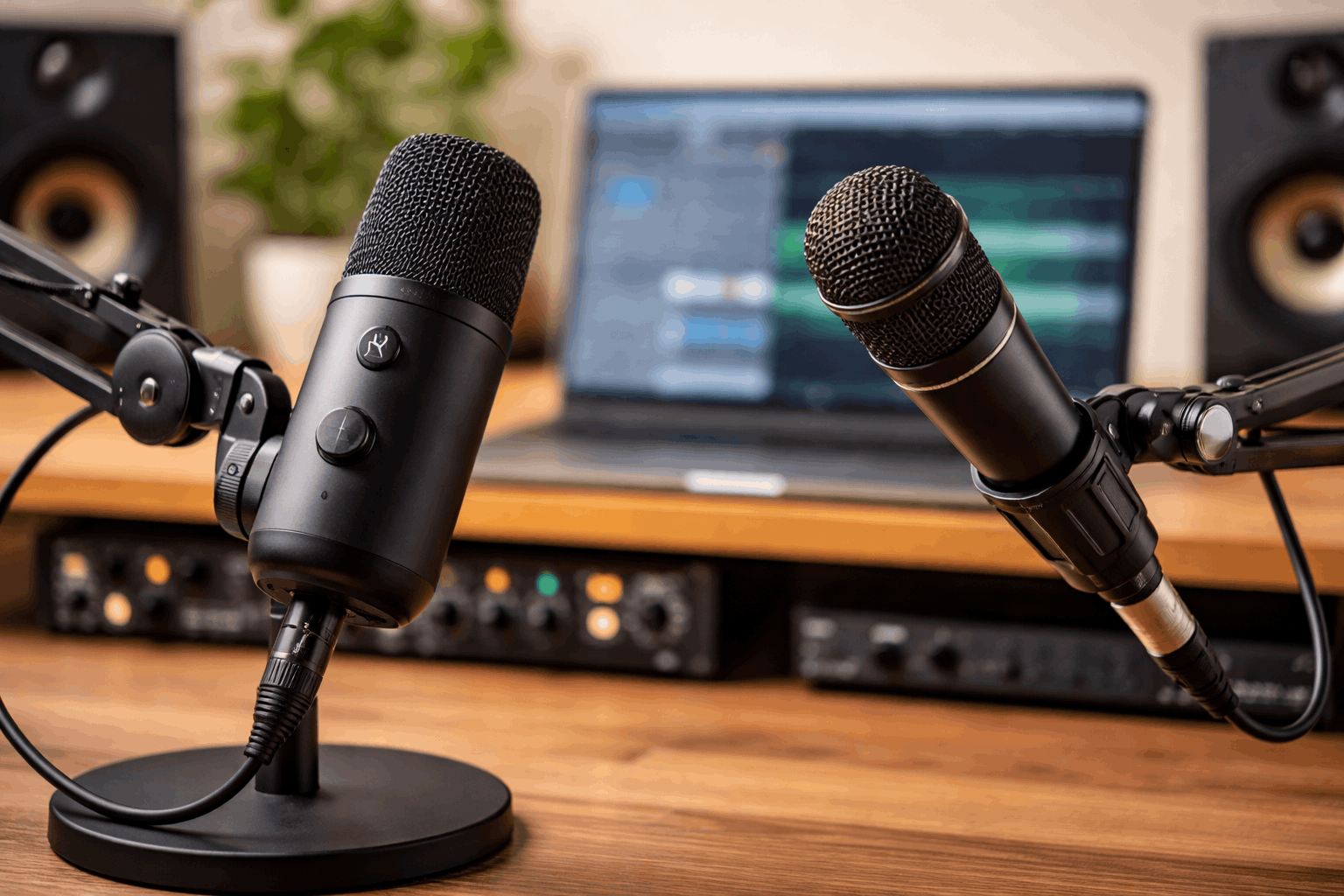
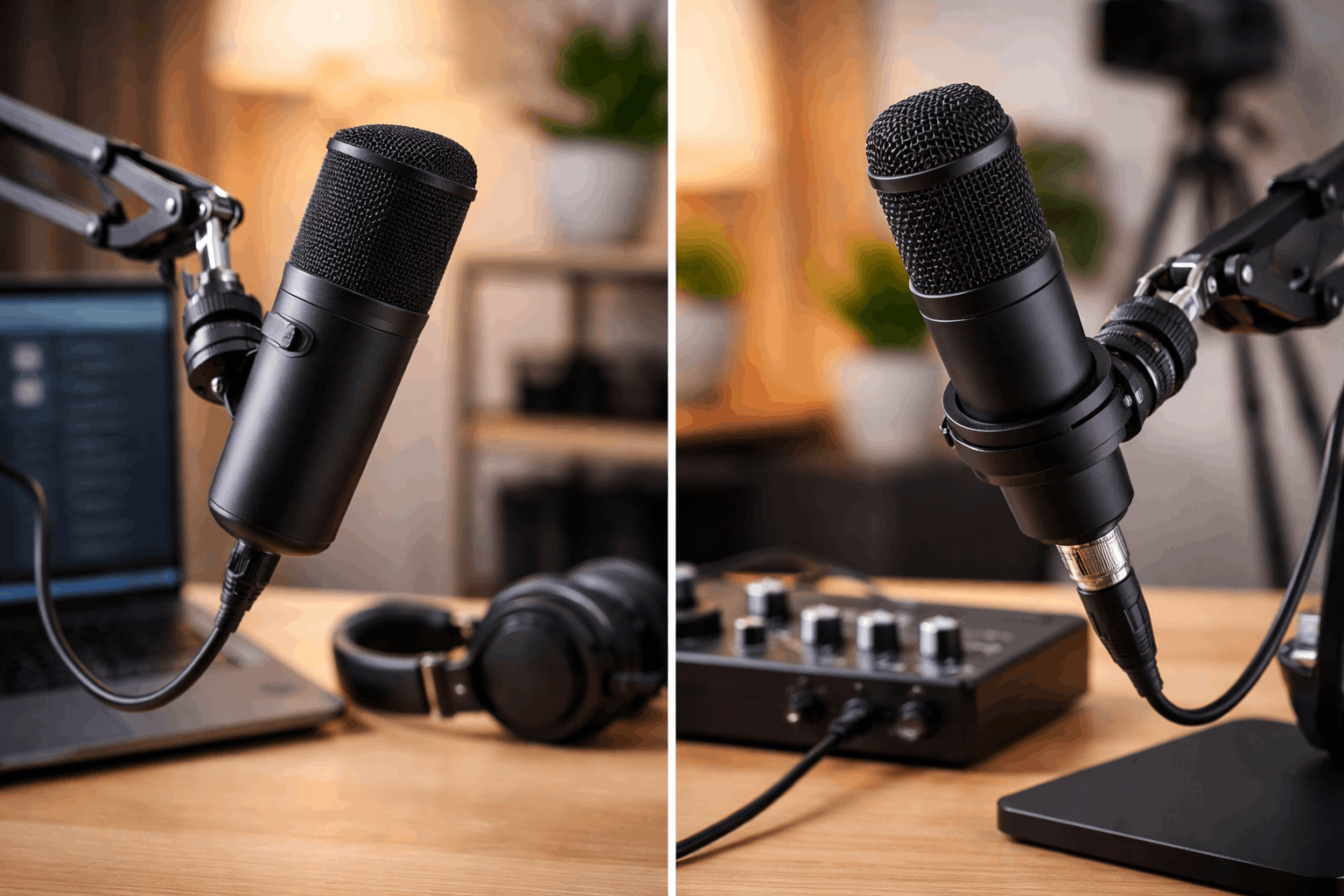
A USB microphone is a microphone plus a built-in audio interface that plugs straight into your compute
An XLR microphone needs an external audio interface (or mixer) to convert the signal and feed your computer.
That design difference changes everything: cost, complexity, upgrade options, and how easily you can handle multiple microphones.
What “works” at home depends on your room
Before comparing ports and gear, consider the room. Most home recordings fail for one reason: too much room sound.
Echo, keyboard noise, fans, and street noise can make even an expensive mic sound worse than a cheaper mic used correctly.
Distance beats price. A mic 10–15 cm from your mouth will usually sound better than a mic 60 cm away, no matter the connector.
Your mic pattern matters. Cardioid and dynamic mics can help reduce room sound when used close.
USB microphones: where they shine
USB mics are popular because they reduce friction. You plug in one cable, select the mic in your recording software, and you are ready.
Advantages
- Fast setup. No interface, no extra cables, fewer settings to manage.
- Good value for solo creators. Many USB models include decent converters and headphone monitoring.
- Portable and consistent. Easy to move between rooms or take to another computer.
- Simple for calls and livestreams. Works well for Zoom, Discord, streaming apps, and basic voice recording.
Where USB can feel limiting
- Upgrades are “all-in-one.” If you outgrow the sound or features, you usually replace the whole mic rather than swapping one component.
- Multiple mics are tricky. Using two USB mics at once can cause clock sync issues and driver complications on some systems. It is possible, but not always smooth.
- Less control over gain staging. You are relying on the mic’s built-in preamp and converter. Some are excellent, some are average.
- Driver and OS quirks. Most modern USB mics are stable, but updates can occasionally create issues with routing, monitoring, or app permissions.
Best USB use cases at home
- Solo YouTube narration and talking-head videos
- Streaming with a single host
- Remote work calls where clarity matters
- Beginner podcasting (one person)
- Small desk setups where you want fewer boxes and cables
If you record alone and want the simplest path to “good audio,” USB is often the most practical answer.
XLR microphones: why people move to them
XLR is the standard connection used in studios for a reason: it is flexible. The mic is just the mic, and the interface handles conversion and control.
Advantages
- Better upgrade path. You can upgrade the mic, interface, or accessories separately.
- More reliable multi-mic setups. An interface with two or more XLR inputs makes two-person podcasts and interviews much easier.
- More control. Physical gain knobs, metering, direct monitoring, and routing options can improve your workflow.
- More choice in mic types. Many of the most popular dynamics and condensers are XLR-first designs.
What XLR demands from you
- More gear. You need an interface, an XLR cable, and sometimes extras like a mic stand, shock mount, or pop filter.
- More things to learn. Gain, monitoring, input levels, and basic audio routing become part of your setup.
- Cost can rise quickly. A good interface plus a good mic can cost more than a single USB mic, especially if you add a boom arm and headphones.
Best XLR use cases at home
- Two-person podcasts or regular interviews
- Voiceover work where you want more control over noise and levels
- Music recording (vocals and instruments)
- Creators who plan to expand their setup over time
- Anyone who wants stable monitoring and easy routing
If you see your setup growing beyond “one mic, one computer,” XLR starts making more sense.
Sound quality: USB vs XLR is not a guarantee
Many people expect XLR to automatically sound better. In real home conditions, that is not always true.
A well-made USB mic used close in a quiet space can beat a poorly matched XLR chain in a noisy room.
XLR gives you more flexibility to optimize, but it is not automatic.
Cost and value: what you actually pay for
For a solo creator, USB often wins on cost-per-simplicity.
For two people or for expansion, XLR can become cheaper long-term because you can add mics without replacing the whole system.
Latency and monitoring: a practical difference
Monitoring matters if you record long sessions, stream, or do voiceover. Hearing your voice with a delay is distracting.
Many USB mics offer built-in headphone monitoring that avoids noticeable delay.
Most audio interfaces offer direct monitoring that is typically very stable and adjustable.
Both can work well, but interfaces often provide more predictable control, especially when you add music, sound effects, or multiple inputs.
Reliability and workflow at home
If you record quick takes and want minimal setup, USB keeps the process simple.
If you record often, edit heavily, or run multi-mic sessions, XLR workflows usually feel smoother over time.
Also consider your desk and camera setup. Home creators often need the mic out of frame but close to the mouth.
A boom arm is one of the best upgrades you can make for either type.
Simple recommendations by creator type
1) Solo creator, small room, wants easy setup
Go USB. Prioritize good placement, a boom arm, and monitoring with headphones.
2) Untreated room with echo, keyboard noise, and fans
Consider a dynamic microphone. USB or XLR can both work, but XLR offers more options.
If you want fewer headaches, a USB dynamic can be a strong choice if it fits your workflow.
3) Podcast with two people in the same room
Go XLR with a 2-input interface. This avoids common multi-USB problems and makes levels easier to manage.
4) Music, instruments, and vocals
Go XLR. Interfaces are designed for this and give you room to grow.
5) Long-term “build a creator desk” plan
Go XLR if you enjoy upgrading gear over time. If you do not, USB is still valid and can stay in your setup for years.
Conclusion
At-home recording is about consistency. USB microphones often win because they remove barriers and get you recording more often.
XLR microphones win when your setup becomes more serious, more collaborative, or more expandable.
The right choice is the one that makes it easy for you to record regularly, place the mic correctly, and keep your workflow simple.