Upgrading your home audio doesn’t always mean investing in a brand-new microphone.
Whether you’re a podcaster, gamer, video creator, or just want better virtual meetings, there are practical ways to make significant improvements to your sound quality—without swapping out your current mic.
This guide is for anyone looking to take their recordings to the next level with the right accessories, small upgrades, and a few expert tweaks.
Why Improve Your Home Audio Without a New Mic?
Maybe you’ve already chosen a mic that fits your voice or budget. Perhaps you’re attached to its particular character.
Or, more realistically, getting a new microphone just isn’t in the cards right now. Whatever the reason, there are smart ways to optimize what you already have—with results that can genuinely surprise you.
The Key Factors Behind Poor Home Audio
To know where upgrades will have the most impact, it helps to understand what usually drags down your audio quality. It’s rarely just the microphone. Instead, it might be your room’s acoustics, lack of isolation, low-quality interfaces, or even your cables and software settings.
Best Accessories to Upgrade Your Sound Instantly
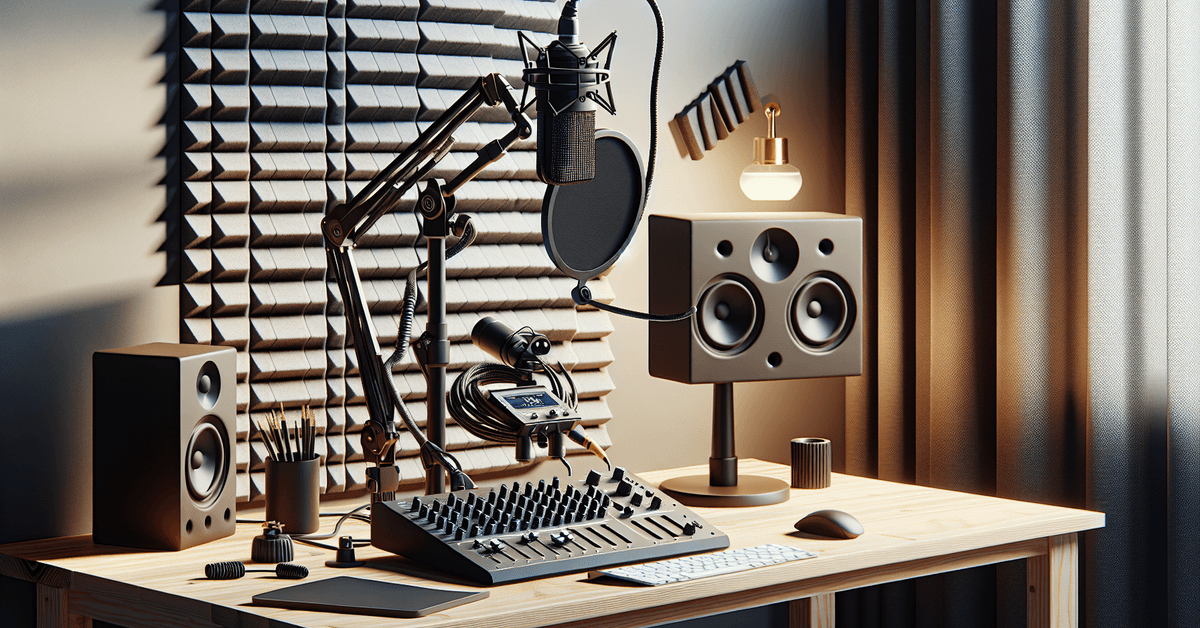
You’d be amazed how much a few add-ons can transform your audio game. Here are the most effective products to consider—each one vetted for consistent results and ease of setup.
1. Shock Mounts – Eliminate Desk Rumbles
A shock mount suspends your microphone, preventing vibrations from your desk, floor bumps, or even typing from making their way into your recordings. Most mics have compatible shock mounts available. Popular options like the Rode PSM1 or Blue Compass are widely used for their universal fit and build quality.
2. Pop Filters & Windscreens – Tame Plosives and Breaths
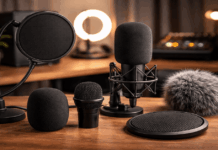
Those sharp “P” and “B” sounds, known as plosives, can ruin a clean take. A pop filter (like the classic Stedman Proscreen XL ) or a simple foam windscreen works wonders, especially for spoken voice and vocals. They’re cheap, too—a small investment that pays off fast.
3. Mic Preamp or Audio Interface Upgrade
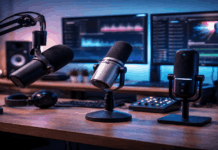
If you use an XLR mic, your interface or preamp makes a huge difference. Even USB mics benefit from higher-quality interfaces. Consider upgrading to models like the Focusrite Scarlett 2i2 or the Mackie Onyx Artist. Look for clean gain and low noise. This boost tends to startle folks—sometimes it’s like getting a “new” microphone altogether.
4. Desktop Boom Arms – Optimal Mic Placement
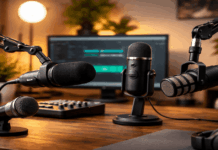
Positioning matters more than you’d think, and a sturdy boom arm makes it much easier. The Rode PSA1 and Blue Compass are fan favorites for good reason. A proper arm keeps your mic close and steady, which instantly improves clarity and cuts down on background noise.
5. Acoustic Treatment – Control Room Echo and Reflections
Sound waves bounce around untreated rooms, adding echo or tinny reverb. Basic acoustic panels or even DIY foam tiles placed behind your mic make a night-and-day difference. Shopping for panels? Look for trusted brands like Auralex or Primacoustic .
6. Upgraded Cables – Quiet, Reliable Connection
It might sound trivial, but low-grade or old cables pick up interference—hums and crackles included. Opt for shielded, well-reviewed cables from Mogami or Hosa . Not glamorous, but definitely effective.
Table: Top Accessories to Upgrade Your Audio
| Accessory | Best For | Top Pick |
|---|---|---|
| Shock Mount | Reducing desk noise | Rode PSM1 |
| Pop Filter | Minimizing plosives | Stedman Proscreen XL |
| Audio Interface | Clean signal, low noise | Scarlett 2i2 |
| Boom Arm | Stable positioning | Rode PSA1 |
| Acoustic Panels | Room echo control | Auralex Acoustics |
| Quality Cables | Reliable connection | Mogami Gold |
Pro Techniques to Make Your Mic Sound Better
Accessories only do so much. Small changes in technique can improve audio just as much—sometimes even more. Here are effective (yet often overlooked) tactics:
Proper Mic Positioning
Experiment with the distance and angle between your mouth and the microphone. Sometimes a quarter turn or a few extra inches makes your voice clearer and reduces sibilance—those annoying “S” sounds.
Room Setup Tweaks
If possible, record in a smaller, cluttered space. Soft furnishings absorb sound—blankets, curtains, even clothes. If you hear a lot of echo, try moving to a different part of your room before investing in foam panels.
Consistent Input Levels
Adjust your microphone input gain to avoid distortion. Too high and you’ll get clipping, too low and you’ll sound distant or muffled. Watch your signal in recording software and aim for levels that peak around -6dB.
Best Software Tools for Audio Enhancement
You don’t always need pricey plugins to polish your sound. Free and affordable tools, like Audacity or noise-removal features in apps like Adobe Audition, can work wonders. Even EQ and light compression can raise your game with a few clicks.
Common Mistakes to Watch Out For
- Ignoring background noise from computers or HVAC
- Using default software settings without checking sample rates or bit depth
- Setting your mic directly on a hard desk without isolation
- Skipping pop filters and hoping for the best
Recommended Further Reading
- Best Podcast Mic Setups for Beginners and Pros
- How to Soundproof Your Home Studio – The Essentials
Visual Enhancements
- Infographic : “5 Fast Fixes for Better Audio” (Suggested image placeholder)
- Diagram : Mic setup comparison – with/without pop filter
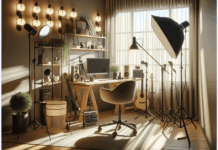
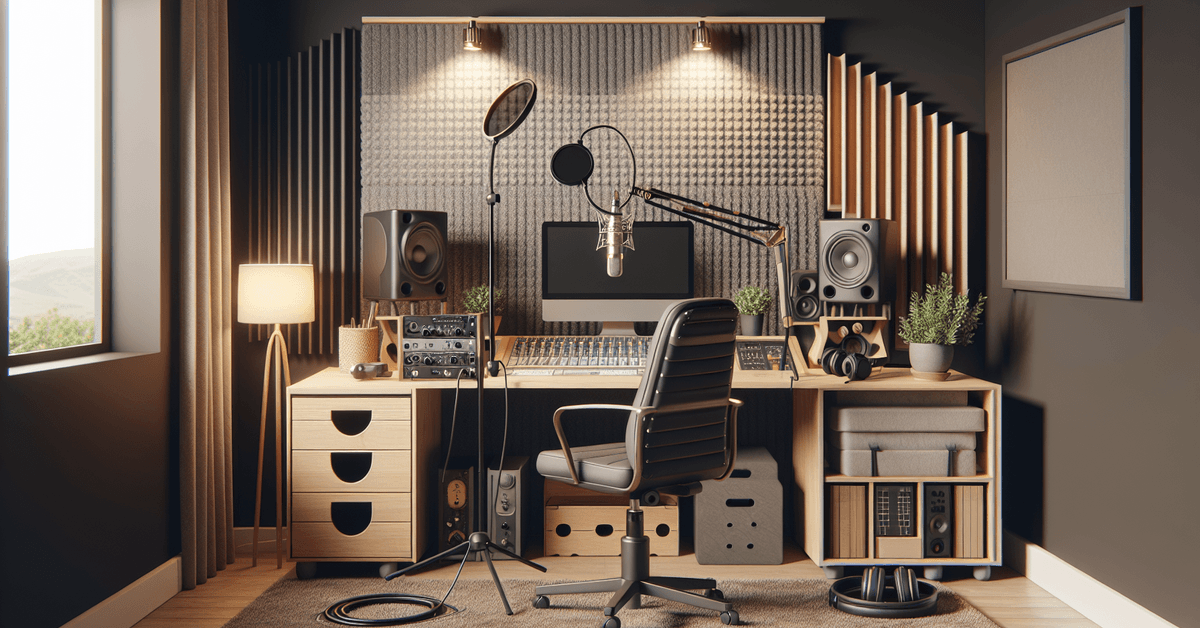
- Photo : Desktop setup showing a shock mount, boom arm, and acoustic treatment in place
Conclusion – Your Audio Upgrade Starts Now
You don’t need a new microphone to sound better. With the right accessories, a few smart tweaks, and maybe an easy software upgrade, you can achieve clearer, richer, and more professional audio at home.
Try starting with two upgrades—a pop filter and a boom arm—then build from there. Want more insider advice? Check out our full guide to home studio setups and take your sound up a level today!