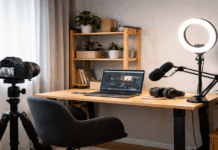
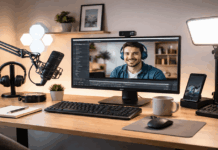
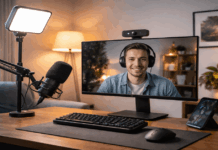
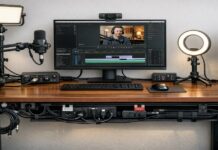
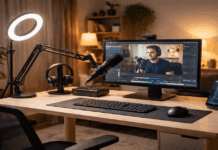
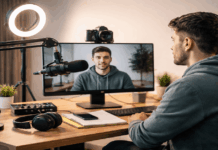
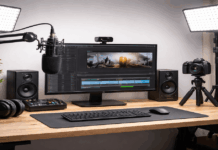
Upgrading a creator setup works best when you treat it like a series of small, measurable improvements instead of one big shopping trip.
A “basic” setup—phone or entry webcam, built-in mic, a desk lamp, and a lightweight tripod—can already produce solid content.
The goal of gradual upgrades is to remove your biggest quality bottleneck first, while avoiding purchases that you’ll replace in a month.
Step 1: Upgrade Audio First (Viewers Forgive Video More Than Bad Sound)
If you do only one paid upgrade early on, make it the microphone.
Clear speech increases watch time, reduces fatigue for your audience, and makes your videos feel more professional.
Level A: Budget USB/XLR starter (simple, flexible)
A common low-risk move is a mic bundle that works over USB now and can move to XLR later.
The Samson Q2U pack is listed at $99.99 on Sweetwater, and it includes accessories that help you start quickly.
Level B: Compact USB mic (clean sound, minimal desk space)
If you want a small footprint and easy setup, the RØDE NT-USB Mini is listed at $107.99 on Sweetwater.
Level C: “Grow with you” mic for USB now + deeper setup later
If you’re planning to build toward a more advanced chain, the Shure MV7+ (USB/XLR) is listed at $279.00 on Sweetwater.
This category costs more, but it can save money if it replaces two purchases (a basic USB mic now and an XLR mic later).
What to buy with the mic (small, targeted add-ons)
A basic pop filter or windscreen helps reduce harsh “P” and “B” sounds.
A boom arm (or stable desk stand) keeps the mic close to your mouth without blocking your face.
Closed-back monitoring headphones help you catch hiss, clipping, or background noise before you publish.
Step 3: Upgrade Lighting Second (Because Light Improves Every Camera)
Lighting is the biggest factor in making a phone camera or webcam look better.
The win comes from more light, placed correctly, with a consistent color temperature.
Level A: Entry ring light kit (easy, space-friendly)
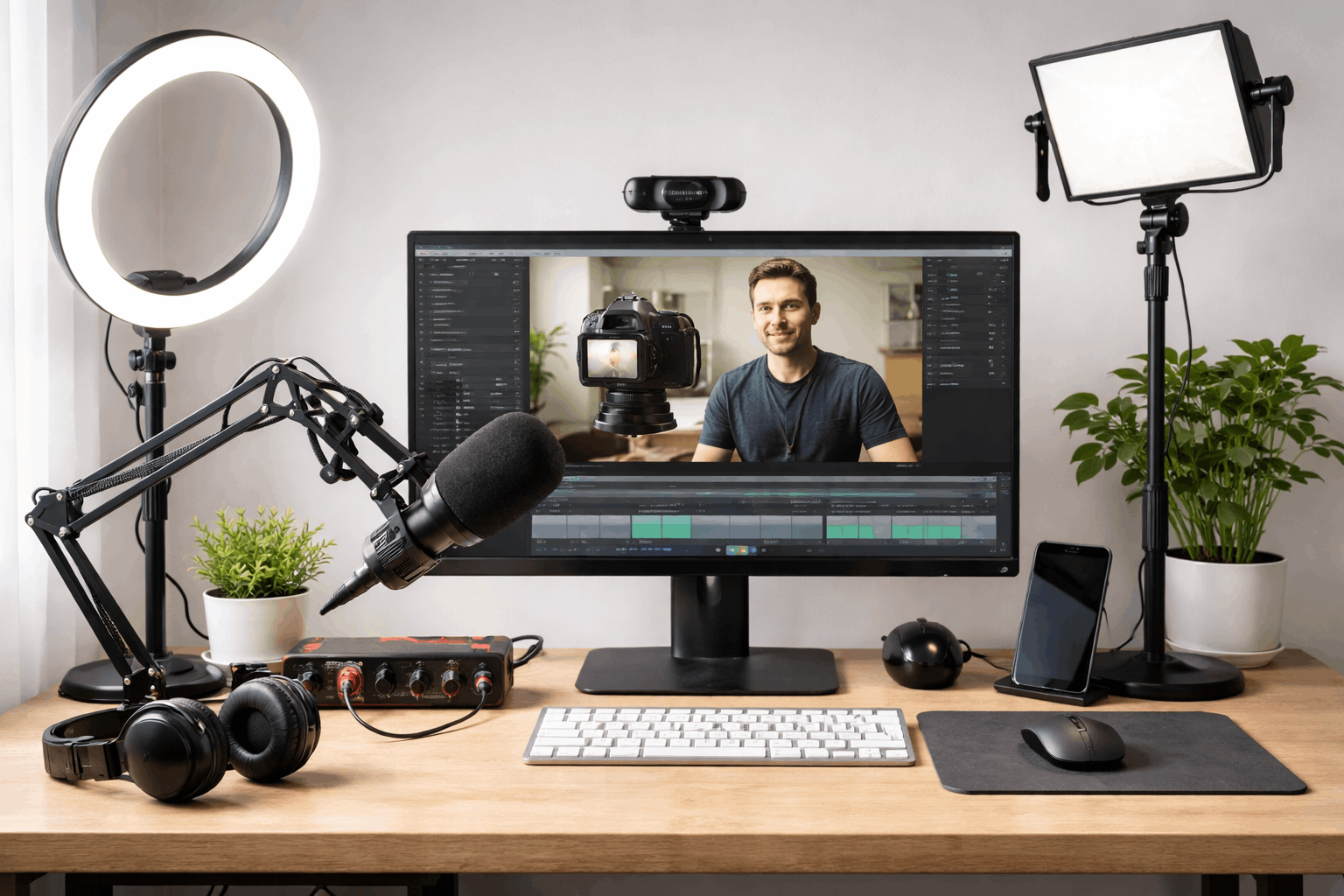
A ring light can be a good starter for face-cam content because it’s simple to position and fast to reuse.
eBay lists the Neewer 18″ Ring Light Kit at $107.99.
Level B: Two-light LED panel kit (more control than a ring light)
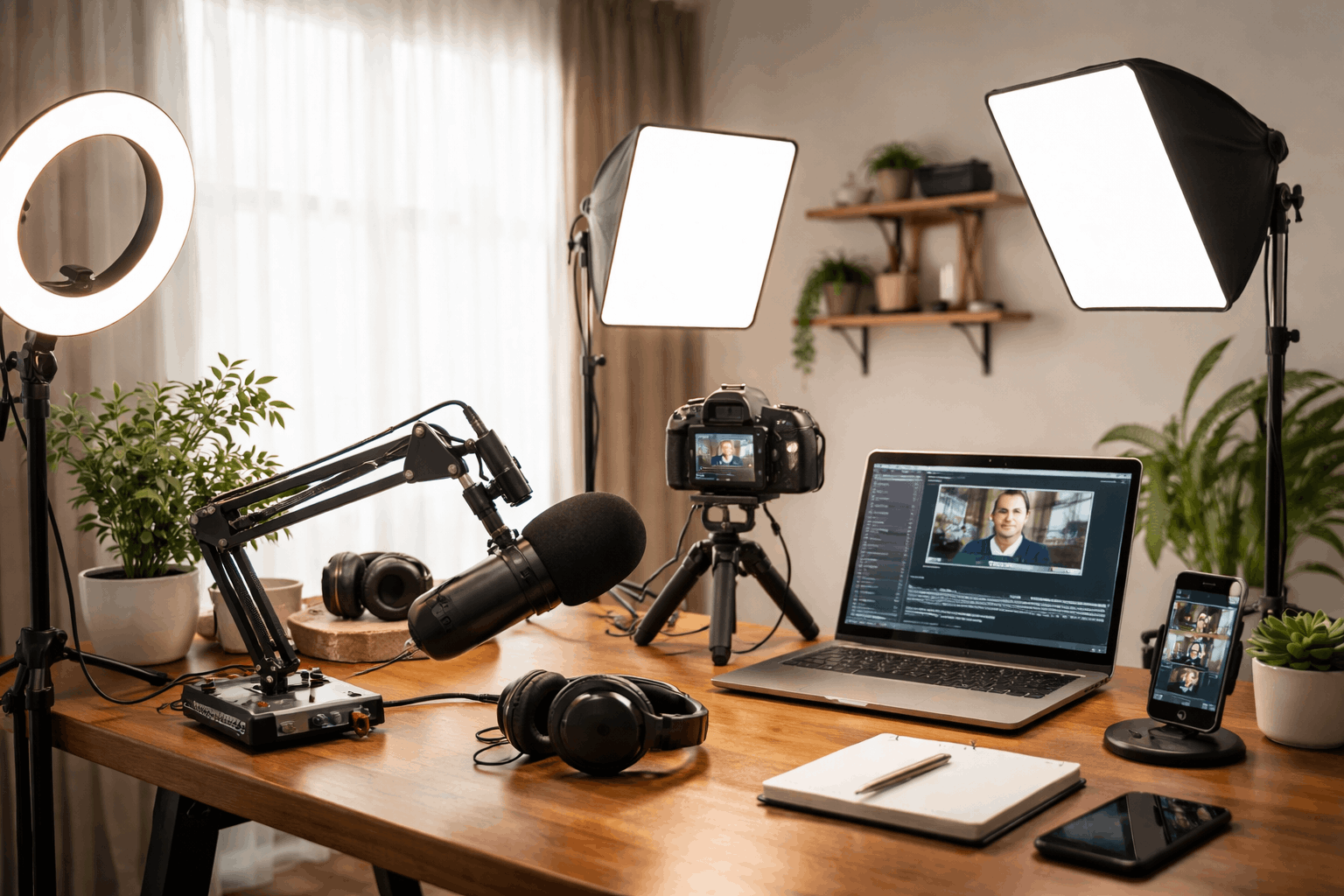
If you want cleaner, more “studio” shaping, a two-light kit gives you separation: one key light and one fill or hair/background light.
NEEWER lists the 2-pack NL660 bi-color kit at $269.99.
Level C: Strong single light for a softbox setup (better softness, better falloff)
For a more cinematic look in small rooms, a stronger key light paired with diffusion can look more natural than a ring light.
B&H’s comparison page lists the Godox SL60IID Daylight LED Video Light at $139.00.
You’ll typically add diffusion like a softbox separately, so treat this as a “buildable” step rather than a complete kit.
Lighting placement that gives the biggest improvement
Put your key light slightly above eye level, angled down.
Keep the light close enough to be soft, but far enough to avoid hot spots.
Avoid overhead room lighting that creates harsh shadows under your eyes.
If your background looks messy, dim it and light only your face so the viewer focuses on you.
Step 4: Upgrade the Camera Third (Only After Audio + Light)
A better camera helps, but it won’t fix dim light or poor audio.
Once your lighting is stable, then a webcam upgrade can produce a visible jump in clarity, color, and low-light performance.
Level A: Reliable 1080p webcam (good value for most creators)
Amazon’s official store lists the C920S Pro HD Webcam at $59.99 (pricing can vary with promotions).
Level B: Newer webcam with improved auto exposure and framing
Logitech lists the Logitech Brio 500 at $129.99.
This tier often feels smoother for everyday creators because it handles changing room light more gracefully than older models.
Camera techni que that matters more than specs
Place the camera at eye level (books + tripod works).
Use a slightly wider framing so you can crop or reframe later without losing quality.
Lock your exposure and white balance where possible to prevent “pulsing” brightness.
Step 5: Upgrade Support Gear (Stability Makes Everything Look Better)
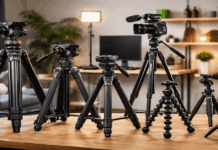
Support gear is not exciting, but it prevents common beginner problems: shaky footage, drifting framing, and inconsistent angles.
The smartest approach is to buy support that matches your shooting style.
Level A: Mini tripod for desks + travel
ULANZI lists the MT-16 extendable tripod with ball head starting at $23.95 on its product page.
Level B: Flexible tripod for unusual angles
B&H lists the JOBY GorillaPod 3K Kit at $69.99.
This is useful when you need to wrap legs around rails, mount to uneven surfaces, or shoot in tight rooms.
Level C: Full tripod for consistent filming positions
B&H lists a SmallRig Portable Aluminum Video Tripod at $39.90, which can be a practical low-cost “set and forget” option.
If you want a more established brand option, B&H’s compare page lists the Manfrotto Element MII around $132.95 (price varies by color and listing).
Step 6: Add an Audio Interface When You’re Ready
An audio interface becomes worth it when you want cleaner gain control, XLR microphones, or multiple inputs.
It also helps if you’re building a setup for podcasts, interviews, or more advanced vocal processing.
A common entry choice is a compact interface like the Focusrite Scarlett Solo (4th Gen), which Amazon lists at $149.99.
This step makes the most sense after you’ve stabilized your recording space and you know you’ll keep creating long term.
How to Spend Smarter as You Upgrade
Use return windows to test gear in your real room, at your real desk, with your real workflow.
Watch for seasonal discounts on common creator gear (webcams, mics, and lights are frequently discounted).
Prefer gear that solves a current problem and still fits a future setup (for example, a mic that can move from USB to XLR).
Budget for small “hidden” items—cables, clamps, mounts—only when they remove a specific frustration.
Final Check: Your Setup Should Get Easier, Not Harder
A better setup should reduce stress: faster recording, fewer retakes, cleaner sound, and lighting you can reproduce every time.
Start with audio, then build light, then refine your camera, and use support gear to keep everything consistent.
Over time, those small, targeted changes will give you a creator setup that looks and sounds “done” without forcing you into one expensive overhaul.