Echo and reverb are usually not “microphone problems.” They’re room problems.
Hard surfaces (walls, floors, windows, ceilings) bounce sound back into your mic, creating a hollow “roomy” tone.
You can fix most of it with simple changes: where you record, how you position your mic and camera, and a few affordable acoustic add-ons.
Know what you’re hearing: echo vs. reverb
Echo is a more distinct repeat (like a slap-back in an empty room or stairwell).
Reverb is a dense wash that makes your voice sound distant or “in a box.”
A quick test: clap once. If you hear a sharp bounce or repeated “tap-tap,” you’re dealing with strong reflections.
If you hear a lingering tail, you’re dealing with reverb/decay.
Start with the easiest win: pick the right room
If you can choose your recording spot, do that before you buy anything.
Rooms that usually sound better:
- Bedrooms (soft furniture, bedding, curtains)
- Closet-adjacent corners (clothes absorb reflections)
- Carpeted rooms with fabric furniture
Rooms that usually sound worse:
- Kitchens (tile, glass, flat surfaces)
- Large empty rooms
- Bare offices with hard floors and minimal furniture
Soft furnishings like carpets and curtains help reduce reflections and reverberation in normal homes because they absorb and break up sound energy instead of bouncing it straight back.
Fix your mic technique before you treat the whole room
Even in a “bad” room, mic technique can cut the room sound dramatically. A close mic increases the ratio of direct voice to room reflections.
Keep the mic close (around 6–12 inches) to reduce pickup of room reflections and reverberation.
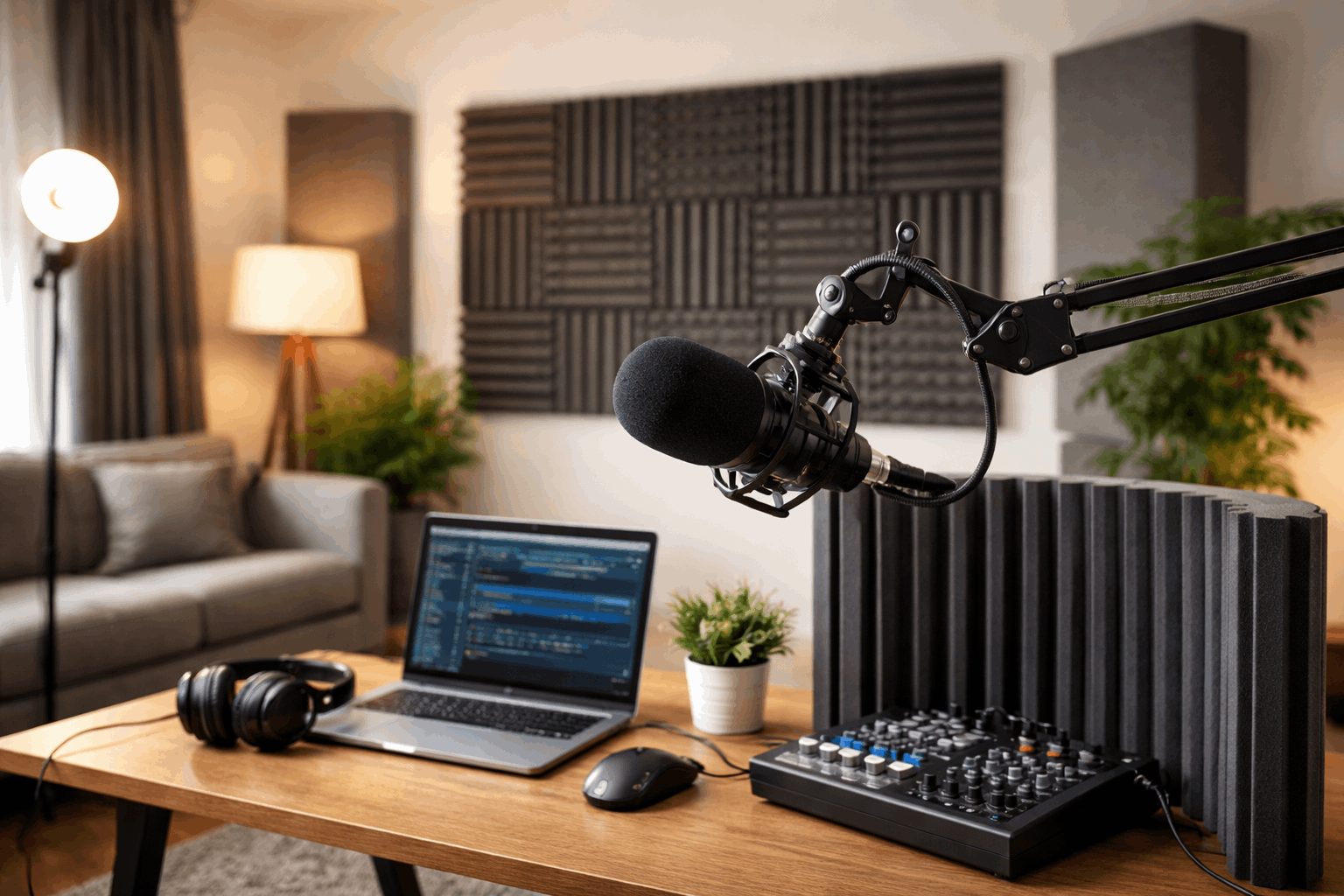
Use a boom arm or compact stand to get the mic close without blocking your webcam frame.
Aim the mic slightly off-center from your mouth to reduce plosives (and use a pop filter/windscreen).
Use the right pickup pattern
For spoken voice in untreated rooms, a cardioid (or other directional) mic is usually easier than omni because it rejects more sound from the sides and rear.
A cardioid mic can reduce off-axis noise by about two-thirds (directional rejection helps, even though it won’t eliminate room sound entirely).
Good creator-friendly choices
Dynamic cardioid USB/XLR mics often handle untreated rooms well because they like close positioning.
Cardioid condensers can sound more detailed, but they can also reveal more room if you sit far away.
Point the “dead side” at the problem
If your room has one especially reflective area (a window, bare wall, hallway opening), rotate your setup so the mic rejects that direction as much as possible.
Directional mics are most sensitive in front, less sensitive behind, so orientation matters.
Control reflections around the mic, not just “everywhere”
You don’t need foam on every wall. Target the reflections that actually reach the mic first.
Treat first reflection points (high impact)
Early reflections come from the nearest hard surfaces: side walls, desk, ceiling, and the wall behind/near you.
Use treatment at reflection points where sound bounces.
Simple creator version:
If you’re at a desk, reflections often come off the desk surface and the wall behind your monitor.
If you’re standing, reflections often come off the wall behind you and the ceiling.
Add absorption close to you
Fast, affordable ways to reduce reverb. Thick curtains over windows, a rug on hard floors, soft couch or padded chair.
These are not “perfect studio treatment,” but they often make speech sound immediately tighter.
Use simple acoustic tools that work for home creators
If you want gear-based fixes that fit a typical home recording setup, prioritize these:
Portable absorption behind/around the mic
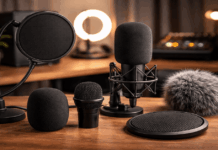
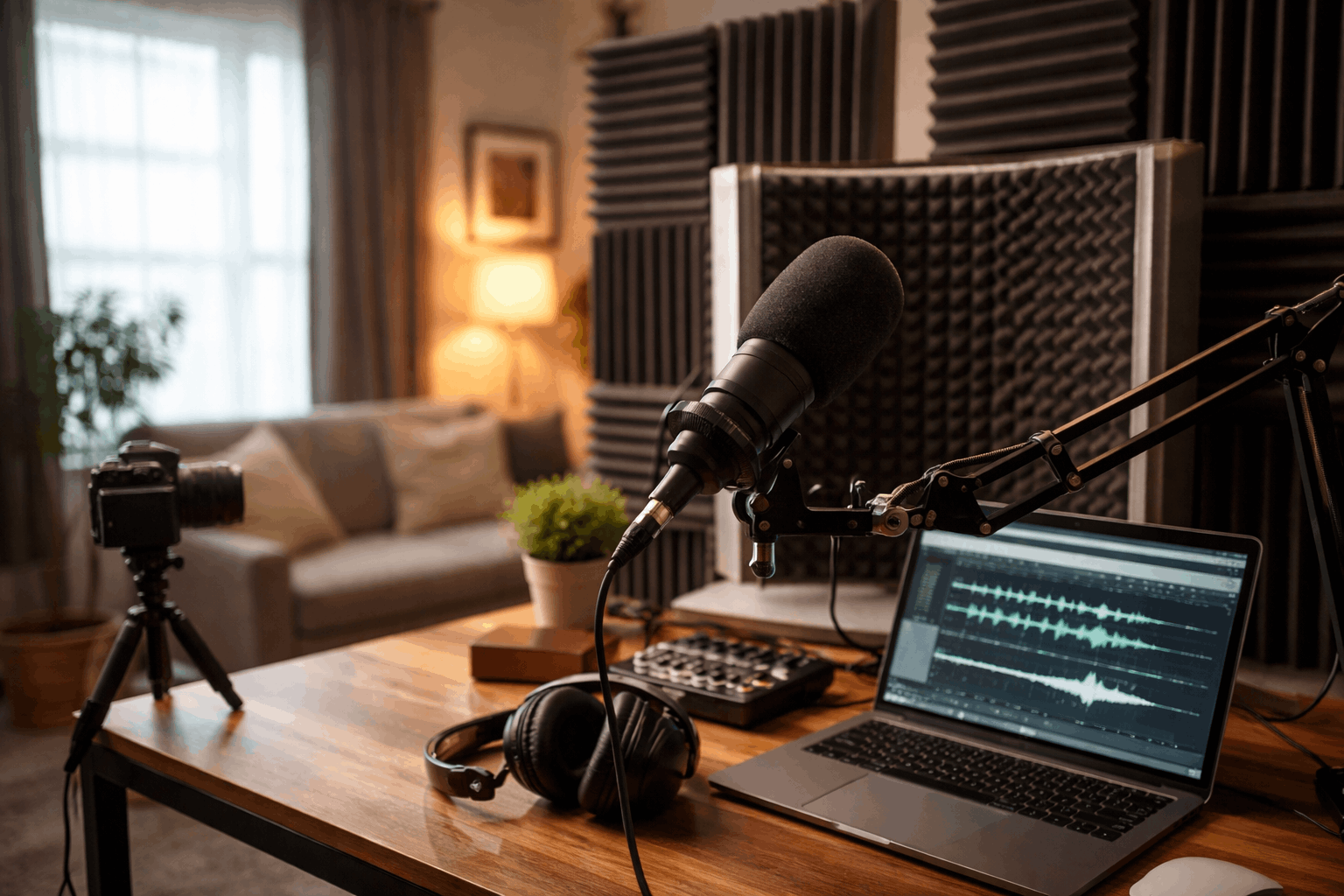
Reflection filters / isolation shields behind a microphone can reduce some room splash, especially when you can’t treat walls.
A foldable acoustic panel or thick blanket behind the mic can help if your voice is bouncing off a bare wall and returning straight into the capsule.
Tip for video creators: set the absorption slightly out of frame and light your face separately so you don’t rely on reflective walls for brightness.
Panels and “bass traps” for bigger improvements
If you’re ready for real treatment, start with the basics.
Bass traps in corners (corners build up low-frequency energy) and absorption panels at key reflection points
You don’t need to cover every inch. A few well-placed panels often beat lots of random foam squares.
Don’t let your video setup cause audio problems
On a site focused on microphones, lighting, webcams, and tripods, it helps to think of your setup as one system.
Common video choices that worsen room sound:
- Placing the mic far away so it stays out of frame.
- Recording in a big empty space because it looks “clean” on camera.
- Using overhead lighting only, forcing you to sit in the center of a reflective room.
Better creator workflow:
- Use a webcam with a slightly tighter framing so you can keep a mic closer.
- Use a boom arm that enters frame minimally (or a small desktop stand just below the camera line).
- Use soft light sources (softbox, bounced LED) so you can record in a more acoustically “soft” location like a bedroom corner instead of a glassy office.
Tripods and lighting stands are also handy for mounting temporary acoustic blankets or moving panels without drilling holes—great for renters.
Fix it in software (only after you improve the recording)
Software can help, but it’s best as a “clean-up,” not the main solution.
Editors like Adobe Audition include a DeReverb effect designed to estimate a reverb profile and reduce it.
Tools like iZotope RX De-reverb are also built specifically to reduce excessive ambience in recordings.
Apply small amounts and listen for artifacts (watery or phasey sound). If the result feels unnatural, back off and improve the room/mic position instead.
Noise gates won’t remove reverb, but they can reduce “room between phrases”
A noise gate reduces audio below a threshold (useful for cutting low-level background between words), but it won’t fix reverb that overlaps your voice.
Audacity’s documentation describes how a noise gate reduces the level of sound below a set threshold.
Use a gate carefully for spoken content so it doesn’t chop word endings or breaths.
Closing thoughts
Reducing echo and reverb is mostly about controlling what the mic hears besides your voice.
A closer mic, a more directional pickup pattern, and a “softer” space usually beat expensive upgrades.
When you combine a smart mic position with a simple creator-friendly room setup (curtains, rug, a couple of panels).