Recording clean, professional audio at home is possible even if you do not have a studio.
Most “bad audio” problems come from a few repeat issues: a noisy room, a microphone that is wrong for the job, and poor placement or levels.
Everyday creators can fix most of this with a simple setup, a few affordable accessories, and a consistent recording routine.
What “professional” audio means in a small room
Professional audio at home usually means four things.
The voice is clear, the background is controlled, the volume is consistent, and the sound matches the video.
In a small room, the main challenge is reflections, which create a hollow or “roomy” sound.
The second challenge is noise, such as fans, traffic, and computer hum. A good plan focuses on reducing reflections and noise before.
Choose the right microphone type for your content
Different microphones solve different problems. Your room, your distance from the mic, and the kind of video you make should guide the choice.
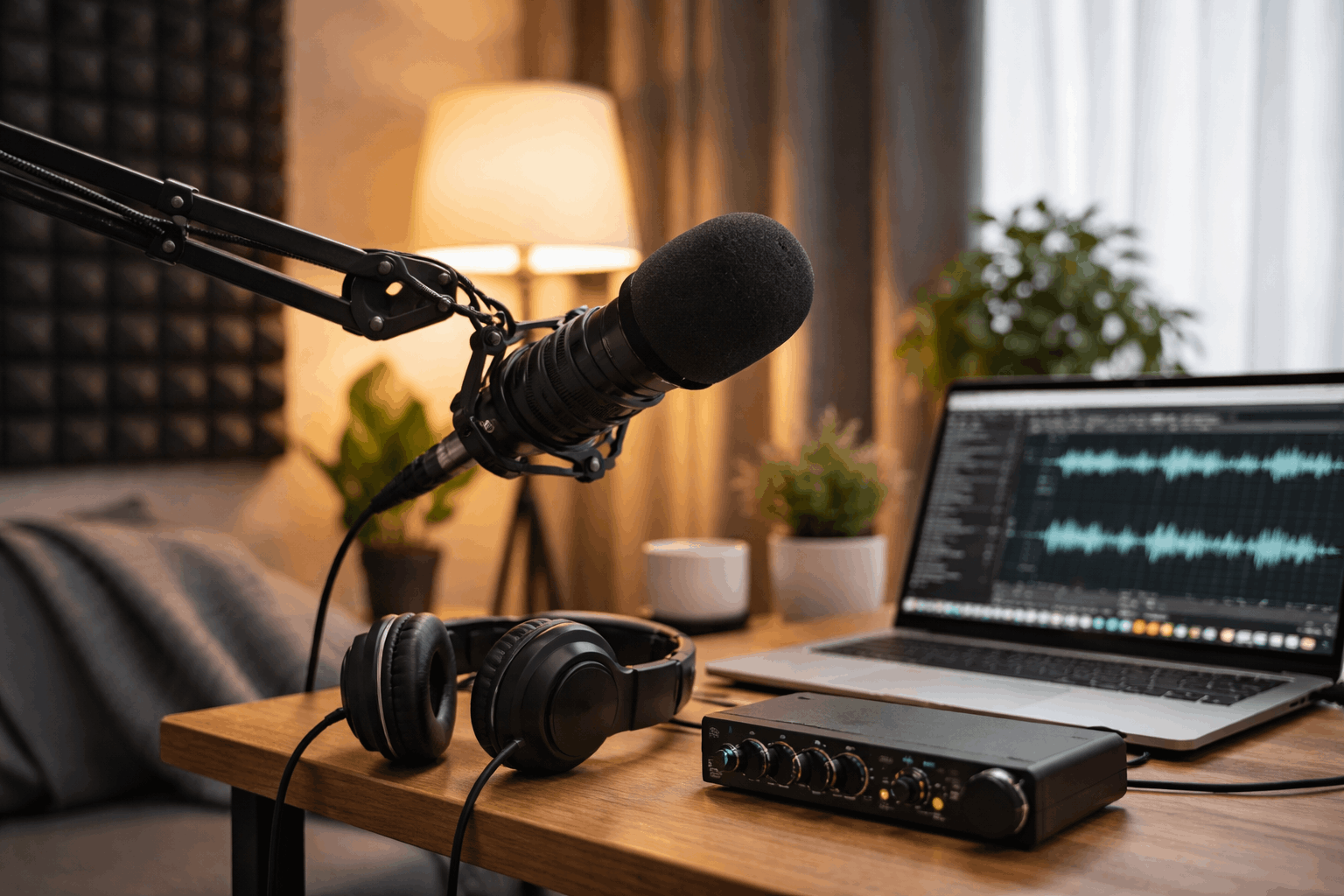
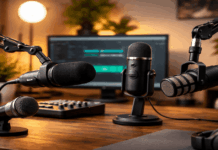
Dynamic microphones (best for noisy rooms)
Dynamic mics are less sensitive than condensers, which helps them reject room reflections and background noise.
They work well for talking-head videos, podcasts, and streaming in small rooms.
The trade-off is that they usually need more gain, so an audio interface or a good USB dynamic mic matters.
- Best for: noisy rooms, untreated rooms, voice close to the mic
- Common mistakes: speaking too far away, using a weak interface that adds hiss
Condenser microphones (best for quiet rooms)
Condenser mics capture more detail, but they also capture more room sound.
They can sound excellent for voiceovers and music in a quiet, treated space. In a small room with hard walls, the echo may be pronounced.
- Best for: quiet rooms, treated rooms, detailed voice-overs
- Common mistakes: recording in an echoey room, placing the mic too far away
Lavalier microphones (best for simple on-camera setups)
A lav mic clipped to clothing keeps the mic close to your mouth, which improves clarity.
It is a practical option for tutorials, cooking videos, and standing shots. Wired lavs are usually more reliable than wireless systems for beginners.
- Best for: walk-and-talk, tutorials, simple camera setups
- Common mistakes: cable rubbing, placing the mic too low, recording too hot
Shotgun microphones (best when placed close, not far)
Shotgun mics are often misunderstood. They do not magically isolate your voice from across the room.
They work best when they are just out of frame, pointed at your mouth, in a controlled space. In very reflective rooms, they can still sound roomy.
- Best for: camera-mounted rigs when the mic can be close, overhead boom setups
- Common mistakes: placing the mic too far away, using it in a bare room
USB vs XLR: pick the simplest path that stays reliable
USB microphones (fastest to start)
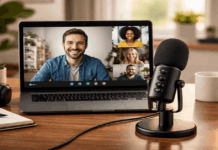
USB mics combine the microphone and the audio interface in one device. They are good for creators who want a clean setup with fewer parts.
Look for a USB mic with headphone monitoring and a gain control so you can manage levels quickly.
- Good for: beginners, laptops, simple desks
- Watch out for: noisy USB power, limited upgrade path, poor monitoring options on cheaper models
XLR microphones (more flexible long-term)
XLR setups need an audio interface or recorder, plus a cable.
The benefit is better control, easier upgrades, and more consistent performance across devices.
If you plan to expand to multiple mics or want better preamps, XLR is the safer long-term choice.
- Good for: upgrades, multi-mic interviews, cleaner gain control
- Watch out for: buying an interface with too little gain for dynamic mics
Small-room treatment that actually works
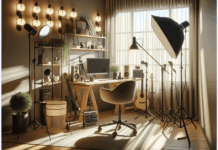
You do not need to cover every wall. You need to reduce reflections near the microphone and behind the speaker.
Hard surfaces close to the mic are the problem. Move away from bare walls and corners.
If possible, record with soft materials around you: curtains, a rug, a couch, or a bed. A closet full of clothes can also work for voiceovers.
Mic placement: the biggest quality upgrade you can make
Good placement beats expensive gear in most home setups.
Distance and angle
For voice, keep the mic close. A typical starting point is 10–15 cm (4–6 inches) from your mouth for a podcast-style sound.
Angle the mic slightly off-axis (not pointed directly at your lips) to reduce harsh “P” and “S” sounds.
Gain, levels, and monitoring: record clean without clipping
Clipping happens when the signal is too loud and distorts.
A simple rule is to aim for peaks around -12 dB to -6 dB when speaking at your normal loudest volume. This gives headroom for sudden emphasis.
Monitor with headphones
Use closed-back headphones while recording so you can catch problems early. Listen for:
- Background hum or fan noise
- Crackling from bad cables or USB ports
- The room echo is getting worse when you lean back
- Plosives and breath noise
- Monitoring during setup saves time and prevents unusable takes.
Sync audio with video for a clean final result
If you record audio separately from your camera, syncing is simple.
Start recording on both devices. Clap once on camera to create a visible spike in the waveform.
Align the spike in your editor, then mute the camera’s audio track.
Many editors also support automatic sync. The clap method still works when automatic tools fail.
Common audio problems and quick fixes
Buzz or hum: unplug chargers, move cables away from power bricks, try a different USB port
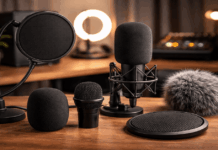
Plosives (“P” pops): use a pop filter, angle the mic slightly off-axis, and increase the distance slightly
Hissing noise: lower interface gain and move closer to the mic, check if the preamp is being pushed too hard
Inconsistent volume: keep the same posture and distance, use light compression in editing if needed
Final checklist for professional audio in a small room
You can record strong audio at home by controlling the room, choosing the right mic type, and keeping placement and levels consistent.
A small room can sound professional when reflections are reduced, and the microphone is close enough to your voice.
A simple setup with the right accessories usually beats a complicated setup that is hard to repeat.