If you’ve ever replayed a recording and wondered why your audio sounds distant, muffled, or full of unwanted noise, you’re not alone. Proper microphone placement can make a remarkable difference—especially for creators working from home.
This guide is for anyone seeking cleaner, more professional-sounding recordings, whether you’re launching a podcast, streaming, or simply aiming to improve your video calls.
Why Microphone Positioning Matters
It’s pretty common to focus on gear first. I mean, choosing a great microphone seems like the obvious first step, right? But, if I’ve learned anything after testing a bunch of setups, it’s that even a premium mic delivers lackluster audio if it’s placed incorrectly.
Where and how you place your mic impacts clarity, volume, and how much room noise sneaks in. It’s not all technical, either—sometimes, tiny shifts make all the difference.
Understanding Different Microphone Types
Dynamic Microphones
Dynamic mics, like the Shure SM58, are sturdy and good for rejecting background noise. They’re forgiving with placement, but still benefit from proper setup for best results.
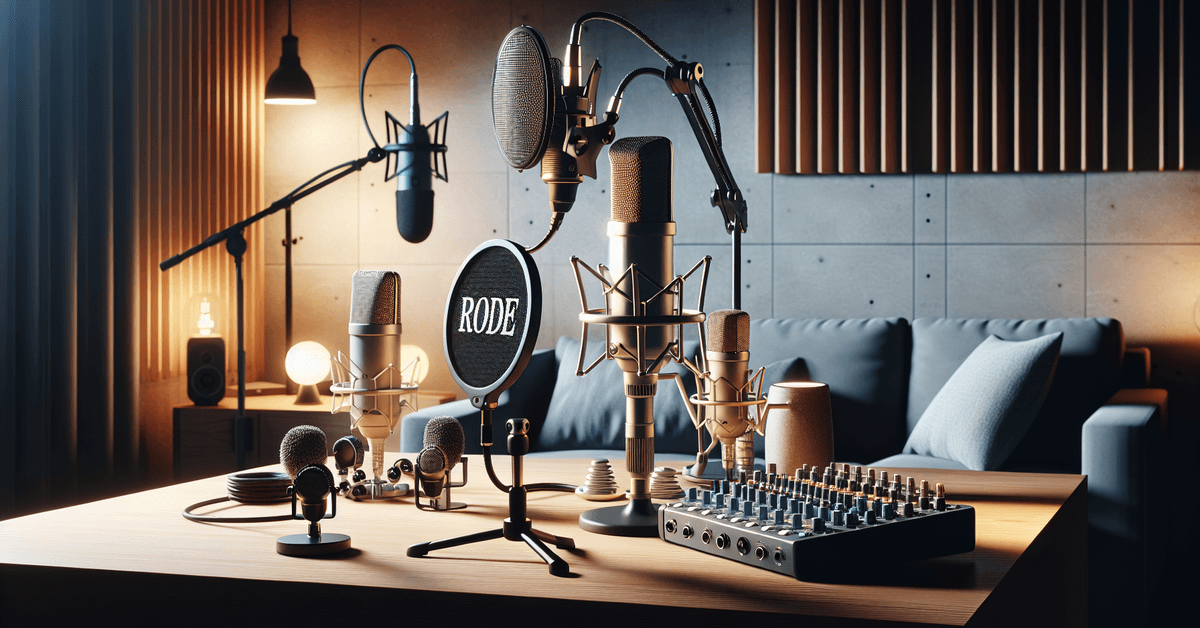
Condenser mics, such as the Rode NT1 or Audio-Technica AT2020, are more sensitive and deliver detailed sound, but they’ll also pick up room noise and echoes if positioned poorly.
Lavalier and USB Mics
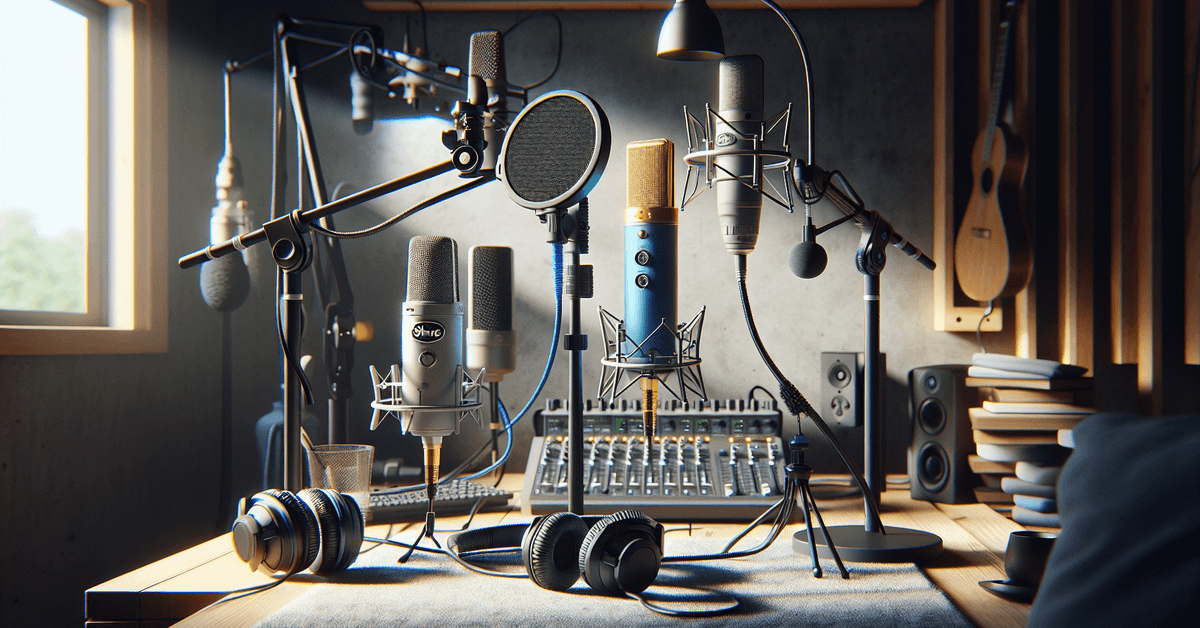
Lavalier microphones (clip-on mics) work well for video creators who want hands-free operation. USB microphones like the Blue Yeti and Elgato Wave:3 are perfect for plug-and-play options and great for podcasting or streaming from a desk.
Key Principles of Microphone Positioning
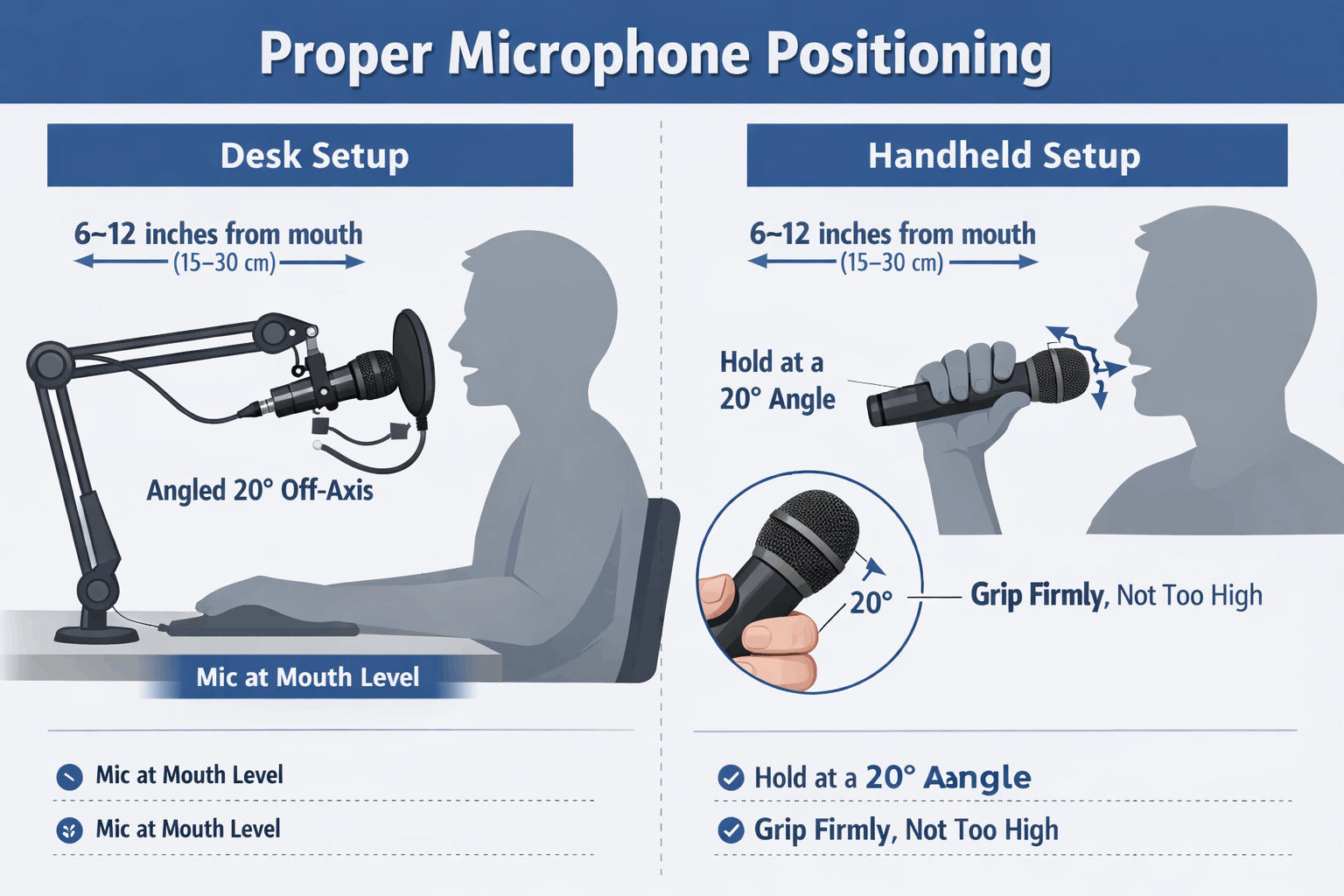
- Get the distance right: Start by placing the microphone 6–12 inches from your mouth . Too close, and you’ll get popping “P” sounds and heavy breaths; too far, and your voice will sound thin or pick up room reverb.
- Stay off-axis to avoid plosives: Angling the mic slightly to the side (about 20 degrees) instead of directly in front of your mouth reduces harshness from “B” and “P” sounds.
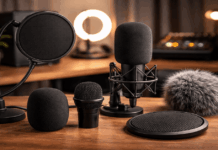
- Use a pop filter: Especially for condenser and USB microphones, a pop filter or foam windscreen greatly improves clarity by diffusing sudden bursts of air.
Step-by-Step Guide: Finding the Sweet Spot
- Find a quiet, controlled space: Even the best mics are vulnerable to environmental noise. Try to record away from fans, open windows, or hard, echo-prone surfaces. If you’re stuck with a noisy room, I’d suggest laying down a rug or hanging a blanket behind you—trust me, it helps.
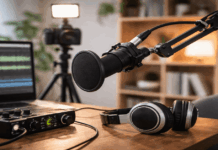
- Set your mic at mouth level: For most speaking and singing, position the mic level with your mouth, not below your chin or above your head. With desktop setups, a boom arm or stand like the Blue Compass can be a game-changer for getting it right.
- Adjust angle and distance: You might need to experiment. If your voice sounds thin, try moving a bit closer. If you get lots of breath or popping sounds, pull back slightly and speak slightly past the mic (not directly into the capsule).
- Check levels and test: Record a quick sample, then play it back. Don’t be afraid to tweak the angle, height, or gain settings. I often do 2–3 test takes before a real recording. It’s rarely perfect on the first try, honestly.
Recommended Microphones for Home Recording
| Microphone | Type | Best For |
|---|---|---|
| Blue Yeti | USB Condenser | Podcasting, streaming |
| Audio-Technica AT2020 | XLR Condenser | Vocals, voiceovers |
| Shure SM58 | Dynamic | Live, untreated rooms |
| Elgato Wave:3 | USB Condenser | Streaming, gaming |
| Rode NT1 | XLR Condenser | Studio recording |
Additional Accessories for Better Sound
- Pop filters and windshields : Both dramatically reduce unwanted plosive noises and some environmental interference.
- Boom arms and shock mounts : Reduce vibration and help you keep the mic stable and consistently placed.
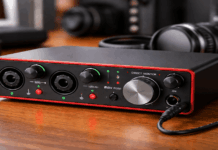
- Audio interfaces : For XLR mics like the AT2020 or SM58, an interface such as the Focusrite Scarlett Solo provides better sound and more control.
Common Mistakes to Avoid
Ignoring Room Acoustics
Focusing only on the mic and ignoring what happens around you can make things worse. Hard, reflective surfaces bounce sound making even a perfect mic sound echoey. Try to record in rooms with curtains or soft furnishings to minimize this.
Using Built-In Laptop or Webcam Mics
Although ultra-convenient, laptop mics pick up lots of keyboard noise and lack the clarity even the simplest standalone mics provide.
Overprocessing in Software
It’s tempting to fix bad audio with tools or filters—but nothing beats getting it right at the source. Software can’t fully rescue a poorly positioned mic.
Tips to Improve Everyday Audio
- Speak at a consistent volume and distance each time you record.
- Take a quick listen with headphones after each setup change.
- Save a favorite setup as your audio “template.”
- If you move, re-test. Rooms differ, and so does what sounds best.
- Don’t overthink it—sometimes small imperfections make your recording feel more natural.
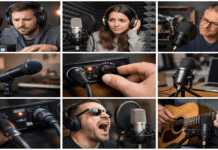
Visual Guide: Positioning Example
Related Articles
- Best Budget Microphones for Home Recording
- Essential Microphone Accessories for Creators
- Lighting Tips for Video Recording at Home
Conclusion: Clearer Sound Starts With Placement
Even with a great microphone, the way you position and set up your mic profoundly shapes your audio.
Don’t be discouraged by trial-and-error; it’s normal to experiment. Next time you’re ready to record, spend an extra five minutes checking your mic’s angle, distance, and surroundings. You’ll be surprised how much clearer your sound can be—no fancy studio needed.
Ready to take it up a notch? Test out these pointers today, and check out our guides for even more gear tips to help you sound your best!