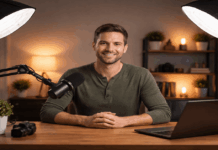
Good desk lighting makes your video look clean before you touch any editing.
If you want to learn how to light a desk, start by controlling one light source at a time.
A simple desk lamp setup can work if you place it well and soften it.
Set your target look before you buy anything
Decide if you want a bright “talking head,” a moody vibe, or a clear tutorial frame.
Your goal is to have even light on your face and enough separation from the background.
Keep your lighting repeatable so each recording session matches the last one.
Check what your camera does in low light
Most webcams raise gain in dim rooms, which adds noise and softens detail. Phone cameras often look better, but they still need steady, soft light.
Lock exposure and white balance when possible so brightness does not pump.
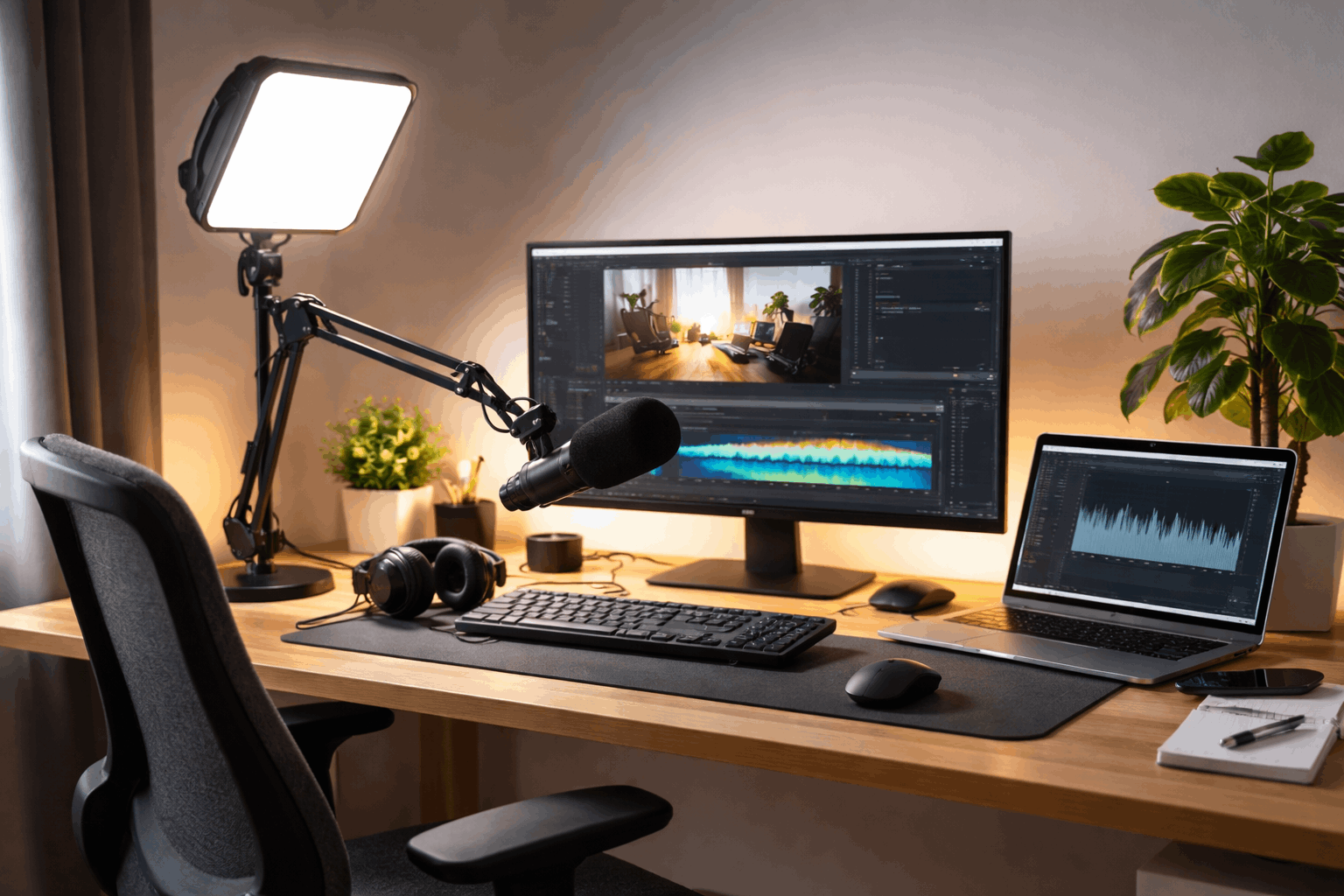
Choose the right lights for a desk-sized space
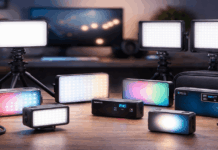
Pick lights that fit your desk footprint and your daily recording schedule. Small LED lights are easier to control than overhead room lighting.
Aim for a soft key light, then add small supports only if you need them.
For how to light your desk setup, one good key light beats three weak lights.
Use a desk lamp setup the smart way
Choose a lamp with a large shade or add diffusion to soften the beam. Place the lamp slightly above eye level and off to one side of the camera.
Use a daylight or neutral bulb, and avoid mixed-color bulbs in the same room.
Decide between a small LED panel and a ring light
LED panels give direction, which helps shape your face and reduce glare. Ring lights can be easy, but they often create flat light and eye reflections.
If you wear glasses, a panel at an angle usually looks better than a ring.
Place your key light for flattering, consistent results
Your key light is the main light that defines your face on camera. Put it close enough to stay soft, but far enough to stay out of frame.
Angle matters more than brightness, especially in small rooms with white walls.
Start simple, then adjust in small steps while watching your camera preview.
Set a 30–45° side angle from the camera
Place the key slightly to your left or right, not directly above the lens This angle creates depth without heavy shadows under your eyes.
If you turn toward a second monitor, rotate the light so it still hits you.
Raise and diffuse the key to reduce harsh shadows
Lift the light so it points down gently, which smooths jaw and nose shadows. Add diffusion with a softbox, a clip-on diffuser, or a thin white fabric layer.
Keep diffusion a few inches from the bulb or LEDs to avoid heat issues.
Add fill with a reflector instead of another light
A white foam board can bounce light back and soften the shadow side.
Place the reflector opposite the key, just outside the camera frame.
This keeps the setup cheap, quiet, and friendly to small desk spaces.
Keep color and flicker under control
Choose one color temperature and make the room match it as much as possible.
Mixed lighting makes skin tones uneven and forces your camera to guess.
Flicker can ruin motion and make your face pulse even when you stay still. Fix color and flicker early, because they are harder to correct later.
Pick a color temperature and commit to it
Daylight-balanced lights look clean in bright rooms and match many window setups.
Warmer lights can feel cozy, but they can look orange on budget webcams. If your light is adjustable, set it once and note the setting for next time.
Prevent flicker with smart settings
Some LEDs flicker on camera, especially at low brightness levels. If your camera allows it, match shutter speed to your local power frequency.
Test by recording ten seconds of hand movement and checking for banding.
Build simple desk lighting recipes that work every day
Use these layouts as starting points, then fine-tune for your room and camera.
Each recipe assumes your camera is on a stable tripod, arm, or monitor mount.
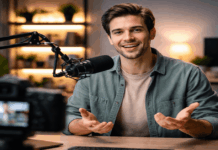
Keep your mic position consistent so your audio stays steady between takes. These setups scale from a quick call to a full Youtube desk lighting setup.
One-light webcam setup for calls and quick videos
Put one soft key light at 45° and slightly above your eye line. Use a white wall or foam board on the other side for gentle fill.
Keep the background simple and rely on clean exposure, not extra lights.
Two-light creator setup for better separation
Keep the key in the same spot, then add a small backlight behind you. Aim the backlight at your shoulders or hair, not directly into the lens.
If you have only one extra light, separation is a better use than more fill.
Top-down desk demo setup for hands and products
Mount your camera on a tripod arm or overhead clamp so it looks straight down. Use two diffused lights on both sides to reduce shadows from your hands.
Turn off strong overhead room lights that create shiny hotspots on surfaces.
Three-point youtube desk lighting setup for polished results
Use a soft key, a mild fill, and a small backlight to shape your face. Keep fill weaker than key so you keep depth and avoid a flat look.
If space is tight, make the fill a reflector and keep only two powered lights.
Troubleshoot fast and upgrade with small accessories
Fix the biggest problem first, then change only one thing at a time. Most issues come from light being too small, too far, or aimed poorly.
A few cheap accessories can make lighting stable and easier to repeat.
Treat cables and mounts as part of the setup, because wobble ruins consistency.
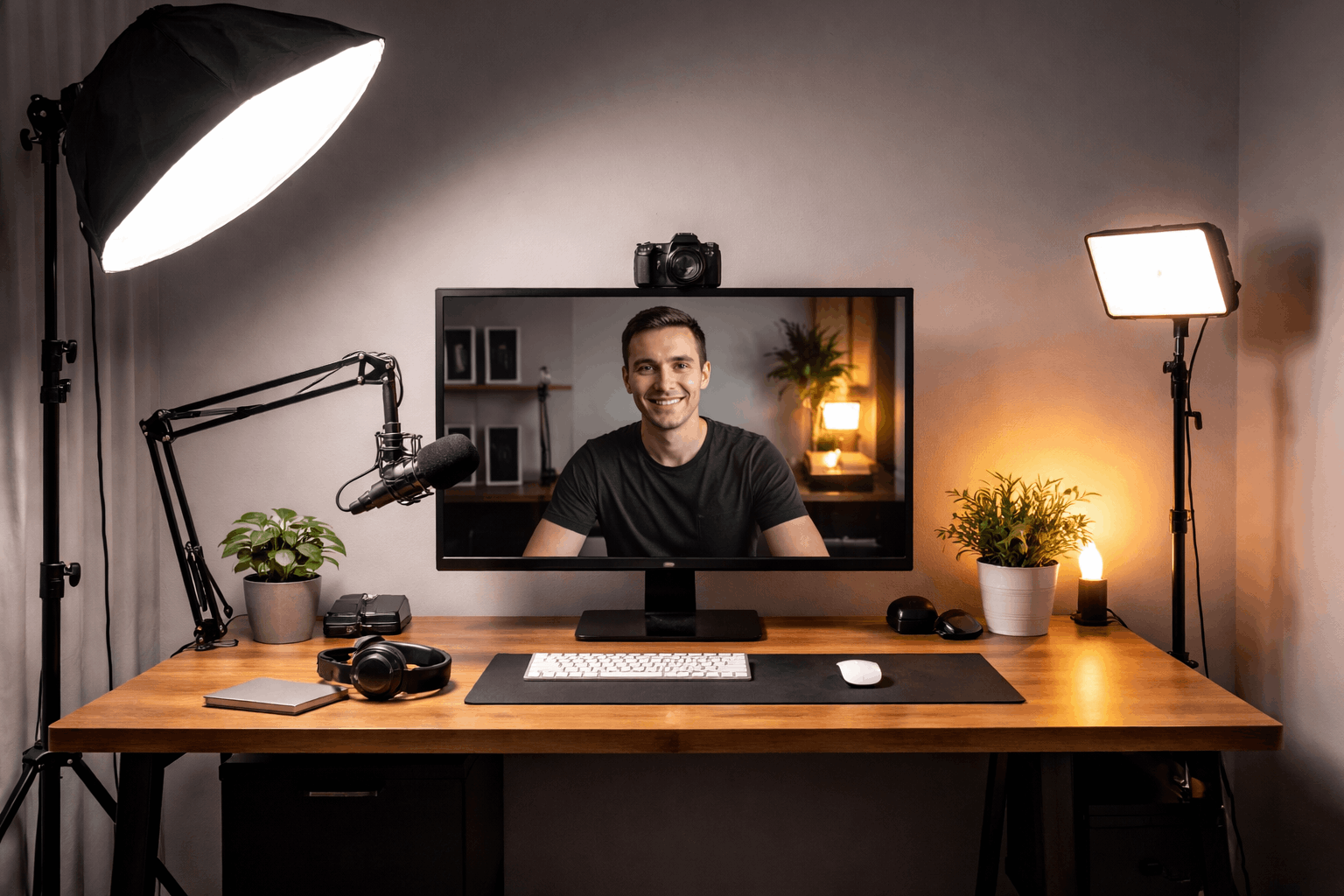
Quick fixes for common desk lighting problems
If your face is dark, move the key closer before you raise the brightness.
If shadows are sharp, add diffusion or bounce light off a wall.
If your image flickers, raise the light brightness and adjust the camera shutter settings.
Accessories that make lighting easier on a desk
A small light stand, clamp mount, or mini tripod keeps lights off your workspace.
A softbox, diffuser dome, or umbrella makes even small LEDs look more expensive.
Velcro ties, extension cords, and a power strip keep your gear safe and neat.
Conclusion
Good lighting is mostly placement, diffusion, and repeatable settings. When you learn how to light a desk, you stop fighting webcams and look clearer.
Keep your desk lamp setup simple, then upgrade only when you can name the problem.
Use these steps to build habits for lighting your desk setup that fit your workflow.