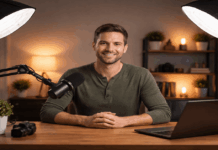
Good lighting is the fastest way to make your phone videos look cleaner, sharper, and more “pro,” even before you buy new gear.
When you understand a few basics, smartphone lighting becomes repeatable instead of random from video to video.
You will learn how to choose, place, and control lighting for smartphone video without turning your room into a studio.
Start With Light You Already Have
Natural light can beat cheap lights because it is broad, soft, and easy to aim.
Your first goal is to make the light source bigger and closer to your face.
Your second goal is to avoid harsh shadows that make skin and backgrounds look messy.
Once this is consistent, any smartphone video light you add will look better immediately.
Use Window Light Like a Softbox
Place your desk or tripod so the window is about 45 degrees to one side of your face.
Move closer to the window until your eyes look bright and shadows on your cheeks soften.
Use a sheer curtain or thin white cloth to diffuse the window when sunlight gets too harsh.
Control Mixed Light and Color
Turn off ceiling lights when they add a yellow or green color that clashes with daylight.
If you must keep room lights on, match them by closing curtains and letting the room light dominate.
Lock your phone’s white balance if your camera app allows it, so the color does not shift mid-take.
Choose the Right Light Type for Your Space
Artificial lighting helps when you film at night or when your window setup is inconsistent.
A good entry light should be stable, dimmable, and easy to mount near your phone.
Think in terms of direction first, then brightness, because direction shapes the face and the scene.
Pick one reliable smartphone video light before buying multiple weak lights that fight each other.
Ring Light vs Soft Light Panel
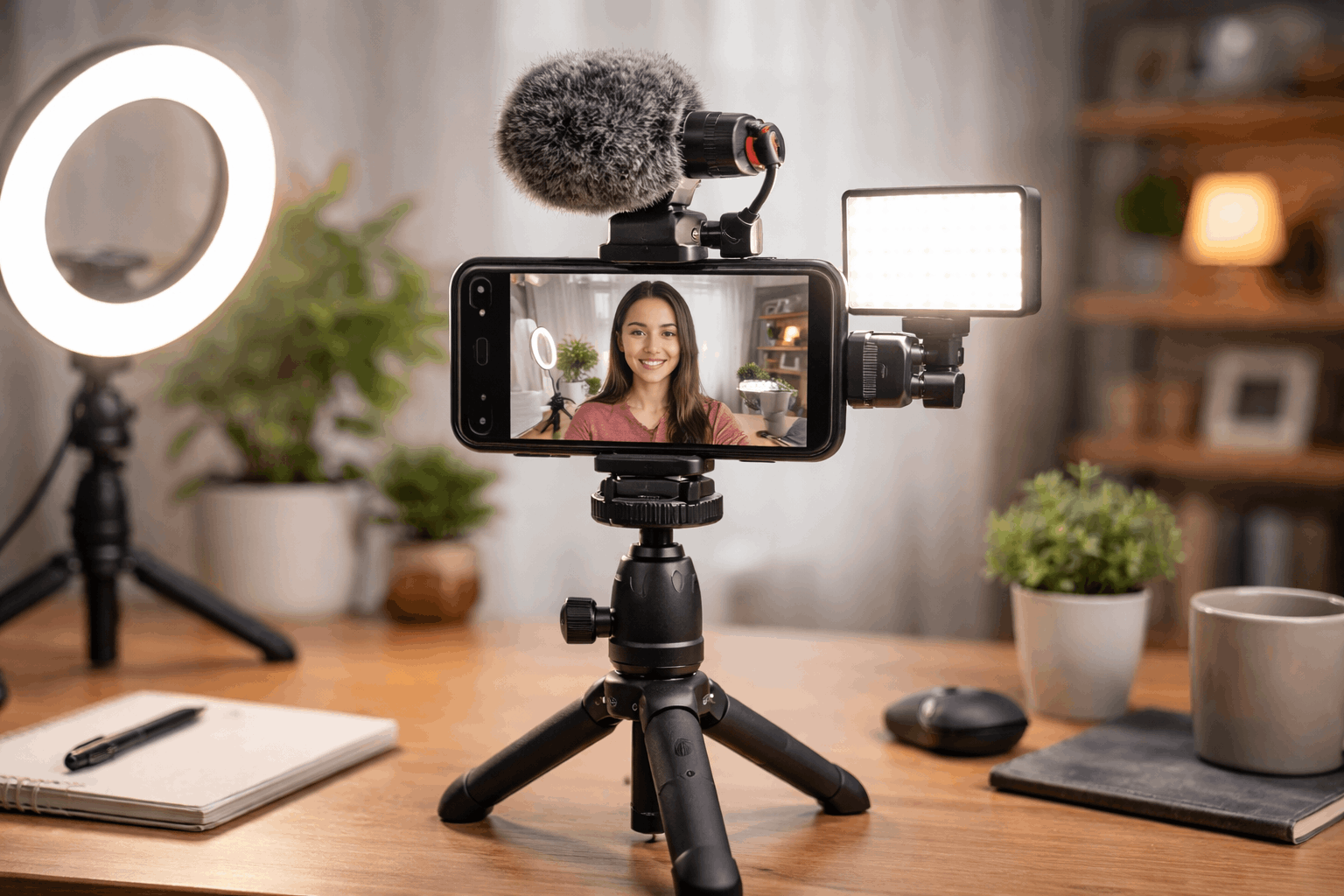
A ring light is easy because it lights straight-on, but it can look flat and create circular reflections.
A small soft panel often looks more natural because it can act like a window when placed to the side.
If you wear glasses, a side panel usually reduces glare better than a ring light pointed at your face.
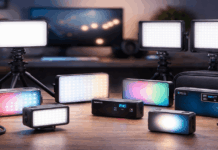
Bi-Color and RGB When They Help
Bi-color lights let you match warm indoor light or cooler daylight so your skin tones look normal.
RGB is useful for background accents, but your main light should stay clean and neutral for most videos.
If your budget allows only one upgrade, choose a dimmable bi-color panel as your main smartphone video light.
Place Your Lights for a Clean, Flattering Look
Lighting looks “professional” when the face is readable and the background is controlled.
The easiest mistake is putting the light too high, too far, or straight overhead like a ceiling lamp.
A simple key-and-fill approach makes your image look intentional without needing a full studio kit.
This is where lighting for smartphone video starts to feel like a repeatable recipe.
The 45-Degree Key Light and Eye-Level Rule
Set your main light slightly above eye level and angle it down gently toward your face.
Keep the light about an arm’s length away so it stays soft while still bright enough at lower power.
If you see a heavy nose shadow, move the light closer to the camera axis until the shadow softens.
Add Fill and Backlight Without Extra Gear
Use a white wall, poster board, or a reflector to bounce light back into the shadow side of your face.
Add a small backlight behind you only if it does not create glare on hair or shoulders.
If you have no extra light, a dim lamp aimed at the wall behind you can lift the background softly.
Build Simple Mounting and Power for Stability
A light that wobbles or changes position will ruin consistency even if it is bright.
Mounting matters because the best light placement is often close to the phone and close to you.
Stable support also keeps your framing steady, which makes lighting changes easier to notice and fix.
This is why tripods, clamps, and small stands are part of practical smartphone lighting at home.
Tripods, Clamps, and Light Stands for Small Rooms
A basic phone tripod lets you keep camera height consistent, so your light placement stays consistent too.
A desk clamp arm helps when space is tight because you can float a light beside your phone without a stand.
If you use a panel light, a small light stand is often steadier than stacking books or balancing on shelves.
Battery and USB-C Power Choices
USB-powered lights are convenient for desk setups, but power limits can reduce maximum brightness.
Battery lights are flexible for different angles, but keep a spare battery or power bank ready for longer sessions.
Choose power options that match your routine so your smartphone video light is always ready when inspiration hits.
Upgrade to a Compact Rig for Consistent Results
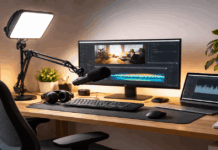
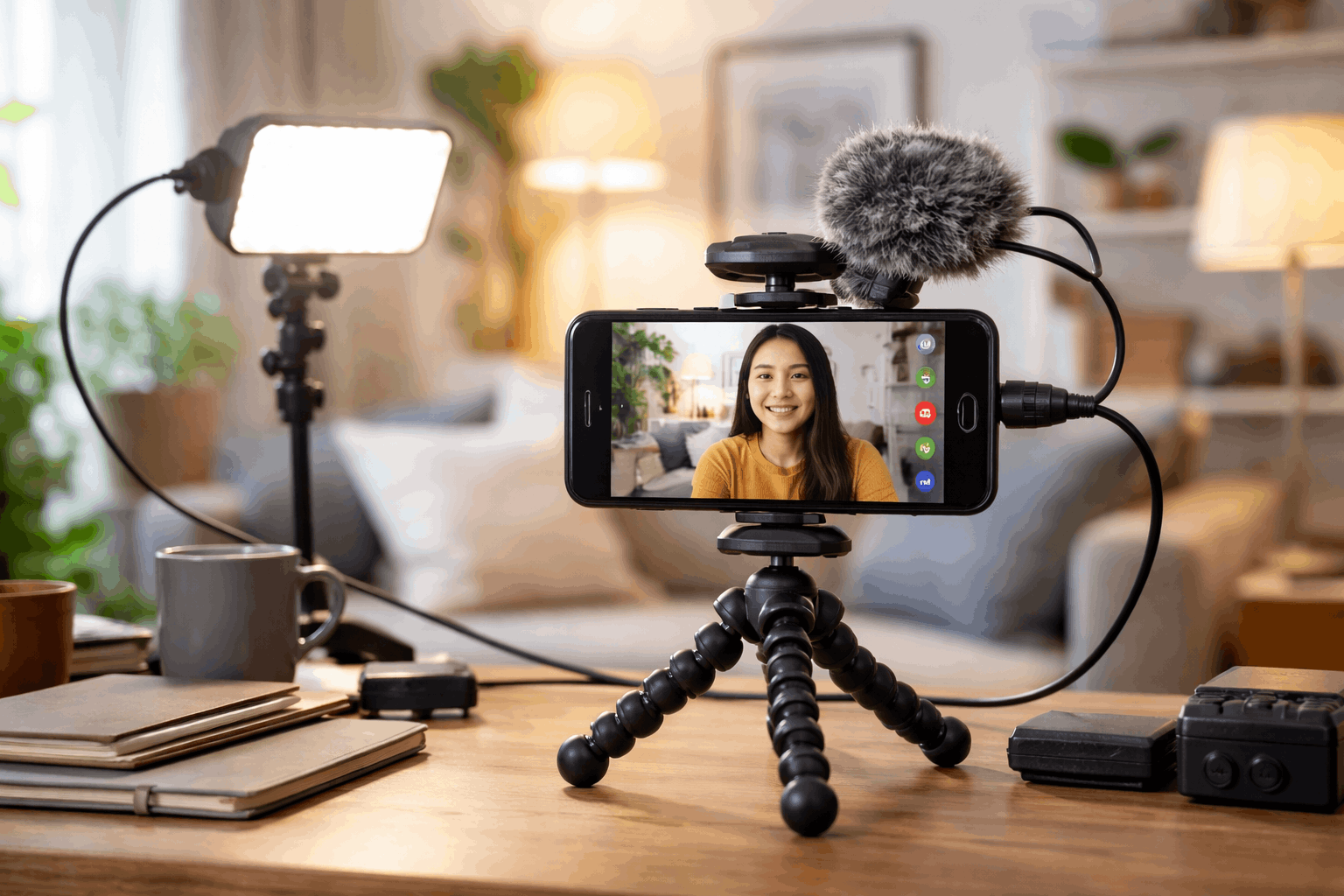
A compact rig helps when you want repeatable lighting, audio, and framing in one grab-and-go setup.
This is useful for tutorials, product demos, and talking-head videos where consistency builds trust with viewers.
A rig also makes it easier to mount multiple accessories without stacking unstable items around your desk.
A simple smartphone video camera rig light can become your “default setup” that works across most rooms.
Mini Rigs for Desk and Handheld Shots
A small cage or bracket lets you mount a light and mic while keeping your grip steady for handheld takes.
For desk filming, a rig can stay assembled so you only adjust the angle and brightness before recording.
When you change locations at home, the rig keeps your smartphone lighting consistent even if the room changes.
Pair Lighting With Audio and Camera Settings
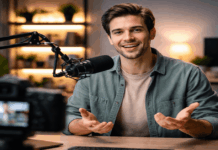
Put your microphone close first, because good audio plus good light beats perfect light with bad audio.
Set exposure for your face, then dim the light until highlights look smooth instead of shiny.
If your camera app supports it, lock exposure and focus so your lighting stays stable while you talk and move.
Conclusion
Improving your home setup is mostly about controlling direction, softness, and consistency, not chasing the brightest gear.
Start with one reliable main light and build habits around placement so your results stay repeatable across different filming days.
When you add a tripod, a simple mic, and a compact smartphone video camera rig light, your videos look cleaner, and your workflow gets faster.