For most everyday creators, the real question isn’t “How many lights can I buy?” but “How many lights solve my specific problem?”
The practical answer is this: one light can be enough, two lights are the sweet spot, and three lights are only necessary when you want full control.
Anything beyond that is a special case, not a default setup.
The 1-light setup: when one light is truly enough
A one-light setup works if you’re recording talking-head content (YouTube, TikTok, online classes) and you can keep your environment consistent.
One light is enough when you sit in the same spot every time, the background is not brighter than your face, ir you don’t need a dramatic look.
Best ways to use one light
Place it slightly above eye level, angled down a bit. This reduces under-eye shadows and looks natural.
Offset it 20–45 degrees to one side instead of straight-on. Straight-on light flattens your face and can look harsh.
Diffuse it. A softbox, umbrella, or diffused LED panel is more forgiving than a bare light.
What kind of light works best as your “one light”?
Small softbox LED: great for soft, flattering light.
LED panel with diffusion: flexible and easy to place.
Ring light: convenient and space-saving, but can look flat and create circular catchlights in your eyes.
The 2-light setup: the real-world “sweet spot”
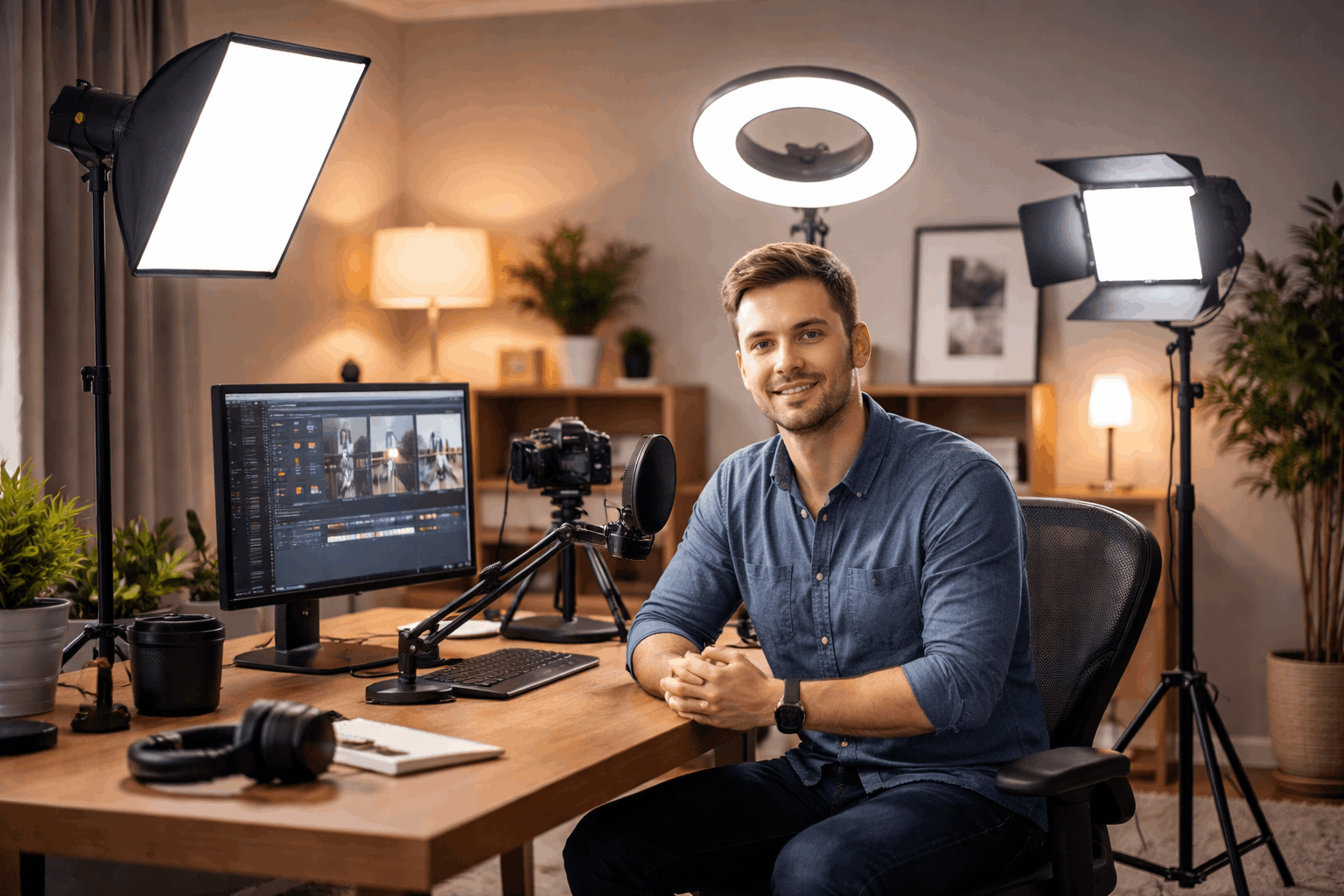
Two lights are popular because they solve the biggest home-recording problem: you can light your face and control your background separately.
This is where videos start to look intentionally produced, even in a bedroom or small office.
There are two common 2-light approaches, and each fits a different creator.
Option A: Key light + fill light (for clean, even faces)
This approach is best when you want to look bright and clear with minimal shadows.
Your fill doesn’t need to be powerful. In many setups, a small LED panel at low brightness is enough.
You can also “fake” fill by bouncing the key light off a white wall or using a cheap reflector.
Option B: Key light + background light (for separation and depth)
This approach is best when your background looks dull, dark, or distracting.
This is the easiest way to stop the “floating head in a dark room” look. It also helps your camera handle exposure better.
If you only record yourself and you want the biggest jump in quality without complexity, two lights are usually the best long-term choice.
The 3-light setup: when you want full control
Three lights are not required for most home recordings, but they’re useful when you need reliable results across different outfits, angles, and backgrounds.
A classic three-point setup includes:
- Key light: main light on your face.
- Fill light: soft support light to control shadows.
- Back light (hair/rim light): placed behind you to separate you from the background.
A back light is especially helpful if you wear dark clothes against a dark background, you record with a wider shot or your background is busy.
In a home environment, the back light does not need to be strong.
Even a small LED placed behind and above you can create a clean edge highlight that makes the scene look more “3D.”
When you need 4 or more lights
Four or more lights typically means you’re lighting more than one subject, a larger space, or a specific production style.
These are the most common situations where extra lights make sense:
Two-person recordings
If you’re filming two people at a desk, one key light may not cover both evenly.
You might need one key light per person, or a larger, softer source positioned farther back, plus a background light.
Product demos and tabletop shots
If you record gear reviews, unboxings, or close-ups, shadows become harder to manage.
You may use a key light for the presenter, one or two lights for the product, or a small accent light for the background.
Green screen
Green screens often require separate lighting for your face (key/fill), the screen itself, or a back light to reduce spill and improve edges.
This can easily reach four lights. The goal is consistency, not brightness.
The biggest factors that change the number of lights
1) Room light and windows
A bright window is a “free light,” but it’s inconsistent.
If you record during changing daylight, you may need extra lights just to stay consistent.
If you record at night, your lights do all the work, so you may want a two-light setup.
2) Camera sensitivity and settings
Webcams and entry cameras often increase brightness by raising exposure or gain, which adds noise.
More controlled light lets you keep the image cleaner without pushing the camera.
3) Distance from the background
If you sit close to a wall, your key light may splash onto the background, making it harder to create separation.
In that case, a background light can give you control without moving furniture.
4) Audio and heat/noise
Some lights have fans, and fan noise can get picked up by microphones, especially sensitive condensers.
Quiet, passively cooled LED lights are easier to live with for home audio recording.
A simple way to decide what you need
Choose 1 light if your goal is clean talking-head video and your background is already acceptable.
Choose 2 lights if you want a reliable, repeatable look and you want either softer shadows or a better background.
Choose 3 lights if you want consistent separation, you shoot wider angles, or your background and clothing often blend together.
Choose 4+ lights only if you’re lighting multiple people, products, or a green screen setup.
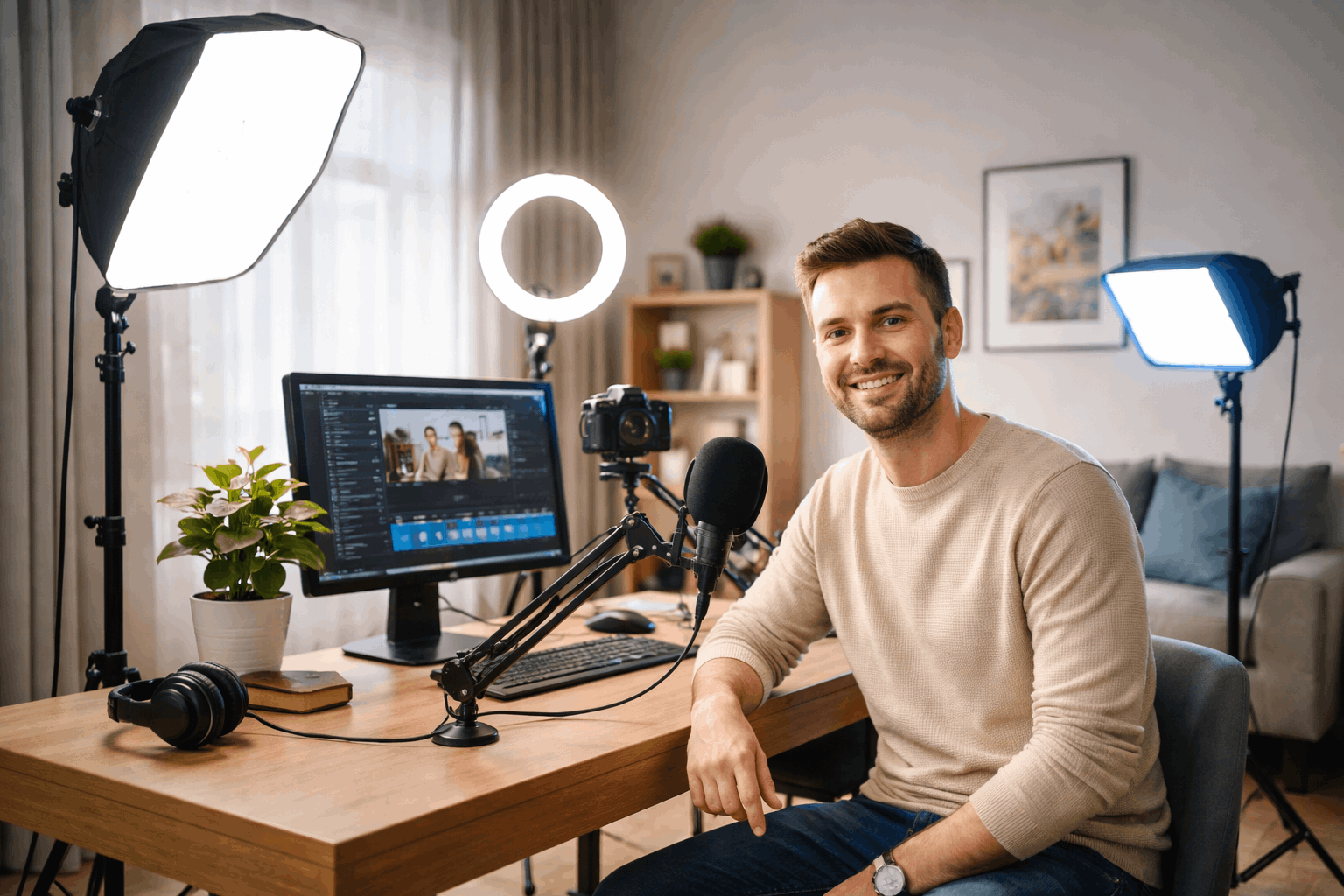
Practical placement tips that beat “more lights”
More lights won’t help if they’re in the wrong place. These habits matter more than adding another fixture:
- Raise the key light: a slightly higher angle usually looks more natural.
- Soften the light: diffusion makes skin look better and reduces harsh shadows.
- Control the background: either simplify it or light it intentionally.
- Match color temperature: don’t mix warm room bulbs with cool LEDs unless you want a stylized look.
- Keep it repeatable: mark tripod and light stand positions with tape so setups don’t drift.
The real answer: most creators need two lights
Start with one good key light, then add a second light only when you can explain what problem it solves.
In real home setups, two lights usually deliver the best balance of quality, control, and speed.
Three lights are great when you want more consistency and separation, but they’re not mandatory for everyday content.