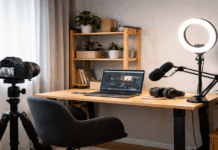
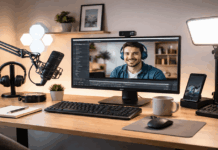
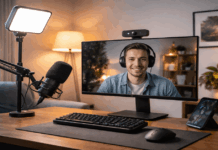
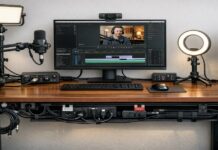
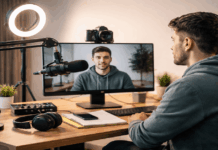
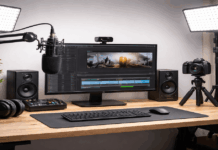
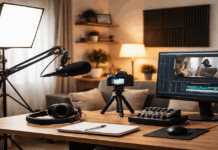
Small apartments can still deliver clear audio and clean video when your setup fits the space and your routine.
Most problems come from room noise, bad placement, and uneven light, not from a lack of expensive gear.
This guide covers compact microphones, lighting, webcams, tripods, and accessories for everyday creators.
Start With the Room You Have
Choose one corner you can reuse, because consistency makes setup faster and results more predictable.
Reduce the loudest sources, including fans, chargers, and window noise that leaks into your voice track.
Check your distance to the background, because tight framing changes how light spreads and how clutter shows.
Plan for fast teardown, since small apartments often serve as bedroom, office, and living space.
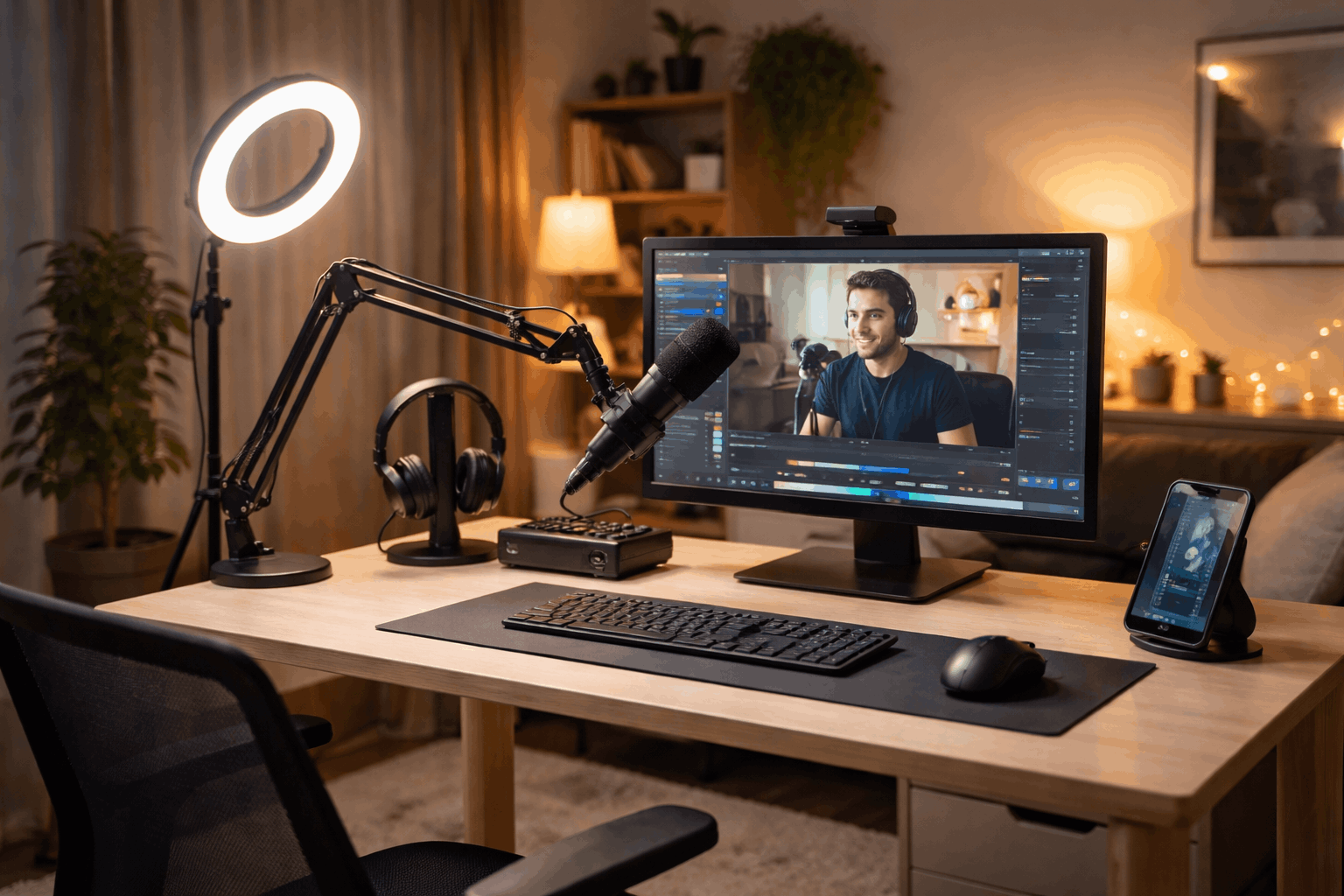
Control noise without construction
Add soft surfaces, because rugs, curtains, and blankets reduce echo in hard rooms.
Record when the building is quieter, and keep windows closed to lower the noise floor.
Run a ten-second test clip, because quick listening reveals hum, reverb, or neighbor sounds early.
Pick a consistent background
Use a simple background, because messy shelves and bright objects distract viewers from your face.
Create separation when possible, since distance helps cameras avoid a flat, cramped look.
Keep a small “background kit” in place, so you can repeat the frame without redecorating.
Microphones That Work in Apartments (clear voice, compact setup)
Prioritize speech clarity, because most apartment recordings are voice-led for calls, lessons, and short videos.
Match the microphone to your desk space and room sound, because the “best” mic depends on context.
Use basic control accessories, because a small stand and pop filter improve results immediately.
Keep expectations realistic, since any microphone will capture noise if you record too far away.
| Microphone | Best for | Why it works well in apartments | Typical price (USD) |
|---|---|---|---|
| Samson Q2U (USB/XLR) | Streaming, calls, voice-over | Dynamic-style voice capture helps reduce room echo compared to many condensers, and USB keeps setup simple. | $99.99 |
| Elgato Wave:3 (USB) | Streaming + creator workflows | Easy USB setup with creator-focused controls, good when you want a clean desk mic setup. | $149.99 |
| Sennheiser Profile USB (Desktop Stand) | Talking-head videos, meetings, podcasts | Clean, straightforward USB mic option for small desks with onboard controls. | $139.00 |
| RØDE NT-USB+ (USB) | Voice-over, podcasting, singing (quiet rooms) | Strong detail and clarity for voice when you can record close and keep noise controlled. | $166.90 |
| Shure MV7+ (USB/XLR) | Apartments with noise (AC, street, neighbors) | Broadcast-style dynamic sound with USB/XLR flexibility, strong choice when your room isn’t perfect. | $299.00 |
Lighting for Clean Video in Tight Spaces (compact, flattering, easy to place)
Good lighting upgrades any camera, because low light creates grain and soft detail.
Start with one key light, as long as you place it at a flattering angle and set stable brightness.
Avoid mixed lighting, because lamps and windows with different color temperatures confuse skin tones on camera.
Keep lights off walls when you can, because tight rooms create hard shadows and uneven spill.
| Light | Best for | Why it works well in apartments | Typical price (USD) |
|---|---|---|---|
| Logitech Litra Glow (USB panel) | Desk streaming, webcam calls | Small footprint, USB-powered, and easy to aim without stands taking over your room. | $59.99 |
| Elgato Key Light Air | Main key light for streaming | Bright, soft-looking light that’s easy to position for a clean face-light in tight spaces. | $139.99 |
| Neewer 660 Pro RGB (panel) | Stronger key/fill, background color | Bigger output than tiny panels, and useful when your apartment lighting is dim. | $84.64 |
| Ulanzi VL49 (mini LED) | Travel, small fill light, quick setups | Pocket-size light for fill, product shots, or adding a little extra face light close-up. | $22.95 |
| amaran COB 60d S (monolight) | High-quality key light (with modifier) | Strong output in small rooms when you want a “main light” look, especially with diffusion. | $135.00 |
Webcams and Cameras for Everyday Creators
A good webcam can be enough, because viewers notice stability and lighting before minor sensor differences.
A recent smartphone can look better than many webcams, especially when framing and light are controlled.
Choose the option that fits your workflow, because easy recording leads to more practice and better outcomes.
Keep lenses clean, since dust and fingerprints soften video under strong key lighting.
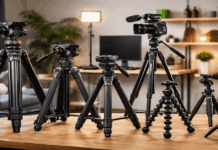
Tripods and Mounting in Small Spaces
Stability is part of quality because shaky framing distracts even when the image is sharp.
Pick support that matches your spot, since floor tripods, desk tripods, and clamp mounts solve different constraints.
A basic phone clamp helps immediately, because it gives hands-free recording without moving furniture.
Watch your footprint and cables, because narrow walkways make stands easy to bump.
Desk-friendly supports and smart angles
A compact desk tripod saves space because it sits beside a keyboard and stays stable on a solid surface.
A clamp arm clears the desk, because it moves the camera or mic into position without eating up room.
Adjust height in small steps, because a few centimeters can clean the background and improve posture.
Monitoring and Simple Audio Cleanup
Monitor with closed-back headphones, because speakers cause feedback and hide low hums that microphones capture.
Set input gain for headroom, because clipping is hard to fix and often sounds worse than a slightly quiet track.
Record in a consistent app or DAW, because changing software changes levels, filters, and device settings without warning.
Save a short room-tone clip, because it helps you compare noise from day to day and spot new problems quickly.
Basic settings that protect clarity
Use a high-pass filter if your mic or software provides one, because it reduces low rumble from traffic and desk movement.
Apply light noise reduction only when needed, because aggressive processing can create watery artifacts that distract listeners.
Normalize or lightly compress after recording, because steady loudness improves intelligibility on phones, laptops, and earbuds.
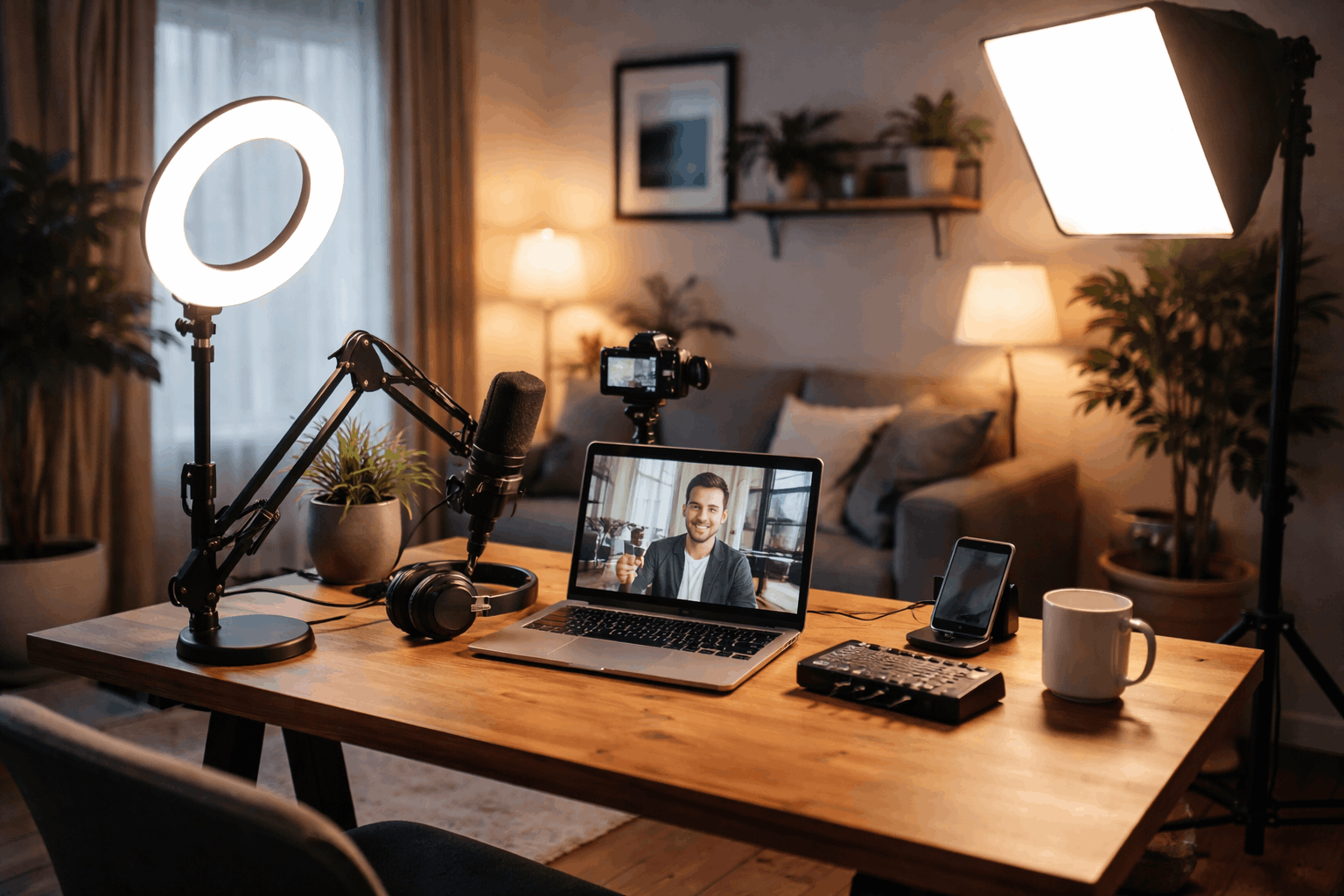
Keep the Setup Repeatable
Build a default layout and stick to it, because routine beats perfect gear in small spaces.
Store essentials together, because missing one cable can stop a session and break momentum.
Use a short checklist, because consistent steps catch audio clipping, bad focus, and harsh shadows early.
Upgrade one piece at a time, because isolated changes show what truly improved.
Cable management and quick teardown
Use shorter cables and Velcro ties, because long loops catch on chairs and pull gear off stands.
Label your main connections, because quick re-plugging prevents errors when you pack and reset often.
Keep adapters in one pouch, because lost mounts and dongles are common in tight, shared rooms.
Conclusion
For voice-first work, prioritize a close mic, pop filter, and key light, because clear speech drives most results.
For video-first work, prioritize a stable camera, adjustable key light, and solid support, because framing and light define the look.
For mixed use, balance one dependable mic and one dependable light, because strong audio and consistent video win in apartments.