Online teaching lives or dies on clarity. If your students can hear you cleanly, see you clearly, and follow what you show on screen, you have already solved most “tech problems”.
A good home setup does not need to be complicated or expensive, but it should be intentional.
Audio First: Pick the Right Microphone
Students will forgive slightly “okay” video, but they struggle with poor audio. Prioritize a microphone upgrade before anything else.
USB vs. XLR: Which One Makes Sense?
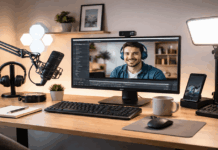
USB microphones plug straight into your computer and are the simplest upgrade for most teachers.
Look for models with a headphone jack for monitoring and a simple gain control.
XLR microphones require an audio interface but can offer more flexibility and better upgrade paths.
This is useful if you record often, want more control, or plan to add multiple microphones later.
Microphone Types That Work Well at Home
Dynamic microphones are great for noisy rooms because they focus more on what’s close to them and pick up less background sound.
Condenser microphones can sound more detailed, but they tend to pick up more room echo and background noise.
Placement: The Biggest “Upgrade” You Can Do
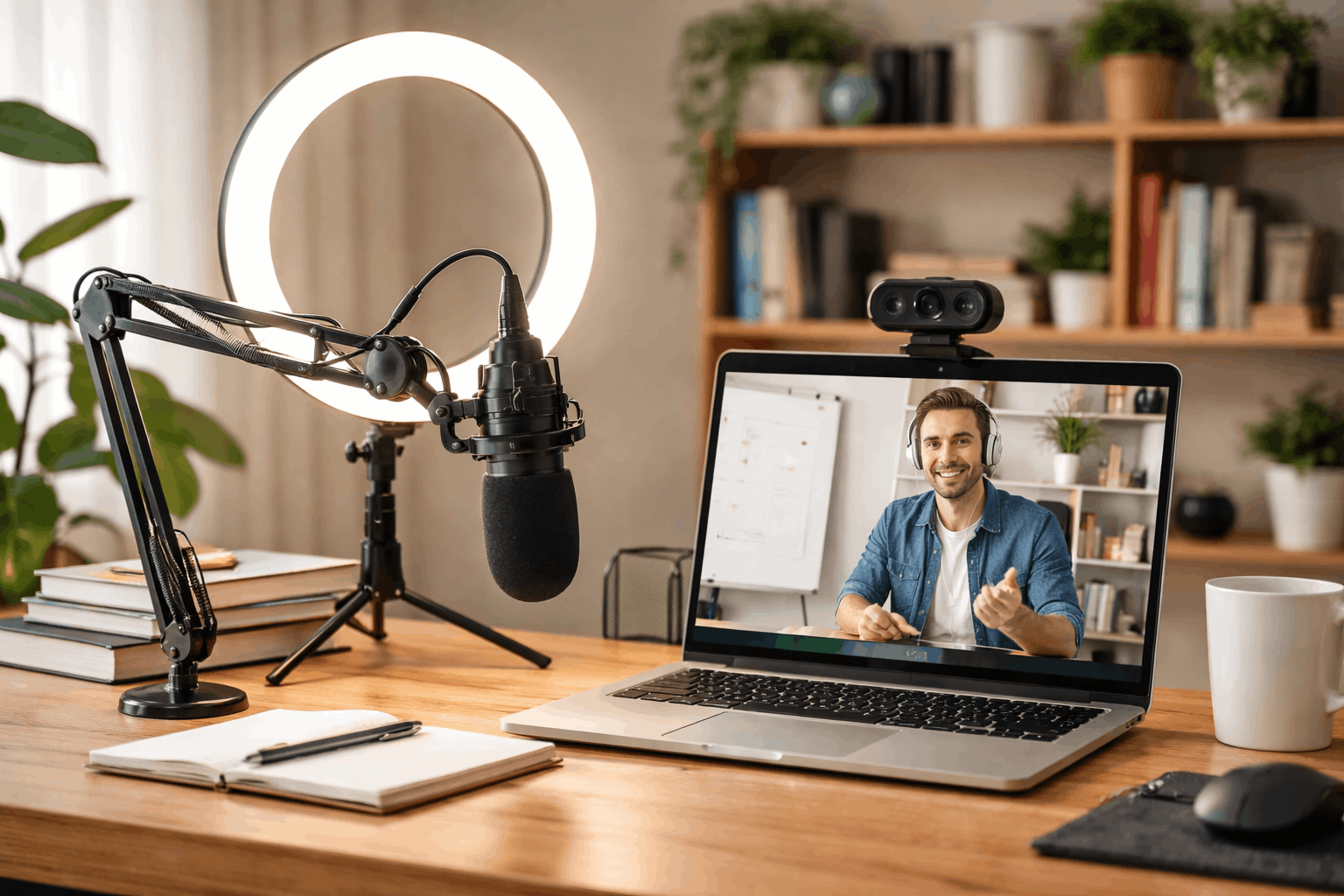
Even an excellent mic will sound weak if it’s too far away. Aim for 15–25 cm (6–10 inches) from your mouth.
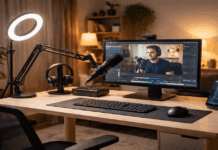
Use a stand or boom arm to bring it close without blocking your screen.
Helpful accessories:
- Boom arm or desk stand: keeps the mic stable and properly positioned.
- Pop filter or foam windscreen: reduces harsh “P” and “B” sounds.
- Shock mount (optional): reduces desk vibrations from typing or tapping.
Quick Audio Settings That Prevent Common Problems
Set your input volume so your voice is strong but not clipping.
Turn off “audio enhancements” that cause pumping or weird compression unless you know they help.
Use headphones during teaching when possible to prevent echo and feedback.
Lighting: Make Your Video Look Clean and Professional
Lighting affects how sharp and “high quality” your webcam looks more than resolution does. The goal is soft, even light on your face.
The Simple Rule: Face a Light Source
If you sit with a bright window behind you, your camera will darken your face.
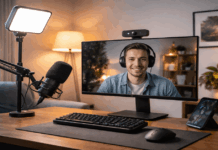
Instead, place your main light in front of you, slightly above eye level, angled down.
Lighting Options for Online Teaching
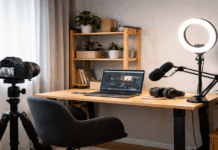
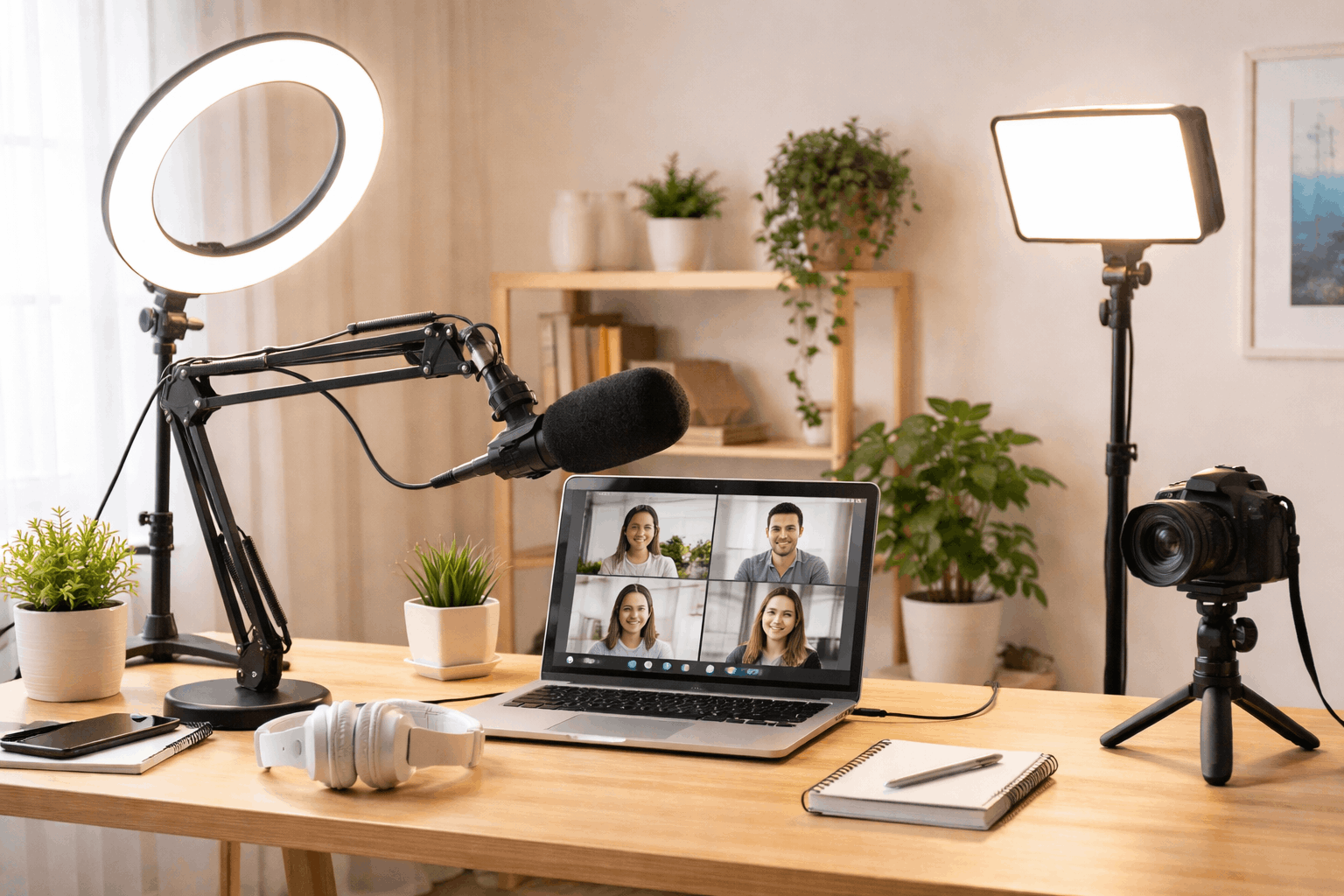
Ring lights are popular because they are compact and easy. They can create even face light, especially in small spaces.
LED panel lights are versatile and often look more natural when diffused. Many allow brightness and color temperature control.
Softboxes can look very flattering, but they take more space and setup time.
Color Temperature: Keep It Consistent
Mixed lighting is a common problem—yellow room bulbs plus a cool LED light can make your skin tone look strange.
Choose one lighting “color” and stick to it. A neutral daylight range is common for teaching, but the key is consistency.
Webcam and Framing: Clear, Stable, and Natural
Most teachers do not need a cinema camera. You need a webcam (or camera) that focuses reliably and handles indoor lighting well.
What to Look For in a Webcam
Good low-light performance, reliable autofocus (or a sharp fixed focus) and a stable mount.
A webcam that looks good in real lighting conditions will outperform “better specs” used in a dark room.
Framing That Works for Teaching
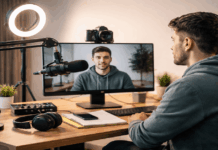
Place the camera at eye level. Looking down at a laptop camera often feels less engaging.
Leave a little headroom and keep your eyes around the top third of the frame.
If you teach with props or writing, widen the shot slightly or consider a second angle.
Tripods and Mounts: Keep Everything Where You Put It
Stability is part of professionalism. If your camera shifts, your light falls, or your mic droops mid-class, it interrupts your teaching flow.
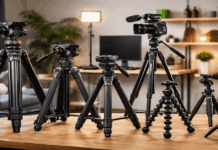
- Webcam tripod or mini tripod: helpful if you don’t want the webcam mounted to a monitor.
- Phone tripod: great if you use your phone as a secondary camera or overhead view.
- Overhead arm mount: ideal for showing handwriting, crafts, or demonstrations on a desk.
- Light stand: keeps lights at the correct height and angle, especially if your desk is small.
Choose support gear based on how often you adjust angles. For teaching demos, adjustable mounts make a big difference.
Three Simple Setup Levels You Can Copy
1) Minimal Setup (Fast and Clean)
USB microphone on a desk stand with a one front light (ring light or small LED panel) and built-in webcam or basic external webcam.
Headphones (optional, but helpful).
This setup is about consistency and clarity without rearranging your room.
2) Upgraded Setup (Best Value for Most Teachers)
Dynamic mic on a boom arm + pop filter. A LED panel light with adjustable brightness and color.
Add a external webcam at eye level on a small tripod and basic background cleanup (tidy shelf, curtain, or plain wall).
This level usually delivers the biggest improvement for the money.
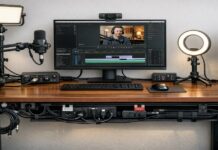
3) Teaching Studio Setup (For Heavy Use)
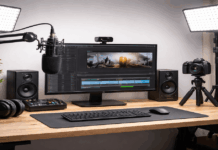
XLR mic + audio interface (or high-end USB mic). Two-light setup: key light + softer fill light.
Webcam plus a second camera angle (phone on tripod, overhead mount, or document camera)
Cable management and fixed positions marked with tape for repeatability. If you teach daily or sell courses, this can save time and reduce stress.
The Often-Ignored Pieces That Make It All Work
A “good-looking” background helps, but room echo matters more. Hard rooms (tile, bare walls) can make your voice sound distant.
Soft surfaces like rugs, curtains, and bookshelves can help reduce echo without any special acoustic panels.
Nothing disrupts a class like a dead battery or a loose connection. Use:
- A powered USB hub if you connect multiple devices.
- Cable clips or ties to keep cords from snagging.
- A simple checklist before sessions (mic input, camera, light, internet).
Test Like Your Students Hear and See You
Do a short recording in the same app you teach with. Listen for noise, echo, and volume jumps.
Check if your face is bright enough and if the autofocus hunts when you move.
Conclusion
A home recording setup for online teaching is less about owning a lot of gear and more about choosing the right basics and keeping them consistent.
Start with audio, add flattering light, set your camera at eye level, and stabilize everything with stands or tripods.
Once your setup stays the same from class to class, you spend less time troubleshooting and more time teaching