Good home video rarely fails because the camera is “bad.” It usually fails because the light is working against you.
Even a solid webcam and a decent microphone can look and sound “cheap” if the lighting is harsh, mixed, or inconsistent.
The good news is that common home lighting mistakes are easy to fix with small changes.
Mistake 1: Sitting With a Bright Window Behind You
A window behind your head turns you into a silhouette.
Your camera or webcam sees the bright background and lowers exposure, which makes your face look dark and noisy.
Auto-exposure can also “pulse” as you move, creating an amateur look.
Fix it fast
Turn your desk or chair so the window is in front of you or off to the side at about a 45-degree angle.
If you can’t move, close the blinds or hang a thin curtain to soften the light.
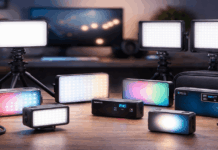
Add a simple key light (ring light, LED panel, or softbox) in front of you so your face is brighter than the background.
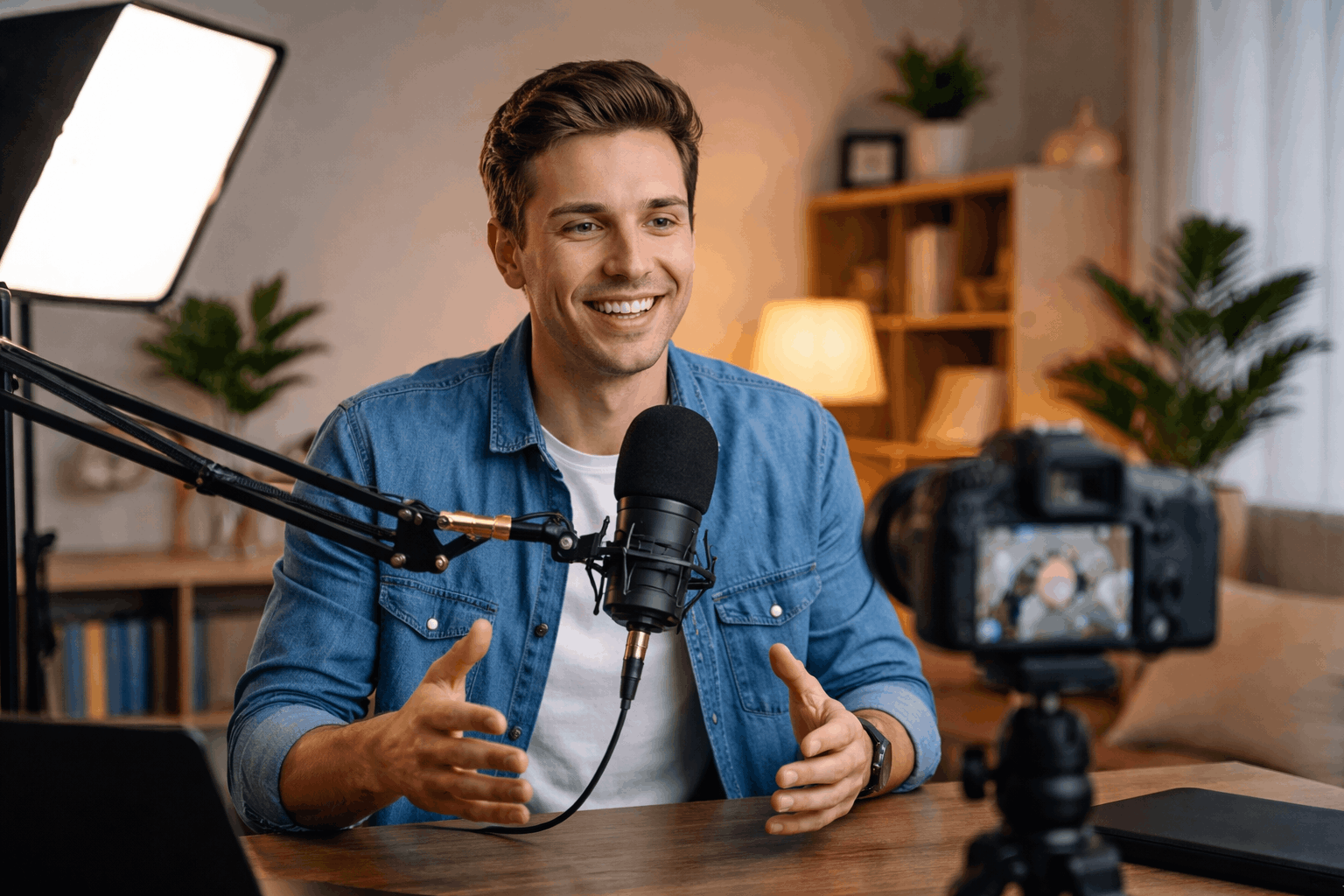
Mistake 2: Using Only Overhead Room Lighting
Ceiling lights create strong shadows under your eyes and nose, and they exaggerate texture on skin.
They also often have a greenish or warm tint that doesn’t match daylight or LED panels.
The result is “tired face” lighting, even if the camera is good.
Fix it fast
Turn off overhead lights and use a front key light at eye level.
If you must keep the ceiling light on, balance it with a brighter key light and set a consistent white balance (more on that below).
Raise your key light slightly above eye level and angle it down gently for more natural shadows.
Mistake 3: Placing the Key Light Too Close to the Lens
Many creators put a ring light or LED right next to the camera because it feels convenient.
The light becomes flat, your face looks “washed,” and you lose depth.
You also get harsh reflections in glasses and shiny hotspots on forehead and cheeks.
Fix it fast
Move the key light off-camera about 30–45 degrees to one side.
Add diffusion (softbox, umbrella, or even a thin white fabric) to soften shadows.
If you wear glasses, raise the light slightly and angle it down so reflections bounce away from the lens.
Mistake 4: Mixing Color Temperatures Without Noticing
A common home setup includes daylight from a window, warm room bulbs, and a cool LED panel.
That creates strange skin tones, mismatched shadows, and a background that looks “wrong” no matter what filter you try.
Fix it fast
Pick one color temperature and commit to it: daylight (around 5600K) or warm indoor (around 3200K).
Match your bulbs and LEDs to the same “K” setting when possible.
Set your camera or webcam white balance manually instead of leaving it on auto, so colors don’t shift mid-recording.
Mistake 5: Ignoring Flicker From Cheap LEDs or Dimmer Switches
Some LED bulbs and panels flicker on camera, especially when dimmed.
You may not see it with your eyes, but the camera captures it as rolling bands or subtle pulsing.
It can ruin footage, particularly at higher shutter speeds.
Fix it fast
Avoid dimming bulbs on wall dimmers unless they’re designed for it. Use lights labeled “flicker-free” when possible.
If your camera allows it, try adjusting shutter speed to match your local power frequency (often 1/50 or 1/100, 1/60 or 1/120).
If you’re using a webcam, reduce flicker by keeping lighting steady and avoiding extreme dimming.
Mistake 6: Forgetting That Brightness Is Not the Same as Softness
Creators often think the solution is simply “more light,” then crank a small LED panel to 100%.
That makes shadows sharper and skin highlights harsher. The problem is the size of the light source relative to your face, not just brightness.
Fix it fast
Make the light source larger: use a softbox, umbrella, or diffusion panel.
Bounce the light off a white wall or foam board instead of pointing it directly at your face.
Keep the light close enough to be soft, but not so close that it creates hotspots (usually 2–4 feet is a good starting range).
Mistake 7: Leaving the Background Dark and Flat
Even with a good key light, your video can look dull if the background is a black void.
A completely unlit background also forces the camera into tougher exposure decisions, especially with webcams.
Fix it fast
Add a small background light aimed at the wall behind you to create separation.
Use a practical lamp in the frame as a visual “anchor,” but keep it dim enough that it doesn’t clip to pure white.
Create depth by pulling your chair a few feet away from the wall if possible, so the background falls slightly out of focus.
Mistake 8: Putting the Key Light Too High or Too Low
If the key light is too high, you get deep eye shadows. Too low and it looks spooky or unnatural.
Many quick setups place the light wherever it fits on the desk, which is rarely the right height.
Fix it fast
Place the key light at eye level or slightly above.
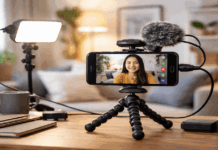
Use a light stand, a small tripod, or a clamp mount to get the height right.
If you don’t have a stand, stack books under a small LED panel and angle it down gently.

Mistake 9: Relying on Auto Settings (Exposure and White Balance)
Webcams and phones love to “help,” but auto exposure and auto white balance can drift as you move or as the screen content changes.
That creates visible shifts in brightness and color across a single clip, which looks unprofessional.
Fix it fast
In your webcam software, lock exposure and white balance once your lights are set.
If you use a phone, use a camera app that lets you lock AE/AF (auto exposure/auto focus).
Do a quick 10-second test recording and watch for shifts before you record the full take.
A Simple, Repeatable Setup for Everyday Creators
If you want a reliable baseline that works for most rooms and most cameras, start here:
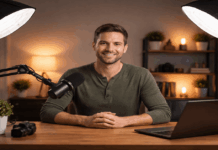
- Key light: soft, at 45 degrees to one side, slightly above eye level.
- Fill: reflector or dim second light on the opposite side.
- Background: small lamp or LED creating separation behind you.
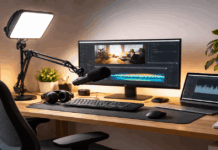
- Webcam/camera: on a tripod at eye level, framed consistently.
- Microphone: close enough for clear voice, positioned so it doesn’t fight the light.
Conclusion
When you avoid common home lighting mistakes, your videos look more natural, your skin tones stay consistent, and your gear performs better.
A simple, repeatable lighting setup is one of the fastest upgrades you can make for home recording.