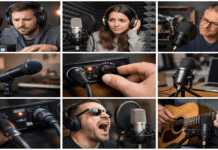
Monitoring is the process of listening to your audio in a way that helps you make correct decisions about volume, clarity, tone, noise, and timing.
For everyday creators building simple home setups, the big choice is usually headphones vs speakers.
Both work, and both can produce professional results. The best option depends on your space, your content, and how you work.
Headphones: what they do well
Headphones are the fastest way to get reliable monitoring in almost any room.
They put the sound directly into your ears, reducing how much the room affects what you hear.
The main benefits of headphones
- Isolation and detail are the biggest strengths. With a decent pair, you can hear low-level issues that speakers may mask.
- Better noise detection: You will notice hiss, hum, mouth clicks, and subtle distortion more easily.
- Consistent sound in any space: A bad room matters less because the room is not “mixing” with your audio.
- Easier late-night work: You can edit quietly without disturbing anyone.
- Portable and simple: Headphones fit small desks and mobile setups, and they travel well.
Where headphones can mislead you
Headphones can also create a “too close” perspective. That can cause editing choices that do not translate well to normal playback.
- Stereo feels wider than reality: Panning and reverb can sound bigger in headphones than on speakers.
- Bass can be tricky: Some headphones exaggerate low end, while others underplay it.
- Comfort and fatigue matter: Long sessions can cause ear fatigue, and that can make you cut too much high end or push levels too hard.
- You may miss the room feel: If your content is meant for speakers (TV, laptop speakers, phones), you still need to check how it translates.
Speakers: what they do well
Speakers (especially nearfield studio monitors) are closer to how most audiences experience audio in a room. They help you judge how your sound will “sit” in real life.
The main benefits of speakers
Speakers give you a more natural sense of space and balance.
- More realistic vocal placement: You can judge whether your voice sounds like it belongs in the video, not glued to the listener’s ear.
- Better sense of loudness in a room: This helps with overall mix balance, especially for music beds and sound effects.
- Less ear fatigue for some people: Many creators can work longer on speakers at moderate volume.
- Better translation checks: Your final audio often needs to work on TVs, laptops, tablets, and small Bluetooth speakers.
Where speakers can go wrong in a home setup
Speakers are heavily influenced by the room. In many everyday creator spaces, the room is the weak link.
- Room acoustics change what you hear: Bare walls, corners, glass, and small rooms can boost bass or create harsh reflections.
- Placement problems are common: Speakers too close to a wall, uneven distances, or pointed the wrong way can distort the image and tone.
- Background noise competes: If your computer is loud or your street is noisy, speakers may not reveal subtle problems.
- Sound spill affects recording: If you record while speakers are playing, the microphone can pick up the playback.
The key practical difference: recording vs editing
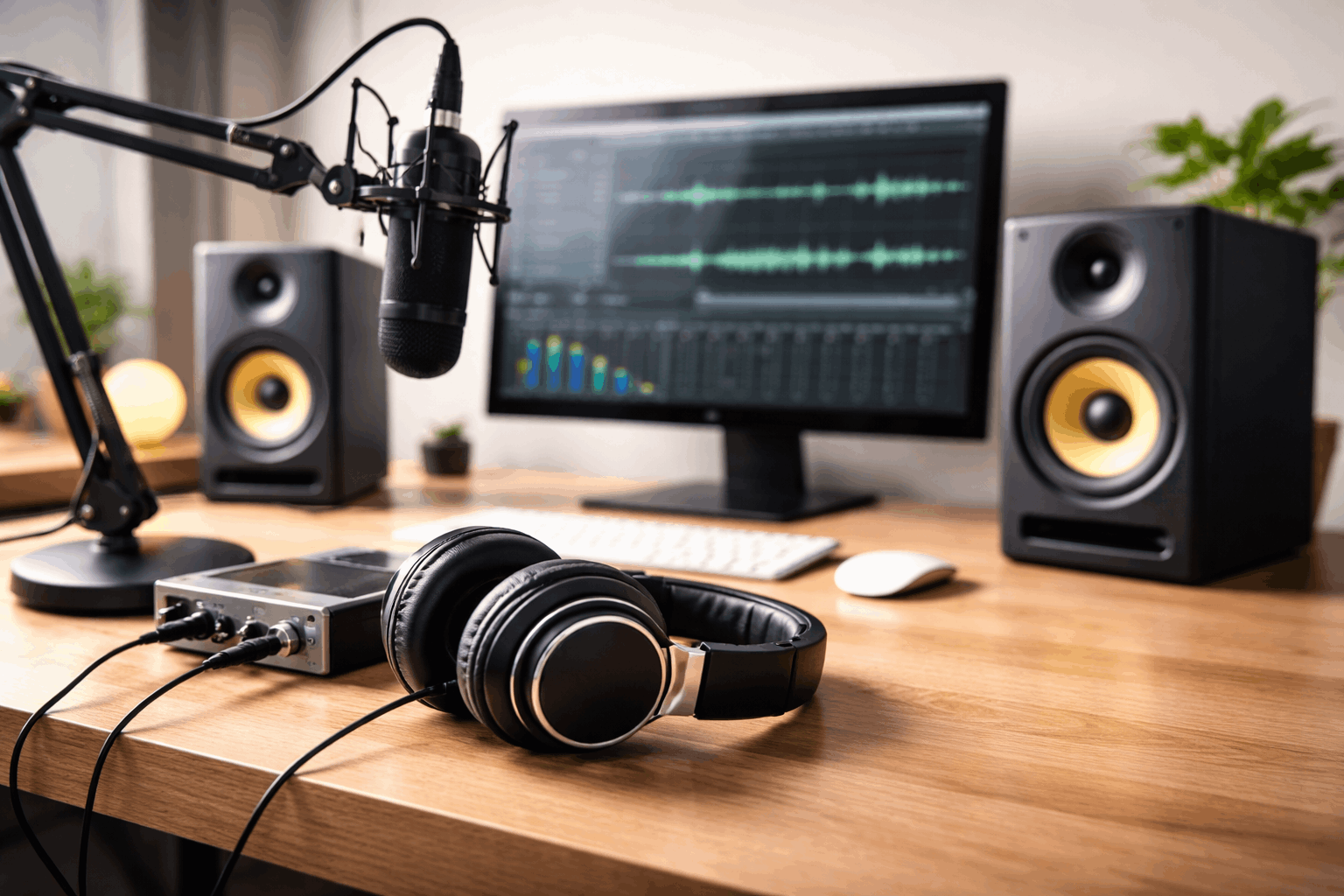
For everyday creators, it helps to separate the job into two stages: recording and editing.
Monitoring while recording
If you record voice with a microphone, headphones are usually the safer default.
Headphones prevent bleed, allow monitor input directly and keep levels controlled.
Speakers can work during recording only when you are not capturing audio at the same time, or when you have a controlled setup.
Monitoring while editing
Editing benefits from both options. Rough edit on speakers at low-to-moderate volume, then detail cleanup on headphones, then final checks on both.
Use headphones for detail checks like clicks, breaths, edits, noise reduction artifacts, and subtle distortion.
Use speakers for realism checks such vocal balance, music level, and whether the sound feels natural in a room.
Types of headphones and what they’re for
Not all headphones behave the same. Two categories matter most.
Closed-back models block outside noise and reduce sound leakage. They are usually best for recording.
Open-back models let air and sound pass through. They can feel more natural for mixing, but they leak sound.
If you can only buy one pair for a simple creator setup, closed-back is often the most practical starting point.
Speakers: what matters most for small creator rooms
If you choose speakers, the biggest improvement is often not expensive gear. It is basic placement and control.
Nearfield monitors vs regular speakers
Nearfield monitors are designed to be listened to from close range at a desk. Regular consumer speakers can work, but they may hype bass or treble.
Nearfield monitors are usually better for honest editing decisions.
Consumer speakers can be useful as a real-world playback check, because many viewers listen on non-studio devices.
Basic placement that improves results
A few simple steps can improve speaker monitoring without turning your room into a studio.
Place speakers so they form a triangle with your head (equal distance left, right, and center).
Keep tweeters roughly at ear level and avoid pushing speakers directly against a wall if possible.
Common creator scenarios: which one fits best?
Different content types push you toward different monitoring choices.
Talking-head videos and voiceover
Best default: headphones for recording
Editing: headphones + speakers if you can
Streaming and live calls
Best default: headphones
Reason: avoids feedback and prevents your mic from capturing speaker playback
Music-included videos (vlogs, tutorials with background music)
Best default: both if possible
Reason: speakers help set music level naturally, headphones help catch harshness and noise
Small or noisy spaces
Best default: headphones
Reason: speakers will reflect the room and compete with noise, making decisions less reliable
A simple decision guide
Choose headphones if you need:
- Clean recording with no bleed
- Monitoring in a small or untreated room
- Better detection of noise and distortion
- A setup that is portable and simple
Choose speakers if you need:
- More realistic sense of space and loudness
- Easier balancing of voice vs music
- A workflow that includes translation checks for typical playback
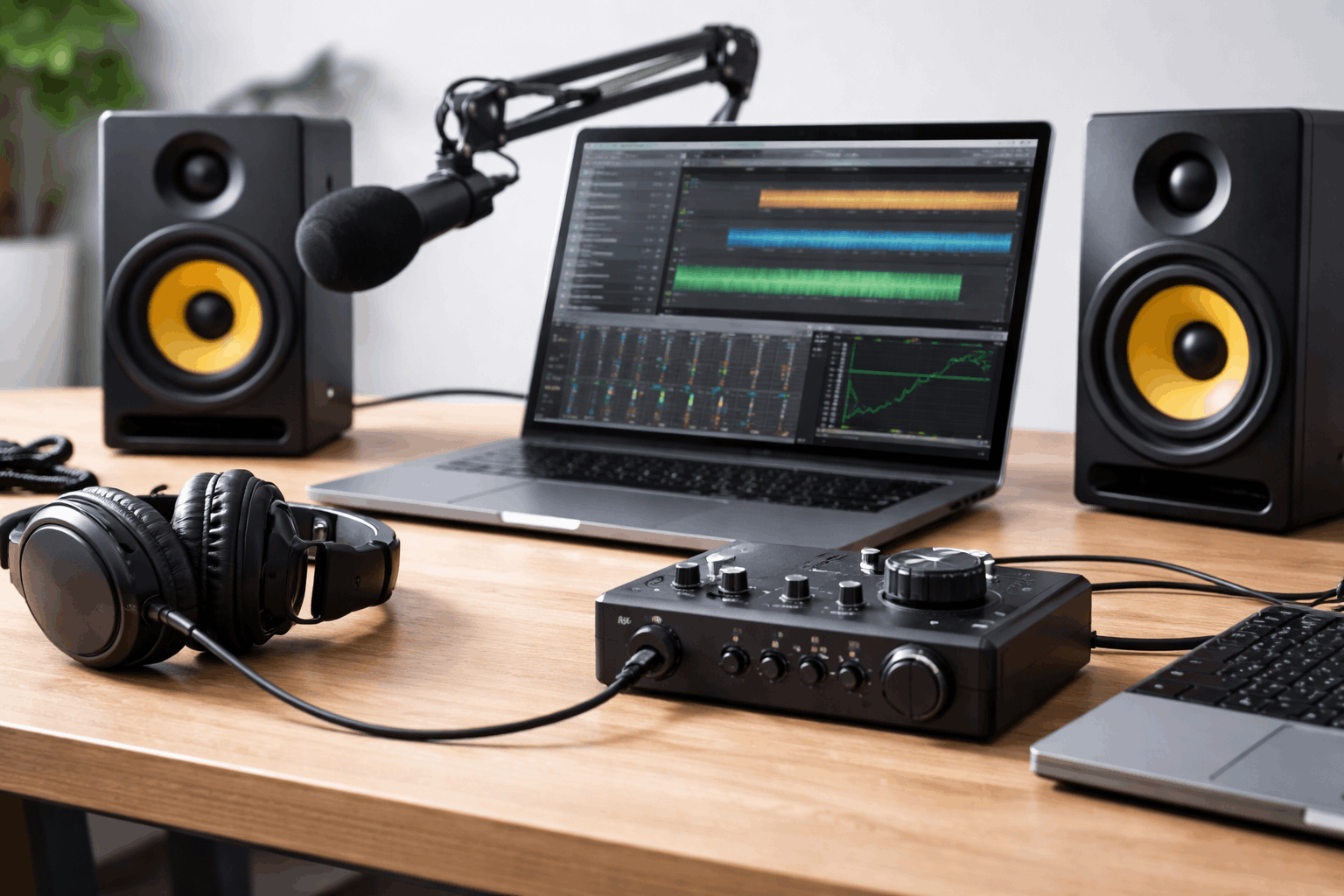
If you can use both, a practical approach is:
- Headphones first for recording
- Speakers for the main edit
- Headphones again for final detail checks
- Final check on a phone or laptop speaker, because that is where many viewers will listen
Closing note
For everyday home creators using simple setups, headphones are often the most reliable starting point, especially for recording voice cleanly.
Speakers add value when you want your final audio to feel natural in real rooms and on common devices.
The most consistent results come from using one for detail and the other for realism, then doing quick translation checks before publishing.