Harsh shadows can make your home videos look more “DIY” than you intended. They usually come from small, hard light sources placed too close or at the wrong angle.
The good news is you can fix most shadow problems with simple lighting changes and a few affordable accessories.
Understand What Creates Harsh Shadows
Harsh shadows happen when your light is small and direct. They get worse when the light is close to your face and aimed straight on.
They also appear when the background is too close behind you. Your camera settings can exaggerate them if exposure is inconsistent.
Hard Light vs Soft Light
Hard light creates sharp shadow edges that look distracting Soft light spreads gently and makes shadows fade smoothly.
You get soft light by making the source bigger or more diffused.
Distance and Angle Matter
A light low or to the side creates deep facial shadows fast. A light placed slightly above eye level reduces under-eye darkness.
Moving the light farther back can soften the look and reduce harsh edges.
Your Background Can Make It Worse
A subject too close to the wall creates a strong head-and-shoulder shadow. A plain wall shows shadows more than textured backgrounds.
Adding distance between you and the background is one of the fastest fixes.

Fix Shadows by Repositioning Your Light
Light placement is the simplest adjustment with the biggest payoff. You can often fix harshness without buying anything new.
Small moves of a few inches can change how your face looks on camera. Your goal is a flattering angle that keeps the image consistent.
Don’t Put the Light Too Close
A close light can create bright hotspots and hard shadow edges. Back the light up and increase brightness if needed.
This reduces intensity differences across your face and softens contrast.
Increase Subject-to-Background Distance
Move your chair or tripod so you are farther from the wall behind you.
Even an extra one to two feet can reduce the shadow shape dramatically.
This also helps your background look cleaner and more intentional.
Soften the Light With Diffusion
Diffusion is the easiest way to turn harsh light into soft light. It works by spreading the beam and reducing sharp shadow edges.
You can do this with purpose-built tools or safe household options The key is to keep it simple and repeatable for your setup.
Add a Diffusion Layer to LED Panels
Many LED panels accept a diffuser cover or clip-on diffusion. If yours does not, you can place diffusion material in front at a safe distance.
Always keep diffusion away from heat and avoid blocking ventilation.
Try a Shower Curtain or Diffusion Fabric
A translucent shower curtain can work as a low-cost diffuser. Hang it between the light and you, leaving space for airflow.
This can soften shadows fast while you decide on permanent gear.
Balance Shadows With Fill Light
Fill light reduces contrast by lifting the darker side of your face. It does not replace your main light, but it makes shadows less severe.
A small fill can make your video look more natural and less dramatic.
This is especially useful for webcams and simple desk setups.
Use a Second Small Light at Low Power
Place a smaller light on the opposite side of your key light. Keep brightness lower so your face stays shaped but not harsh.
This reduces deep shadows under the eyes and along the cheek.
Bounce Light Off a Wall or Ceiling
Point your light at a white wall to create a soft bounce. This makes the light source “bigger” and less directional.
Bounced light is often flattering and easy to repeat once you find the angle.
Use a Reflector or White Foam Board
A reflector lifts shadows without adding another powered light. A white foam board near your face can act like a gentle fill.
This is a great low-cost tool for tight spaces and travel setups.
Control Shadows With Practical Camera Placement
Where your camera sits affects how shadows fall in the frame. A poorly placed webcam can make normal shadows look worse.
A stable tripod position also keeps lighting consistent from take to take. This is why camera support and placement matter as much as lighting.
Avoid Shooting Too Close to the Lens
A very close camera magnifies contrast and skin texture. Backing up slightly can make lighting look smoother and more forgiving.
Use a tripod to hold framing steady when you adjust distance.
Lock Your Shot Before You Fine-Tune Light
Changing camera position after lighting forces you to re-balance everything. Set framing first, then adjust key and fill placement.
This keeps your workflow fast and reduces frustration.
Use Color Temperature and Brightness Consistency
Mixed lighting can create strange shadows and uneven skin tones. Different bulbs can fight each other and exaggerate contrast.
Keeping your lighting consistent makes shadows easier to control. This is one of the most overlooked fixes in home video setups.
Match Your Lights to One Color Temperature
Set all your lights to the same Kelvin value if possible. If you cannot, choose one dominant source and remove competing sources.
This reduces patchy shadows and makes your face look more natural.
Avoid Overexposure That Deepens Shadows
Too bright highlights can make shadows look darker by comparison. Lower brightness and adjust exposure so your face is evenly lit.
A balanced exposure looks smoother even if shadows still exist slightly.
Keep Ambient Room Lights Predictable
Turning on extra lamps can add random shadows on the wall. Either turn them off or place them intentionally as background practicals.
Consistency helps you replicate your look across different filming days.
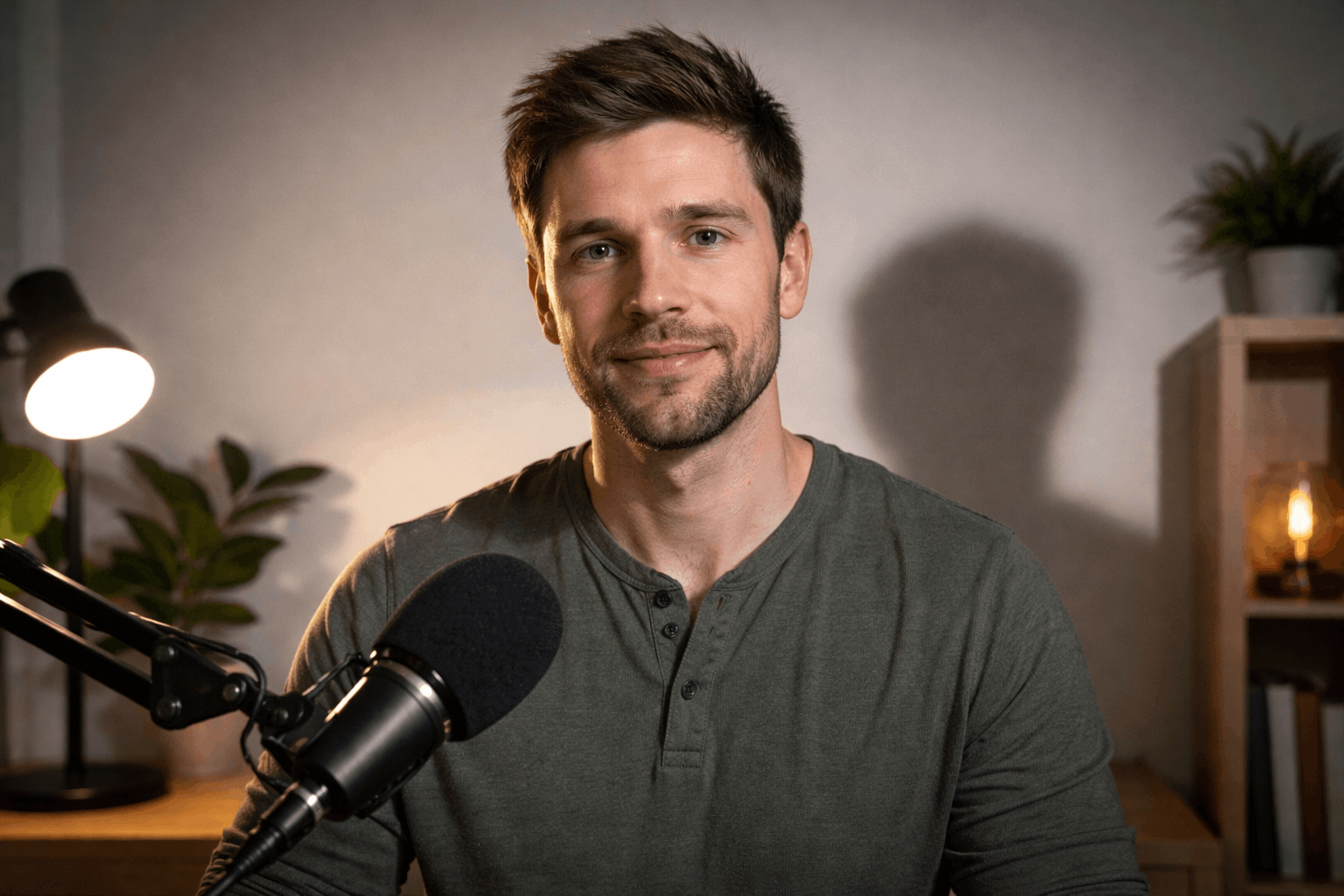
Quick Fix Checklist for Everyday Creator Setups
A repeatable routine helps you fix shadows in minutes. You do not need expensive gear to get a clean look.
Small accessories and consistent placement deliver the biggest improvements. Use this quick checklist before you hit record.
Add a reflector or foam board on the shadow side of your face. Use a second light at low power for gentle fill.
Mount your webcam at eye level on a stable tripod or monitor arm.
Conclusion
Harsh shadows in home videos are usually a light placement problem, not a talent problem.
A stable camera position, matched lighting, and smart mic placement keep your setup consistent.
With a few small changes, your videos can look more polished while staying simple and repeatable.