Home video recording gets easier when you pick a few reliable tools and learn them well.
You do not need a studio to make clean, watchable videos with clear sound. A simple setup reduces mistakes, speeds up filming, and helps you stay consistent.
Start With a Space That Works
A quiet room with soft surfaces usually gives you better audio than a big echoey space. Face a clean background or a tidy corner so the viewer’s attention stays on you.
Turn off noisy fans and move away from windows if traffic or wind leaks into your sound.
Use a consistent spot so your framing, lighting, and camera height stay the same every time.
Pick Your Background on Purpose
A plain wall, curtain, or bookshelf can look professional if it is not messy or distracting.
Leave a little distance between you and the background to avoid harsh shadows behind your head.
Add one small visual detail, like a plant or lamp, to create depth without stealing attention.
Control Light From Windows
Window light can look great, but it changes fast as clouds move and the sun shifts.
If you use a window, film at the same time of day and face the light for even skin tones.
Close curtains or use blinds when the changing brightness makes your camera exposure jump around.
The Core Gear You Actually Need
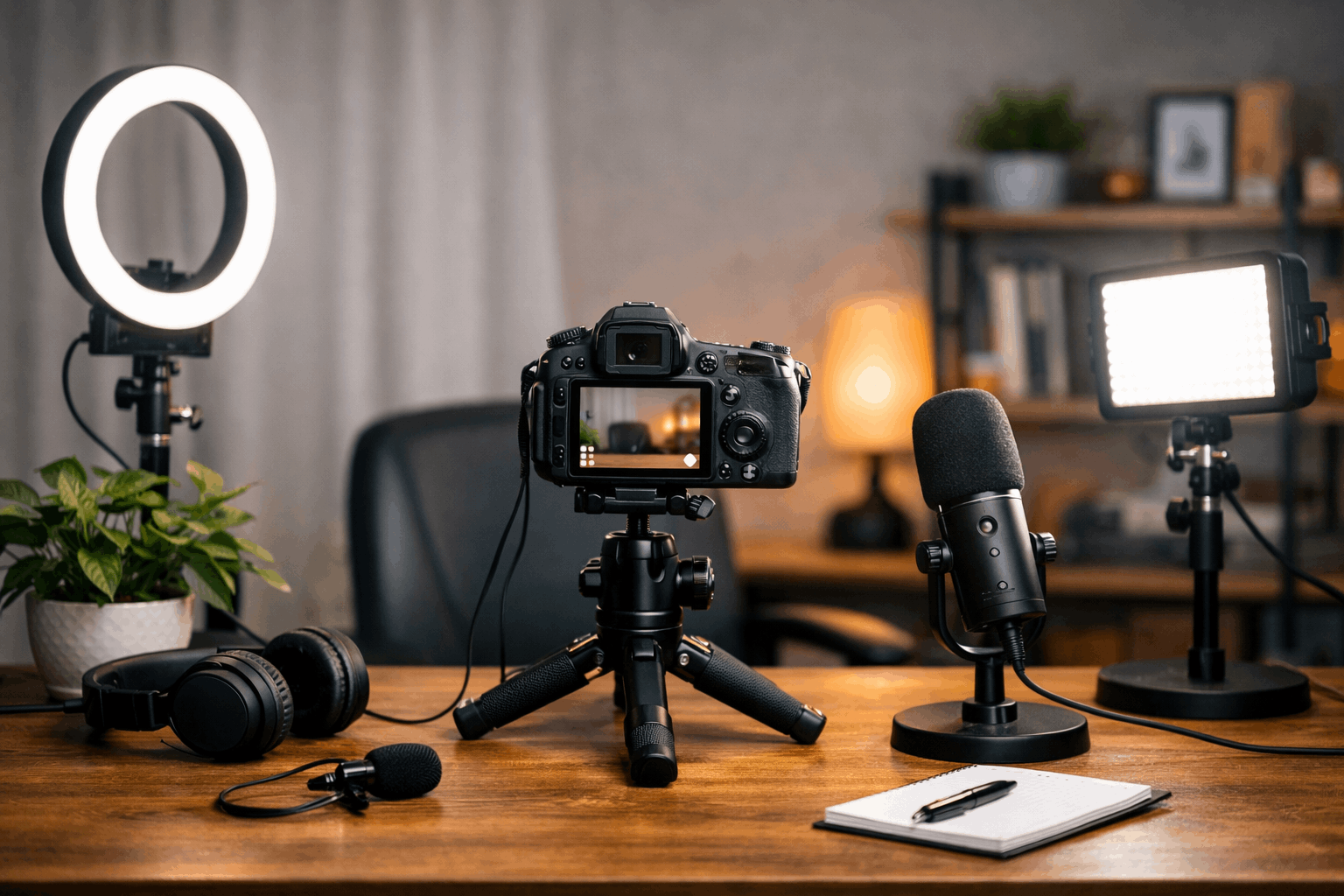
Most home creators only need a camera, a microphone, and a basic light to start strong.
If your sound is clear, viewers will forgive a camera that is only “good enough.”
If your lighting is steady, your video will look cleaner even on a modest camera.
Buy the basics first, then upgrade one piece at a time when you know what is limiting you.
Camera Choices That Make Sense
A recent smartphone can shoot sharp video, and it is often the easiest starting camera.
A webcam is convenient for desk content, but it needs good lighting to look its best.
A mirrorless or DSLR can upgrade image quality, yet it adds cost and setup complexity quickly.
Microphones That Improve Videos Fast
A wired lavalier mic is a simple upgrade that brings your voice closer and reduces room noise.
A small USB mic works well at a desk if you keep it close and speak toward the front of it.
A shotgun mic can sound great on a stand, but it needs careful positioning to avoid echo and hollow tone.
Lighting That Flatters Without Fuss
A single key light at a slight angle can instantly make your face clearer and more defined.
A ring light is easy for beginners, but it can look flat unless you angle it slightly above eye level.
A small LED panel is flexible for different shots, and it can double as a background light later.
Stabilization and Camera Support
Stable framing makes your videos look calmer, more intentional, and easier to watch.
A steady camera also helps autofocus and exposure behave more predictably during recording.
You can get stability with a tripod, a desk mount, or even a solid shelf at eye level.
Pick a support option that matches your typical filming style, not just what looks “pro” online.
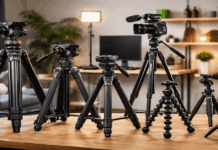
Tripods for Phones and Cameras
Choose a tripod that reaches your eye level so you are not forced to look down at the lens.
A simple ball head makes it faster to adjust angles, especially when you change from sitting to standing shots.
If you record on a phone, use a sturdy phone clamp and avoid tiny travel tripods that wobble easily.
Desk Mounts and Small Stands
A desk arm can keep a phone or mic close without taking up space in front of you.
Small tabletop tripods are good for close-up shots, product shots, and overhead angles on compact desks.
Tighten every joint and test a gentle bump, because shaky mounts show up fast on camera.
Audio Setup That Sounds Clean at Home
Audio quality usually decides whether a video feels “amateur” or “intentional” to a viewer.
The goal is a clear voice, low background noise, and minimal echo from hard walls.
You improve audio by getting the mic closer and making your room sound less reflective.
Even with basic gear, good mic placement and room choices can produce a strong result.
Reduce Echo With Simple Room Fixes
Soft items like curtains, rugs, and cushions absorb reflections and make your voice sound more direct.
Record closer to a soft surface instead of speaking into an empty corner that bounces sound back at you.
If your room is bare, hanging a blanket behind the camera can reduce harsh reflections surprisingly well.
Monitor Your Sound While Recording
Use headphones when possible so you can catch buzzing, clipping, and sudden background noise immediately.
Do a 10-second test clip before every session and listen for levels and room tone.
Keep your recording levels steady so your loud parts do not distort and your quiet parts do not disappear in noise.
Simple Build Examples You Can Copy
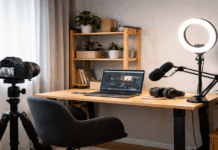
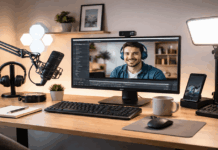
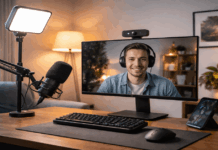
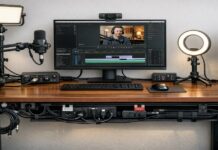
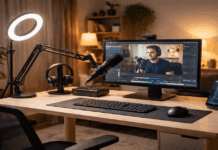
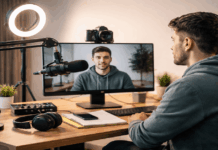
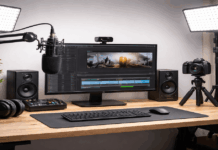
These examples show how to combine gear into clean setups without buying unnecessary extras.
You can start with what you already own, then upgrade only the piece that limits you most.
Each build focuses on clear audio, stable framing, and lighting that makes your image look clean.
Use them as templates, then adjust for your room size, desk layout, and content style.
Starter Setup for Beginners
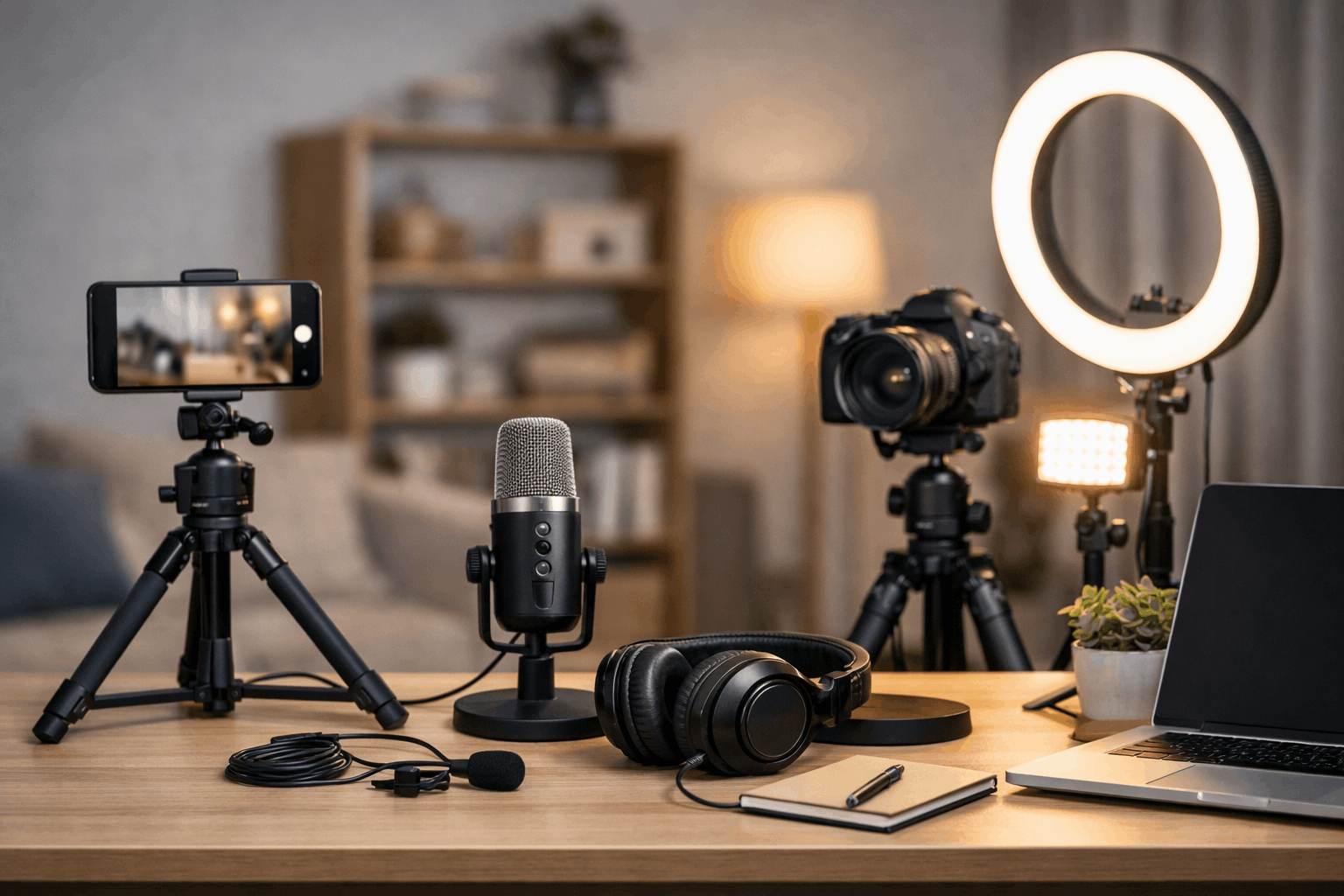
Use a smartphone on a stable tripod and record in a quiet room with a soft background.
Add a wired lav mic and position it close to your mouth to get clear voice pickup.
Use one affordable LED light or a ring light and keep the angle consistent for every recording session.
Step-Up Setup for More Control
Use a USB mic on a small stand and place it just out of frame, close enough to sound full and direct.
Add a key light plus a small background light to create separation and a more polished look.
Keep your camera on a tripod at eye level and lock basic settings so your image stays consistent.
“Creator Plus” Setup for Long-Term Growth
Use a dedicated camera if you need better lens options, but keep the rest of your setup simple and repeatable.
Choose a quality mic you can grow with, like a good lav system or a clean-sounding shotgun on a stand.
Build a compact lighting kit with one strong key light and one small accent light for flexible room setups.
Final Thoughts
A simple home setup works best when you focus on clear audio, stable framing, and consistent lighting.
Start with the gear you can afford and improve one weak point at a time instead of upgrading everything at once.
Test your setup before each session, keep your workflow repeatable, and record often to build confidence and consistency.