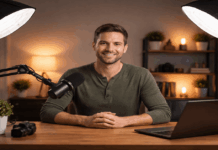
If your webcam image looks noisy, flat, or “muddy,” the problem is often lighting, not the camera.
A better mic can fix audio fast, but video quality usually improves most when you control your desk light.
For the best lighting for desk area, get a soft, even light on your face, at the right angle, with a color tone that matches your room.
What you’re trying to achieve on a desk
For best desk lighting for video calls, you want your face brighter than the background.
Thus withou harsh shadows under your eyes or strong reflections in glasses.
Soft light also makes most webcams behave better, because the camera won’t crank up gain and blur detail.
A reliable desk setup usually means one key light aimed at your face, and optional a secondary light for background or desk visibility.
What is the best lighting for a computer desk
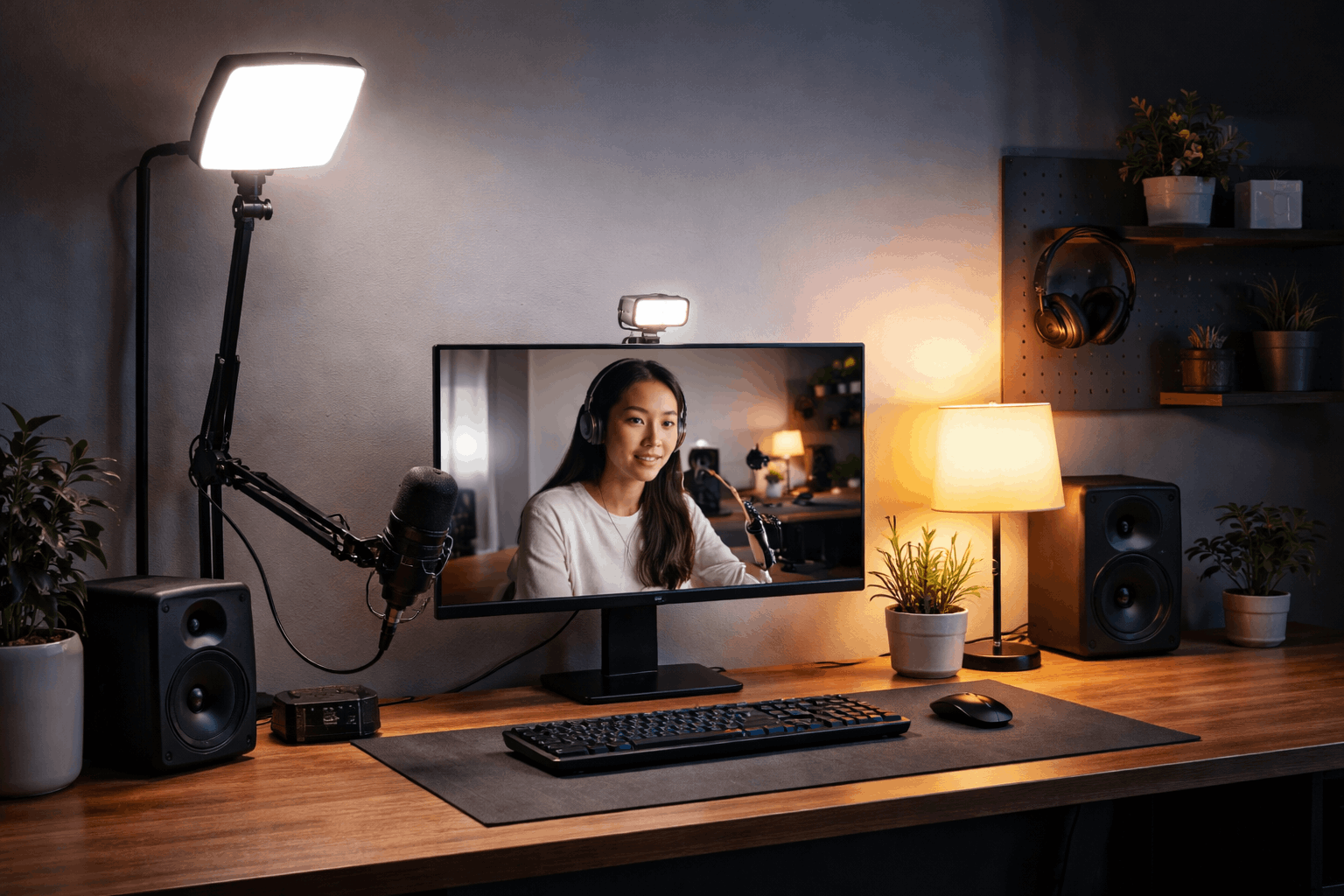
A soft key light placed slightly above eye level, about 30–45 degrees to one side, with brightness and color temperature you can adjust.
What makes a good desk lamp for video
People ask “what makes a good desk lamp” for streaming, and the checklist is more specific than normal room lighting:
- Soft output (diffusion matters): Edge-lit panels and diffused LEDs reduce harsh shadows and skin texture. Elgato highlights multi-layer diffusion on its Key Light Air to create “ultra-soft” illumination.
- Adjustable color temperature: If your room light is warm but your desk light is cool, your face can look odd on camera. Many creator lights support a wide white range (for example, 2900–7000K Key Light Air and Ring Light).
- Enough brightness for near-field use: You don’t need studio power, but you do need headroom so the light isn’t always at 100%. Elgato lists 2800 lumens for Key Light and 1400 lumens for Key Light Air.
- Flicker-free behavior: Flicker can show up as banding on camera. Some brands explicitly market flicker-free performance.
- A mount that fits your desk: Clamp mounts save space and let you raise the light above monitors, which is usually better than lighting upward from the desk surface.
A simple placement plan that works with webcams and mics
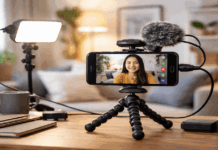
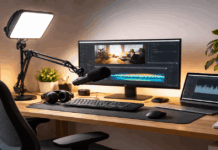
A desk is crowded—webcam, monitor, keyboard, mic stand—so your light placement has to be intentional.
Place the key light 30–45 degrees to the side of your camera and slightly above eye level.
Aim it across your face, not straight into your eyes. If you wear glasses, raise the light a bit more and angle it down to reduce reflections.
Keep your mic out of the “hot spot.” A big bright light reflecting off a metal mic body can become a visual distraction.
Best desk lighting options with real-world prices
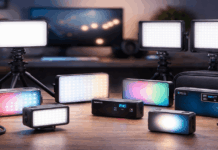
Below are best desk lighting options that suit typical home creator setups, with prices taken from current listings (expect sales and regional differences).
1) Compact creator lights for small desks (USB-friendly)
Logitech Litra Glow — listed at $49.99 (promo price shown at Sweetwater at the time of listing)
- A fast desktop lighting upgrade with an “edgeless diffuser” and TrueSoft branding aimed at flattering light for streaming and calls.
- Best for: tight spaces, laptop/webcam calls, minimal setup.
Raya Bendie-Brite Folding USB Ring Light (10″) — $49.95 at B&H
- A simple, portable ring-light style option that stays in the “starter kit” budget range.
- Best for: beginners who want an easy, front-facing light without a full stand.
Elgato Key Light Neo — $81.99–$89.99 at B&H (colors/pricing vary by listing)
- B&H lists Key Light Neo with a 2900–7000K range and CRI >94, which is a useful spec if you care about color accuracy on skin and clothing.
- Best for: a cleaner “creator” look without a large panel.
amaran Ace 25c — $99.00 listed on Amaran Creators’s official store collection page
- This is a small RGB-capable creator light category product (often used as a compact key or fill), useful if you want both white light and occasional color accents without buying extra gear.
- Best for: creators who want flexibility in a small light.
2) Bigger “key light” upgrades for streaming and higher polish
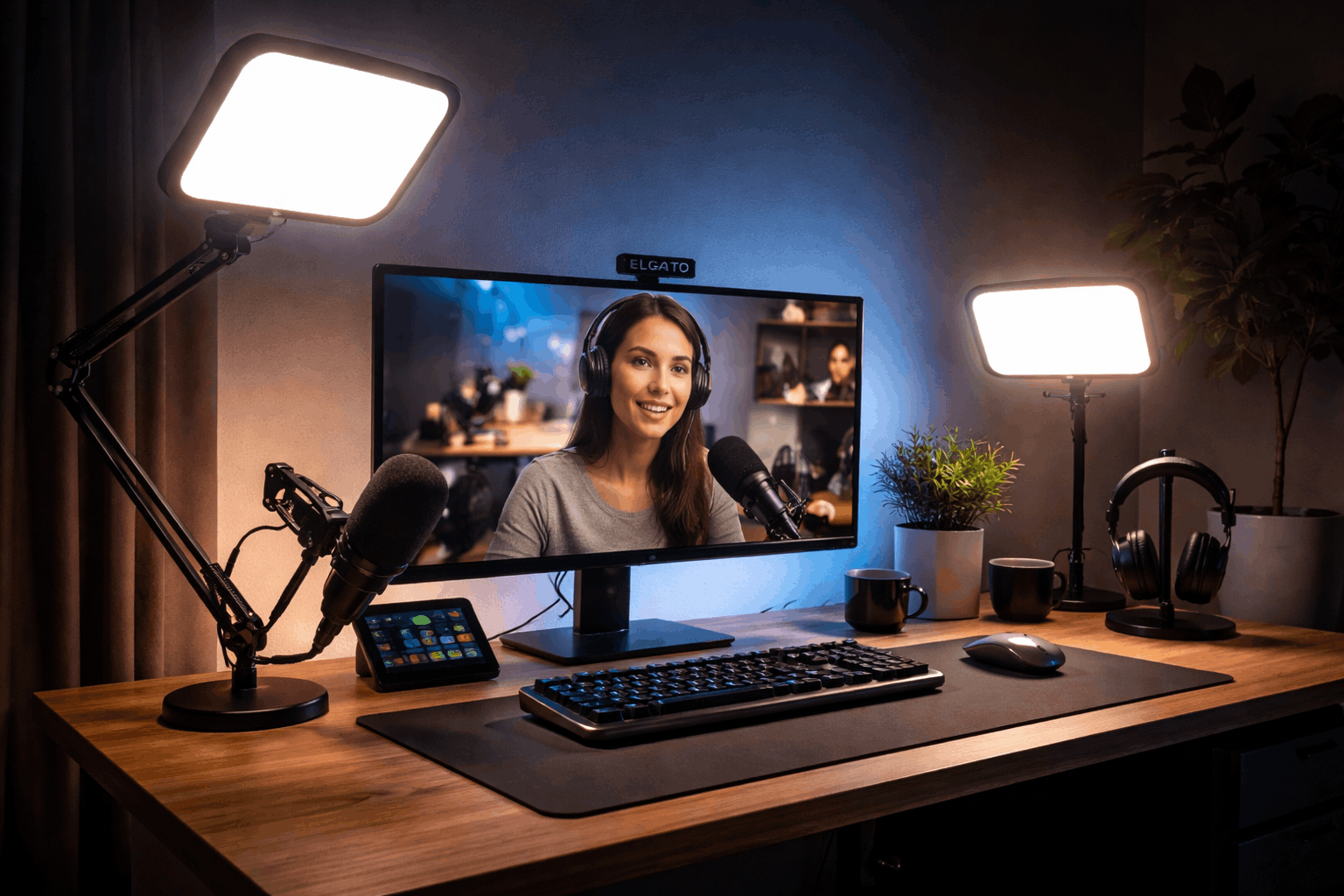
Elgato Key Light — $139.99 shown at B&H (sale pricing at time of listing)
- A pro LED panel with 2800 lumens and app control positioning.
- Best for: consistent streaming, frequent calls, and a “set-and-forget” desk rig.
Elgato Key Light Air (spec reference) / Key Light Air MK.2 (new listing) — $169.99 preorder shown at B&H Photo Video.
- 1400 lumens and 2900–7000K, which is plenty for near-field desk use.
Best for: a softer panel look that fits smaller spaces than full-size panels.
NEEWER ring light kits — examples include $99.99 (RL-18 without stand) and $139.99 (18″ bi-color kit) on NEEWER’s ring light collection page
- Ring lights are popular because they’re easy: put it near the camera, set brightness, go live.
- The trade-off is that ring lights can create a “flat” look compared with side-key lighting, but they’re effective for calls.
- Best for: beginners who want fast results and don’t want to think about angles.
3) Desk-area lighting that helps your workspace (not a face key light)
BenQ ScreenBar Halo 2 — $179.00 at B&H.
- Features like “front/back/combo” lighting modes and a 95 CRI front light.
- USB power requirements on its ScreenBar Halo page (useful for planning ports and power).
A quick buying rule that avoids regret
If you only buy one light, prioritize a soft key light you can aim at your face. That’s the biggest upgrade per dollar for video calls and streaming.
A monitor light bar is great for comfort and desk visibility, but it’s not a replacement for a key light.
Conclusion
The best desk lighting for video calls is the light that makes your face look clear and even without forcing your webcam to struggle.
If you want a stronger upgrade later, add a small fill or background light, but keep your setup simple and repeatable.
Pick one of the best desk lighting options that fits your desk space and budget, set it up once, and use it every time you go live.