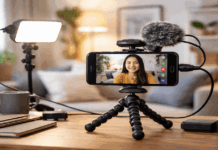
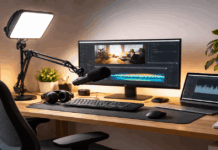
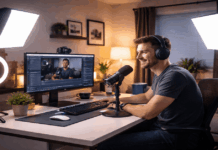
Consistent lighting makes your videos look cleaner, more professional, and easier to watch.
It also saves you editing time because clips match each other without heavy color fixes. On a home setup, lighting consistency is mostly about control and repeatability.
Set a Baseline “Look” You Can Repeat
Pick one lighting style you want to use for most videos.
Decide how bright your face should be compared to the background, then keep that ratio steady.
Choose a simple framing and sit/stand position that you can reproduce without guessing.
Write down your baseline settings so you do not rebuild from memory each time.
Choose One Color Temperature and Stick to It
Set your lights to one fixed Kelvin value, such as 5600K for daylight or 3200K for warm.
Avoid mixing different bulb types because small color differences show up on skin quickly.
If you must mix sources, match everything to the strongest light and disable the rest.
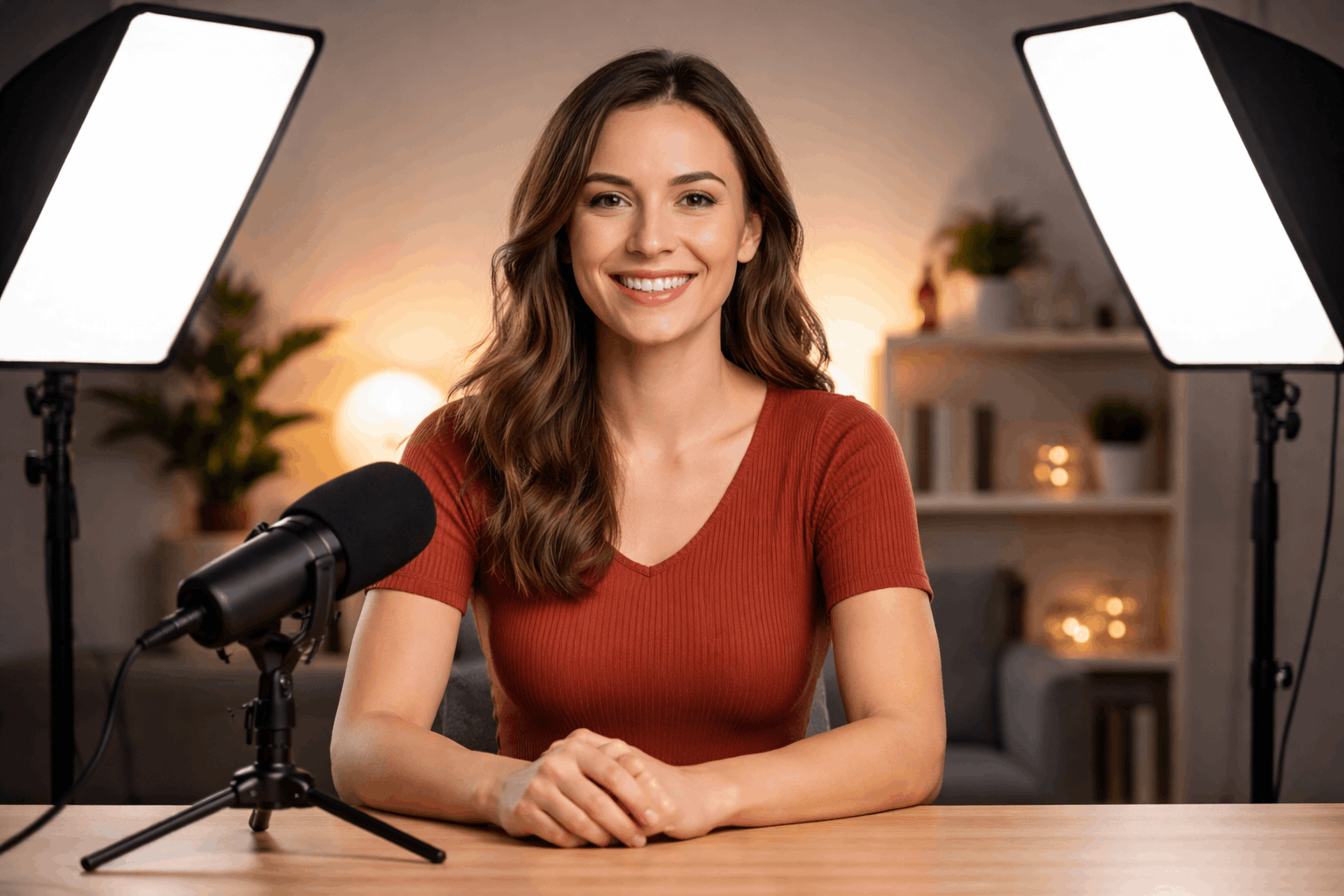
Lock Your Camera Settings for Repeatability
Use manual exposure so brightness does not drift when you move or gesture.
Lock white balance so your camera does not “hunt” and shift colors mid-take.
Turn off auto ISO and auto tone features that brighten and darken scenes silently.
Create a Reference You Can Compare Every Time
Take a quick reference photo at the start of your first “perfect” setup.
Keep a simple gray card or even a white paper sheet to check color and exposure.
Compare today’s image to your reference before you record a full session.
Control the Ambient Light in Your Room
Treat windows, overhead bulbs, and screens as variables that can ruin consistency.
Assume ambient light will change during the day, even if it looks stable now. Build your setup so your video still looks correct when outside light shifts.
The more you control the room, the less you depend on fixing footage later.
If you like natural light, film at the same time each day and keep weather in mind.
Turn Off Unreliable Ceiling and Mixed Household Lights
Disable ceiling lights unless you can keep them identical across every session.
House bulbs often differ in color and brightness, even when they look “close” in person.
If you need practical room light, replace bulbs as a matched set and keep spares.
Manage Monitor and Device Glow
Lower your monitor brightness so your face is not lit differently each day.
Avoid colorful screens near your face because they add shifting tints while you work.
If you must read notes on a screen, keep it dim and at the same angle always.
Build a Simple Lighting Kit That Recreates the Same Result
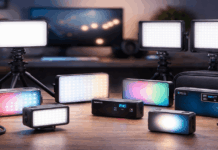
Choose a small set of lights and modifiers you can set up in minutes.
Prioritize lights with stable output and adjustable brightness, not just cheap brightness.
Use the same stands, the same distances, and the same angles to reduce variation.
A repeatable kit beats a complex kit that you never set up the same way twice.
Use One Strong Key Light as Your “Anchor”
Make your key light the brightest and most consistent light in the scene.
Place it at a fixed height and angle, then mark the stand position on the floor.
Use a softbox or umbrella so small movements do not create harsh shadow changes.
Add Fill Light in a Controlled, Minimal Way
Use a bounce card or reflector to fill shadows without introducing a second color source.
If you use a fill light, keep it weaker than the key and set it to the same Kelvin.
Measure fill by how shadows look under your eyes and chin, then keep that look consistent.
Match Lighting Across Multiple Cameras or Angles
Consistency gets harder when you add a second angle, even in the same room.
Every camera interprets color differently, so you need more control than you expect.
Keep angles close enough that lighting still makes sense from both viewpoints. When angles mismatch, viewers notice it immediately during cuts.
Sync Exposure and White Balance Between Cameras
Set both cameras to manual exposure and match shutter, ISO, and aperture as closely as possible.
Match white balance by Kelvin or by a custom balance using the same reference card.
Avoid mixing HDR and non-HDR modes because they can change highlights and skin tone.
Keep Results Consistent Across Different Recording Days
Most “inconsistent lighting” problems happen when you return a week later.
Treat your setup like a repeatable system, not a one-time arrangement.
Small changes in distance, height, and dimmer levels compound into obvious differences.
A quick routine before recording prevents hours of fixing later.
Create a Setup Checklist You Actually Follow
Write a short checklist that covers light positions, brightness levels, and camera settings.
Do one quick test clip, then compare it to your reference before you start talking.
If something looks off, fix it physically first instead of hoping editing will save it.
Label, Measure, and Mark Everything
Use tape marks on the floor for your chair, tripod, and light stands.
Measure key light distance once and keep it the same using a simple measuring tape.
Label your dimmer percentages or brightness numbers so you can return to them fast.
Troubleshoot Common Lighting Shifts
If your image looks darker, check that your key light distance did not change first.
If your image looks warmer or greener, confirm mixed household bulbs are not turned on.
If shadows look sharper, check that diffusion did not move or that a modifier is not missing.
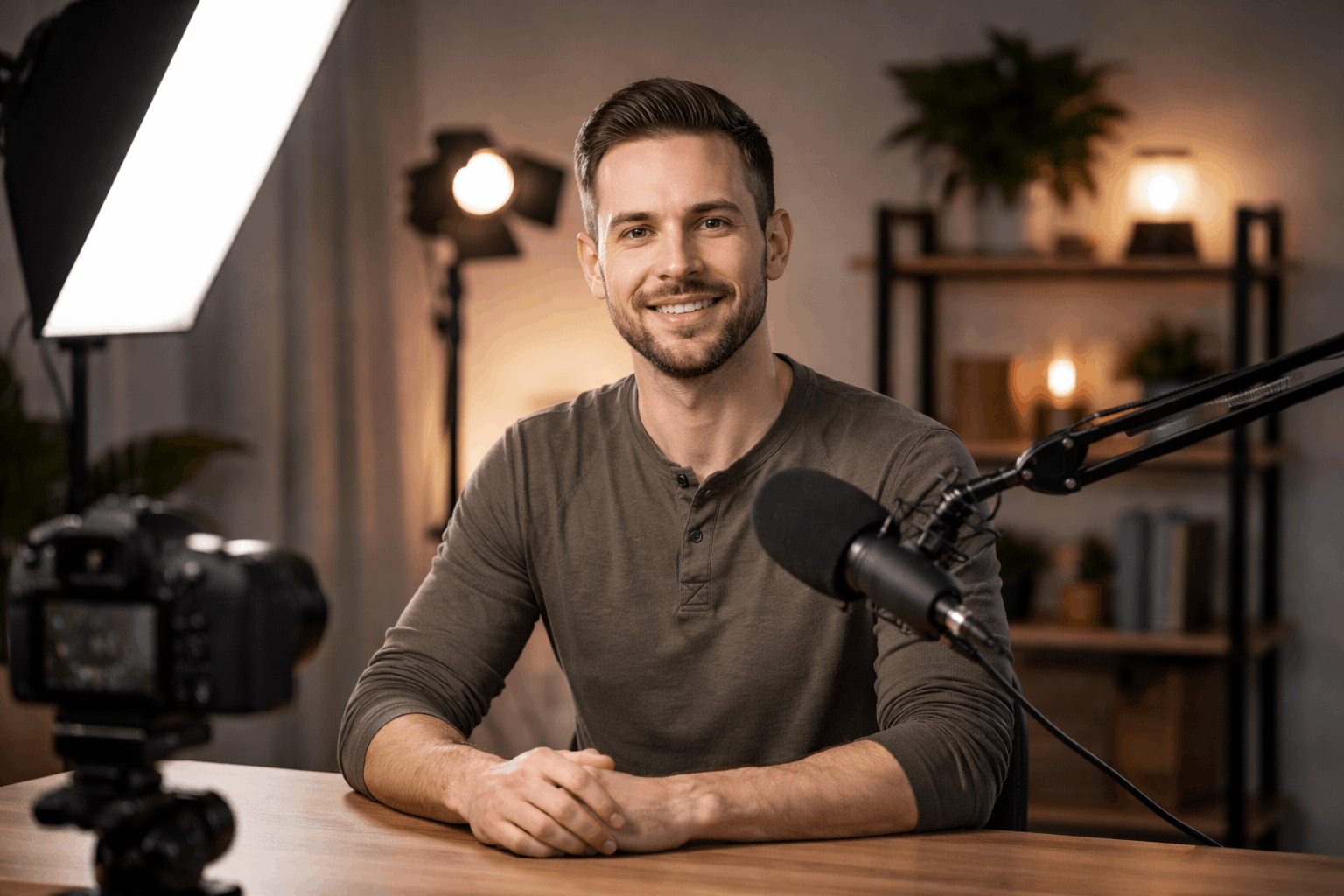
Upgrade the Right Accessories for Consistency
You do not need a studio to get consistent lighting, but a few upgrades help.
Choose upgrades that remove variables, not upgrades that add more options to manage.
Reliability matters more than maximum brightness for everyday creator setups. When your gear is stable, your videos look stable.
Use Lights With Reliable Output and Presets
Pick lights that hold the same color at different brightness levels instead of drifting.
Save presets for your key, fill, and background so you can recall the same scene fast.
If you film often, consider app-controlled lights so settings are repeatable in seconds.
Add Tools That Help You Match What You See
Use a basic light meter app or camera histogram to confirm exposure, not just your eyes.
Calibrate your webcam or camera preview so you are not judging on a misleading screen.
Keep a small reference card handy so white balance can be verified in every session.
Protect Consistency With Backup Power and Spares
Use the same power source each time, because unstable power can affect some lights.
Keep spare bulbs, cables, and one backup light so your look does not change on a failure day.
If you rely on batteries, charge them fully and avoid mixing different battery levels mid-session.
Conclusion
Consistent lighting comes from controlling variables, writing down what works, and repeating it the same way.
When your room, lights, and camera settings stay locked, your videos match without extra effort.
Start with one baseline look, mark positions, and build a quick pre-record check routine.