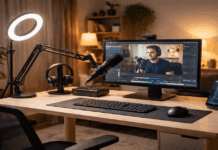
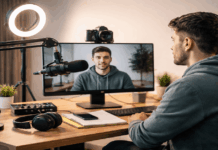
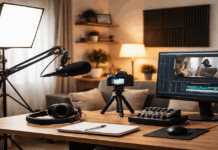
A clean recording setup protects your sound, your image, and your time when you create every day.
Dust, fingerprints, and loose cables show up fast on microphones, lights, webcams, and tripods.
Small maintenance habits keep your gear reliable without turning your room into a workshop.
Set Up a Dust-and-Cable Plan Before You Record
A clean home recording setup starts with reducing what can get dirty in the first place.
You get better results when cables, surfaces, and airflow are managed like part of the gear.
A few minutes of setup discipline prevents hours of troubleshooting noise, wobble, or blurry video later.
You do not need expensive furniture, but you do need a repeatable layout that stays tidy.
Choose the right surfaces and keep them wipeable
Smooth desk surfaces collect less grime than textured fabric covers and they clean faster between sessions.
A small desk mat can protect finishes, but it should be easy to shake out and wipe down.
When you keep drinks and snacks away from the gear zone, you reduce sticky buildup on knobs and mounts.
Route cables so they do not drag, twist, or trap dust
Cables that trail across the floor pick up dirt and move every time you shift your chair.
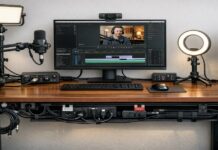
A simple path along the desk edge keeps cables off your workspace and away from your microphone stand.
When you avoid tight bends and repeated twists, you reduce cable wear and sudden crackle during recording.
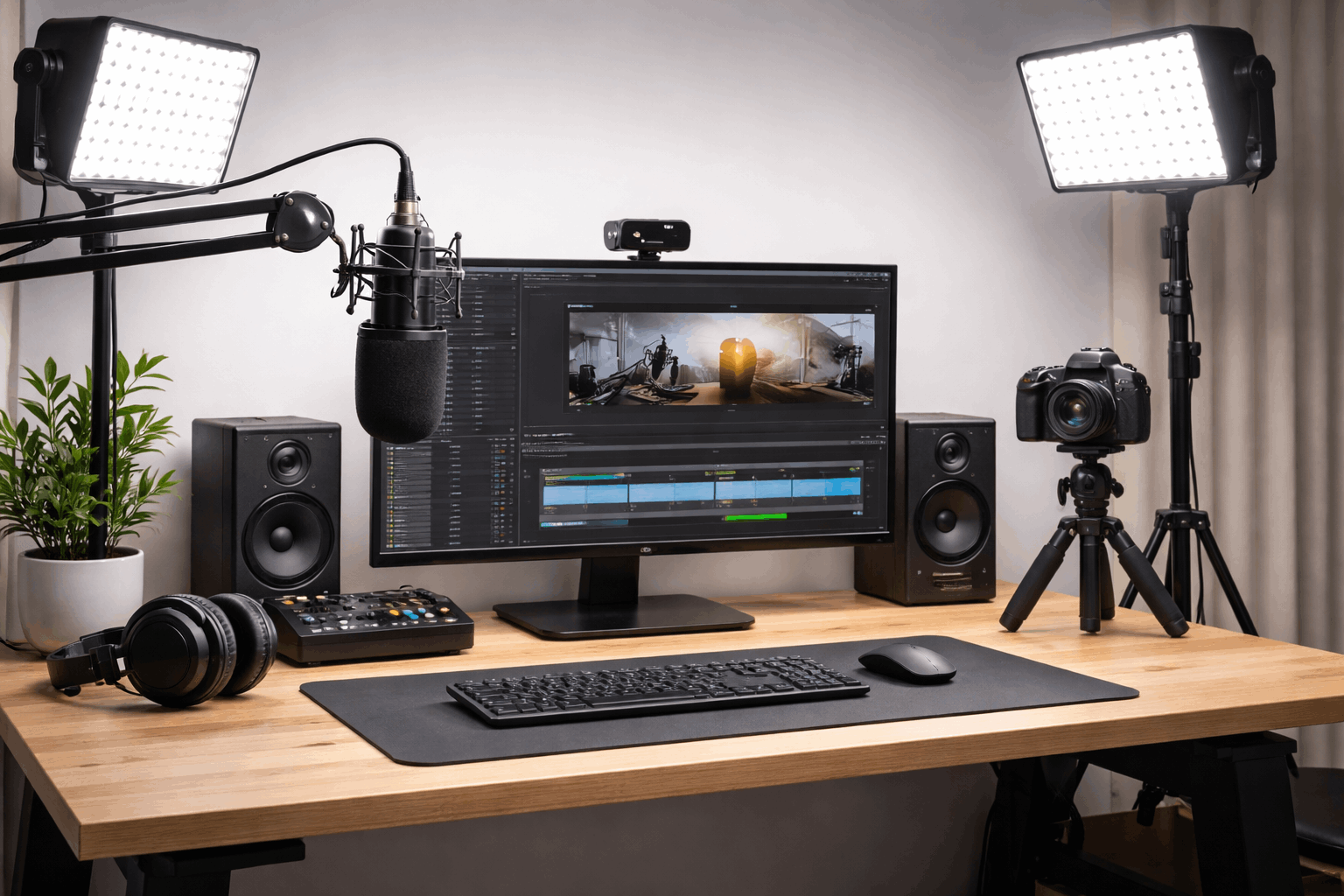
Microphones: Keep The Sound Path Clean
Microphones sit closest to your mouth and hands, so they collect the most oils and particles.
Clean accessories also help your mic keep a consistent tone across takes and across weeks.
You can prevent most mic problems by cleaning the parts that touch breath and by storing the rest properly.
A gentle routine matters more than aggressive scrubbing that can damage grilles, finishes, and connectors.
Keep pop filters and windscreens fresh
A pop filter catches droplets and dust, so it needs regular cleaning to avoid odor and residue.
Foam windscreens should be washed carefully and dried fully, because moisture can linger and affect performance.
When you replace or clean these accessories on schedule, your recordings stay more consistent and hygienic.
Wipe mic bodies, stands, and shock mounts the safe way
A dry microfiber cloth removes most fingerprints from mic bodies without pushing debris into seams.
Stands and shock mounts collect grime on adjustment points, so quick wipe-downs prevent sticky tightening.
If you keep connectors clean and capped when not in use, you reduce intermittent audio from poor contact.
Lighting and Webcams: Keep The Image Crisp
Lighting gear gathers dust on surfaces that are designed to spread and shape light.
Webcams show smudges immediately, especially under bright key lights and high exposure settings.
A clean setup helps your image look sharp without forcing you to overcorrect in software.
Basic care also reduces heat stress and power issues that can cut a session short.
Clean diffusers, softbox fabric, and reflectors without warping them
Dust on diffusers and softboxes lowers brightness and adds a dull haze that feels like a camera problem.
A gentle dusting and careful spot cleaning keeps fabrics even and avoids creases that create uneven highlights.
When you store light modifiers flat or loosely folded, you prevent bends that can change the shape of your light.
Keep webcam lenses and filters clear and consistent
A single fingerprint on a webcam lens can soften your image more than a low-resolution sensor ever would.
Use a clean microfiber cloth and light pressure, because hard rubbing can create fine scratches over time.
When you keep the same camera angle and clean the lens regularly, your framing and focus stay predictable.
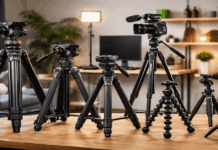
Tripods and Mounts: Protect Stability and Safety
Tripods and mounts fail quietly first, then suddenly, and cleanliness helps you notice problems early.
Dust and grit collect in joints, knobs, and quick-release areas where smooth movement matters.
A stable camera, light, or microphone position also reduces repeated handling that causes more dirt transfer.
If you treat your support gear as safety equipment, you avoid drops that can end a recording day.
Check tightening points so gear does not wobble mid-take
Loose knobs cause slow drift in framing and create small vibrations that microphones can pick up.
A quick pre-session tightening check prevents the common problem of a camera slipping after you start talking.
When you tighten with steady pressure rather than forcing it, you protect threads and keep adjustments smooth.
Store and carry tripods so dirt stays out of the joints
Leaving tripods open in dusty corners invites grit into locks and leg sections.
A simple storage spot and a basic cover or bag keep moving parts cleaner between uses.
When you keep your feet clean, you avoid tracking dirt onto your recording area and into your cable paths.
A Simple Maintenance Routine You Can Repeat
Maintenance works when it fits your schedule and when it feels faster than the problems it prevents.
You should treat cleaning like part of packing up, not like a separate project you keep delaying.
A small routine also helps you spot changes in sound and image before you blame your settings.
If you record often, consistency matters more than perfection, so focus on repeatable habits.
Do a two-minute reset after every session
Put caps on connectors, place microphones back in their spot, and return tripods and lights to their normal positions.
Wipe the desk area where your hands and cables were, because that is where grime builds up first.
When you reset your setup immediately, your next session starts faster and your gear stays cleaner without effort.
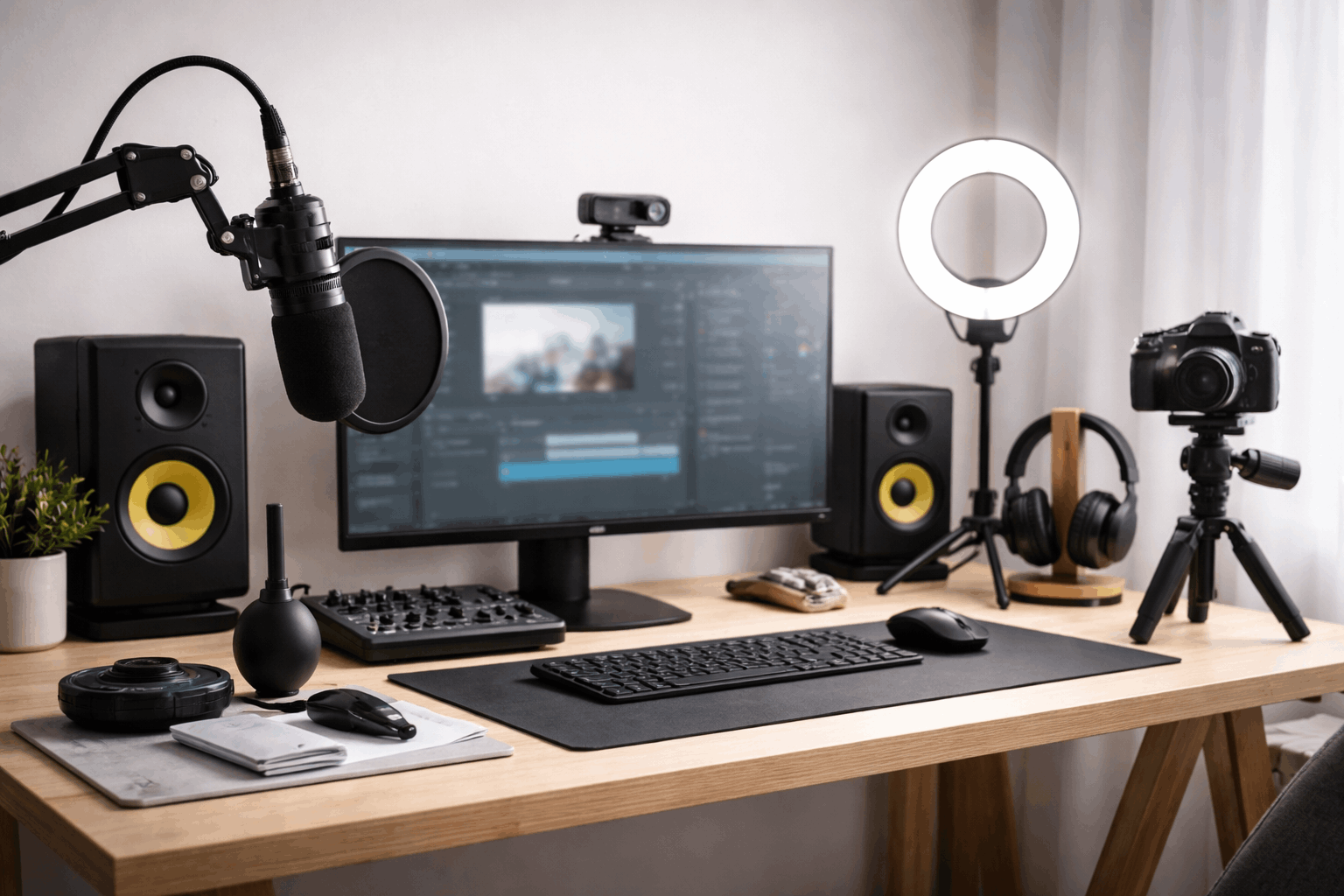
Schedule a weekly deep-clean and a monthly check
A weekly clean can cover pop filters, windscreen care, diffuser dusting, and a careful lens wipe.
A monthly check can include cable inspection, mount tightening, and replacing worn hook-and-loop ties or clips.
When you track these habits with a simple reminder, your home recording setup stays clean and dependable year-round.
Conclusion
A clean home recording setup keeps your audio clearer, your video sharper, and your sessions calmer.
Simple habits like wiping lenses, refreshing mic accessories, and resetting cables protect your gear over time.
Use this routine on your next recording day and keep your microphones, lighting, webcams, and tripods ready to perform.