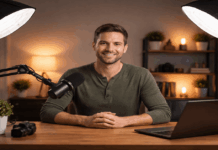
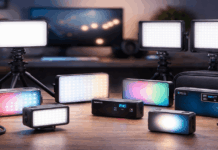
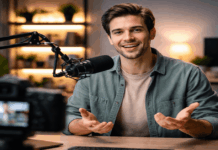
Good lighting is usually the fastest way to make home footage look cleaner, more “professional,” and easier to watch.
The best lighting for video recording is the setup that gives you soft, even light on your face, consistent color, and enough control to work at any hour.
This guide focuses on lighting for home video recording that everyday creators can build with simple gear.
What to look for before you buy a light
A good home video lighting setup is less about “bright” and more about controlled.
Softness (diffusion)
Soft light hides harsh shadows and looks flattering. Softboxes and diffusers do this naturally.
Color consistency
Video lights often list color metrics like CRI and TLCI. CRI measures color rendering in general, while TLCI is designed to reflect how light performs on camera.
Many buying guides recommend aiming for high CRI/TLCI when possible, because poor color rendering can make skin look off and product colors look inaccurate.
Color temperature control
Bi-color lights (often around 3200K–5600K) help you match warm indoor lamps vs daylight.
This matters when your room lighting changes during the day.
Mounting and positioning
If you can’t place the light slightly above eye level and off to one side, quality drops fast.
A clamp, small stand, or full light stand is often more important than extra watts.
Setup 1: Window light + simple positioning (lowest-cost baseline)
If you’re starting from zero, a window can be your “key light.” However, weather, time, and room direction decide your results.
Sit facing the window at a slight angle so the light comes from 30–45 degrees to one side, not straight on.
Keep the window light consistent by filming at the same time of day, and avoid mixing it with strong, warm lamps behind you.
This setup can look excellent for casual talking-head content and is often the best lighting for home videos when you need “free” and simple.
Set up 2: One desk key light for webcams, streaming, and calls
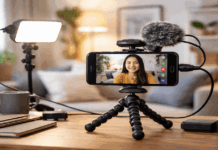
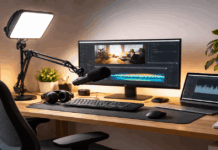
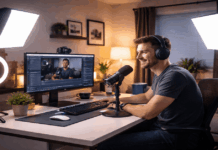
For creators who record at a desk, a single edge-lit panel made for streaming is often the easiest “plug-in and go” solution.
These lights are designed to sit close to the camera, soften the output, and adjust brightness quickly.
Two commonly used examples:
- Elgato Key Light Neo: listed at $74.99 on B&H.
- Logitech Litra Glow: listed at $59.99 on B&H.
How to place it
Mount it just above the webcam (or slightly to the side) and keep it 30–60 cm from your face.
If your background looks dull, add a small lamp behind you (not aimed at your face) to separate you from the wall.
This is one of the most reliable “starter” choices for the best lighting for recording YouTube videos when your content is mostly seated and close.
Set up 3: Ring light setup for centered, shadow-minimizing lighting
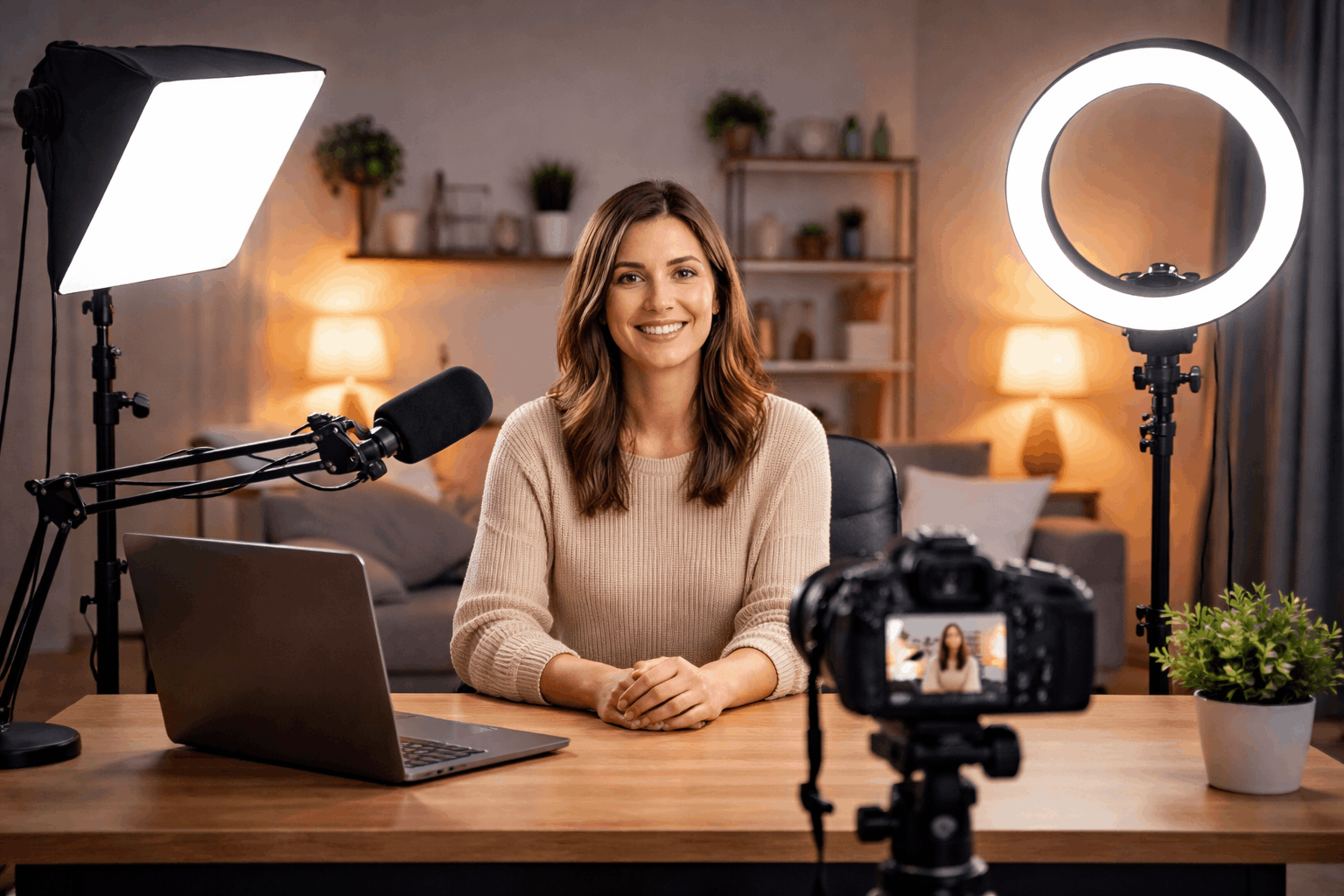
Ring lights are popular because they create even light around the lens axis and reduce shadows on the face.
They’re especially common for beauty, tutorials, and front-facing phone video.
Ring lights are convenient, but they can create circular catchlights and a “center-lit” look.
Example price: Neewer 18″ LED Ring Light Kit (stand + accessories) listed at $107.99 on B&H.
How to use it well
Don’t place it too close; you want soft light, not a “flat glare.”
Keep the ring light slightly above eye level and tilt it down.
If your face looks too flat, move the ring a little off-center and use a small side light or room lamp for depth.
Setup 4: Softbox pair for consistent, flattering home studio light
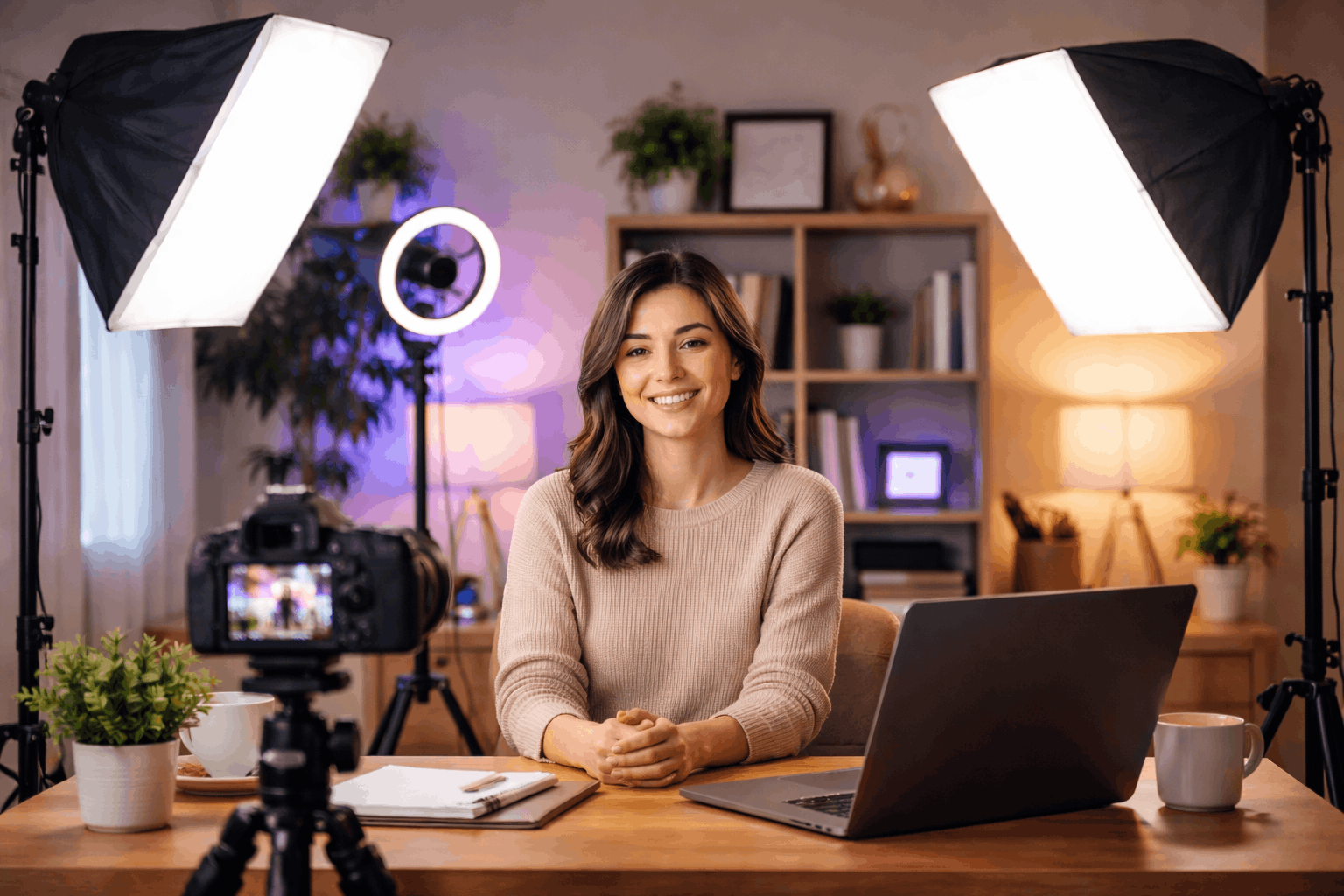
A two-softbox kit is the classic “home studio” look: big, soft sources that make faces look smooth and reduce harsh shadows.
This is a strong option when you want a repeatable setup for interviews, product intros, and sit-down YouTube videos.
Example price: Neewer 700W Photography Softbox Lighting Kit listed at $139.99 on B&H.
Placement tips
Use one softbox as the key light at about 45 degrees from the camera and slightly above eye level.
Use the second softbox as a gentle fill on the opposite side, at lower brightness or a bit farther back.
If you’re aiming for clean and consistent lighting in a small room, softboxes are often the best lighting for video recording.
Set up 5: Three-point lighting for interviews and “YouTube studio” control
Three-point lighting uses a key light, a fill, and a backlight (hair/rim) to separate you from the background and control shadows.
Key, fill, and backlight work together as a standard three-point approach, especially for interview-style images.
A practical, affordable way to build this at home is:
- Key: a brighter COB light or panel with diffusion
- Fill: a softer panel or bounced light
- Backlight: a small light placed behind you and above, aimed at your shoulders/hair
Example “key light” choices with current listed pricing:
- Godox SL60IID: listed at $139.00 on B&H.
- amaran COB 100d S: listed at $159.00 on B&H.
Example panel kit options (useful for fill/back or a full multi-light kit):
- Neewer Bi-Color 660 LED 2-Light Kit: listed at $181.86 on B&H.
- GVM 800D-RGB 2-Light Kit: listed at $189.00 on B&H.
- GVM 800D-RGB 3-Light Kit: listed at $299.00 on B&H.
This is the most flexible route when you want the lighting to look good and want your background to look intentional.
Setup 6: Overhead/top-down lighting for tutorials and product demos
If you film hands, crafts, unboxings, or tabletop work, you need even light across a surface.
One strong light above and slightly in front of the table (not directly overhead if it creates glare)
A second softer light from the opposite side to reduce shadows from your hands.
The goal here is not dramatic shadows. It’s readable, clean detail—especially if you’re showing texture, labels, or small parts.
Price reality and budget planning
Under $80: a single desk light can be enough for webcam-style content (examples: $59.99–$74.99).
Around $100–$150: ring light kits and entry softbox kits can give a full “creator” look quickly.
$150–$300+: a COB key light or multi-panel kits support three-point lighting and more controlled YouTube setups.
Prices shift often due to bundles, stock, and promotions, so treat them as reference points and verify before you buy.
Closing note
The best lighting for home videos is the setup you can repeat every time, not the most expensive kit.
Start with one strong, soft key light, then add a fill or backlight only when you can place it correctly.
When you build your lighting for home video recording step by step, your camera, mic, and editing will all benefit from a cleaner image.