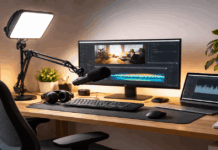
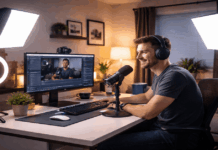
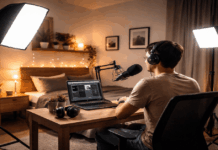
If you teach, coach, or run webinars from home, lighting is usually the fastest upgrade you can make.
A good mic helps people understand you, but good light helps people trust what they see.
Your face looks clear, your background looks intentional, and your webcam doesn’t struggle to expose the image.
What “Best Lighting” Means for Online Teaching
When people search for best lighting for online teaching or best lighting for online classes, they usually want three outcomes:
- Your face is brighter than the background (so you don’t look like a silhouette).
- The light is soft (so you don’t get harsh shadows under eyes and nose).
- The color looks normal (so skin tones don’t shift orange/green on camera).
Video conferencing platforms and camera apps can compensate a little, but they can’t fix bad lighting direction or mixed color temperatures.
Zoom’s own guidance for lighting emphasizes indirect, well-covered lighting for faces.
Getting best lighting for online courses recorded at home is about buying the best gear anf use it properly.
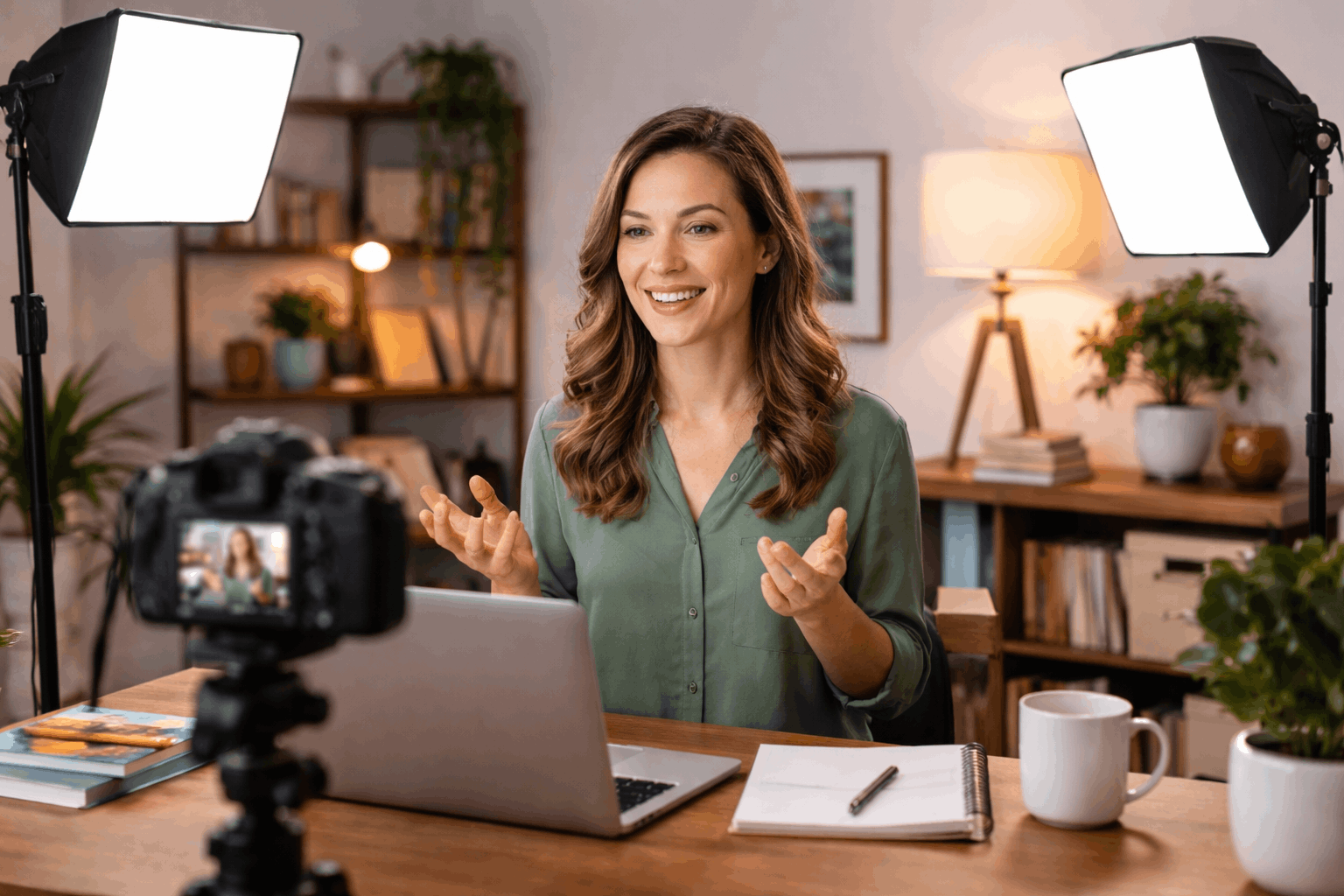
The Four Rules That Make Any Home Light Look Better
Follow each if these rules to the letter to get the best lighting for online courses recorded at home.
1) Put the key light at a 30–45° angle
A simple “broadcast standard” is a key light slightly off to one side, not straight above you and not behind you.
Place the key light between 30 and 45 degrees for video calls, and Ikan describes the same idea in a three-point setup.
Practical placement: put your main light just above eye level, slightly to your left or right, aimed at your face.
2) Use soft light, not bare bulbs
Soft light happens when the light source is bigger relative to your face (diffusers, softboxes, or large panels close to you).
This reduces hard shadows and makes webcams look more “expensive” without changing the camera.
3) Keep color temperature consistent
Mixed lighting is a common reason online video looks “off.”
In video work, daylight is around 5600K and tungsten indoor light is about 3200K.
Simple rule: if you use a video light, try to turn off nearby warm lamps (or set your light to match them).
4) Add separation when you can
If your background blends into your hair and shoulders, you look flat.
Three-point lighting adds a back light (hair light) to separate you from the background.
You don’t always need a dedicated back light—sometimes a small lamp behind you (not aimed at the camera) is enough.
Lighting Types That Work Best For Home Teaching Setups
The best lighting for online courses recorded at home could be among the following selection and prices.
A) Window light + reflector (best “free” option)
A bright window can be a great key light if it’s in front of you or slightly to the side, not behind you.
Then use a reflector to bounce light back into the shadow side of your face.
A common, inexpensive option is a 5-in-1 collapsible reflector; B&H lists a Neewer 32″ 5-in-1 reflector around $22.94.
- When it’s enough: daytime teaching, stable weather, and you can sit in the same place every time.
- Downside: consistency—clouds and sunset change your look mid-class.
B) Desktop “creator” lights (best for tight spaces)
If your desk is your studio, small edge-lit lights can be clean and fast. Logitech Litra Glow is priced at $69.99 on Logitech’s store.
It is a compact USB LED light with 2700K–6500K range and notes a 93 CRI claim in its product write-up.
- Good fit for: online tutoring, short-form lessons, and best lighting for online meetings where you want a neat, minimal setup.
- Tip: these are usually best as a close key light, not a room light.
C) LED panels (best balance of power + control)
Panels give you more output and easier positioning than desk lights. A common step-up is a two-light kit so you can do key + fill.
Neewer’s official store lists the 2 Pack NL660 Bi-Color 660 LED Video Light and Stand Kit at $269.99.
The product description highlights 3200K–5600K adjustable color temperature and CRI 96+.
- Good fit for: recorded courses, talking-head lessons, and streaming-style setups where you want consistent lighting day and night.
- Bonus: panels are easy to mount on standard light stands and aim precisely.
D) COB lights + softbox (best “studio” look at home)
If you want the softest, most flattering key light, a COB (chip-on-board) light paired with a softbox is a classic approach.
B&H lists the Godox SL60IID Daylight LED Video Light at $139, with specs including 5600K and a stated output measurement.
B&H also lists the amaran COB 100d S at $199, describing it as a 100W daylight-balanced COB LED with a “silent cooling system.”
To soften these lights, you add a softbox. Adorama lists a Glow EZ Lock 36″ Octa Softbox (Bowens mount) at $85.00.
- Good fit for: long courses, polished “studio” visuals, and situations where you want one strong key light that looks great even at lower webcam ISO.
- Watch-outs: more space, more setup time, and you should think about fan noise if your mic is close (the amaran listing explicitly mentions silent cooling).

E) Ring lights (good for symmetry, but know the tradeoffs)
Ring lights can be flattering because the light is close to the lens and evenly wraps the face.
Neewer lists the RL-18 18″ LED Ring Light Kit at $119.99 on its store.
- Good fit for: glasses-free setups, beauty/demo content, and quick “plug-in and go” courses.
- Common issue: reflections in glasses and a flatter look if it’s your only light.
Closing Note
The “best” setup is the one you can repeat every time: same placement, same brightness, same color.
Start with one good key light positioned correctly, then add fill or background separation only if you need it.
If you want a clean answer to what is the best lighting for streaming in a home course setup, it’s usually a soft key light at 30–45°.