Home streaming looks “pro” when your light is soft, bright enough, and color-accurate, even with a basic webcam.
Most creators get better results by fixing lighting first, then upgrading the camera, because webcams struggle in dim rooms.
In this guide for our Video Lighting Equipment category, prices are typical U.S. list or current advertised prices and can change by retailer and sales.
What Counts as the Best Lighting for Live Streaming From Home
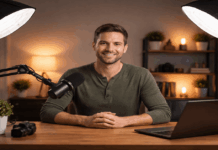
The best lighting for streaming video is usually a soft key light placed slightly off the camera, not overhead room lighting.
A light is “good” when it keeps skin tones natural, avoids harsh shadows, and doesn’t flicker on camera.
You also want easy control of brightness and color temperature so you can match your room and time of day.
If you wear glasses or sit close to a monitor, glare control matters as much as raw brightness.
Color accuracy matters more than “brightness” alone
Look for lights that publish CRI and TLCI (or at least strong CRI), because those ratings relate to how colors reproduce on camera.
As a simple benchmark, many guides recommend aiming around CRI 95+ or TLCI 90+ for on-camera work.
When a light has weak color rendering, your camera may shift skin toward green, magenta, or dull gray even after white balance.
Flicker is a real problem, especially with dimming
Video flicker can come from the interaction of frame rate + shutter speed with artificial lighting.
Some LEDs flicker more when dimmed, so “flicker-free” at full power is not always “flicker-free” at low power.
If you see rolling bands, try matching your settings to your mains frequency (often 50Hz or 60Hz) and avoid extreme dim levels.
Best Streaming Lighting Setup Layouts You Can Copy
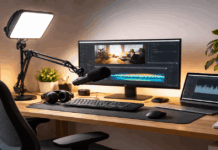
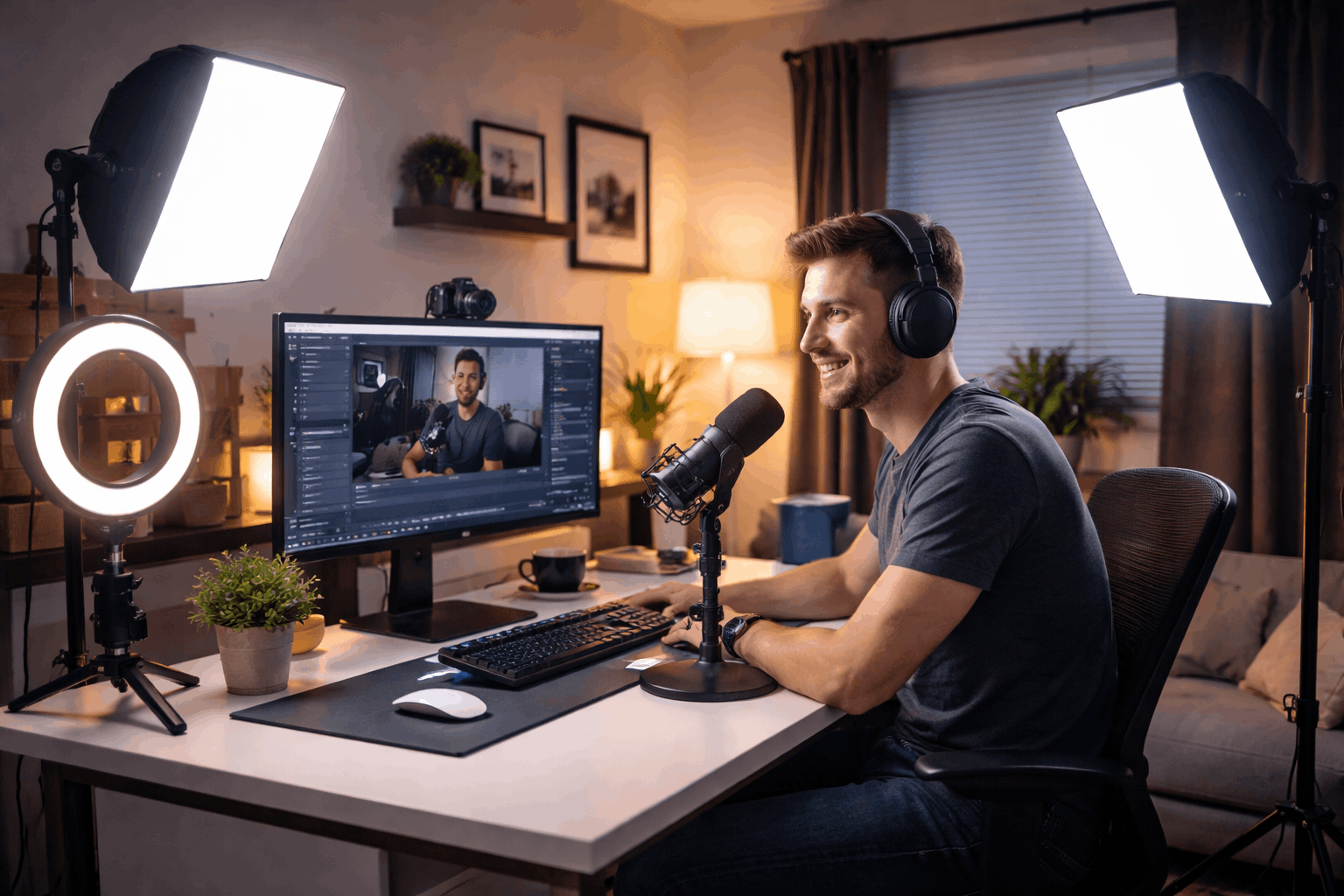
A best streaming lighting setup is about placement first, then the brand of the light.
Start with one light you can control, then add a second light only if you need separation or cleaner shadows.
Most home setups look better when the key light is higher than eye level and angled down slightly.
Keep your background a bit darker than your face so your camera exposes for you, not the wall behind you.
One-light setup (fastest and usually enough)
Place one soft key light about a 45° angle from the camera and slightly above eye level.
Move the light farther away for smoother shadows, then increase brightness to keep exposure stable.
If the light is harsh, add diffusion (built-in diffuser, softbox, or a front cloth designed for the light) instead of lowering brightness too far.
“Light” three-point setup (key + fill + separation)
Three-point lighting uses key, fill, and back/rim to reduce shadows and separate you from the background.
A common starting point is a key light around 45° and a weaker fill on the opposite side to lift shadows.
A small back light (or a background practical) behind you adds edge separation without blasting your face.
Good Streaming Lights to Buy (With Prices)
The right choice depends on desk space, how close you sit to the camera, and whether you want portability.
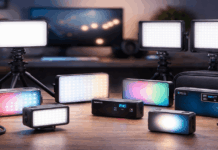
Panels and desktop lights are quick, ring lights are simple, and COB lights with softboxes look the most “studio.”
The “best” option is the one you can place correctly and adjust fast before going live.
Below are good streaming lights with commonly listed prices from major brands and retailers.
Desktop panels made for webcams
Elgato’s Key Light is a popular desk-mounted panel listed at $179.99, with app control and a published color temperature range.
For a smaller, monitor-style option, Elgato’s Key Light Neo lists at $89.99 and is designed to sit close to your screen.
Logitech’s Litra Glow lists at $69.99 and targets webcam creators who want a compact, soft front light.
Ring lights for centered, flattering light
A ring light gives even facial light from near the lens line, which is why it’s common for talking-head and beauty-style streams.
Neewer’s RL-18 ring light kit is advertised at $119.99 on Neewer’s site, which is a typical “starter studio” price point.
If you want higher-end build and kit-style portability, Tom’s Guide lists the Westcott 18-inch bi-color kit at $189 in its review.
COB lights + softboxes for a more “studio” look
COB (chip-on-board) lights act like a strong point source, and a softbox turns that power into a large, soft key light.
The amaran 100x S is listed at $199.00 on amaran’s official store and is a common entry point into Bowens-mount modifiers.
For a budget daylight COB, The Photo Center lists the Godox SL60W at $135.00, which can pair with many affordable softboxes.
Portable and clamp-on lights for small spaces
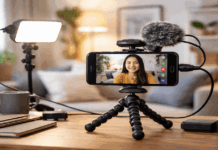
Elgato’s Key Light Mini lists at $59.99, and it’s built for quick setups where a desk clamp or stand is inconvenient.
Lume Cube’s Broadcast Lighting Kit is shown at $99.99 (sale price on its store page), aimed at video calls and simple streaming rigs.
Portable lights are great when you travel or move rooms, but they still need good placement to avoid nose and chin shadows.
Example Streaming Lighting Kits by Budget
These kits focus on simple buying decisions for everyday creators building a home setup.
Prices below use the listed amounts from the cited product pages, but real checkout totals vary with sales and region.
If you already own stands or clamps, prioritize the light itself and a basic diffusion solution first.
Each kit can scale into a best lighting for live videos look by improving placement and background control.
Starter kit around $150
Use a compact desktop light like Litra Glow ($69.99) or Key Light Neo ($89.99) as your key light.
Add a budget modifier when needed, such as a Neewer softbox/diffuser option (many list around $69.99–$79.99, depending on size).
This kit works well for small desks and webcams when you keep the light slightly off-camera and avoid overhead room lights.
Upgraded kit around $400
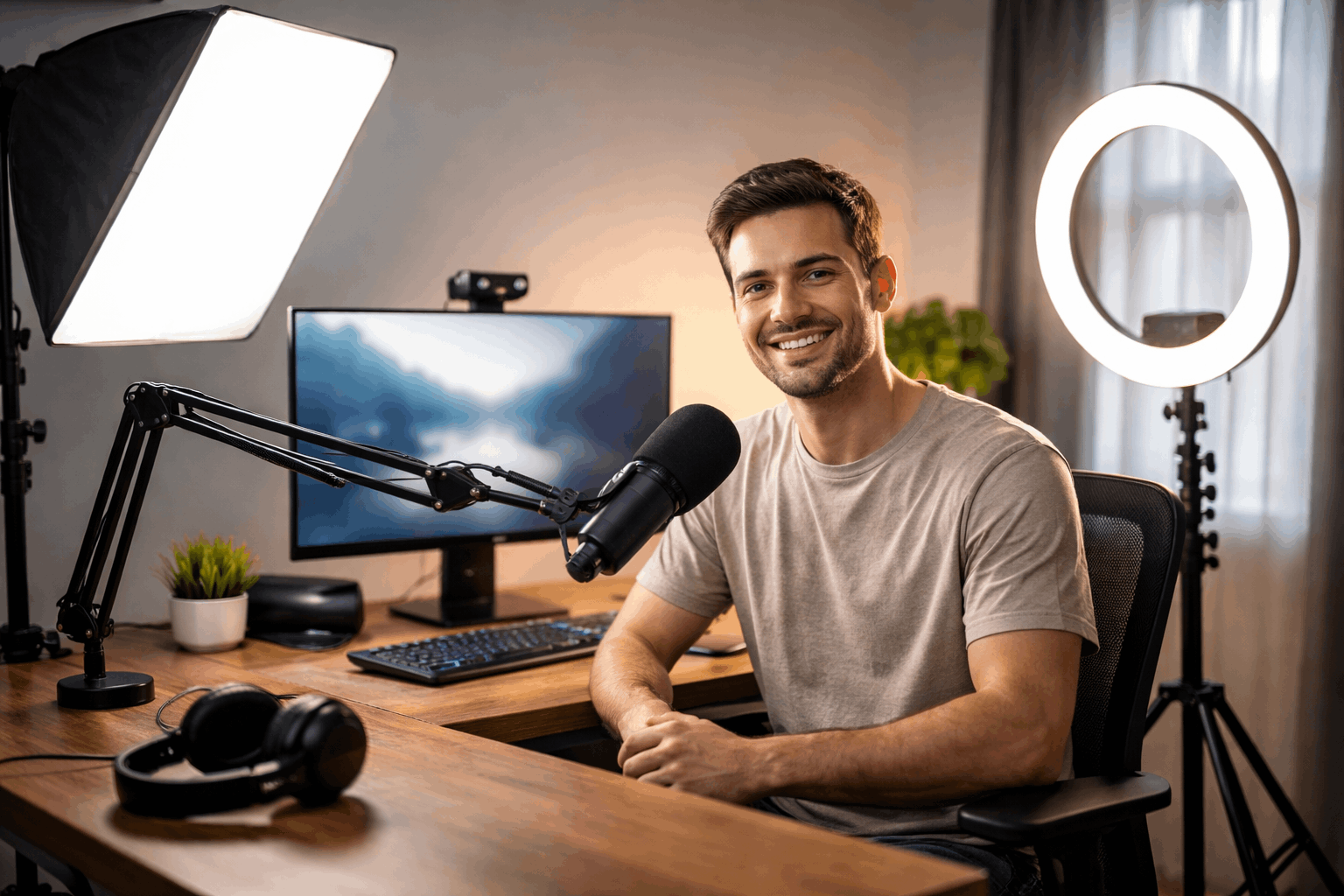
Choose a stronger key like amaran 100x S ($199.00) or Elgato Key Light ($179.99), depending on whether you want modifiers or a desk panel.
Pair it with a real diffuser option such as a Neewer softbox (often $69.99–$79.99 in common sizes) to get soft, wraparound light.
Add a small secondary light like Key Light Mini ($59.99) or the Lume Cube Broadcast Kit ($99.99) for background separation or fill.
Conclusion
The best lighting for streaming video comes from soft, controlled light placed well, not from a complicated studio.
Start with one adjustable key light, keep your background slightly darker, and only add lights when you know what problem you’re solving.
When you shop, prioritize color accuracy, flicker behavior, and diffusion options over “maximum brightness” marketing claims