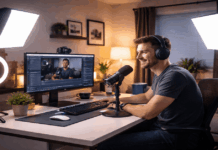
Lighting for talking head videos is less about buying more gear and more about placing one or two lights at the right angles.
When the angle is right, your face looks clear, your eyes catch light naturally, and your camera or webcam captures better color and detail.
When the angle is wrong, you get deep shadows under the eyes, shiny hotspots on the forehead, or distracting glare on glasses.
Understand Angles Before You Move Gear
Talking head lighting comes down to three directions: left or right, up or down, and how close the light is to your face.
The left-right position shapes your face and controls side shadows. The height controls under-eye shadows and how natural the light looks.
The distance controls softness, because a larger light source relative to your face creates smoother shadows and more flattering results.
In most home setups, a key light placed slightly to one side and slightly above eye level is the safest starting point.
It creates gentle definition while keeping your eyes bright. From there, you adjust based on your room and camera position.
The Best All-Around Key Light Angle: 30 to 45 Degrees Off-Center
If you can only do one thing, put your main light 30 to 45 degrees to the left or right of your camera.
Then raise it a bit so it sits above your eyes, and angle it down toward your face. This placement is popular because it gives shape without looking dramatic.
It also helps webcams and phone cameras, which can make contrast look harsher than it really is.
LED and Softbox
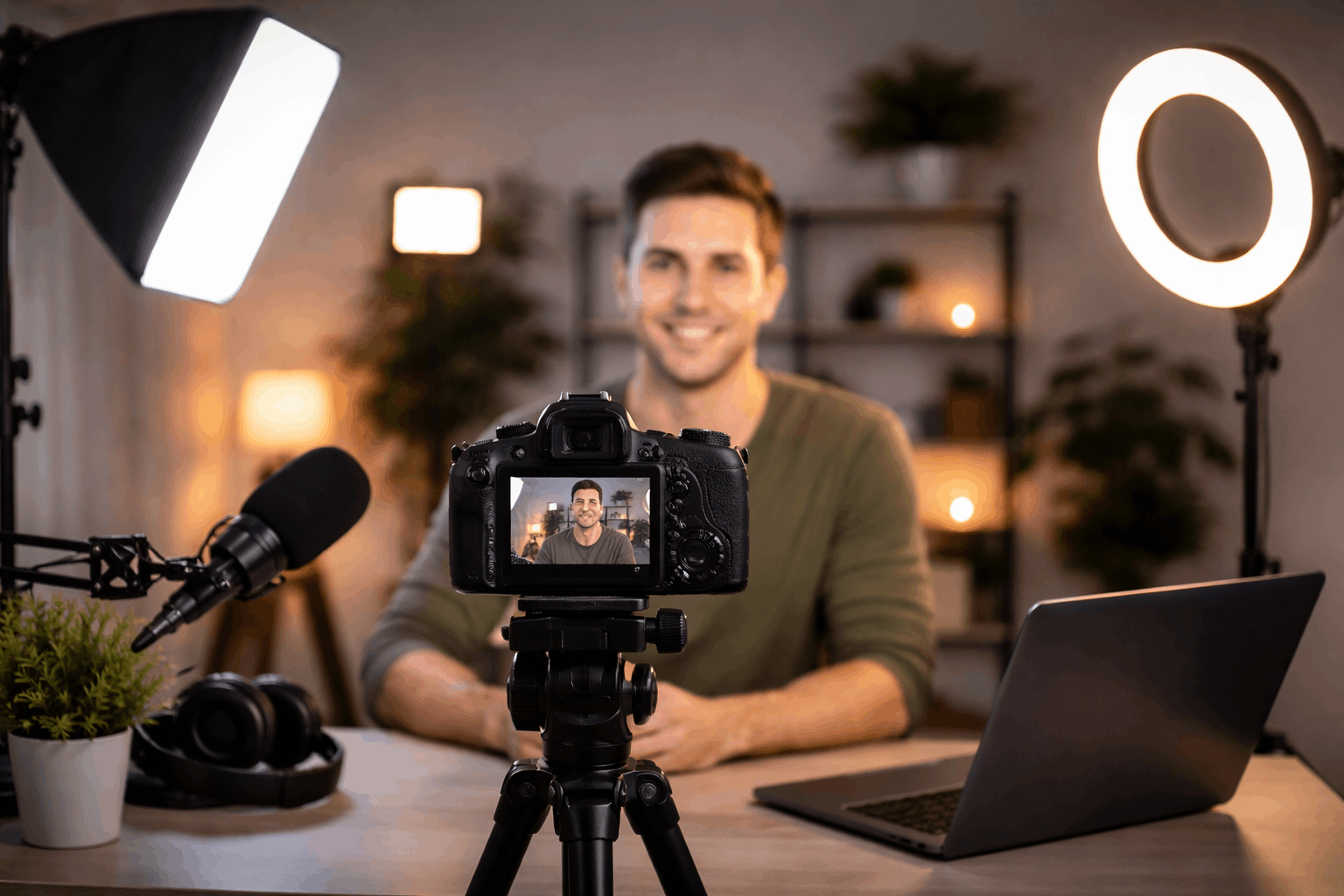
A softbox is the easiest tool for this angle because the light wraps smoothly around your face.
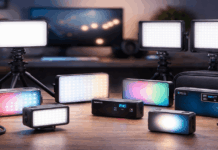
A diffused LED panel works well too, especially when you need a compact setup.
If you use a bare LED panel without diffusion, this angle can still work, but you may notice sharper shadows or shiny patches, especially if the light is close.
A Cleaner, Flatter Option: 10 to 20 Degrees Off-Center
Some creators prefer a brighter, more direct look for tutorials and commentary.
In that case, keep the key light closer to the camera axis, around 10 to 20 degrees to one side.
You still want the light slightly above eye level, but the side angle is reduced so shadows fade.
This is useful when you film in a small room, when your background is busy, or when your webcam struggles in low light.
The Risk
The lighting can look too flat and “front-lit,” especially if the light is harsh.
Diffusion matters more here, because a near-camera light can emphasize skin texture and create hotspots if it is small and bright.
A More Dimensional Look: 45 Degrees with a Higher Placement
If you want a more polished look with clear depth, keep the key light about 45 degrees to the side and lift it slightly higher than the basic setup.
Aim it down so the far side of your face has a soft shadow. This adds shape and separation without turning your video into a dramatic scene.
The key is keeping your eyes bright. If your eye sockets look dark, the light is too high or too far to the side, or it is too far away and not filling enough.
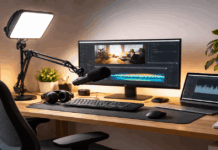
This angle also works well if you position your microphone out of frame, because the light can come from above without reflecting off mic hardware.
Ring Light Angles That Look Natural, Not Harsh
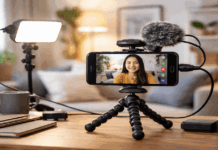
Ring lights are common because they are fast to set up and tend to work well with webcams.
The most typical placement is centered around the lens or just behind the camera, with the ring slightly above eye level and angled down.
The most important detail is not placing it too close. When a ring light is close, it becomes harsh and can reflect strongly in glasses.
If the image looks too flat, you can move the ring slightly off-center instead of perfectly centered.
Fill Light Angles That Fix Shadows Without Ruining the Look
Fill light is meant to reduce the shadows created by the key light, not compete with it.
The easiest placement is on the opposite side of the key, closer to the camera axis, and near eye level or slightly lower.
A fill that is too high can create strange double shadows. A fill that is too strong removes all depth and makes your face look flat.
A second dimmable light works, but you can also use a reflector or a white foam board to bounce the key light back into the shadow side.
Back Light Angles for Separation: 120 to 150 Degrees Behind You
A back light, sometimes called a hair light or rim light, is what makes talking head videos look more “finished.”
It separates your head and shoulders from the background so you do not blend into a dark wall or a busy room.
The best placement is behind you and slightly off to one side, roughly 120 to 150 degrees from the camera position.
Put it above your head height and angle it down so it touches the top of your hair and your shoulders.
Keep the back light subtle
If it is too bright, it looks like a spotlight and pulls attention away from your face.
If it is too far forward, it can create bright edges on your cheeks or nose, which looks unnatural.
Small LED panels and tube lights are great for this because they are easy to clamp high and dim precisely.

Simple Troubleshooting Based on What You See on Camera
When you see a harsh shadow from your nose, your key light is usually too far to the side or too high.
Move it closer to the camera axis or reduce its height slightly. When your eye sockets look dark, bring the light closer, lower it a bit, or add gentle fill.
When your face looks shiny, increase diffusion, back the light away, and reduce intensity so the highlights soften.
Glasses glare is a common issue in talking head videos. The most reliable fix is raising the light and tilting it down so reflections bounce away from the lens.
Conclusion
A dependable talking head setup starts with one key light at 30 to 45 degrees off-center and slightly above eye level.
If you want the image to look softer and more balanced, add gentle fill from near the camera axis or bounce light with a reflector.
These placements work with simple gear, and they are easy to repeat once you mark positions and keep your camera framing consistent.