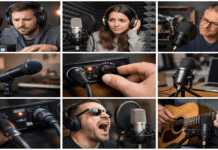
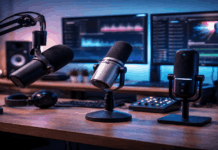
Good audio is what makes “home creator” content feel professional, even when the camera, lighting, and background are simple.
Best audio recording settings are less about fancy gear and more about getting clean levels, clear speech, and a consistent sound.
Best settings for recording audio come with practical mic placement and simple processing steps.
Start With the Right Signal Chain
A clean setup is easier to control than a complicated one.
Your goal is to capture a strong, clear voice at the source, so you don’t have to “fix it in editing.”
Choose the mic type that fits your space
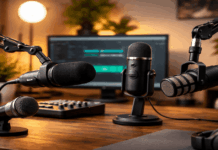
Dynamic mic (XLR): Great for untreated rooms because it rejects more background noise. Common choice for streaming and spoken voice.
Condenser mic (XLR/USB): More detail and sensitivity, but it will also pick up room echo and noise. Works best in quieter rooms.
Lavalier mic (wired/wireless): Useful for standing or moving on camera, tutorials, and talking-head videos.
Keep your setup stable and repeatable
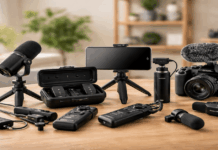
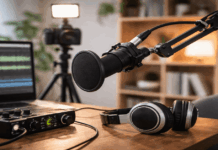
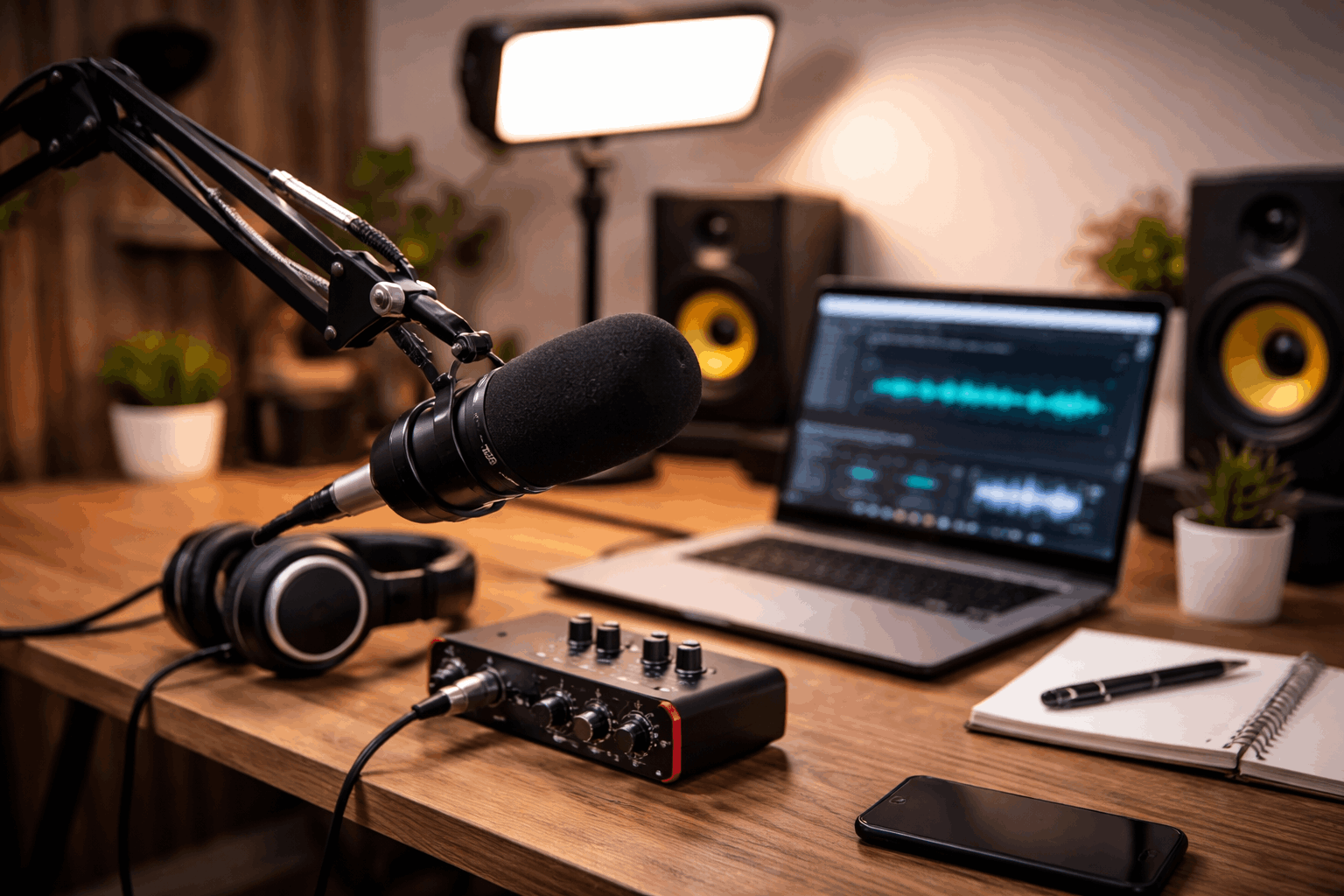
A “simple creator kit” usually includes:
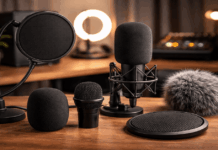
- Mic + stand/boom arm + pop filter/windscreen
- Audio interface (for XLR) or a quality USB mic
- Closed-back headphones for monitoring
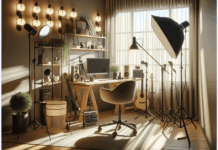
- Webcam/camera + tripod
- One soft light (key light) so you don’t push camera gain too high and add noise
A stable tripod and consistent lighting reduce reshoots, which also reduces audio inconsistency across takes.
Best Recording Settings That Work for Most Home Creators
These settings cover the majority of home voice recording and video content.
Sample rate: 48 kHz for video, 44.1 kHz for music-first
If your content is mainly video (YouTube, reels, tutorials), record at 48 kHz. That’s the most common standard for video timelines.
If you are recording music only, 44.1 kHz is also fine. The key is consistency across your project so you don’t introduce sync or conversion issues.
Bit depth: record at 24-bit if possible
Use 24-bit when your interface, recorder, or app supports it.
It gives you more headroom and cleaner gain staging, making it easier to avoid clipping while still keeping noise low.
Format: WAV/PCM over MP3 whenever you can
For recording, prefer WAV (PCM).
MP3 is compressed and can create artifacts, especially after editing. You can export to MP3 later if needed.
Levels: aim for safe peaks, not “as loud as possible.”
One of the most important settings for recording audio is your input level.
Target peaks around -12 dB to -6 dB while speaking normally. Average speech often sits around -18 dB to -12 dB.
Avoid hitting 0 dB (clipping). Clipping is harsh and difficult to repair.
Mic Technique: The “Free Upgrade” Most People Skip
Even with perfect settings, mic placement can make audio sound thin, boomy, echoey, or noisy.
These steps are a big part of how to best record vocals at home because room sound is usually the real problem—not the microphone.
Distance and angle
Start with 15–20 cm (6–8 inches) from your mouth for most voice work.
Point the mic slightly off-axis (about 20–45 degrees) to reduce harsh “S” sounds and plosives.
Use a pop filter for spoken vocals and voice-overs.
Control room echo without building a studio
Record closer to the mic (without clipping) so you can keep the gain lower.
Add soft materials nearby: curtains, a rug, a couch, or even a thick blanket behind the mic.
Turn off noisy sources: fans, AC, PC RGB fan curves, fridge hum (if possible).
Interface and Recorder Settings That Matter
Gain and “auto” modes
If your device offers Auto Gain Control (AGC), avoid it for serious recording.
AGC often pumps the noise up and down and can make your voice sound unstable. Set gain manually whenever possible.
High-pass filter (low-cut)
If your interface, mic, or recorder has a high-pass filter, it can reduce rumble from desk bumps, footsteps, and traffic.
A common starting point is 80 Hz for male voices and 100 Hz for many female voices.
Don’t overdo it, or your voice may lose warmth.
Monitoring and latency
Monitor with closed-back headphones to catch clipping, hum, or mouth noise early.
If your interface has “direct monitoring,” use it to avoid a distracting delay.
If you monitor through software, reduce the buffer size only if your computer can handle it without crackles.
Best Setup for Recording Vocals at Home
A practical best setup for recording vocals at home depends on whether your room is noisy or quiet.
If your room is untreated or noisy
- Dynamic XLR mic + audio interface
- Close mic distance (6–8 inches)
- Low gain, safe peaks (-12 to -6 dB)
- Simple EQ and compression later
If your room is quiet and controlled
- Condenser mic (XLR preferred, USB acceptable)
- Same 48 kHz / 24-bit approach
- Pop filter + careful room positioning
- Light compression and de-essing in post
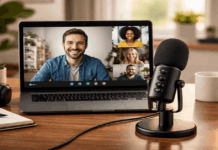
If you film with a webcam and minimal gear
- Use a USB mic, but treat it like a “real mic”:
- Place it close, not across the desk.
- Turn off AGC/noise suppression if it causes pumping.
- Keep the mic on a stand/arm to reduce keyboard and desk vibrations.
Digital Voice Recorder: Best Sound Quality Settings
If you’re recording on a handheld device, the goal is the same: clean, uncompressed audio with safe levels.
WAV/PCM recording mode (not MP3). 48 kHz / 24-bit if available (or 48 kHz / 16-bit if that’s the max).
Manual input level, with peaks around -12 to -6 dB. A windscreen if you’re in moving air or outdoors.
Also, keep the recorder closer than you think—distance is the enemy of clear vocals.
Simple Post-Processing: Clean, Not “Overproduced”
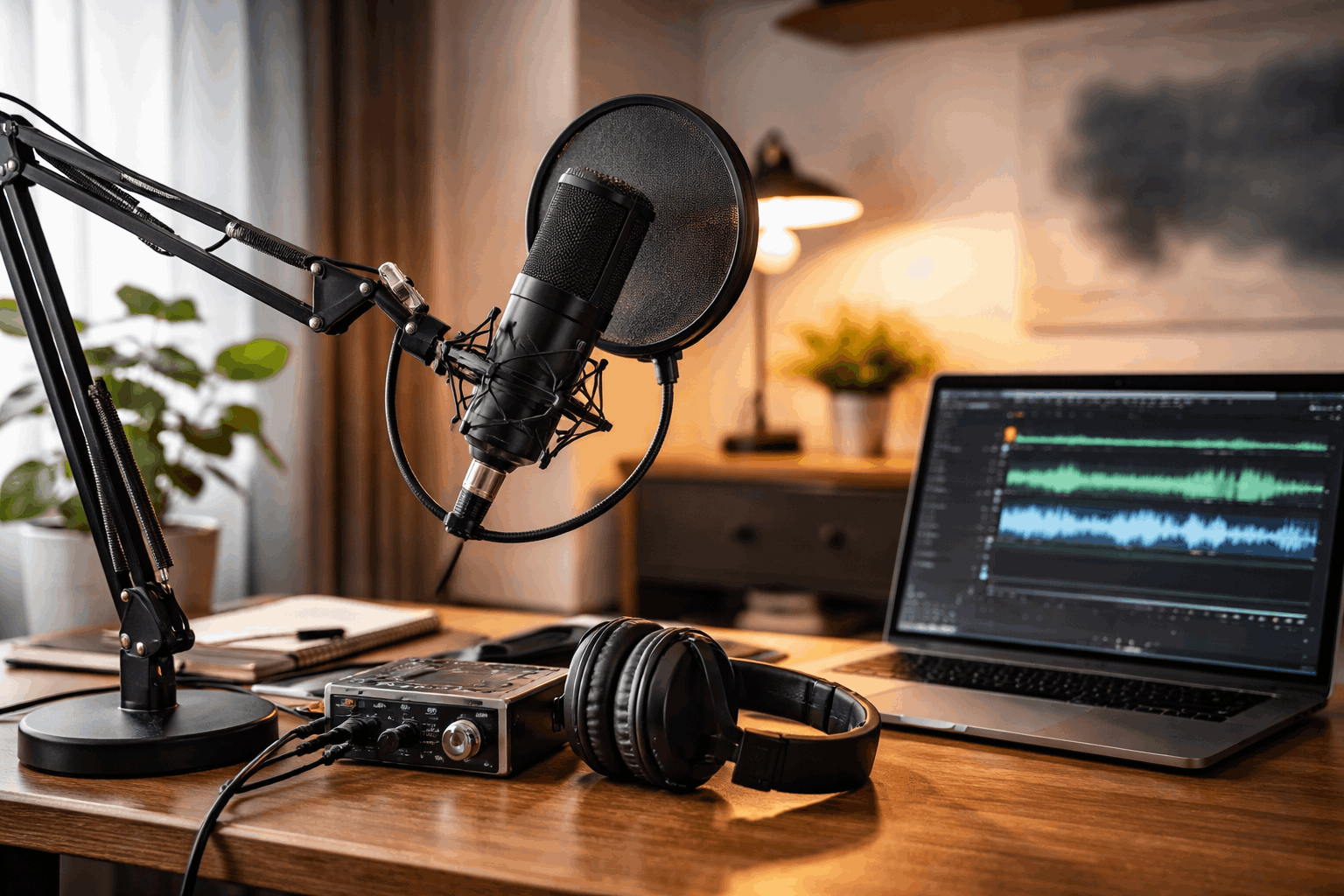
Editing should improve clarity without making your voice sound unnatural.
Before you apply effects, listen and fix the source issues (room noise, mic bumps).
Noise reduction (lightly), EQ, and Compression with gentle settings keep speech consistent.
De-esser controls sharp “S” sounds, and a limiter prevents peaks from clipping on export.
Loudness targets for online platforms
If you publish video content, consistency matters.
A common goal is around -14 LUFS integrated for many platforms, with peaks safely controlled by a limiter.
If that sounds too technical, focus on this: make your voice clear and consistent across videos, not wildly louder or quieter.
Conclusion
The best settings for recording audio are the ones that give you a clean, stable voice track with safe levels and minimal room echo.
For most creators, that means 48 kHz, 24-bit, WAV, manual gain with peaks around -12 to -6 dB, and a close mic position.
Refine your workflow until you feel confident you’ve built the best setup for recording vocals at home.