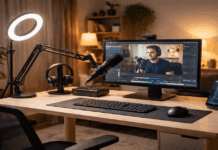
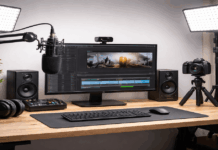
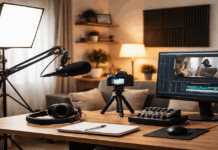
Balancing sound and picture at home is easier when you treat audio and video as one system instead of two separate chores.
Everyday creators get the best results by prioritizing the microphone, stabilizing the camera, and using simple, consistent lighting.
If you are building home audio and video systems, you will get faster wins by choosing a repeatable workflow over chasing “perfect” gear.
Start With the Goal and the Room
A strong home audio-video setup starts by deciding what you record most, because that choice sets your mic, light, and camera priorities.
Your room matters as much as your gear, because hard surfaces and background noise can ruin clarity even with a good microphone.
You balance audio and video by keeping your speaking position fixed, so framing, lighting, and mic distance stay consistent.
This is the simplest way to learn how to setup a home audio system that supports video without constant retakes.
Choose Your Primary Use Case
Pick one main format like talking-head, overhead demo, or screen-record with face-cam, because each format changes mic placement and lighting angles.
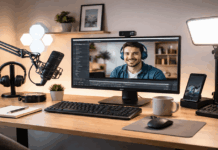
Define your capture method early, whether it is a USB mic into a laptop, an audio interface, or a small mixer feeding your camera or computer.
Set a realistic target, such as “clear voice with a clean frame,” before you add extras like multiple cameras or complicated background effects.
Treat the Room Before You Buy Gear
Reduce reflections with soft materials like curtains, a rug, or a fabric wall hanging behind your camera to make your voice sound less “boxy.”
Control noise by turning off fans, moving away from windows, and positioning your desk so street sound stays behind you rather than in front of the mic.
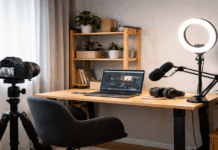
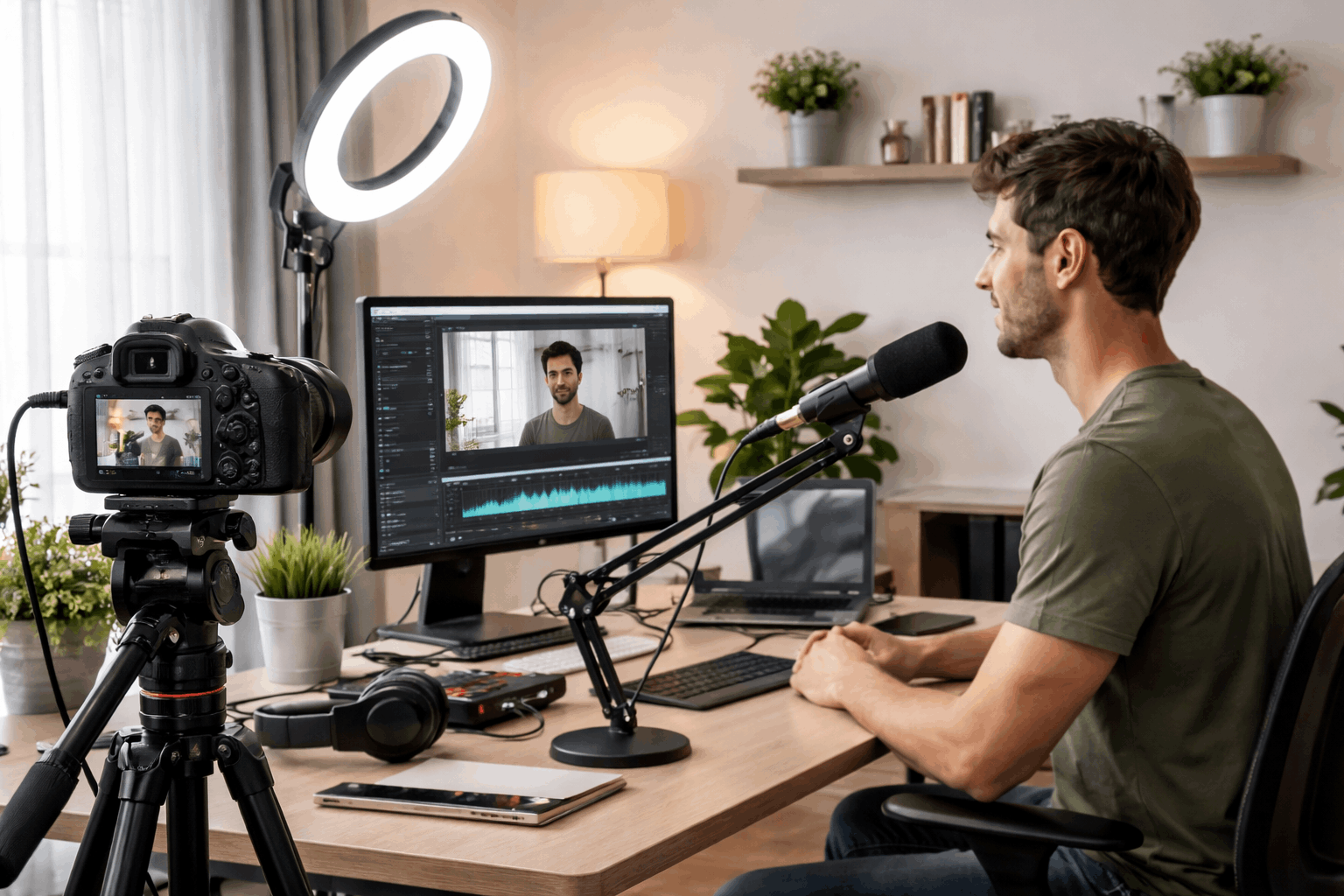
Create a dedicated recording corner where your tripod, light, and mic can stay set up, so consistency replaces constant troubleshooting.
Build a Clean Audio Chain First
Audio drives perceived quality, because viewers will tolerate average video longer than they will tolerate harsh, distant, or noisy speech.
Start with a microphone plan, because the mic type, distance, and mounting choice decide your baseline clarity more than any software filter.
Keep the signal path simple, because fewer connections usually mean fewer hums, clipping issues, and level mismatches.
Balance comes from stable levels and low noise, so your lighting and camera settings do not distract from fixing sound problems later.
Pick the Right Microphone for Your Space
Use a dynamic mic when your room is echoey or noisy, because it typically captures less room sound than many condenser mics at the same distance.
Choose a small shotgun mic when you need the mic out of frame, but keep it close above or below your mouth to avoid a hollow tone.
Select a lavalier mic when you move a lot, but test clothing rustle and use a small windscreen to keep speech smooth and consistent.
Set Gain, Distance, and Monitoring
Aim for a consistent mouth-to-mic distance, because moving closer and farther changes tone and level more than most creators expect.
Set your input gain so normal speech is strong without peaking, because clipping distortion is harder to hide than a slightly lower level.
Monitor with closed-back headphones while testing, because it lets you catch hiss, hum, room echo, and plosives before you record a full take.
Make Video Look Consistent With Simple Lighting
Video balance is mostly about consistency, because a stable exposure and color tone makes edits and multi-take sessions feel seamless.
Start with one reliable light source, because adding lights too early can create mixed colors, harsh shadows, and constant readjustments.
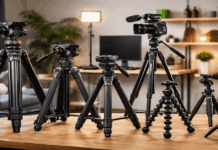
Keep your camera stable with a tripod, because shaky framing makes viewers notice flaws in audio sync and levels more quickly.
When lighting is predictable, you can focus on speaking naturally and keeping your microphone placement steady.
Use One Key Light Before Adding More
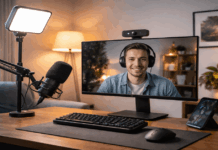
Place a key light slightly above eye level and off to one side, because this creates flattering shape without deep under-eye shadows.
Soften the light with a diffuser or softbox, because soft light reduces shiny skin hotspots and makes webcams look more “camera-like.”
Use a small fill from a wall bounce or a dim secondary light only after the key looks right, because too much fill can make the image flat.
Match Color Temperature and Exposure
Pick one color temperature for your main light and match it in your camera settings, because mixed warm and cool light looks inconsistent on skin.
Lock exposure when you can, because auto exposure can brighten and darken your face as you move, which looks distracting in talking videos.
Keep your background slightly darker than your face, because that separation helps your image feel clear even with a simple webcam.
Align Camera Framing With Sound
Audio and video balance improves when your camera position supports your microphone position.
Plan your setup so the mic can sit close while staying unobtrusive, because distance is the biggest factor in speech clarity.
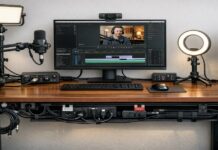
Use accessories that reduce friction, like a boom arm, shock mount, and cable ties, because tidy routing prevents bumps and cable noise.
When your framing is stable, you can keep the same vocal tone across takes, which makes your mix easier and your edits cleaner.
Sync, Mix, and Balance in Software
Balancing audio and video is easier when your workflow produces predictable levels, because software tweaks should refine rather than rescue.
Record clean audio first, because heavy noise reduction and aggressive compression can make voices sound thin or robotic.
Use one editing or streaming tool consistently, because switching apps changes loudness targets, limiter behavior, and how monitoring feels.
A practical home audio-video setup uses simple meter targets and light processing so speech stays natural and clear.
Set Levels With Meter Targets
Set your speaking level so it is comfortably strong on meters, because consistent loudness is what makes a video feel “balanced” across devices.
Keep background music low enough that every word stays intelligible, because viewers will leave faster for unclear speech than for imperfect lighting.
Check your mix on phone speakers and earbuds, because that is where most everyday creators’ audiences will actually listen.
Use Basic Processing Without Overdoing It
Use a gentle high-pass filter to cut rumble, because low-frequency noise eats headroom and makes your voice harder to balance.
Apply light compression to reduce big jumps in loudness, because consistent speech levels help your video feel smoother and more confident.
Add a limiter as a safety net, because it can catch unexpected peaks without forcing you to record too quietly.
Conclusion
Balancing audio and video at home becomes simple when you keep the mic close, the camera stable, and the lighting consistent.
If you want a smoother workflow, build your setup around repeatable positions and light processing instead of constant new gear experiments.
Use this guide to refine your home audio-video setup today, and record a short test clip to lock in your best baseline.