If you’ve ever hit record only to notice a persistent hum, buzz, or that odd neighborly chatter in the background, you know how hard it is to enjoy—or edit—home audio with noise interference. For everyday creators, background noise isn’t just an annoyance; it’s a real distraction that can diminish the quality of your videos, podcasts, or calls.
This guide is for anyone aiming to improve their audio at home using dependable gear and straightforward setup tips. Whether you stream, record vlogs, or just want crystal-clear video calls, these strategies and product picks can help you achieve a cleaner, more professional sound.
Why Background Noise Happens in Home Recording
Before investing in equipment, it helps to understand what causes background noise. In most homes, sounds creep in from air conditioning, computer fans, room echoes, or even less obvious culprits like electrical interference. Being aware of how these factors combine can, I think, prompt smarter recording habits.
Great Microphones to Reduce Background Noise
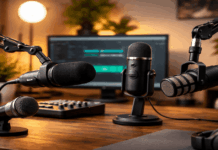
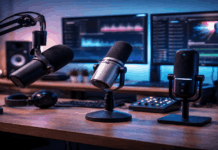
The right microphone is the first and most effective way to block unwanted sound. Not every mic is built equally—some actively reject noise, while others may pick up every footstep or keyboard tap.
Shure SM7B – For Studio-Quality Isolation
The Shure SM7B is a classic choice among creators who want a naturally ‘focused’ sound. Its cardioid polar pattern minimizes pickup from the sides and rear, drastically cutting background noise. It isn’t cheap, but for those seeking professional quality in home recording, it’s a standout option. Official Shure SM7B info
Rode NT-USB Mini – Simplicity with Noise Control
The Rode NT-USB Mini offers USB plug-and-play ease, and its design naturally focuses on your voice, not your room. It’s portable, affordable, and fits on nearly any desk. Plus, the built-in pop filter helps reduce plosives and minor pops.
Audio-Technica AT2020 – Reliable Budget Solution
If you’re on a budget, the Audio-Technica AT2020 consistently performs well in home setups. Its directional pickup pattern reduces noise from the sides, which can make a surprising difference even in noisy environments.
Room Setup: Easy Ways to Prevent Echo and Reverb
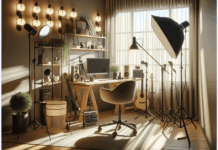
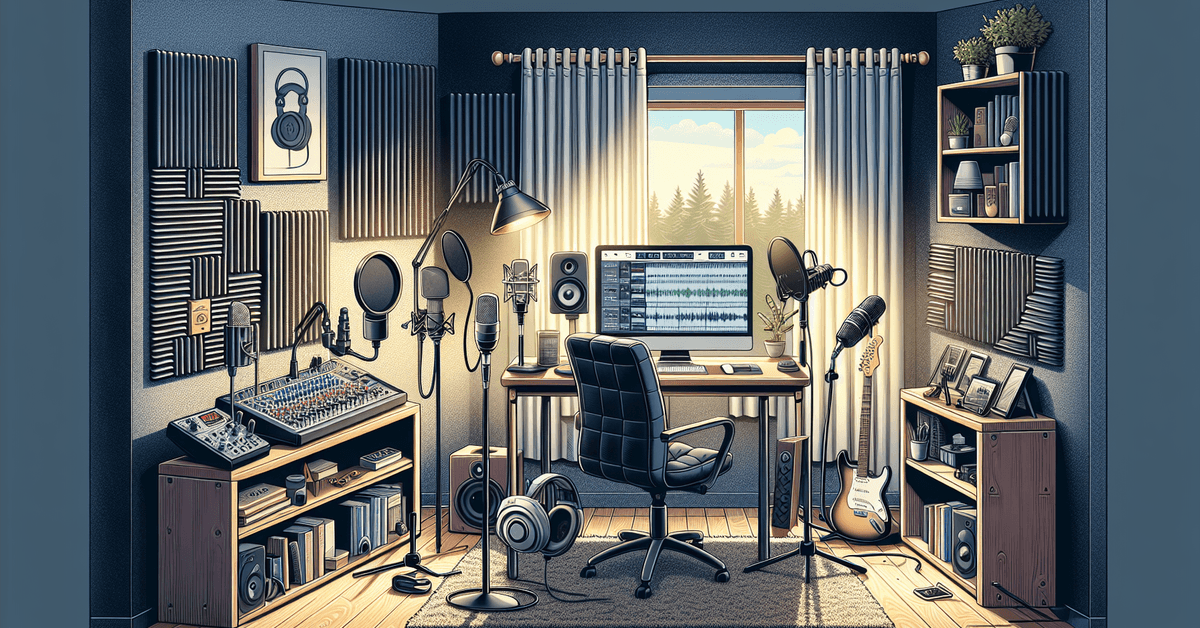
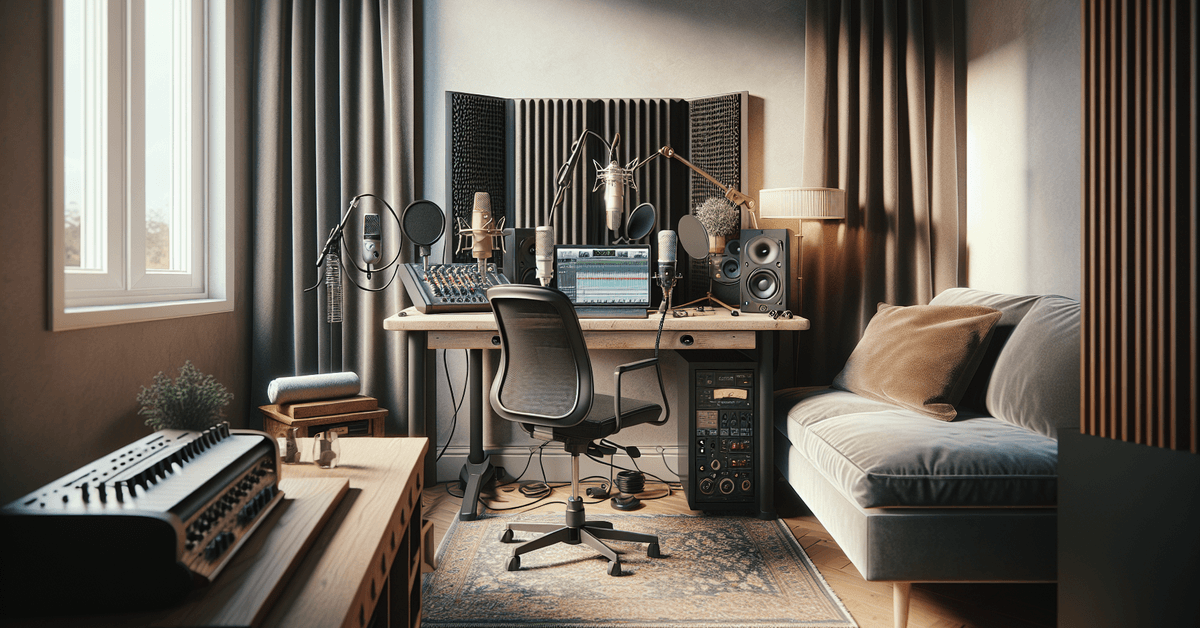
No matter how great your mic is, your room’s acoustics hugely impact what your audience hears. Bare rooms or hard surfaces cause sound to reflect, leading to echo or reverb. Improving your setup—often with small tweaks—can make a huge impact.
- Hang thick curtains or blankets over windows
- Add rugs or carpets to wooden or tile floors
- Place bookshelves or soft furniture near your recording area
Even placing a simple foam panel or two off-camera can absorb reflections. You might not fix every echo, but you’ll notice real progress immediately.
Essential Accessories for Reducing Noise
Sometimes, it’s the little things that matter. The following gear is designed to keep your voice front and center, while fading distractions into the background.
Shock Mounts
Vibrations from a desk or mic stand easily transfer through a microphone—ever notice low rumbles when typing or moving things around? A shock mount absorbs these, letting your mic ‘float’ and reducing impact noise. Consider options made for your specific mic model for the best fit.
Pop Filters and Windscreens
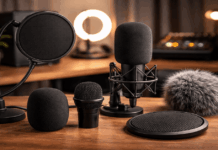
While pop filters mostly block sharp ‘P’ and ‘S’ sounds, they also intercept minor air movements that could cause unwanted pops or muffled background artifacts. Windscreens (the foam covers on many mics) further protect against subtle background breezes or mouth noises.
Mixer or Audio Interface with Noise Gate
If you use an audio mixer or interface (like the popular Focusrite Scarlett 2i2), look for built-in noise reduction tools—like noise gates. These can automatically mute your mic when you’re not speaking, drastically cutting low-level room noise on recordings or live sessions.
Software Solutions for Post-Recording Noise Removal
Sometimes, despite all efforts, a dog barks or a neighbor drills. That’s where audio editing software shines. Tools like Audacity (free) and Adobe Audition (paid) offer noise reduction features that help clean up audio even after you’ve recorded.
The key is to sample a short section of the background noise, then apply the removal filter across your recording. This isn’t always perfect, and sometimes it can leave your voice sounding ‘processed,’ but when used sparingly, the results can be impressive.
Tips to Prevent Background Noise Before Recording
- Switch off air conditioning or loud fans during sessions
- Close doors and windows to block outside sounds
- Ask others at home for quiet time during your recording “window”
- Record during naturally quieter hours (early morning or late night works for many)
These small routines add up. I’ve noticed my cleanest recordings usually happen when I spend just a couple more minutes prepping the space and double-checking background quiet.
Choosing the Best Setup for Your Needs – A Quick Comparison
| Microphone | Type | Noise Reduction | Best Use |
|---|---|---|---|
| Shure SM7B | Dynamic (XLR) | Excellent | Podcasts, studio work |
| Rode NT-USB Mini | USB Condenser | Good | Streaming, calls |
| Audio-Technica AT2020 | XLR/USB Condenser | Good | Budget setups, vlogging |
Related Resources and Final Thoughts
While no home setup is perfect, focusing first on a good microphone, then optimizing your room and accessories, delivers the best results. Don’t overlook software editing—it’s an audio creator’s best friend when surprise noise slips in.
For more detailed equipment advice, check out our guides on the best budget microphones or audio interfaces for home recording .
Conclusion: Start Recording with Confidence
So, background noise doesn’t have to stop you from making great audio at home. With the right mic, a bit of thoughtful setup, and smart use of accessories, you’ll notice a real upgrade in your recordings. Why not start today—pick a microphone that fits your style, adjust your recording space, and embrace the clarity every creator wants.
Ready to capture crisp, distraction-free audio? Browse our latest equipment reviews and beginner’s guides to get set up fast, or download your favorite noise reduction app to clean up your existing tracks.