If you record voiceovers, podcasts, music, or talking-head videos at home, an audio interface is one of the most common “next upgrades” you’ll hear about.
The honest answer is that you don’t always need one—especially if your setup is built around a USB microphone and simple video gear.
But an interface can solve problems that your computer’s built-in audio hardware typically can’t.
What an Audio Interface Actually Adds
An audio interface is a dedicated device that handles audio input and output between your mic/instruments and your computer.
Most entry-level models give you cleaner, more controllable connections than a laptop’s built-in mic jack or “consumer” audio input.
Key benefits that matter for everyday creators:
- Proper mic inputs for XLR mics. Many creator-focused microphones use XLR, which your computer usually can’t accept directly.
- Phantom power for condensers. Many condenser microphones need phantom power to run their internal electronics. Shure describes phantom power as DC delivered to microphones that require power for active circuitry.
- Lower-latency monitoring options. Latency is the time delay between speaking/playing and hearing it back. Ableton explains latency as the delay between a signal entering a system and emerging from it, and notes that some latency is part of DAW audio processing.
- Direct monitoring. Many interfaces let you monitor the input signal directly (before it goes through the computer), which reduces the “echo” feeling while recording.
- More reliable connections for headphones and speakers. Interfaces typically provide a dedicated headphone output and monitor outputs.
If you use a video editor or DAW on a Mac, Apple notes that Logic Pro works with Core Audio–compliant audio devices.
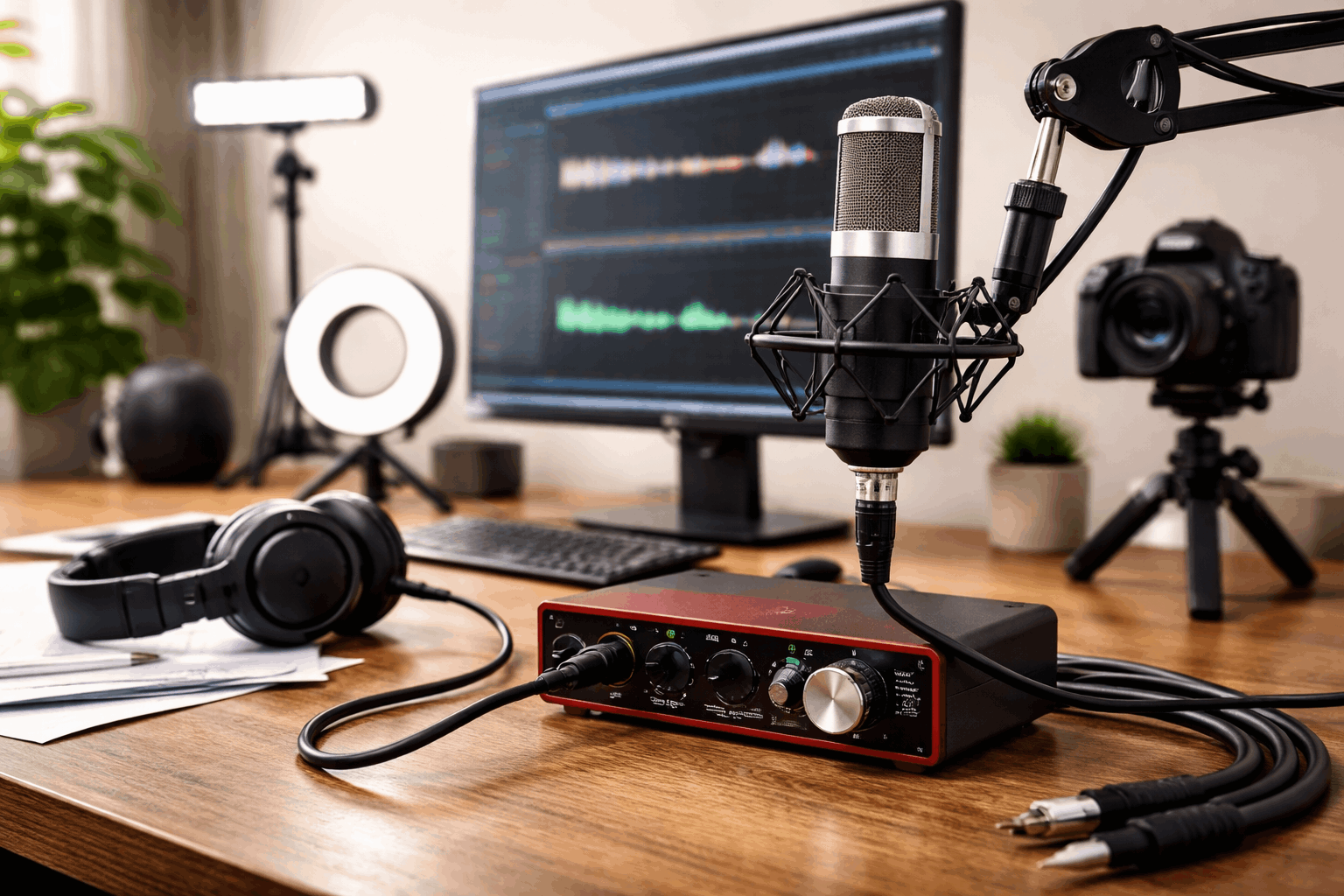
When You Don’t Need an Audio Interface
You can get strong results without an interface if your workflow is simple and your gear is designed to plug in directly.
You likely don’t need an interface if:
- You use a USB microphone and you’re happy with the sound. USB mics already include their own built-in interface (mic preamp + converter).
- You record one person at a time and don’t need multiple inputs.
- You mainly do webcam videos, tutorials, calls, or basic voiceovers, where consistency and room control matter more than expanding inputs.
- You’d rather put budget into the video side first (lighting and stable framing often improve perceived quality faster than swapping gear).
Use one USB cable for audio, one for video, and you focus on mic placement, room echo, and lighting angle.
When an Audio Interface Is Worth It
An interface becomes a practical need when your microphone choice or recording goals outgrow USB-only simplicity.
Consider your current situation and if it matches the following cases, you must consider getting an audio interface.
1) You want to use an XLR microphone
Many popular vocal mics are XLR-only. For example, the Audio-Technica AT2020 (XLR condenser) has been listed around $98.00 at B&H.
If you buy an XLR mic like that, an interface is the standard way to connect it properly.
2) You use a condenser mic that needs phantom power
Phantom power is commonly delivered over an XLR cable from an interface or mixer, and it’s a normal requirement for many condenser microphones.
3) You record more than one source
Two people on one podcast (two mics), Vocal + instrument at the same time, or Mic + external audio feed.
A basic single-input interface can work for solo voice, but multi-input recording is where interfaces become the simplest, cleanest option.
4) Monitoring latency is bothering you
If hearing yourself slightly delayed ruins your timing, an interface with direct monitoring can make recording feel natural again.
Sweetwater summarizes direct monitoring as routing the input signal directly to headphones with no delayed computer processing.
What You Gain Compared With Plugging Into a Camera or Laptop
Some creators try to skip interfaces by using a camera’s mic input or a laptop’s headset jack. That can work, but there are tradeoffs.
Camera mic inputs are convenient for run-and-gun, but you may have less control over gain staging and monitoring.
Laptop headset/mic jacks are often noisy and inconsistent, and they usually don’t support XLR without extra gear.
If your content is mostly “talking head” video, good sound can matter more than a sharper webcam.
Price Reality: What Interfaces Cost in Early 2026
Here are common price points for beginner-friendly interfaces (USD examples from B&H and manufacturer listings):
- Ultra-budget: Behringer U-Phoria UMC22 listed around $52.90 on B&H comparison pages.
- Entry level: Focusrite Scarlett Solo (4th Gen) listed at $149.99.
- Two-input step up: Focusrite Scarlett 2i2 (4th Gen) listed at $219.99.
- Creator-friendly alternative: Universal Audio Volt 1 listed at $139.00 (shown with a discounted price on B&H).
- Higher-priced compact option: Audient iD4 MKII listed at $299.99.
- Another low-cost option: PreSonus lists the AudioBox USB 96 at $94.99 on its official site.
Prices move with sales and bundles, but this shows the typical range: roughly $50 to $300 for the interface alone.
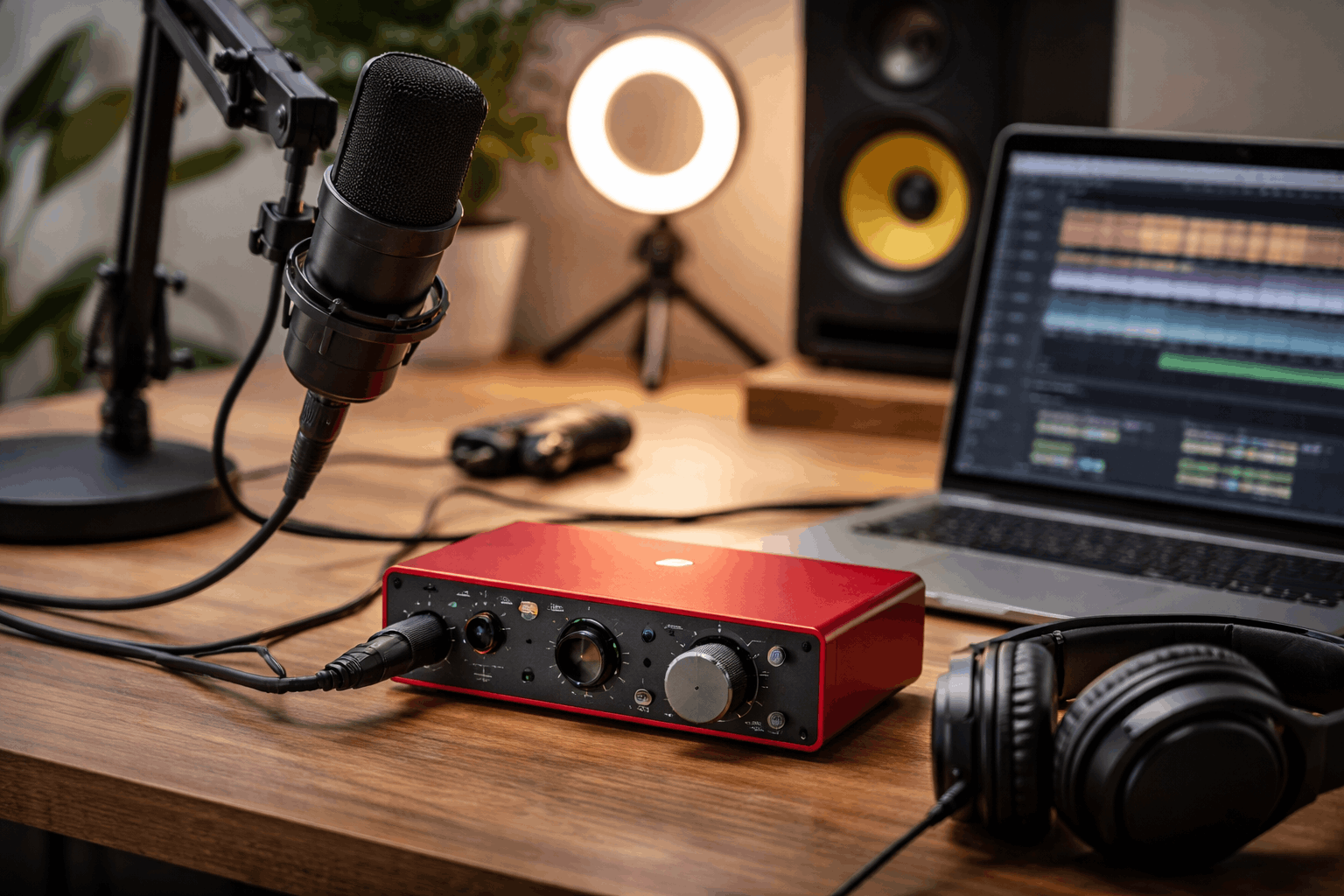
Interfaces solve connectivity, but creators often forget the small add-ons that make a setup usable.
- XLR cable: basic models can be around $9.99.
- Boom arm (for better mic positioning): examples around $49.99.
- Closed-back headphones for monitoring: Sony MDR-7506 listed around $109.99.
- Lighting upgrade if video quality is the bottleneck: Elgato Key Light Air MK.2 listed around $169.99.
Price note: All prices above are examples from retailer/manufacturer listings available in early January 2026 and can change with sales, region, and bundles.
Bottom Line
You don’t “need” an audio interface for home recording if your setup is built around a solid USB mic and you’re producing straightforward content.
But an interface becomes a smart purchase the moment you want an XLR microphone, need phantom power, or want easier monitoring.
The best move is to buy the interface when it removes a real limitation—not just because it’s the next item on someone’s gear list.