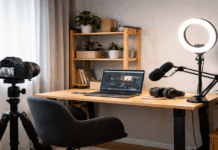
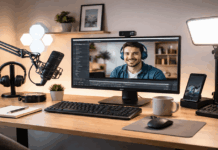
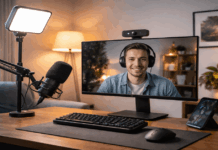
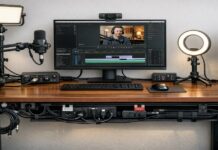
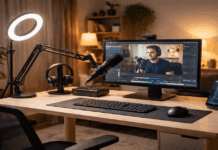
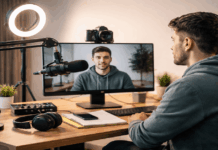
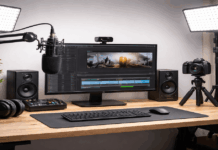
You do not need a dedicated studio room to make clean, watchable YouTube videos at home.
What you need is consistent audio, stable framing, and soft, even light.
The good news is that the “starter” level of gear is now strong enough for everyday creators, as long as you buy in the right order.
Start With the Order That Improves Quality Fastest
If you buy in the wrong order, you can spend a lot and still look like a home video.” A practical sequence is:
- Audio first (viewers tolerate average video; they leave for bad sound).
- Lighting second (light makes any camera look better).
- Stability third (tripod or mount prevents distraction).
- Camera/webcam last (upgrade only after audio + light are handled).
This order also protects your budget, because a better camera will not fix echo, noise, or harsh shadows.
Microphones: Budget Picks That Sound “YouTube Ready”
No matter what you buy, prioritize mic placement over specs. A modest mic placed close will usually beat an expensive mic placed far away.
If your room is echoey, add soft materials (curtains, rug, bookshelf) behind the camera and off to the sides.
Option A: A USB dynamic mic for a desk setup
A dynamic mic helps reject room noise compared with many sensitive condensers.
A current value pick is the Maono PD200W, which is positioned as an affordable creator mic at $129.99.
It is built for close-up voice recording, so it works best when the mic is 6–10 inches from your mouth and slightly off to the side to reduce plosives.
If you want a simple upgrade path later, choose a mic that can also use XLR in the future (with an interface).
Option B: A “camera-top” shotgun for small spaces
If you record with a phone or camera on a tripod and want the mic out of frame, a compact shotgun like the RØDE VideoMic GO II is a common solution.
Is a lightweight on-camera mic designed for easier location audio.
Typical pricing varies by retailer and sales, so treat it as a “watch for deals” item instead of a fixed-cost purchase.
Lighting: The Cheapest Way to Look More Professional
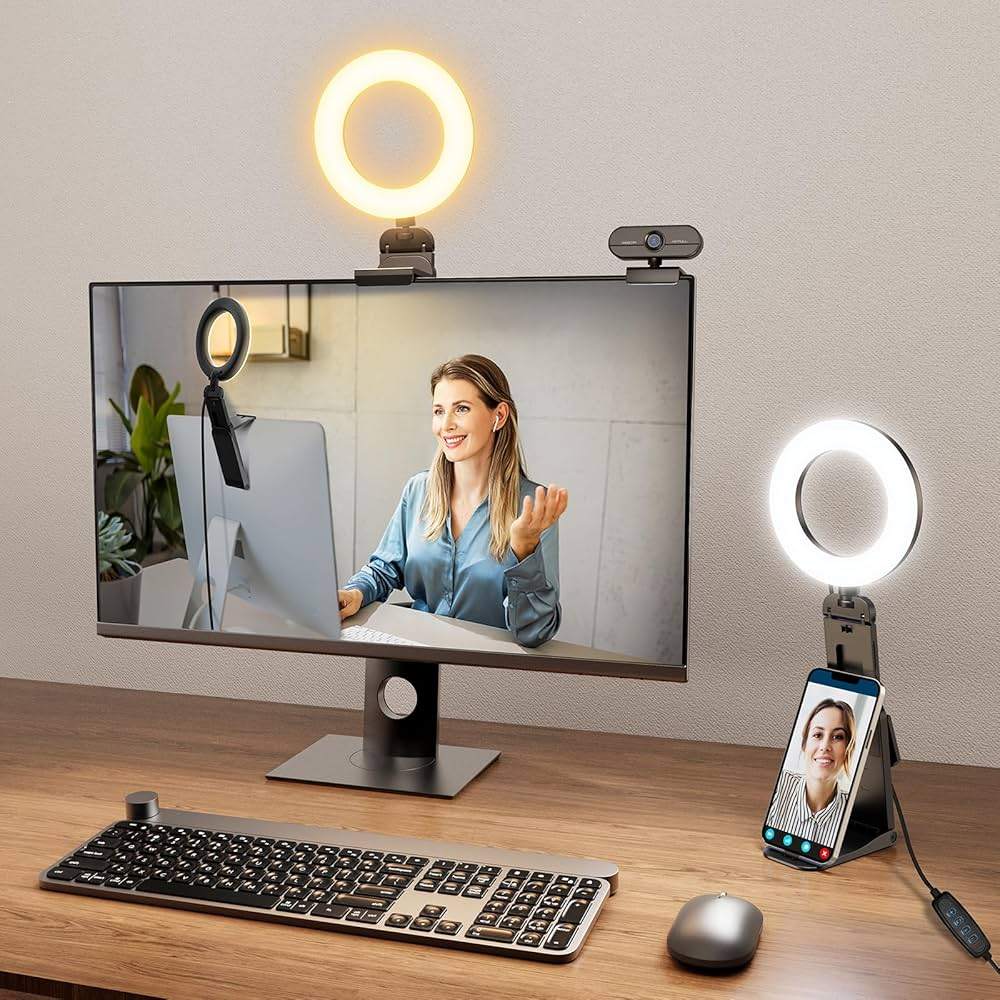
Your camera looks better when your light is soft, front-facing, and controlled. Two affordable styles cover most home setups.
Option A: A ring light kit for a small desk area
NEEWER’s store lists the RL-18 18-inch ring light kit at a sale price of $119.99.
A ring light is simple: put it slightly above eye level, tilt it down a little, and keep it close enough to stay soft.
If you wear glasses, raise them higher and angle them down to reduce reflections.
Option B: A compact LED panel for a cleaner “key light” look
If you want a smaller footprint, the Key Light Air is a compact LED panel with OSRAM LEDs, designed for studio-style lighting.
For a lower-cost mini light, ULANZI lists the VL49 RGB starting around $29.90 on its official store.
Small panels are great as a fill light or background accent, but for your main light, you will usually want either a bigger panel or a ring light.
Webcams: Solid 1080p Is Still the Best Budget Choice
For most YouTube “talking head” videos, a dependable 1080p webcam is enough if your lighting is good.
Practical starter webcam
Logitech’s official store lists the C920S Pro HD at $59.99 (discounted from $69.99 on the product page at the time of retrieval).
This is a common entry point because it is simple, consistent, and easy to mount.
When to jump to a better webcam
If you want a sharper, more “camera-like” image and more manual control, creator webcams can help—but only after you handle the lighting.
For example, The Verge reports Elgato’s Facecam 4K at $199.99, positioned as a more affordable 4K60 option than Elgato’s higher-end model.
Tripods and Mounts: Stability Is Production Value
Shaky framing reads as “unfinished,” even if the audio is good. You have two typical paths:
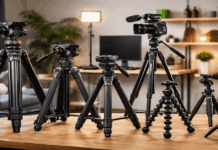
Phone tripod for vertical or horizontal content
A tall phone tripod kit can be a low-cost start, especially if it includes a remote.
Listings vary widely by retailer, so treat these as “compare and confirm” items rather than fixed-price purchases.
Low-profile mic arm for desk recording
If you record at a desk, a boom arm keeps the mic close without blocking your face. B&H lists the Elgato Wave Mic Arm LP at $94.99.
It is not required, but it makes consistent mic placement easier, thereby improving sound.
Three Affordable Build Examples With Realistic Totals
Prices move with sales, bundles, and regions, so these totals are “typical budget planning” rather than a promise.
1) Ultra-budget “Start Today” setup (about $120–$220)
Webcam: Logitech C920S Pro HD — $59.99 / Light: NEEWER RL-18 ring light kit — $119.99 (sale listing)
This assumes you use a basic headset mic temporarily or record voice close to your phone.
It is not ideal for audio, but it gets you filming with a clean look fast.
2) Balanced “Audio-first” creator setup (about $250–$400)
Mic: Maono PD200W — $129.99 / Light: NEEWER RL-18 — $119.99 (sale listing) / Webcam: Logitech C920S — $59.99
This setup focuses on what viewers notice most: voice clarity and flattering light.
3) Upgraded “Sharper Image” setup (about $450–$650)
Webcam upgrade: Elgato Facecam 4K — $199.99 / Mic: Maono PD200W — $129.99
Key/fill combo: Neewer RL-18 + Ulanzi VL49 — $119.99 + $29.90
This is for creators who want a cleaner image while keeping the setup simple.
Setup Tips That Make Budget Gear Look Expensive
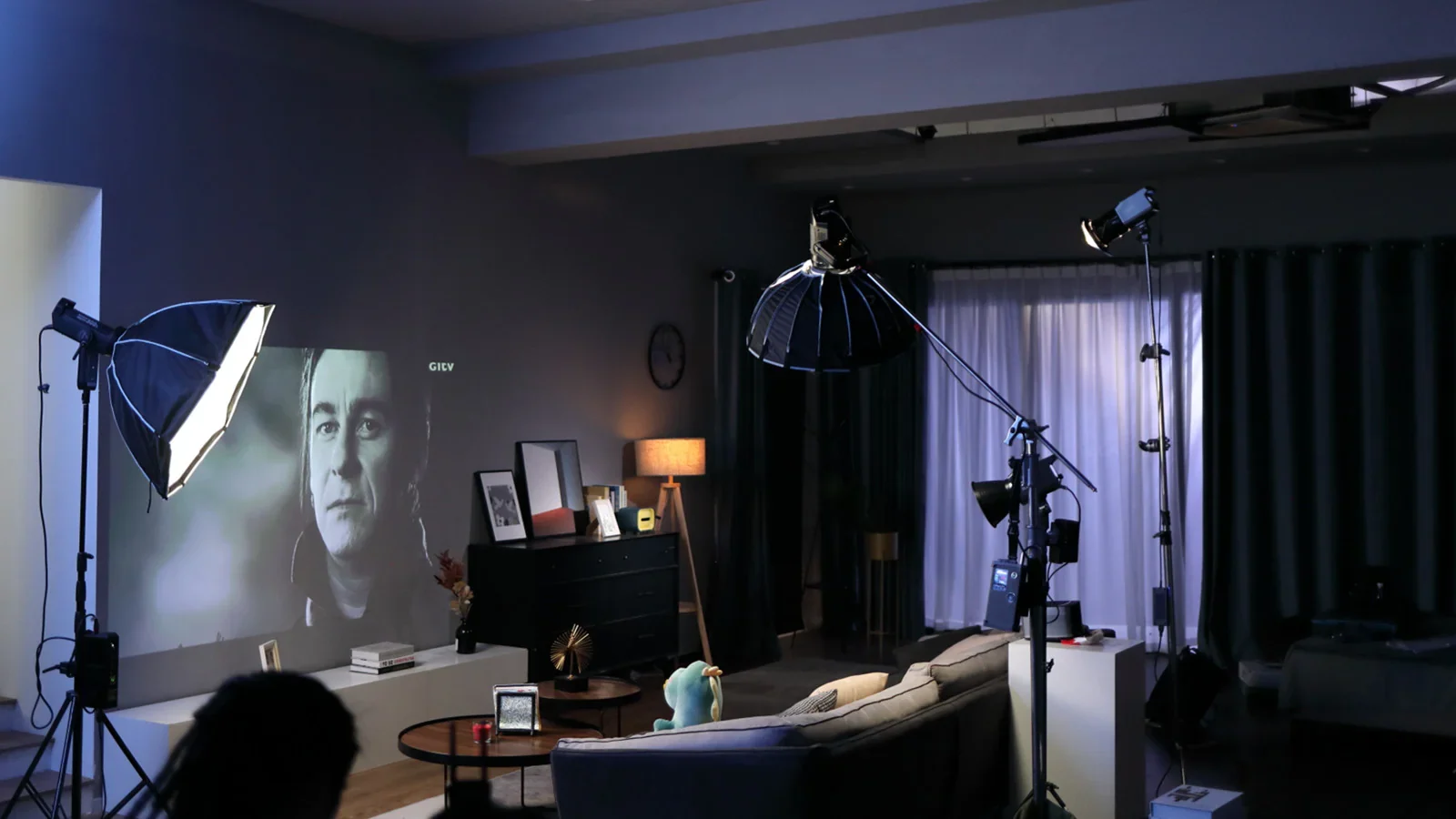
Place your key light at 45 degrees from your face, slightly above eye level.
Keep your background 1–2 meters behind you if possible, so it blurs a little and looks less cluttered.
Turn off harsh ceiling lights if they create shadows under your eyes.
Record a 10-second test clip before every session to confirm exposure, focus, and audio level.
If your voice sounds echoey, add soft materials and move closer to the mic.
Conclusion
An affordable home studio for YouTube is built by prioritizing audio clarity, basic lighting control, and stable framing.
Entry-level microphones, LED lights, webcams, and tripods now offer reliable performance when used correctly.
Prices vary by retailer and promotions, but a functional setup can be assembled gradually, starting with sound and light before upgrading the camera.